How To Increase Column Width In Excel Chart How To Line Break In Excel In Easy Steps How To Increase Column Width In Ms Excel YouTube How To Increase Your Sperm Count Fast Naturally Upside Down Question Mark In Powerpoint 2010 How To Increase Column Width And Row Height In Excel Excel Goto And Name Box Function YouTube How To Increase Cell Size In Excel Carpetoven2 How to reformat how bar charts are displayed in Excel is one way to make better graphs This post shows step by step instructions to manually adjust the width of bar chart spacing
In this video you will learn how to increase or reduce the gap width or width of bars or columns in an excel bar or column chart multiple bar and column ch Step 1 Select the chart by clicking on it Step 2 Click on the Format tab in the Chart Tools section of the Excel ribbon Step 3 In the Current Selection group click on the dropdown arrow next to the Chart Elements box and select the data series for which you want to adjust the column width
How To Increase Cell Size In Excel Carpetoven2 Autofit Column Width In Excel Shortcut Change Font Size Iphone Email Signature How To Change The Font Size On Your Computer Vista Zur Sharepoint Increase Column Width In A Document Library YouTube Pandas Set Increase Or Decrease Column Width Data Science Parichay How To Increase Column Width In Excel Chart Jpg Herbal Medicine For Increasing Sex Power How To Change Column Width In Excel Step by Step Guide Excelypedia How To Increase Height In Excel Row Cells Sheet Imtech Technical YouTube Help My Excel Chart Columns Are Too Skinny Chart Bar Chart Excel
How To Increase Column Width In Excel Chart
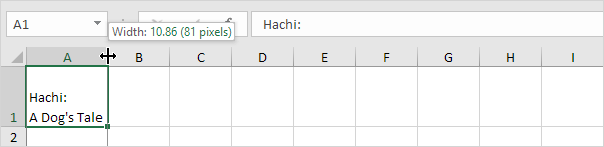 How To Increase Column Width In Excel Chart
https://www.excel-easy.com/examples/images/line-break/increase-column-width.png
Step 1 Select Your Chart The first step to making your bars wider in Excel is to select the chart that you want to modify You can select the chart by clicking anywhere on it or by using the Chart Tools contextual tab in the ribbon Step 2 Access the Format Data Series Task Pane
Pre-crafted templates provide a time-saving service for producing a diverse series of documents and files. These pre-designed formats and layouts can be used for numerous individual and professional projects, consisting of resumes, invitations, flyers, newsletters, reports, discussions, and more, improving the content creation process.
How To Increase Column Width In Excel Chart

How To Increase Cell Size In Excel Carpetoven2

Autofit Column Width In Excel Shortcut
Change Font Size Iphone Email Signature How To Change The Font Size On Your Computer Vista Zur

Sharepoint Increase Column Width In A Document Library YouTube

How To Increase Column Width In Excel Chart Jpg Herbal Medicine For Increasing Sex Power

How To Change Column Width In Excel Step by Step Guide Excelypedia

Select the data series by clicking on one of the bars just to be sure the data series is selected Right click or control click and choose Format Data Series from the context menu In the Format Data Series dialog box select Options Then change the Gap width For wider bars make the gap width smaller
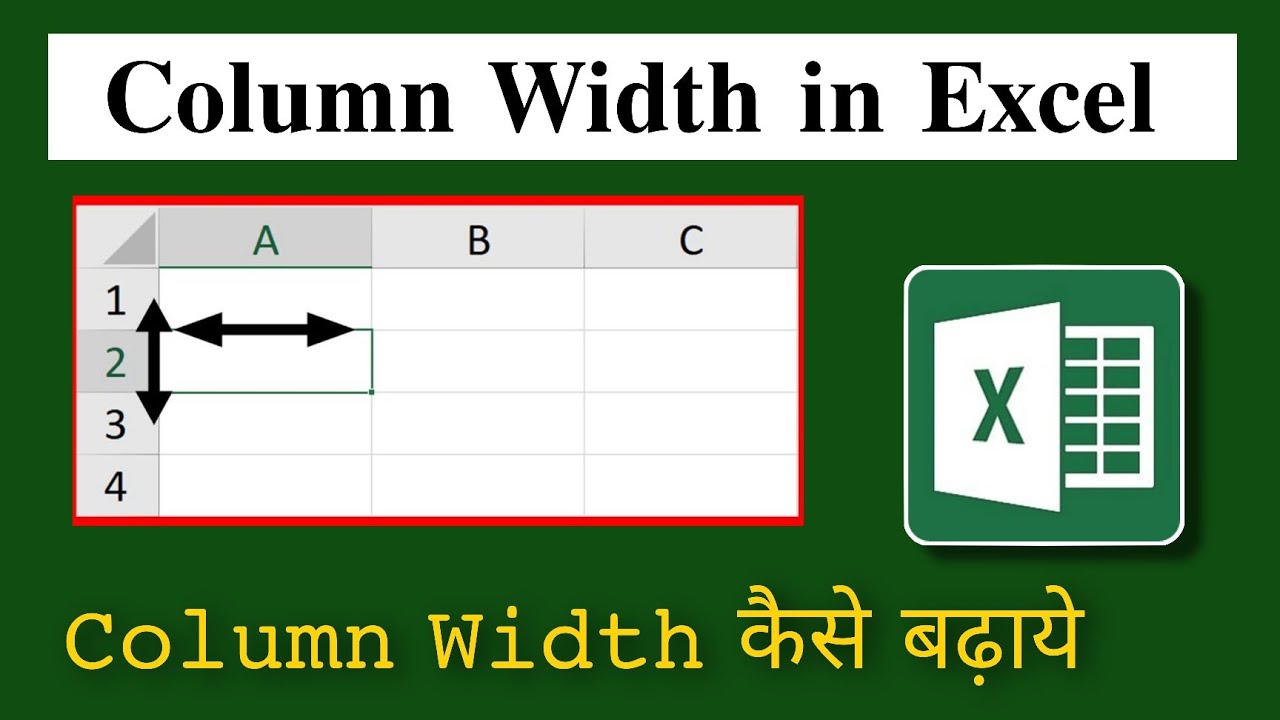
Chester Tugwell In this Microsoft Excel video tutorial I demonstrate how to increase the column width or bar height in an Excel Chart or PivotChart00 00 Introduction00 11 Wi

In this video you will learn how to increase or reduce the gap width or width of bars or columns in an excel bar or column chart I have used Microsoft exce

Fortunately this is easy to do by adjusting the value of the Gap Width within the Format Data Series panel in Excel The following step by step example shows how to use this feature to make the bars wider in a bar chart in practice Step 1 Enter the Data

It also will reduce wasted white space on the charts It s easy to do this in Excel Right Click on the bars Format data series Series Options Gap You will see a slider Slide left or right to change the width between your bars This will adjust the width of your bars making them closer together or further apart Other Excel Tips You
Steve Rynearson Last updated on October 30 2023 Change Bar Chart Width Excel Starting with your Graph We ll start with the below graph showing a bar graph for revenue per quarter Try our AI Formula Generator Generate Adjusting Bar Graph Width To adjust the bar chart width Double click on the bar Adjust the gap width Basic principles To create a variable width column chart we will be using a stacked area chart Normally this chart type uses fixed intervals for the x axis the bottom axis By changing the x axis to display a data axis we can plot a
Step 01 Arranging Values Using Formulas to Change Bar Chart Width Based on Data To plot the bars firstly we will need some values to be arranged in a definite way To accommodate these values we have added a new dataset with 5 columns and for labeling the bars we have added a new column Indicator in the first dataset