How To Hide Empty Columns In Pivot Table New Features Rolled Out On July 26 2022 Javascript How To Hide Empty Stacked Columns In Categories In Highcharts Stack Overflow How To Remove Column Header In Power Query Howtoremoved New Features Rolled Out On July 26 2022 Solved How To Hide Empty Columns In Matrix Visual Microsoft Power BI Community WEB To change the layout of a PivotTable you can change the PivotTable form and the way that fields columns rows subtotals empty cells and lines are displayed To change the format of the PivotTable you can apply a predefined style banded rows and conditional formatting Windows Web macOS
WEB This Excel tutorial explains how to hide empty cells which appear as blanks in a pivot table in Excel 2016 with screenshots and step by step instructions WEB Jun 12 2018 nbsp 0183 32 You can hide an entire column when using a data model for Power View or PivotTable Visit these links for the complete instructions Hide columns and tables in Power Pivot Power Pivot reporting properties Hiding tables columns and fields from Power Pivot and Power View Let us know how else we may help you Question Info
Solved How To Hide Empty Columns In Matrix Visual Microsoft Power BI Community Hide Empty Or Blank Or Null Value Columns Dynamically Hide Empty Columns VBA Macros Tutorial MS Excel 2007 2010 2013 YouTube Data Views Tabidoo Help Center How To Remove Extra Empty Columns Display In Excel Spreadsheet In OneNote Office OneNote Gem How To Remove Extra Empty Columns Display In Excel Spreadsheet In OneNote Office OneNote Gem Cara Menghapus Row Kosong Di Excel Secara Otomatis How To Hide Show Drives In Windows Folder KeepTheTech How To Hide Empty Columns Empty Columns On Pivot Table Microsoft Community
How To Hide Empty Columns In Pivot Table
 How To Hide Empty Columns In Pivot Table
https://desk.zoho.com/support/ImageDisplay?downloadType=uploadedFile&fileName=1658836417447.png&blockId=48d0a458940565724d3240676b2115f887915aab8a4a9a24&zgId=b54d79c69095249d&mode=view
WEB 1 The first steps is to identify the Blank values that you want to hide in a Pivot Table In our case we have Blanks both in Row and Column of Pivot Table and they serve no purpose 2 To hide blanks in Pivot Table Rows click on the Down arrow located next to
Templates are pre-designed files or files that can be utilized for various functions. They can conserve time and effort by supplying a ready-made format and design for developing different kinds of content. Templates can be utilized for personal or expert projects, such as resumes, invites, leaflets, newsletters, reports, presentations, and more.
How To Hide Empty Columns In Pivot Table

How To Remove Column Header In Power Query Howtoremoved
Hide Empty Or Blank Or Null Value Columns Dynamically

Hide Empty Columns VBA Macros Tutorial MS Excel 2007 2010 2013 YouTube
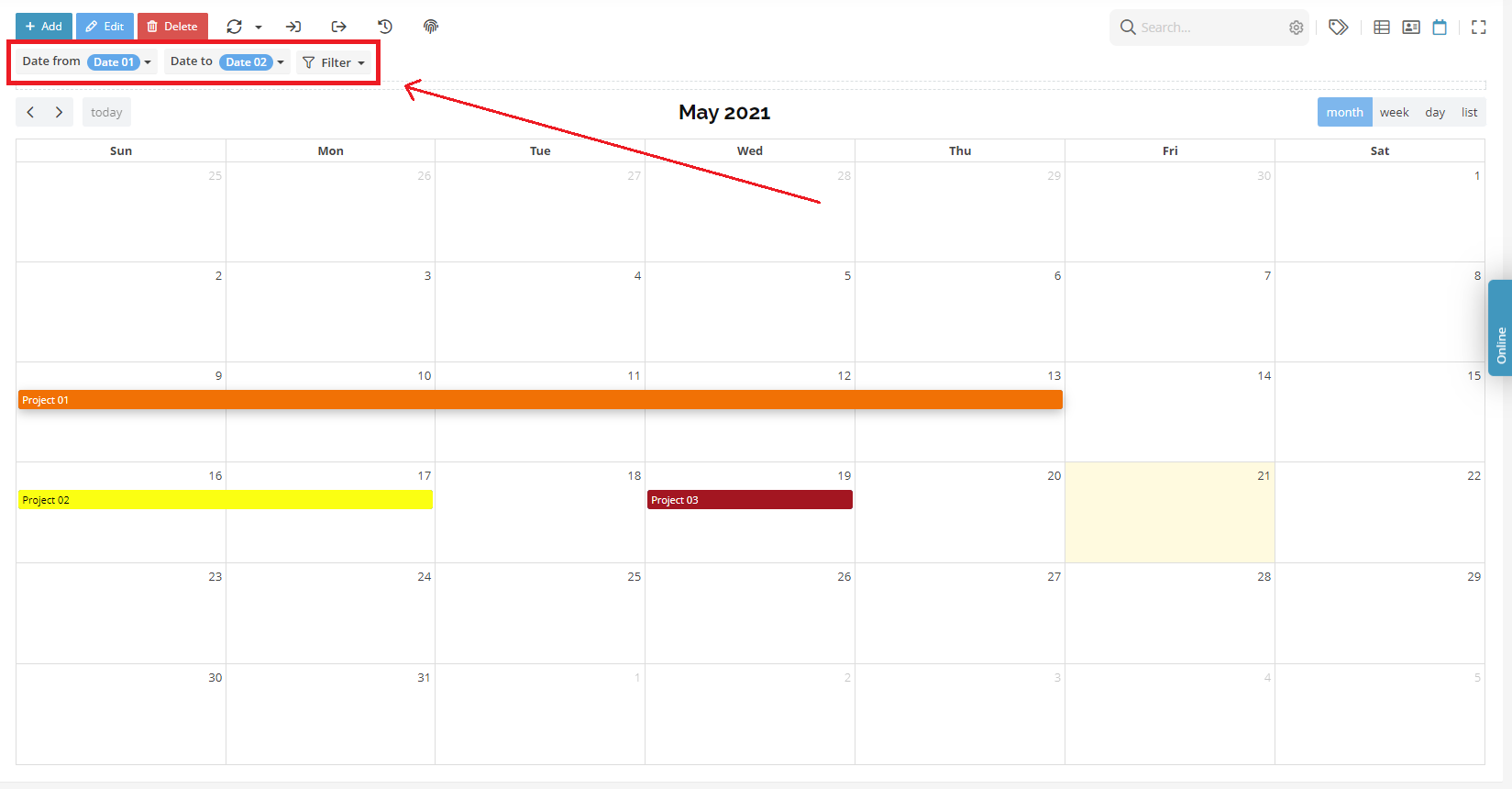
Data Views Tabidoo Help Center
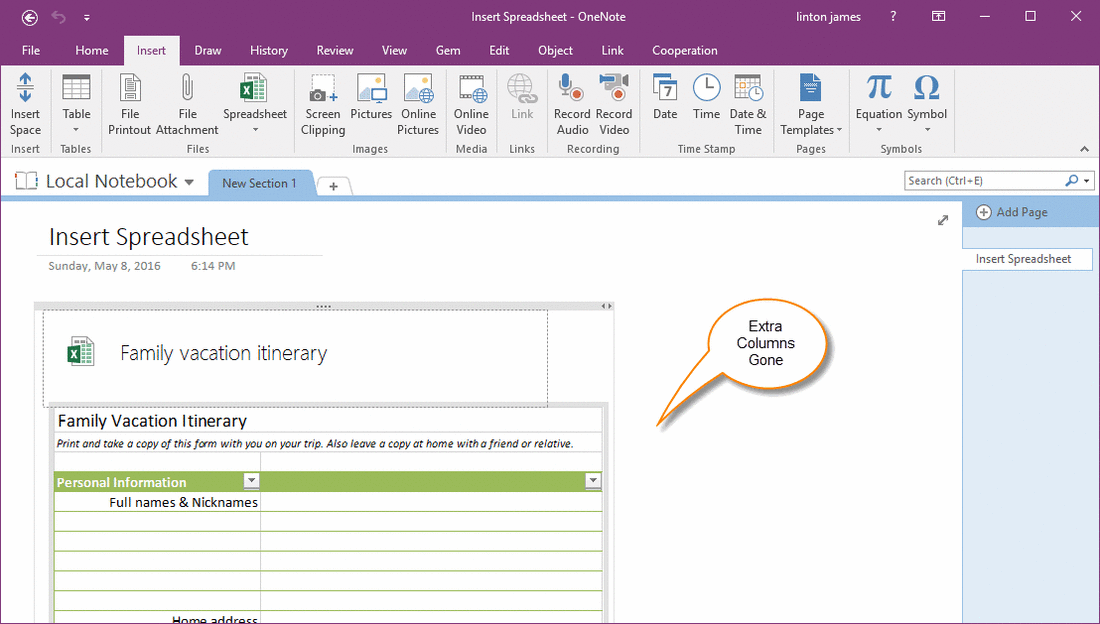
How To Remove Extra Empty Columns Display In Excel Spreadsheet In OneNote Office OneNote Gem

Cara Menghapus Row Kosong Di Excel Secara Otomatis

WEB Mar 7 2013 nbsp 0183 32 In Excel 2010 go to the Formulas tab and select Name Manager Create a New range call it something like all data spaces aren t allowed in the name In the Refers to box use the following formula adapted for your own data OFFSET Source A 1 0 0 COUNTA Source A A 1 To break this down

WEB Created on June 9 2023 how to get rid of quot blank quot appearing in pivot table I have looked up 20 or more articles on how to stop the pivot table from having this annoying quot blank quot in every cell corresponding to a blank empty cell and I have tried every single one of them but the pivot table ignores me

WEB Jul 5 2018 nbsp 0183 32 1 Select one cell in your pivot table that displays quot blank quot Manually change the cell s value to contain only a single space by pressing the space bar and then Enter Now all cells in that field that previously displayed as quot blank quot should appear visually blank If you want the quot blank quot cells to contain something other than quot blank

WEB One method to remove blank rows and columns in a pivot table is to use the filtering option You can apply a filter to the row or column labels and deselect the blank option to exclude any empty rows or columns from the pivot table display

WEB Oct 11 2018 nbsp 0183 32 Option 1 Ideally your source data shouldn t have any blank or empty cells So the best solution to hide blanks in Excel PivotTables is to fill the empty cells However this isn t always practical hence options 2 and 3 below Option 2 Select any single cell in the PivotTable that contains blank and enter a space in the cell
WEB Option 1 Fill Empty Cells in Source Data Option 2 Replace blank with Space in PivotTable Implementation Steps Option 3 Use Conditional Formatting to Hide blank How to Use Conditional Formatting to Hide blank in Excel PivotTables Example Using Dynamic Range for PivotTable Data WEB Jun 11 2023 nbsp 0183 32 When using a data model for a Power View or PivotTable report you can hide entire tables or individual columns so that only relevant items appear in the field list Hide columns and tables in Power Pivot add info Quick Trick Resizing column widths in pivot tables 0 Likes Sergei Baklan replied to MrTan4of5 Jun 12 2023 05 38 AM
WEB To stop a pivot table counting blank cells and filling them with the word quot blank quot follow these steps Click inside the pivot table and choose Control A to select all the data on the page Select Home gt Styles gt Conditional Formatting and New Rule In the box that opens select Format only cells that contain