How To Hard Code All Values In Excel How To Hard Code In Excel How To Add A Formula driven Value To A Hard Coded Number In Your Cell How To Check If A Value Is Between Two Values In Excel YouTube How To Hard Code In Excel Sivakumar m How To Hard Code Select Option Values In Select Query Abap Verkko 12 hein 228 k 2023 nbsp 0183 32 How to Hard Code in Excel By Asmi Dhakal July 12 2023 Excel 3 Mins Read Think of hard coding as the opposite of cell referencing While I d usually suggest you choose cell referencing
Verkko 23 maalisk 2018 nbsp 0183 32 I would like to hardcode all these formulas If somebody that doesn t have the CIQ plugin tries to look at the spreadsheet all they see is name and Verkko 17 marrask 2022 nbsp 0183 32 When you are sure that a certain value is not going to change it can be hard coded into the formula Step 1 Create the formula Select the cell where the result is to appear Type the
Sivakumar m How To Hard Code Select Option Values In Select Query Abap How To Hard Code In Excel Easy Methods Earn Excel How To Hard Code In Excel How To Hide Zero Values In Excel HowtoExcel Hired With Excel Spotting Hard Coded Cells And What To Do Next YouTube Excel Tips 11 Paste Values In Excel Replace Formulas With Values Quickly Fill In Missing Values From A Cell Above In Excel using A Few How To Find Duplicate Values In Excel Using Vlookup YouTube SQL SERVER Count NULL Values From Column SQL Authority With Pinal Dave
How To Hard Code All Values In Excel
 How To Hard Code All Values In Excel
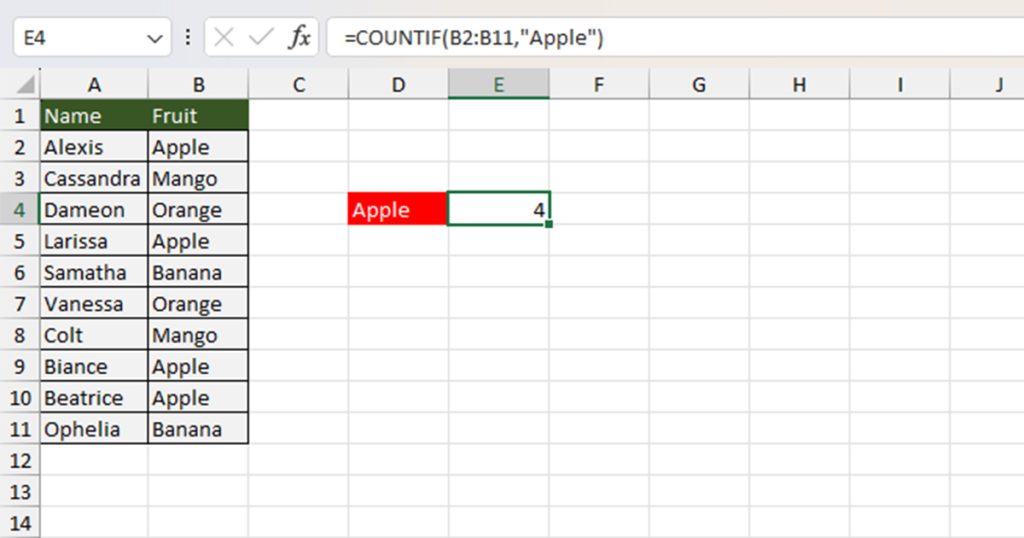
https://insidetheweb.com/wp-content/uploads/2023/06/Harcode-an-Argument-in-Excel-1024x538.jpg
Verkko 8 syysk 2023 nbsp 0183 32 Hard coding in Excel is when you ditch cell references in favor of absolute values This means no matter what changes take place with the cells or their
Pre-crafted templates use a time-saving service for developing a diverse variety of files and files. These pre-designed formats and layouts can be used for various personal and expert jobs, including resumes, invitations, flyers, newsletters, reports, discussions, and more, simplifying the material development procedure.
How To Hard Code All Values In Excel

How Sum All Values In Column Or Row Using INDEX Formula Excel

How To Hard Code In Excel Easy Methods Earn Excel
How To Hard Code In Excel
How To Hide Zero Values In Excel HowtoExcel
Excel Tips 11 Paste Values In Excel Replace Formulas With Values
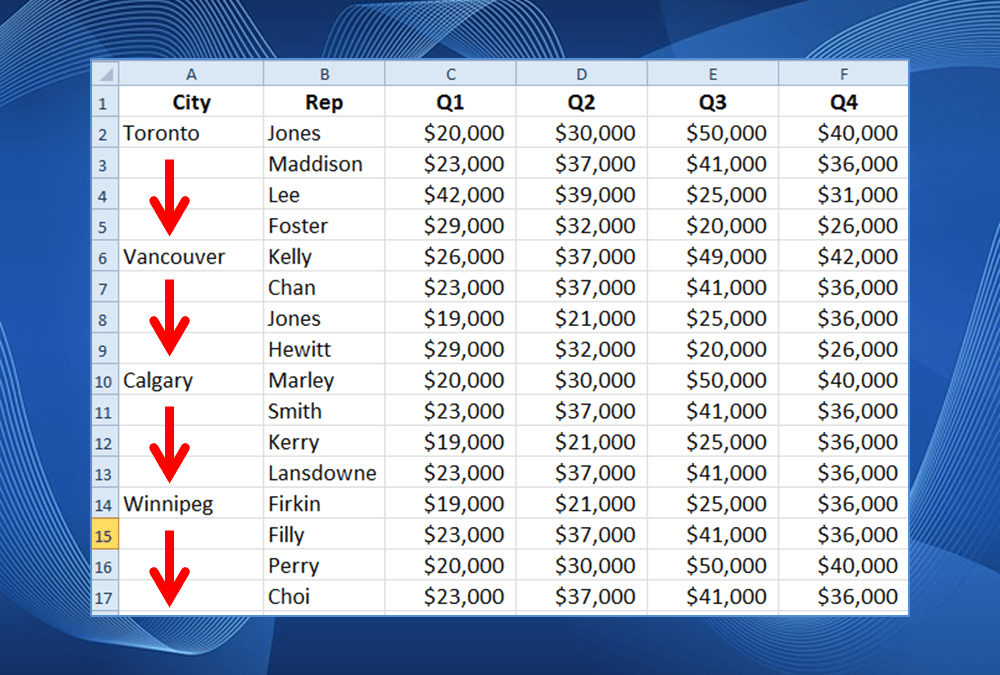
Quickly Fill In Missing Values From A Cell Above In Excel using A Few
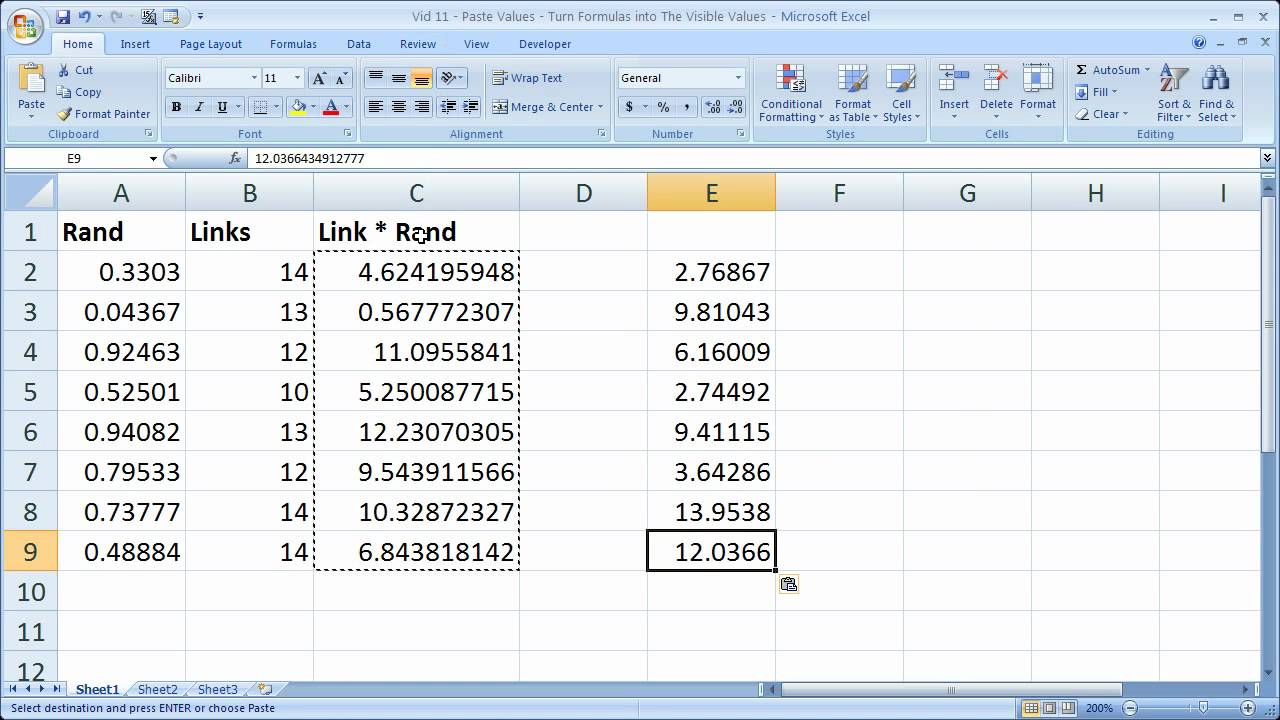
Verkko If previously calculated cells now contain data that does not need to change you can convert the formulas in those cells to hard numbers

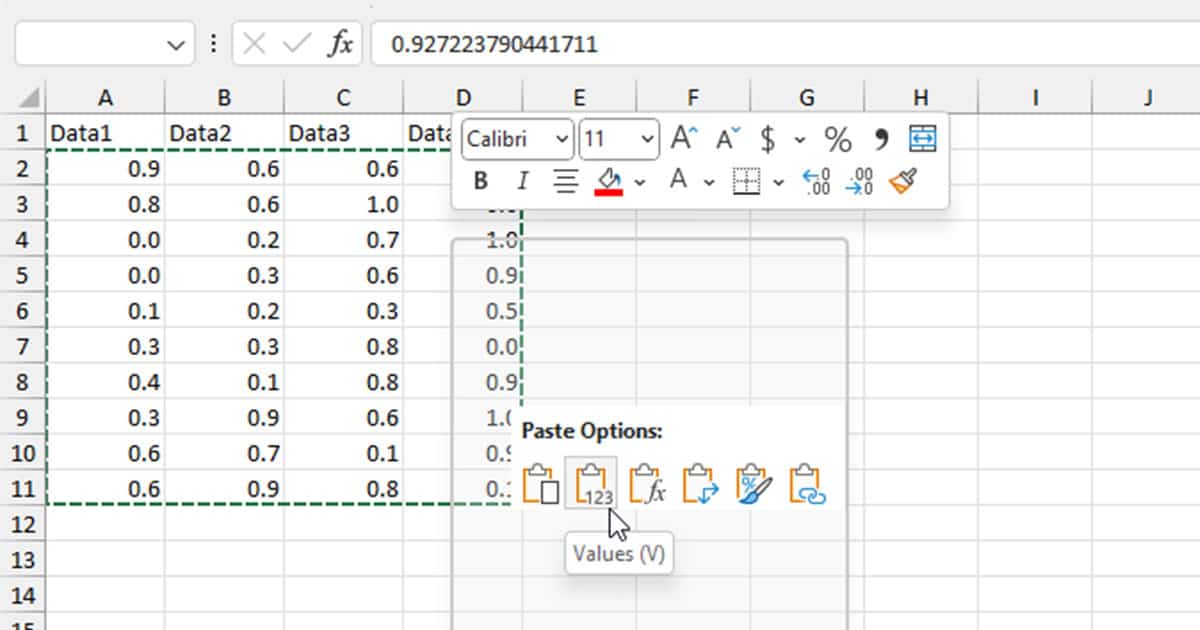
Verkko 30 maalisk 2023 nbsp 0183 32 1 Select the cell with the formula or calculation result that you want to hard code 2 Press Ctrl C on your keyboard to copy the cell 3 Right click the destination cell where you want to paste the
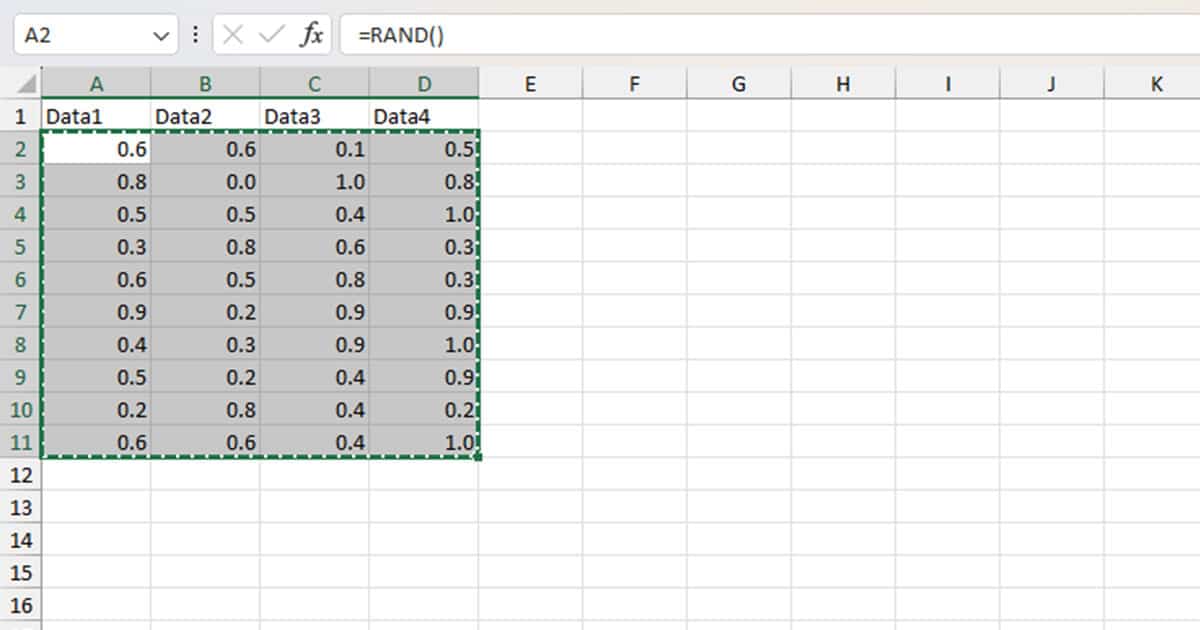
Verkko 20 toukok 2023 nbsp 0183 32 You can hardcode a formula in Excel by entering an equation or function that includes the values you want to apply in a cell but without referencing
Verkko Hard coding is a way of providing values in the formula For example if you want to multiply two numbers 11 amp 62 in excel you will either use 11 62 or input 11 in A1 cell and 62 in A2 cell and gets the

Verkko 6 huhtik 2023 nbsp 0183 32 Summary This is how you can easily hard code values in Excel by using several approaches You can hard code numbers to each cell as well as update the formula in Excel Hopefully this post
Verkko Click the cell that contains the formula In the formula bar select the portion of the formula that you want to replace with its calculated value When you select the part of Verkko 14 marrask 2022 nbsp 0183 32 How to hard code in Excel SpreadCheaters 561 subscribers Subscribe 2 Share Save 1 1K views 10 months ago View detailed instructions here
Verkko It would be common to see a formula in Excel such as A1 A2 Let s just say that cell A1 has a value of 10 and A2 has a value of 20 The result would be 30 If you entered 30