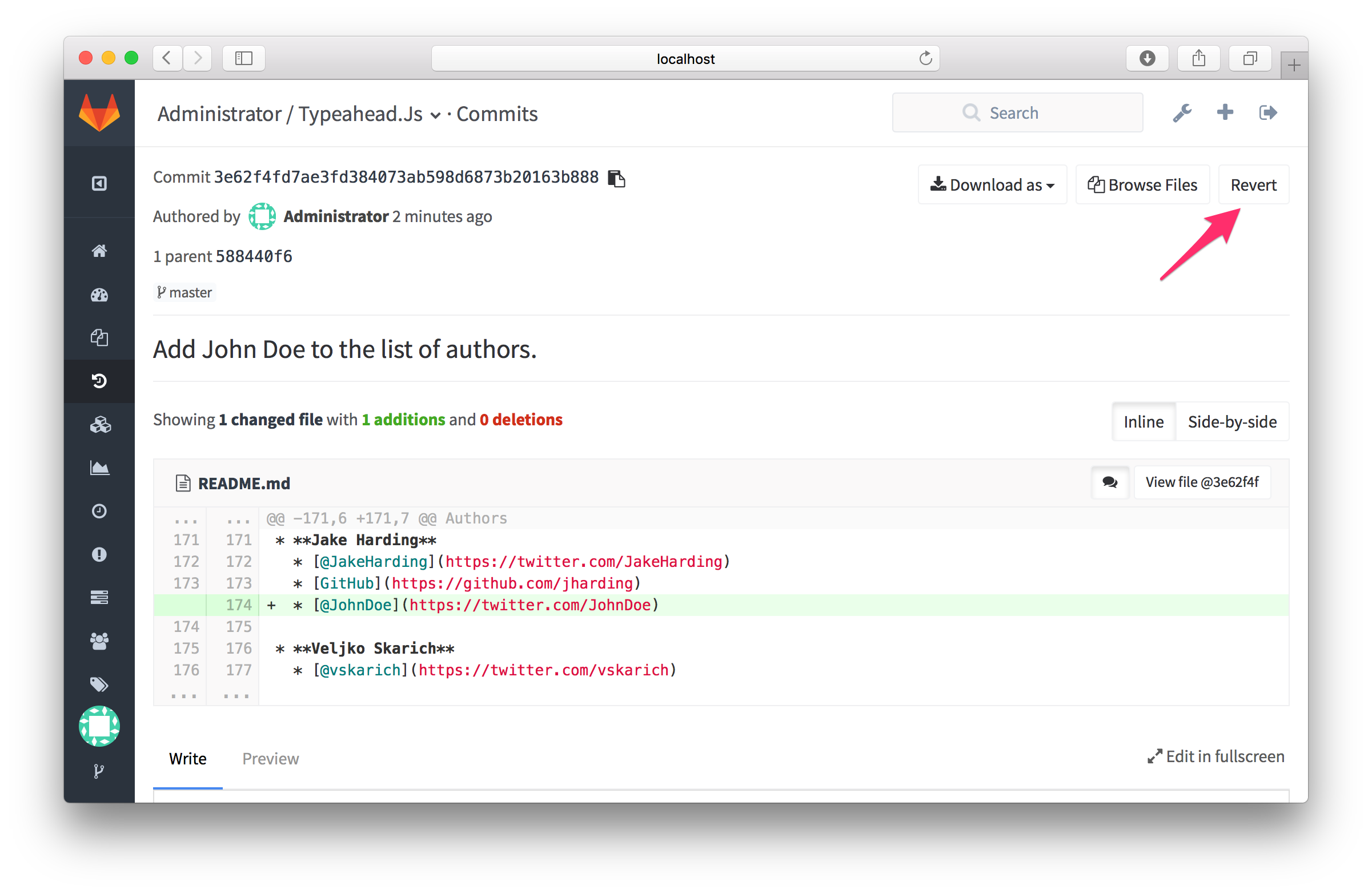
How To Go To Previous Commit In Gitlab Revert Changes Workflow Help GitLab Git Revert File Reverting A File To A Previous Commit Getting Back To Previous Commit In Gitlab YouTube Git Revert File Reverting A File To A Previous Commit Git What Are Differences Between Revert Revert Commit And Reset Hot Reverting means undoing the changes by creating a new commit If you added a line this revert commit will remove the line If you removed a line this revert commit will add the line back To revert you can Go to the Git history Right click on the commit you want to revert Select revert commit
To view the previous commits use the git log oneline command This command provides the commit details Figure 1 The code displays the git log output of previous commits after running the git log oneline command Once the team chooses a code version they want to revert their tree to use the commit ID to execute the command 5 877 8 33 42 I have updated my answer to undo the previous commit s changes without using a hard reset VonC Jan 10 2011 at 18 40 3 Use git revert for doing without hard resets and without disturbing users user562374
Git What Are Differences Between Revert Revert Commit And Reset Hot Git Last Commit How To View The Details Of Your Last Commit How To Restore Previous Versions Of Microsoft Word Documents Commit Submit CSE 373 Git Tip Committing With Verbose Mode Tekin co uk GitOps GitLab How and Why To Keep Your Git Commit History Clean GitLab How To Go Back To A Previous Commit In Git Git Reset Command YouTube How To Revert To Last Commit In Git YouTube
How To Go To Previous Commit In Gitlab
 How To Go To Previous Commit In Gitlab
https://git.freecraft.co.jp/help/workflow/img/revert_changes_commit.png
First you ll need to stage your changes git add And then amend git commit amend no edit The no edit flag will make the command not modify the commit message If you need to clarify the new changes in a new message leave this flag out and you ll be prompted for the new commit message Under the hood the amend command makes a new
Templates are pre-designed files or files that can be used for different functions. They can save effort and time by providing a ready-made format and design for producing different kinds of content. Templates can be utilized for personal or professional jobs, such as resumes, invites, leaflets, newsletters, reports, presentations, and more.
How To Go To Previous Commit In Gitlab
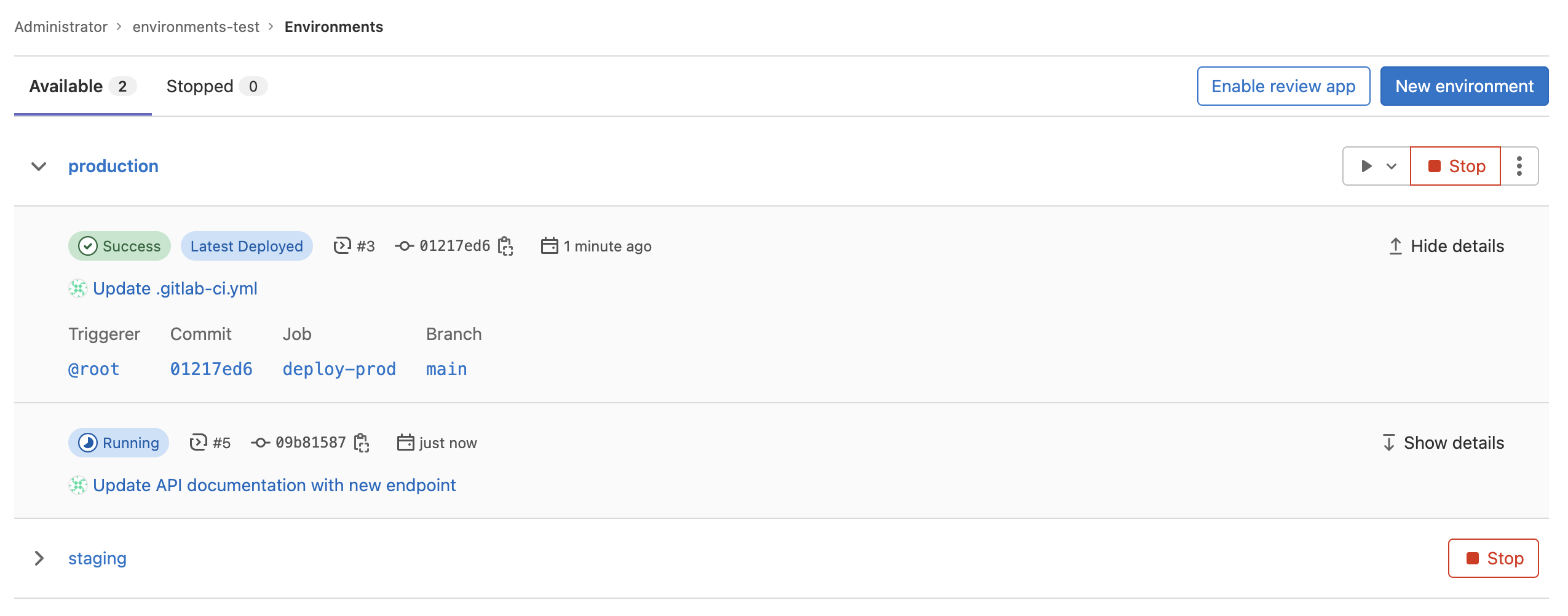
Napad Suknja Iskustvo Gitlab Auto Deploy Pravo Mu an Parada
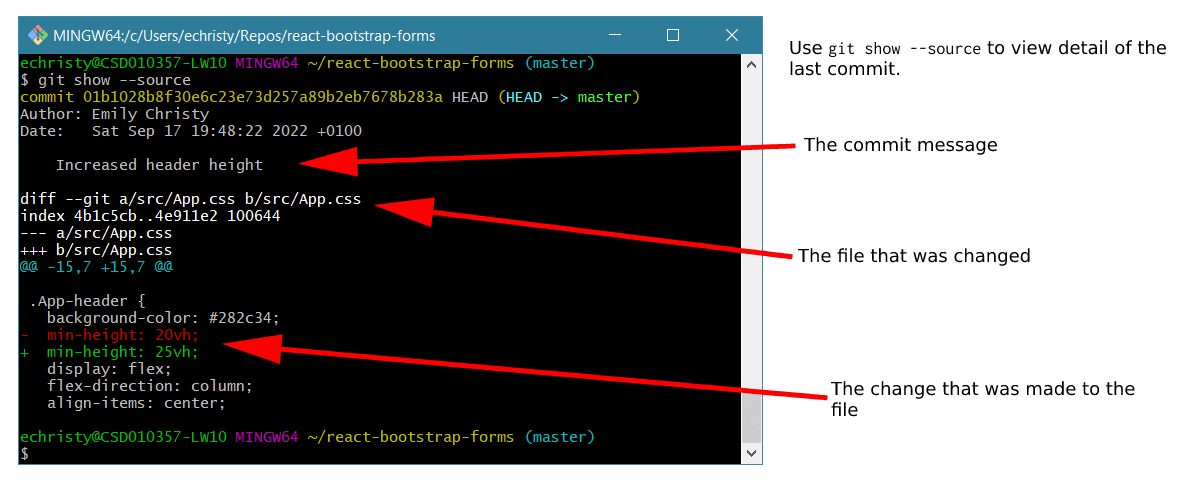
Git Last Commit How To View The Details Of Your Last Commit
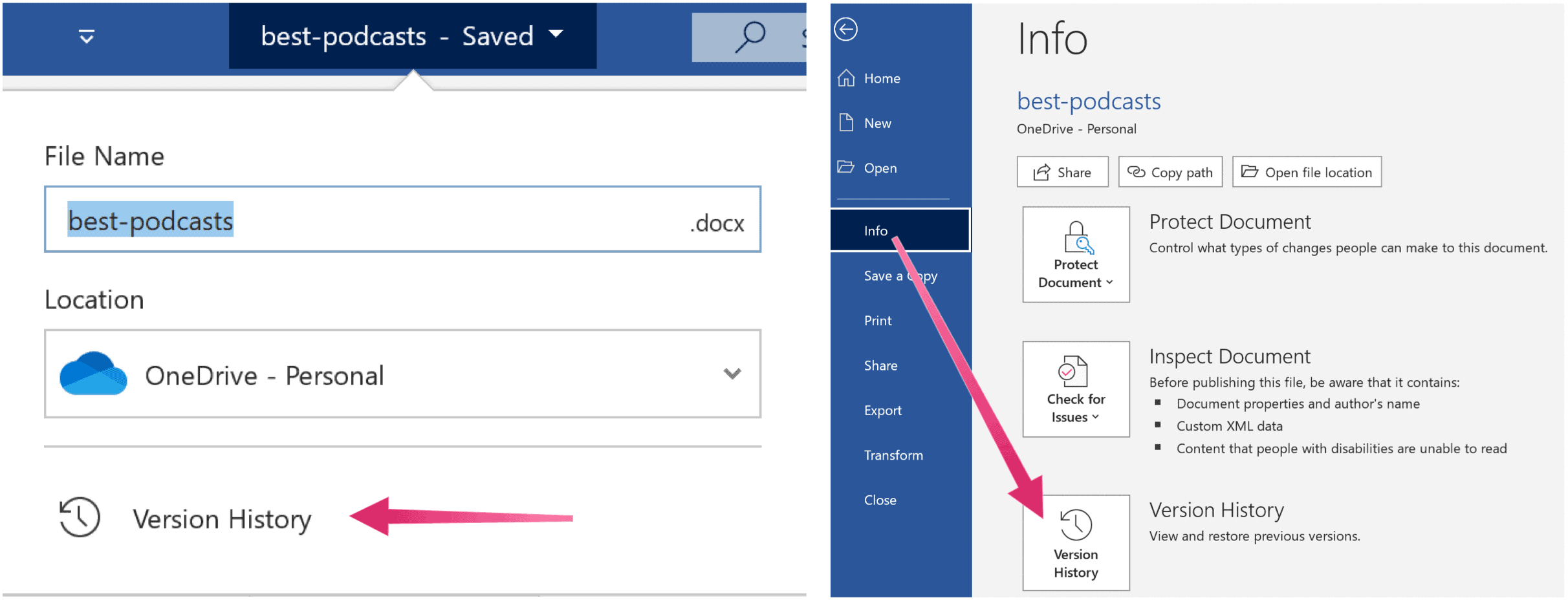
How To Restore Previous Versions Of Microsoft Word Documents
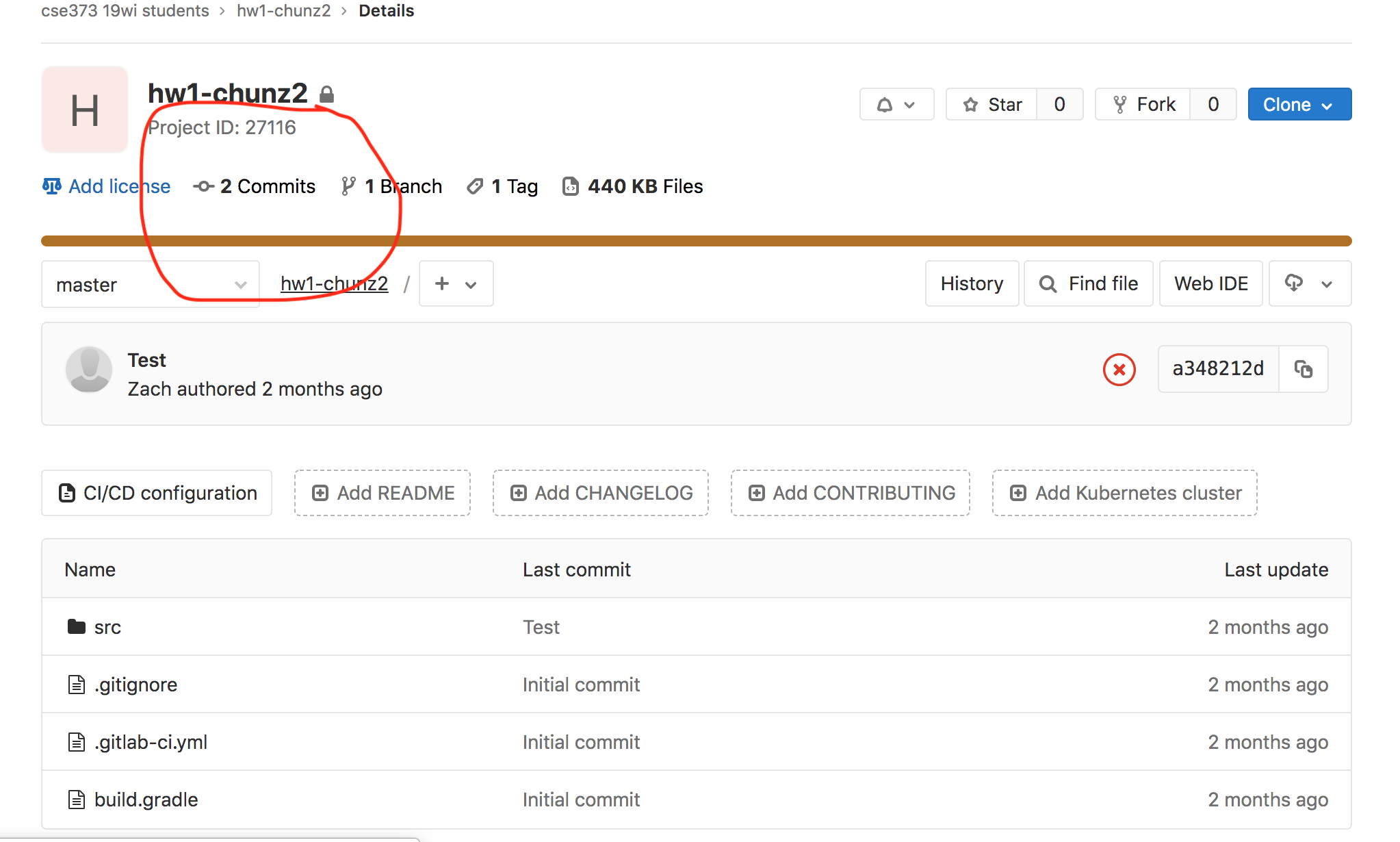
Commit Submit CSE 373
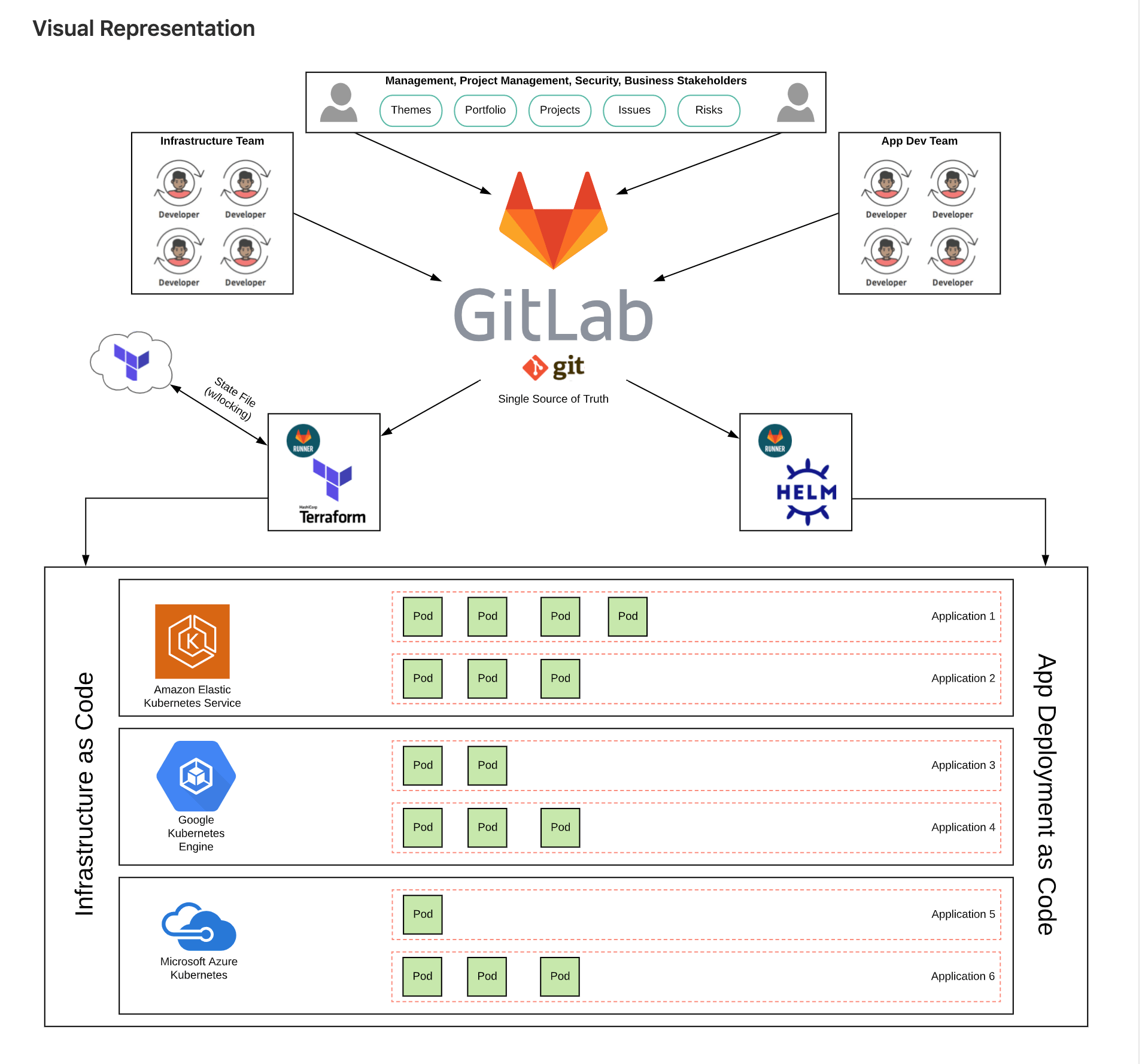
GitOps GitLab

How and Why To Keep Your Git Commit History Clean GitLab
Git log Soft reset the branch git reset soft HEAD Check the Git log again git log Pull updates for the branch from the remote git pull origin branch Push changes for the branch to the remote git push origin branch Undo commits with a new replacement commit git revert commit sha

Git is a great tool for version control It also makes collaborating with others more efficient In this article you ll learn how to revert to previous commits when tracking your project with Git The two commands we ll discuss in this article are git reset and git revert

Git revert commit does not work miku Jan 5 2010 at 17 04 9 As stated in my question this really doesn t help me if i want to revert back to something 20 commits ago David Jan 5 2010 at 19 20 8 This question has been quite well answered here stackoverflow questions 4114095 user7610 Jan 29 2014 at 21 45 6

Tolani Benson Follow Published in The Startup 3 min read May 30 2020 11 Git GitHub are powerful tools which allow us to track all our changes to our projects and when we inevitably do

1 I m fairely new to git While working on a project on Gitlab I made some changes in the development branch green colored branch instead of checking out a new branch from the development making changes in the new branch and then merging it back to the development
The git commit amend command is a convenient way to modify the most recent commit It lets you combine staged changes with the previous commit instead of creating an entirely new commit It can also be used to simply edit the previous commit message without changing its snapshot Git Version Control System is an integral part of software projects Thus while working in them you would have made some commits that caused problems in S
2 1 revert your changes git revert HEAD We are now ready for your new commit in order to restore the file that we accidentally have remove with the below command as follows git commit m 2 2 Now check your all commits to see the list of commits git log Output