How To Get Pc Specs Using Cmd How To Find Computer Full Specs System Details On CMD YouTube How To Show Computer Specs In Command Line Cmd Systeminfo YouTube O eni Sa rot Priadze How To Find Out Pc Specs Windows 10 Tane n k How To Check Specs Of Computer Playerhurt30 How To Check Your PC Specs In Windows 10 PCWorld [desc-7]
[desc-6] [desc-8]
How To Check Your PC Specs In Windows 10 PCWorld How To Find Out What Your Computer Specs Are How To Check Computer How To Find Computer Specs Windows 10 WindowsClassroom How To Find Computer Specs In Windows 10 Gambaran How To See My PC Specs Ubergizmo How To Hide Files In Windows Using CMD How To Find All Commands Of CMD In Your Computer 8 Steps Get PC Detail Using CMD Code Welcome To Dailytricks99 How To Find Computer Specs In Windows 10
How To Get Pc Specs Using Cmd
 How To Get Pc Specs Using Cmd
https://i.ytimg.com/vi/VypVmi87d_Y/maxresdefault.jpg
[desc-9]
Templates are pre-designed files or files that can be utilized for different purposes. They can conserve effort and time by offering a ready-made format and design for producing different type of content. Templates can be utilized for personal or professional projects, such as resumes, invites, flyers, newsletters, reports, presentations, and more.
How To Get Pc Specs Using Cmd

Get PC Detail Using CMD Code Welcome To Dailytricks99
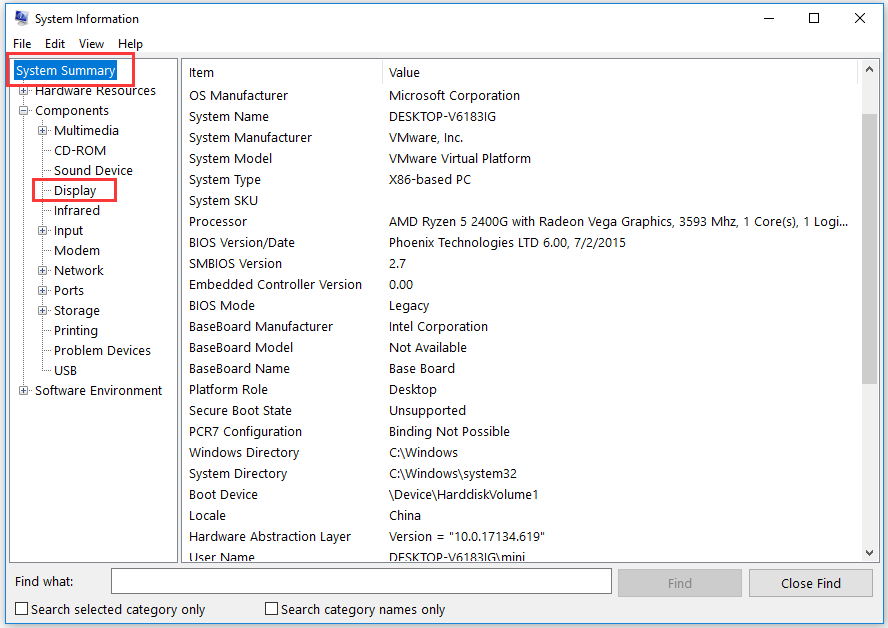
How To Find Out What Your Computer Specs Are How To Check Computer
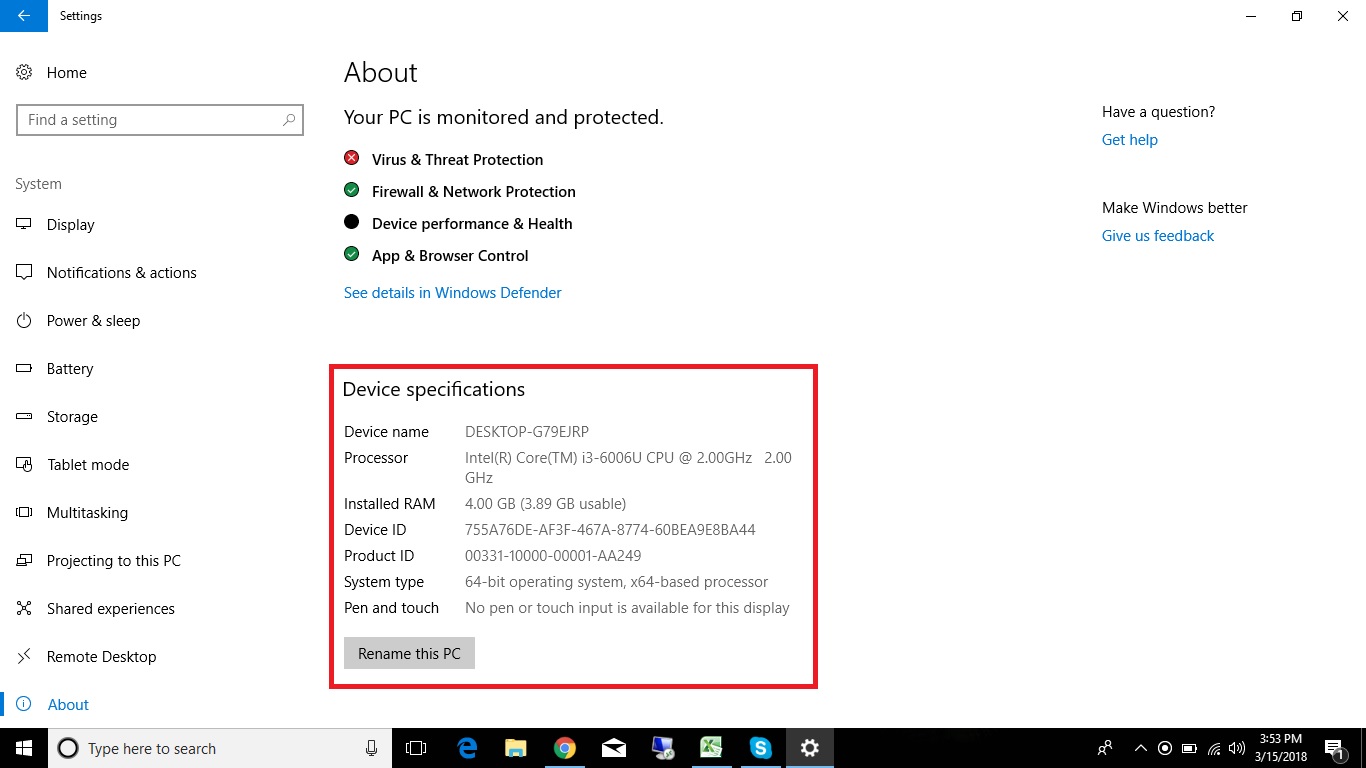
How To Find Computer Specs Windows 10 WindowsClassroom

How To Find Computer Specs In Windows 10 Gambaran

How To Hide Files In Windows Using CMD

How To Find All Commands Of CMD In Your Computer 8 Steps

Press Ctrl Shift Esc to bring up the Task Manager On the left menu click Performance which is the second option right under Processes and then click Memory You ll find the following

Knowing how to find your computer s specs on Windows 11 is helpful for various purposes from troubleshooting issues to understanding software compatibility and the capabilities of your

Method 1 Go to Settings System About Image Future Press Windows I to launch Settings Click System in the left pane scroll down and click About At the top above Device
Find product and serial numbers for HP PCs printers and accessories HP Customer Support Every HP product has a product number and unique serial number Reference these numbers when working with customer support agents finding drivers and support documents servicing the product or determining warranty status Contact HP

[desc-5]
[desc-11] [desc-12]
[desc-13]