How To Get Mac System Information How To Find Mac Os Version Using Command Mokasinhonest Best Mac For Programming And Developers Macworld MAC Upload Assistant User Guide for MAC 2 0 METRO Asset Center Learn Mac Os X Programming Tideplum How To Get To Mac System Preferences Lulitales Learn how to update apps on Android Related resources Fix problems with the Google Play app How to update apps on Android
Important Before you set up a new Gmail account make sure to sign out of your current Gmail account Learn how to sign out of Gmail From your device go to the Google Account sign in You can easily work with your files with Google Drive for desktop You can also Keep local files safe Your computer files are securely stored in the cloud Keep files up to date across
How To Get To Mac System Preferences Lulitales Get System Information About Your Mac Apple Support How To Install Configure And Use Windows Terminal And ITerm Mac Os X Dock For Windows Xp Free Download Wavebean 12 Ways To Find The MAC Address Of Your Computer WikiHow About System Information On Your Mac Apple Support Where To Get Mac Bios Flash To Radeon 7970 MacRumors Forums How To Set Up Your New Mac part 1 Security Basics By IBoostUp Medium How To Find Your Mac Serial Number Model Name Year Etc
How To Get Mac System Information
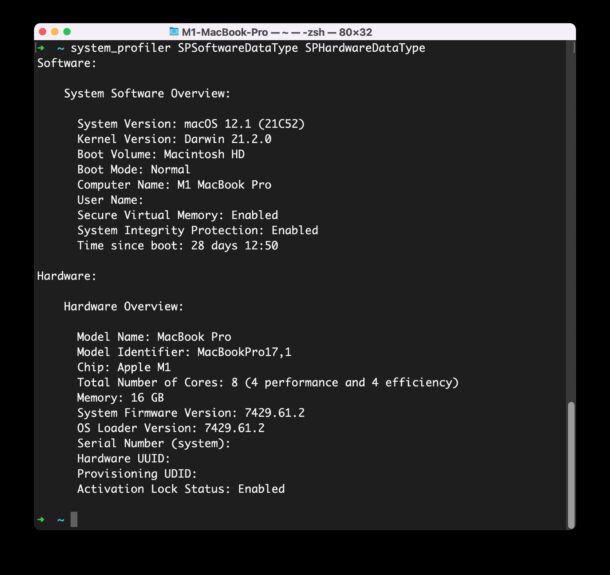 How To Get Mac System Information
https://cdn.osxdaily.com/wp-content/uploads/2022/01/extensive-mac-system-info-system-profiler-command-610x575.jpg
How to install Chrome Important Before you download you can check if Chrome supports your operating system and other system requirements
Templates are pre-designed files or files that can be used for numerous functions. They can conserve effort and time by providing a ready-made format and layout for creating various sort of content. Templates can be used for personal or professional projects, such as resumes, invitations, flyers, newsletters, reports, discussions, and more.
How To Get Mac System Information
Mac Tutorial The System Information App YouTube
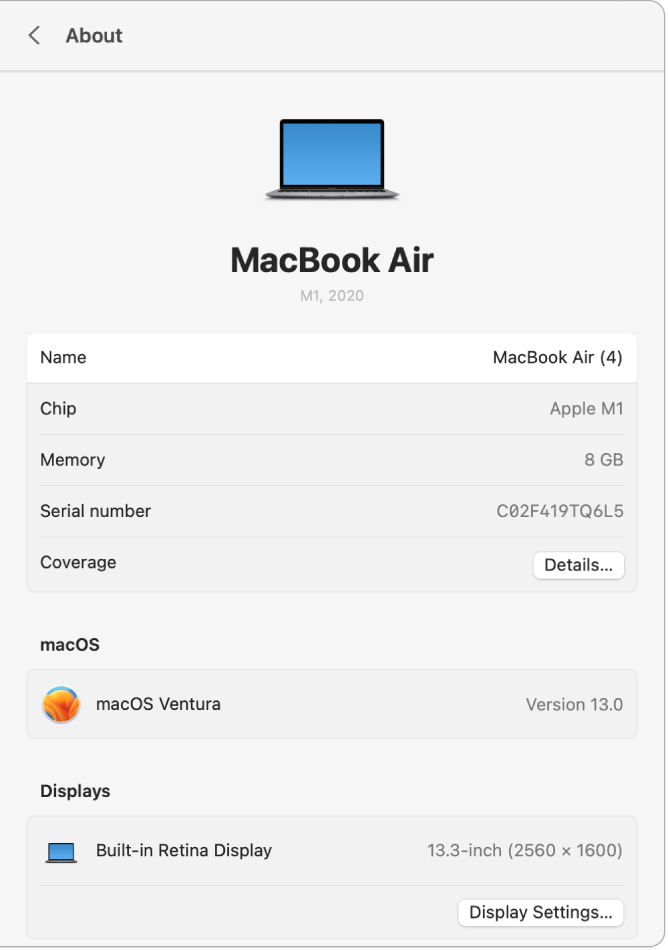
Get System Information About Your Mac Apple Support

How To Install Configure And Use Windows Terminal And ITerm
Mac Os X Dock For Windows Xp Free Download Wavebean
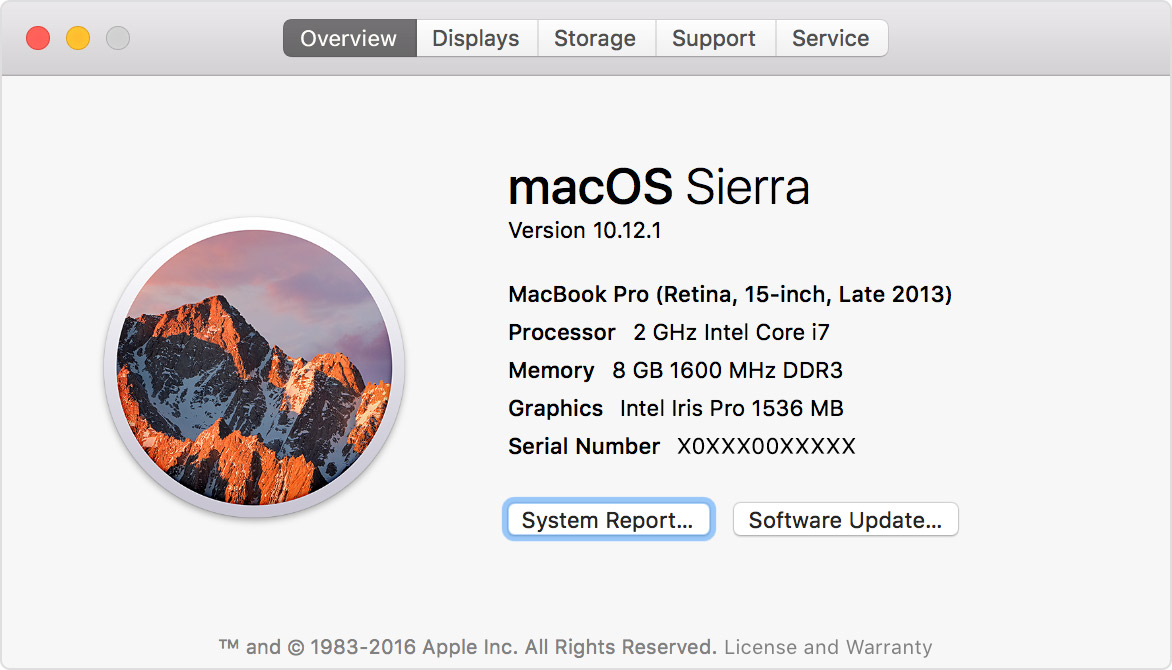
About System Information On Your Mac Apple Support

Where To Get Mac Bios Flash To Radeon 7970 MacRumors Forums

How to install Chrome Important Before you download you can check if Chrome supports your operating system and other system requirements

Sign in to Gmail Tip If you sign in to a public computer make sure to sign out before you leave the computer Learn how to sign in on a device that s not yours
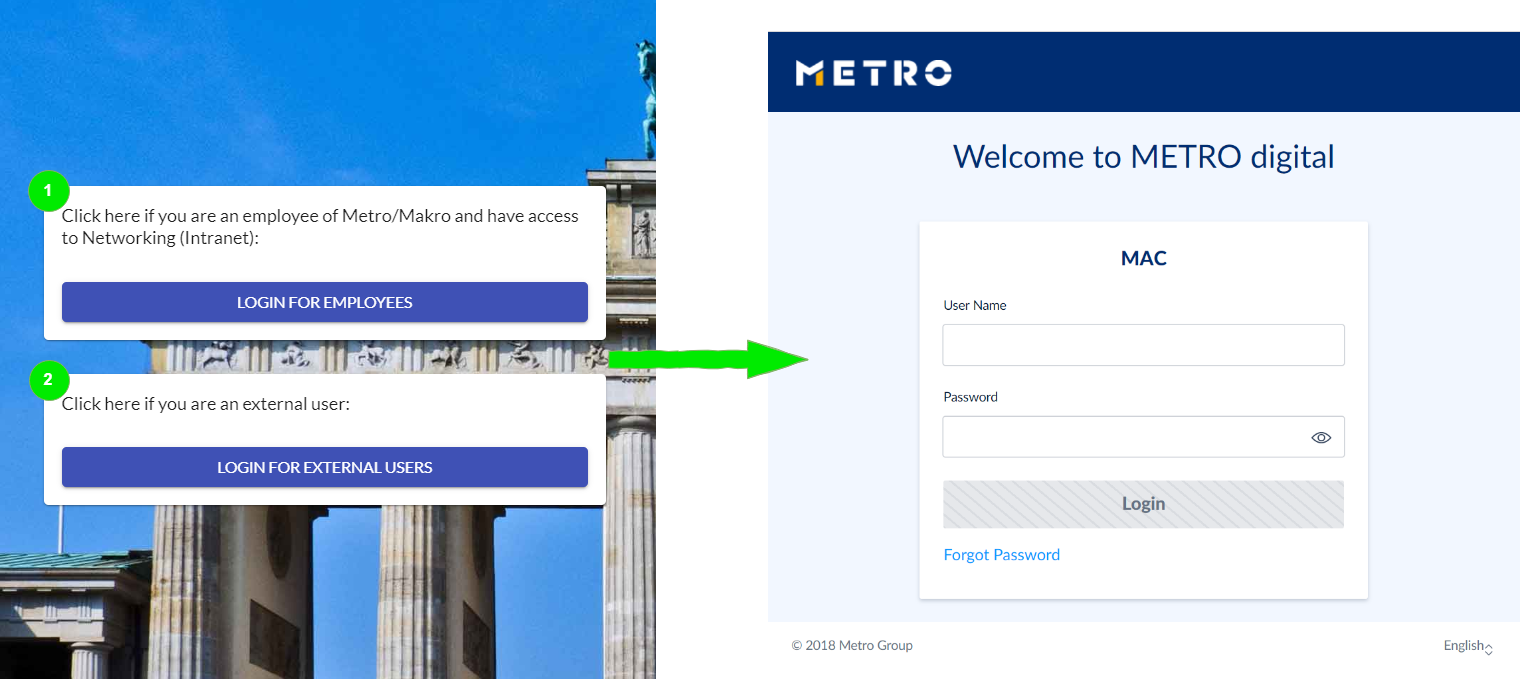
To find your username follow these steps You need to know A phone number or the recovery email address for the account The full name on your account Follow the instructions to

Important When you create a Google Account for your business you can turn business personalization on A business account also makes it easier to set up Google Business Profile

On your computer open Chrome At the top right click More Delete browsing data Choose a time range like Last hour or All time Select the types of information you want to remove Click
[desc-11] [desc-12]
[desc-13]