How To Get Jdk Version In Linux How Do I Update The Java Development Kit JDK Version Xamarin Which Version Of JDK Should I Use Whichjdk How To Install Java JDK 8 On Ubuntu Linux Instalar Jdk 6 En Ubuntu Rmseommseo How To Check The Unix Version Plantforce21 27 lokak 2023 nbsp 0183 32 The Java JDK Version in Ubuntu can be checked by either using the version command the update alternative list or by searching for the OpenJDK
10 jouluk 2009 nbsp 0183 32 H ow do I find out my JDK version under Ubuntu Linux operating systems How do I find out JDK version under any Linux distribution Open a command line terminal 12 kes 228 k 2012 nbsp 0183 32 4 Answers Sorted by 117 The simplest way is update java alternatives l shows you all the Java versions you have installed java version shows you the Java
How To Check The Unix Version Plantforce21 How To Download And Install NetBeans With Java JDK On Windows YouTube Install Java On Windows 11 TestingDocs Apple How To Get JDK 7 For Mac OS High Sierra YouTube Jdk 8U281 Trust The Answer Ar taphoamini How To Install Java JDK On Windows 10 With JAVA HOME 2020 How To Download And Install Kotlin On Windows Downlinko How Do I Update The Java Development Kit JDK Version Xamarin Version Linux Comment V rifier Votre Version De Linux IONOS
How To Get Jdk Version In Linux
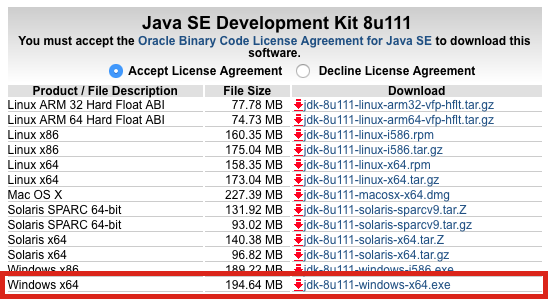 How To Get Jdk Version In Linux
https://learn.microsoft.com/en-us/xamarin/android/troubleshooting/questions/update-jdk-images/image2.png
Linux x64 systems jdk 8uversion linux x64 rpm Installing the JDK on RPM Based Linux Platforms Intel 64 bit RPM based Linux Root Linux aarch64 64 bit ARM systems jdk
Templates are pre-designed documents or files that can be utilized for different purposes. They can conserve time and effort by providing a ready-made format and layout for producing different kinds of content. Templates can be used for individual or expert projects, such as resumes, invitations, flyers, newsletters, reports, discussions, and more.
How To Get Jdk Version In Linux

How To Install Java Jdk Jre On Windows 11 Techdecode Tutorials

How To Download And Install NetBeans With Java JDK On Windows YouTube
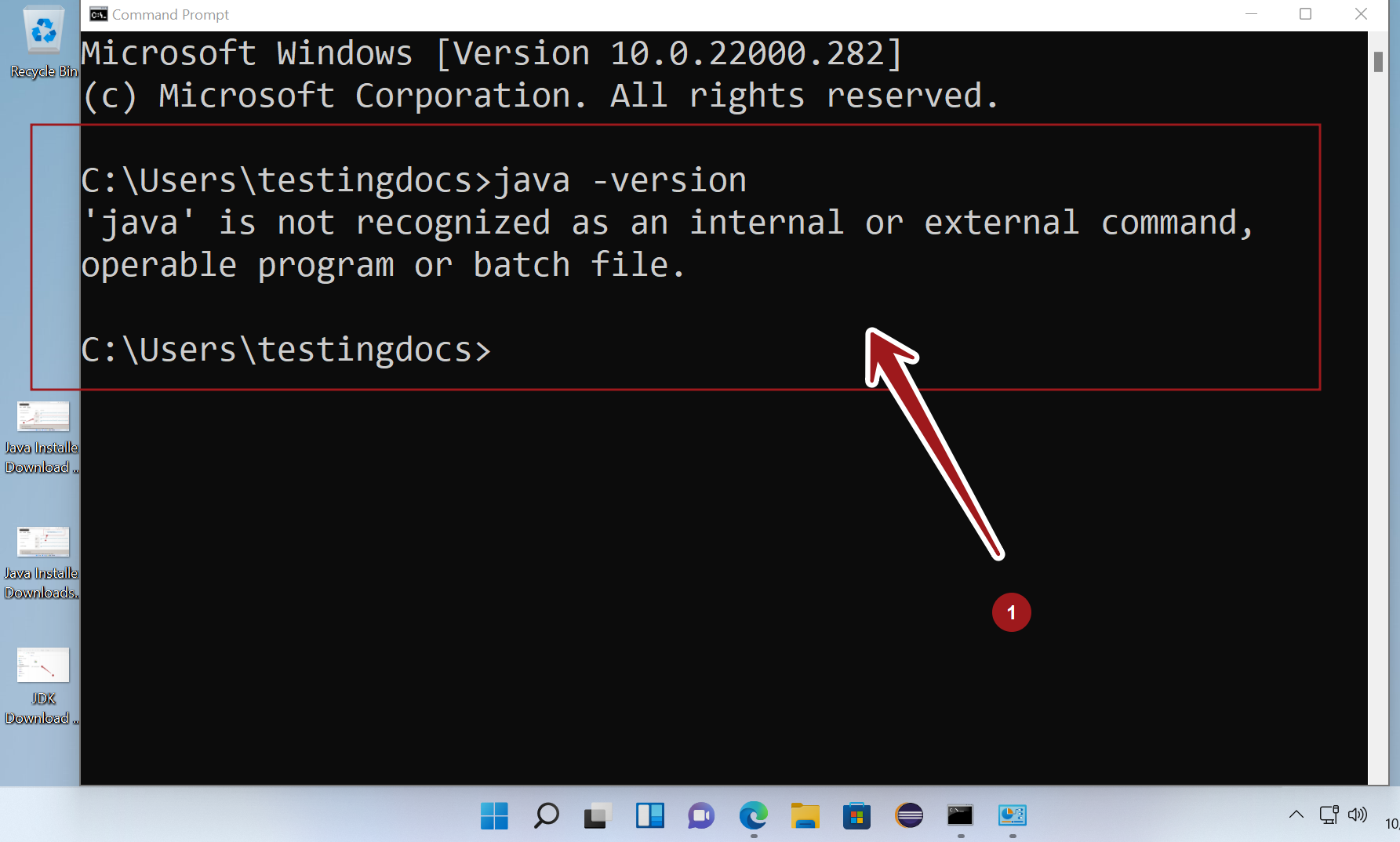
Install Java On Windows 11 TestingDocs

Apple How To Get JDK 7 For Mac OS High Sierra YouTube
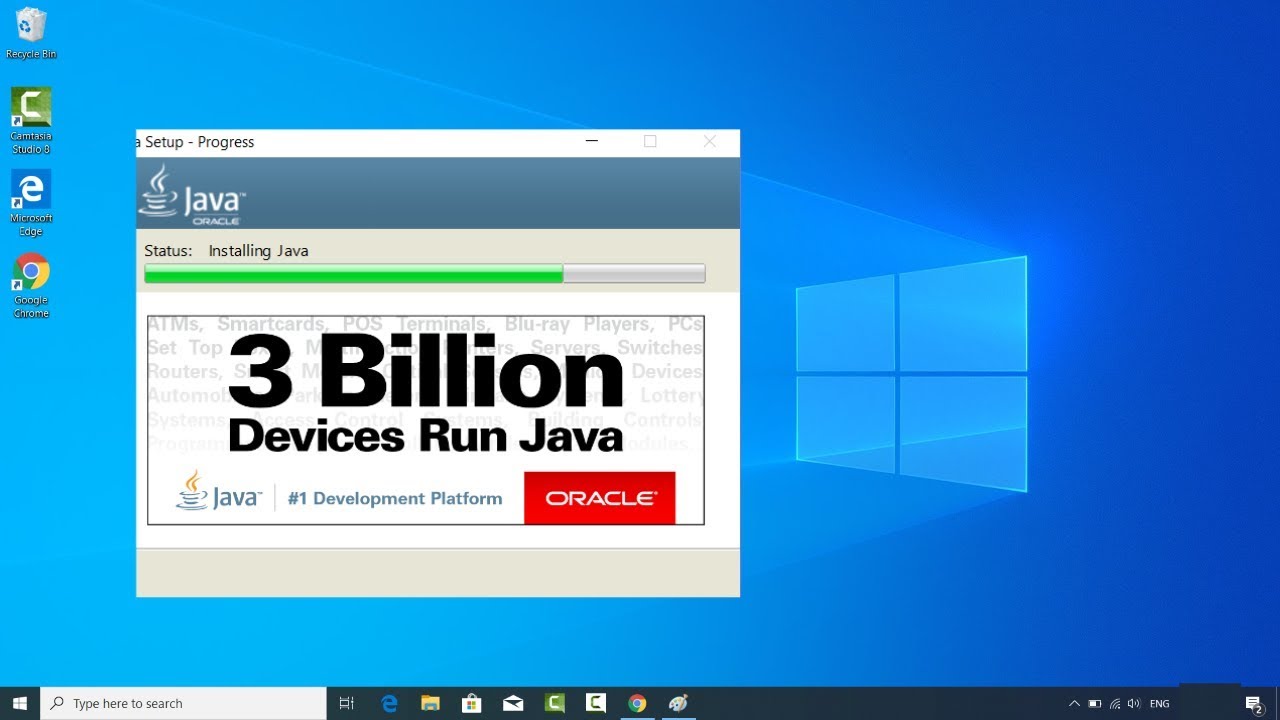
How To Install Java JDK On Windows 10 With JAVA HOME 2020
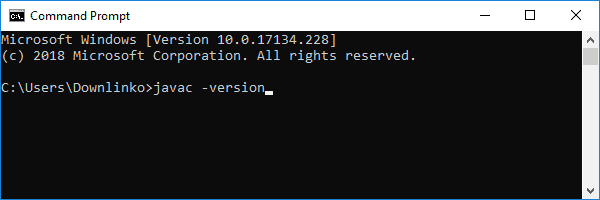
How To Download And Install Kotlin On Windows Downlinko

Step 1 Open a Terminal Window To check the JDK version in Linux the first step is to open a terminal window You may launch the terminal in the majority of Linux distributions by hitting

9 helmik 2013 nbsp 0183 32 Make a Debian package from the downloaded tar gz archive make jpkg jdk YOUR VERSION linux PLATFORM tar gz This command will produce a deb package

11 syysk 2020 nbsp 0183 32 To find out which Java version is installed on your system run the java version command java version The command will display the default Java version openjdk 11 0 8 2020 07 14 OpenJDK Runtime Environment

Java SE 21 JDK Installation Guide 3 Installation of the JDK on Linux Platforms This topic describes the installation procedures of the JDK on the Linux platform along with the system
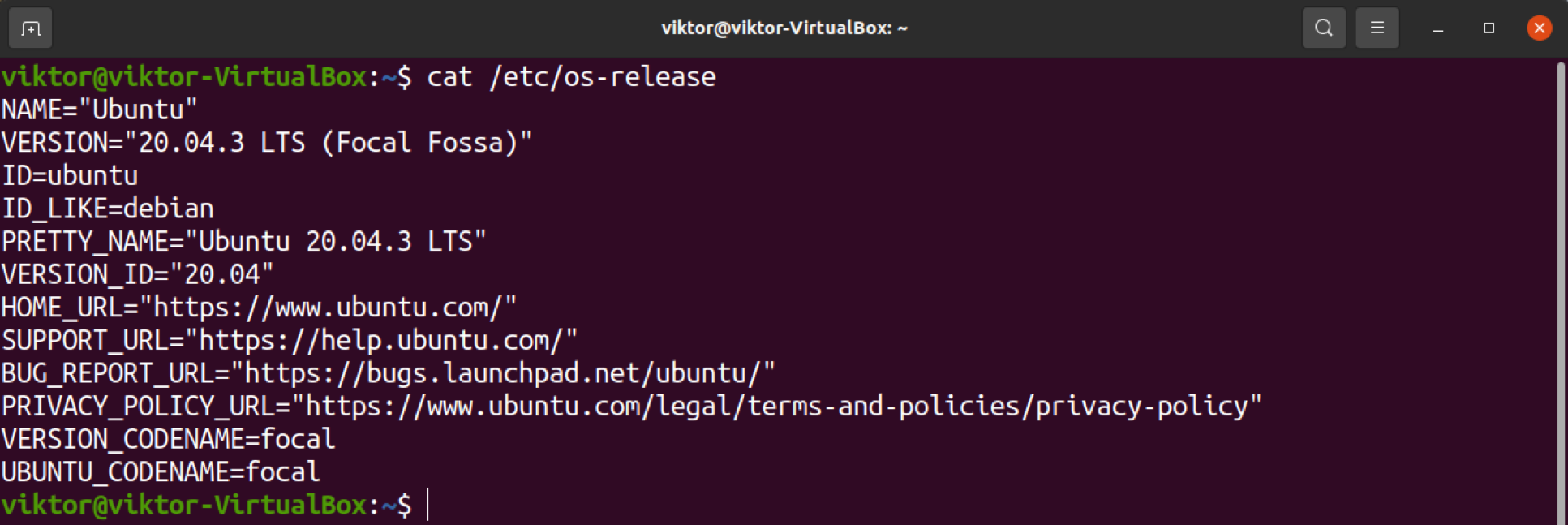
31 elok 2021 nbsp 0183 32 The easiest option for installing Java is to use the version packaged with Ubuntu By default Ubuntu 20 04 includes Open JDK 11 which is an open source variant of the JRE
2 p 228 iv 228 228 sitten nbsp 0183 32 JAVA VS JAVAC KEY DIFFERENCES java is the command used to run Java applications essentially launching the Java Virtual Machine JVM with specified class files 7 syysk 2021 nbsp 0183 32 Install commands sudo add apt repository ppa linuxuprising java Press enter when it tells you This may take a while or very short amount of time sudo apt update This
18 syysk 2019 nbsp 0183 32 Option 1 Install OpenJDK 18 Install curl or wget downloader utility sudo apt update sudo apt install y curl wget Visit JDK 18 releases page to download the latest