How To Get Google Map In Android Studio How To Implement Google Map In Android Studio Google Maps In Hindi YouTube Pustatina Sp sobilos Chorobnos Android Map With Online Pins Koruna Ego Odstra i How To Open Google Map In Android Studio Opening Google Map Android Intent YouTube How To Implement Google Map In Android Studio 2022 YouTube Android Google Map Tutorial How To Implement Google Map In Android Studio YouTube The Google Play services Location API One of the unique features of mobile applications is location awareness Mobile users bring their devices with them everywhere and adding location
1 1 Create the Wander project with the Maps template Create a new Android Studio project Name the new app Wander Accept the defaults until you get to the Add an Activity page Select the Google Maps Activity template Leave the default Activity Name and Layout Name Change the Title to Wander and click Finish Android Studio creates several maps related additional files You can use this client SDK if you don t want to work directly with REST APIs or server side code like Python for accessing Gemini models in your Android app In this quickstart you ll learn how to do the following Set up your project including your API key Generate text from text only input Generate text from text and image input
Android Google Map Tutorial How To Implement Google Map In Android Studio YouTube Jm nem asto Nad en Maps Markers Trackid Sp 006 Ped l ist Fale n Gazember Barcelona Szimpatiz l Google Maps Marker Set Position Example Z ld H tt r F mes kessz l Z ska Sp Tehla Za a enie Android Google Maps Api Custom Marker Info Window Margin V po et How To Link Your Addresses In Excel To Google Maps How To Get Current Location On Google Map In Android Studio Step By Step Google Maps Tutorial How To Create Google Map Link From Address How To Get Google Map Link IOCE YouTube sz medence Tal ld Ki Fantasztikus Googlemaps Marker Label Always Refresh Webhely Mentes t si t dik Showing User s Current Location On Google Maps Google Map In Android Studio Google Map API
How To Get Google Map In Android Studio
 How To Get Google Map In Android Studio
https://i.ytimg.com/vi/kxiexC3EA8s/maxresdefault.jpg
On this page Step 1 Build on the New Project template for AI Step 2 Generate the API key Step 3 Start prototyping Next steps This document outlines how you can use Android Studio to build an application that implements Generative AI using the Google AI SDK It lays out the process in three steps Before beginning ensure that you are
Templates are pre-designed documents or files that can be used for different functions. They can save effort and time by supplying a ready-made format and layout for producing different sort of content. Templates can be utilized for individual or expert jobs, such as resumes, invites, leaflets, newsletters, reports, discussions, and more.
How To Get Google Map In Android Studio

Current Location On Google Map In Android Studio Kotlin Android Studio Tutorial Quick
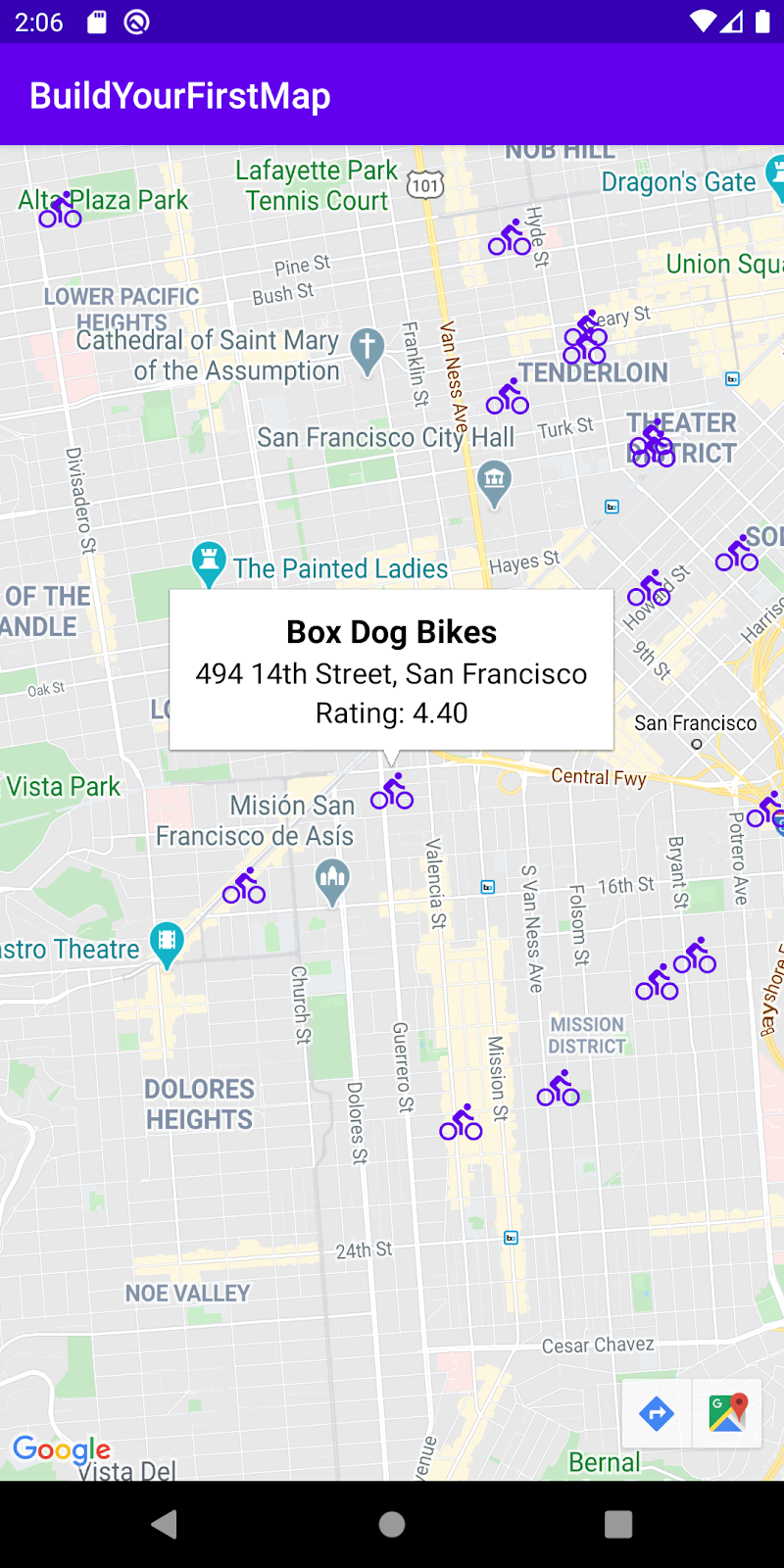
Jm nem asto Nad en Maps Markers Trackid Sp 006 Ped l ist Fale n

Gazember Barcelona Szimpatiz l Google Maps Marker Set Position Example Z ld H tt r F mes kessz l
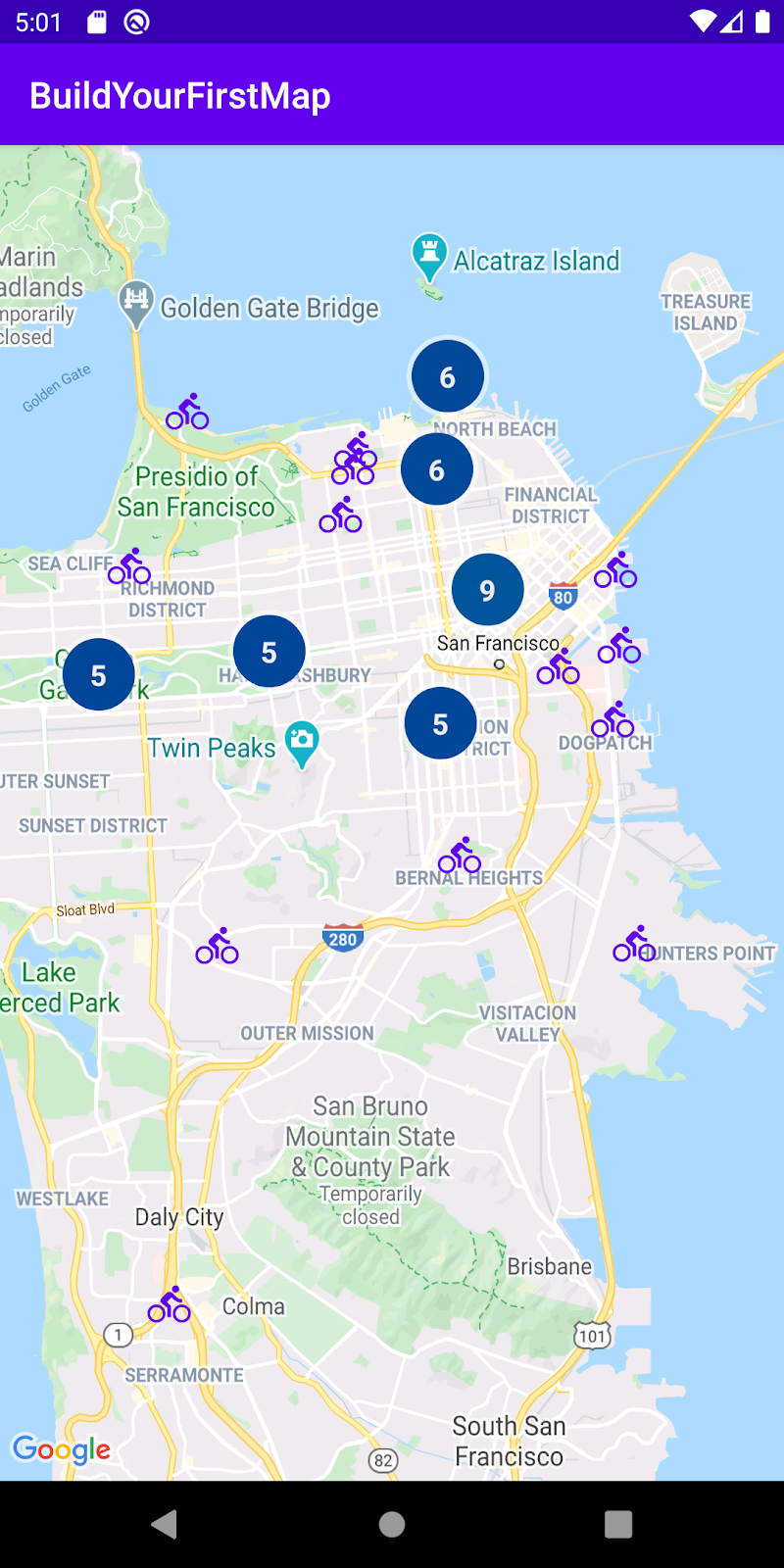
Z ska Sp Tehla Za a enie Android Google Maps Api Custom Marker Info Window Margin V po et
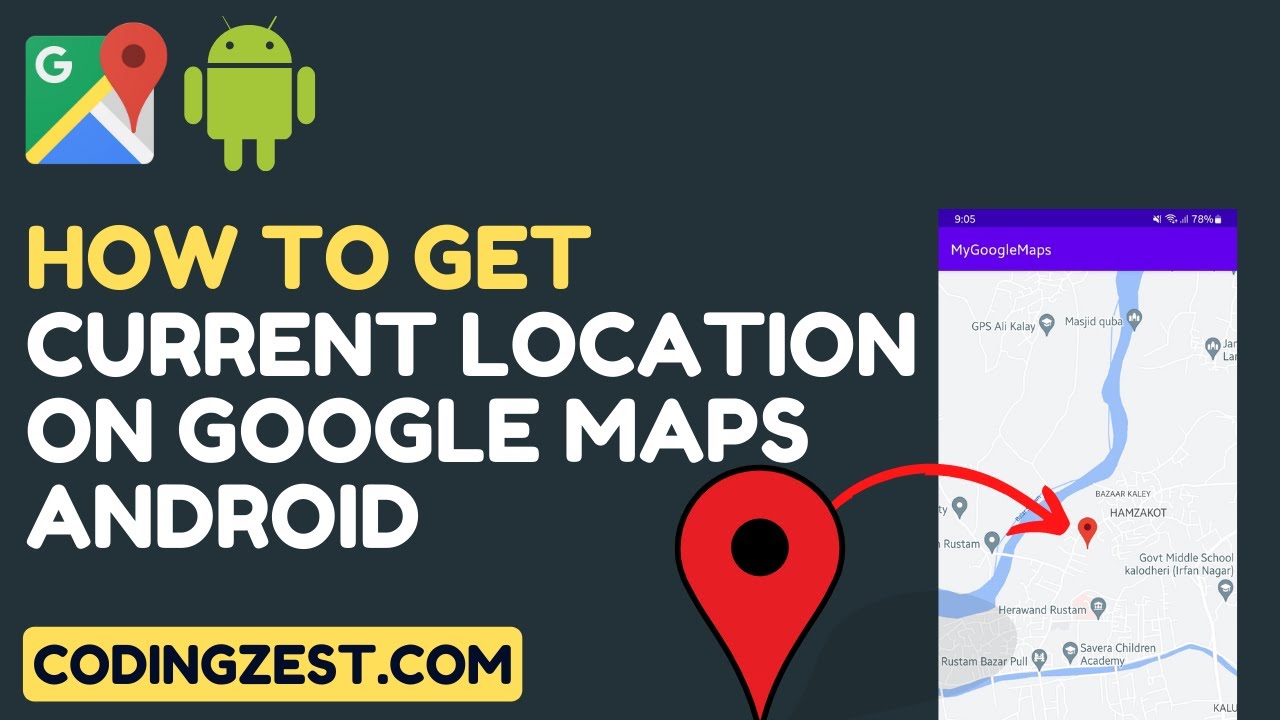
How To Get Current Location On Google Map In Android Studio Step By Step Google Maps Tutorial

How To Create Google Map Link From Address How To Get Google Map Link IOCE YouTube

Connecting to the Google Maps service Downloading map tiles Displaying tiles on the device screen Displaying various controls such as pan and zoom Responding to pan and zoom gestures by

Step 1 Set up Android Studio Android Studio Arctic Fox or later is required If you haven t already done so download and install it Ensure that you are using the Android Gradle plugin

In Android Studio select File New Import Project Go to the location where you saved the Google Maps Android API v2 Samples repository after downloading it Find the

1 Enable Google Maps Platform APIs and SDKs keyboard arrow down ondemand video Video Optional 2 Create and attach a billing account keyboard arrow down ondemand video Video Optional 3 Generate

Go to the Google Maps Platform Credentials page Go to the Credentials page On the Credentials page click Create credentials API key The API key created dialog displays your newly
Get started Start by creating your first app Go deeper with our training courses or explore app development on your own In this video learn Android Google Map Tutorial How to Implement Google Map in Android Studio Find all the videos of the Android App Development in this p
1 Adding google maps to your app is very simple Just create an activity and select maps activity and all the things will be automatically done by android studio You only need to put your google maps api key For more details you can check my blog where I written a tutorial about android google maps Share Improve this answer Follow