How To Get Diff Of Last Commit In Git Undo Last Commit In Git YouTube Git What Are Differences Between Revert Revert Commit And Reset Hot How To Undo The Last Commit In Git Become Front End Expert How To Uncommit My Last Commit In Git duplicate YouTube How To See Git Commit Id Stack Overflow In Git you use the command git diff to compare commits branches individual files and more In this post we ll give you a complete yet
Command Shit P select Git View History git log You will see all the commits much like in your first picture Then you can select the Open the Git tool window Alt 9 and switch to the Log tab Select a commit and choose Show Repository at Revision from the context menu
How To See Git Commit Id Stack Overflow How Do You Correct A Commit Message In Git O Reilly To Write Git Vrogue How To Undo The Last Commit In GIT YouTube Solved How Can I Add A File To The Last Commit In Git 9to5Answer Git Last Commit How To View The Details Of Your Last Commit How To Uncommit Your Changes In Git How To Revert Or Undo Last Commit In Git SidTechTalks How To Undo The Last Commit In Git Become Front End Expert Apuntes De Git David Poza
How To Get Diff Of Last Commit In Git
 How To Get Diff Of Last Commit In Git
https://i.ytimg.com/vi/NRMTyTk9-T4/maxresdefault.jpg
Learn how to use the Git diff command to view changes between two different points in your
Pre-crafted templates use a time-saving solution for developing a diverse series of documents and files. These pre-designed formats and layouts can be utilized for numerous individual and expert jobs, including resumes, invites, flyers, newsletters, reports, presentations, and more, simplifying the material development process.
How To Get Diff Of Last Commit In Git
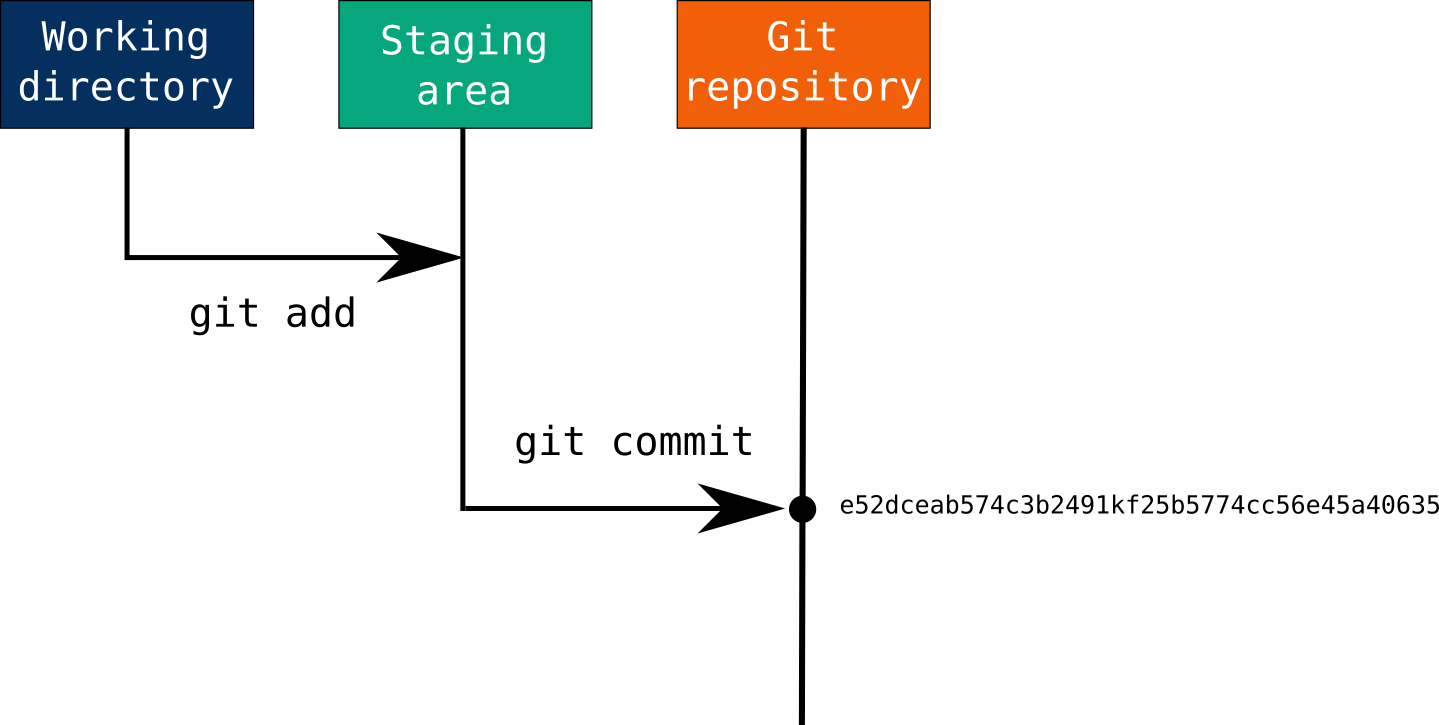
Get Started With Git Commands For Version Control Earth Data Science
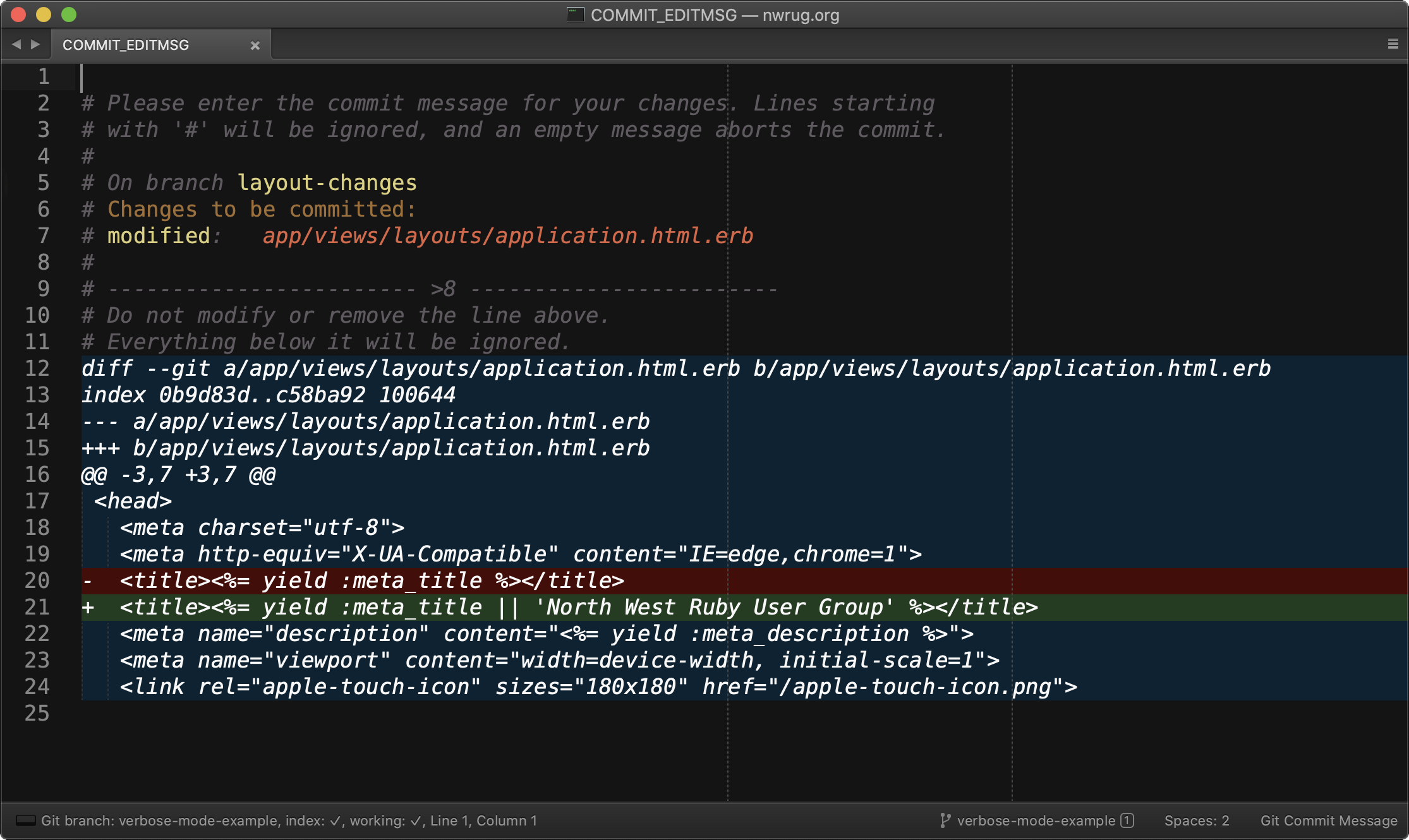
How Do You Correct A Commit Message In Git O Reilly To Write Git Vrogue

How To Undo The Last Commit In GIT YouTube

Solved How Can I Add A File To The Last Commit In Git 9to5Answer

How To Uncommit Your Changes In Git
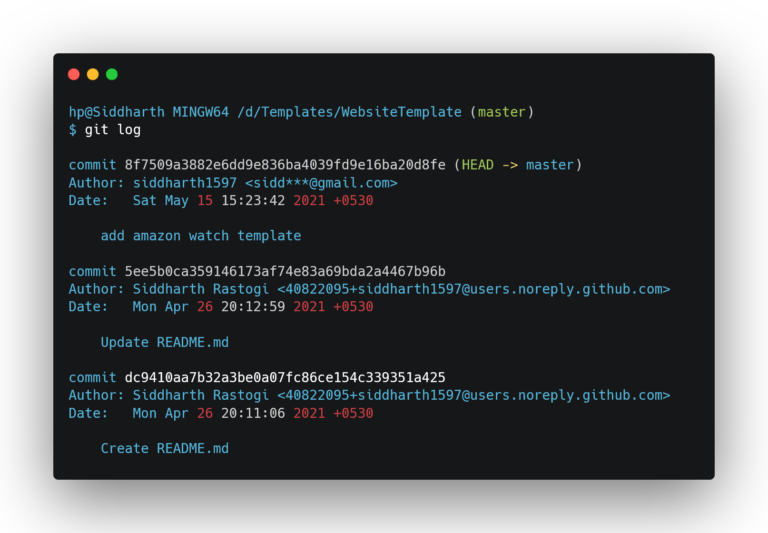
How To Revert Or Undo Last Commit In Git SidTechTalks

Getting a diff patch file style display of changes from a your most recent commit is useful when you commit and it lists three lines

This form is to view the changes you have in your working tree relative to the named commit You can use HEAD to compare it with the latest commit or a

The git diff command shows the differences between the files in two commits or between your current repository and a previous commit

Git diff is a multi use Git command that when executed runs a diff function on Git data sources These data sources can be commits branches files and more

To find out which files changed in a given commit use the git log raw command It s the fastest and simplest way to get insight into which
In the Git tool window find the most recent commit It s the one at the top When we select it we get more detail about the commit Without further options git diff will show us all current local changes in our working copy that are unstaged If you want to see only changes that have
By running git log p you ll get the same list as before however each commit will have a list of the files that have been added modified