How To Format Disk Is Write Protected Usb How To Fix The Disk Is Write Protected Error From Any Flash Drive S a L i The Disk Is Write Protected Usb Hi u Qu LaptrinhX 7 Ways To Fix The Disk Is Write Protected Error Of USB Drive The Disk Is Write protected Remove It From USB Windows 10 8 7 How To Fix The Disk Is Write Protected Error USB Repair You can fix it 1 Check the USB Stick for Viruses Every time you plug a USB drive into your computer you should automatically scan it for viruses especially if you have used it on a computer you don t own or a public computer
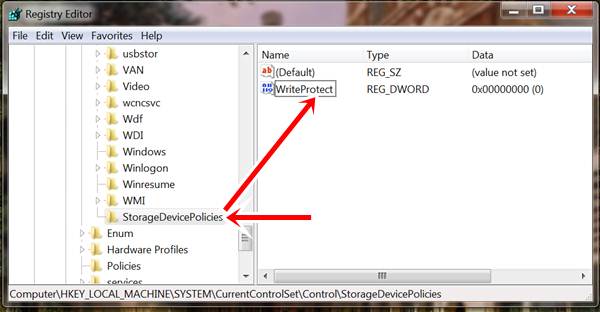
Method 1 Format write protected disk using the Registry Editor If your hard drive becomes write protected because of the wrong registry value you can try this method Step 1 Press Wind R to open the Run dialogue Type regedit and click OK to open the Registry Editor Step 2 1 Flip the USB Flash Drive s Switch We ll start with the easiest fix first Many USB flash drives have a switch usually at the sides by which you can turn on off the write protection from the outside Slide it off if your USB drive has one too Reinsert your USB drive and see if you re able to format it If you can great
How To Fix The Disk Is Write Protected Error USB Repair World And Knowledge How To Format A Write Protected USB And Memory Card Usb Drive Format Fix Lokasingb Write Protected Error On Usb Smartadm ru 7 C ch S a L i The Disk Is Write Protected Kh ng Th Format USB The Disk Is Write Protected Fix TOP 2 Ways To FIX Remove Write How To Fix Write Protected Error Of USB Pen Drive SD Card The Disk Lotus Geek How To Remove Write Protection On USB Disk Is Write How To Format Write protected USB In Windows 11 10
How To Format Disk Is Write Protected Usb
 How To Format Disk Is Write Protected Usb
https://www.deskdecode.com/wp-content/uploads/2014/12/The-Disk-Is-Write-Protected-fix.jpg
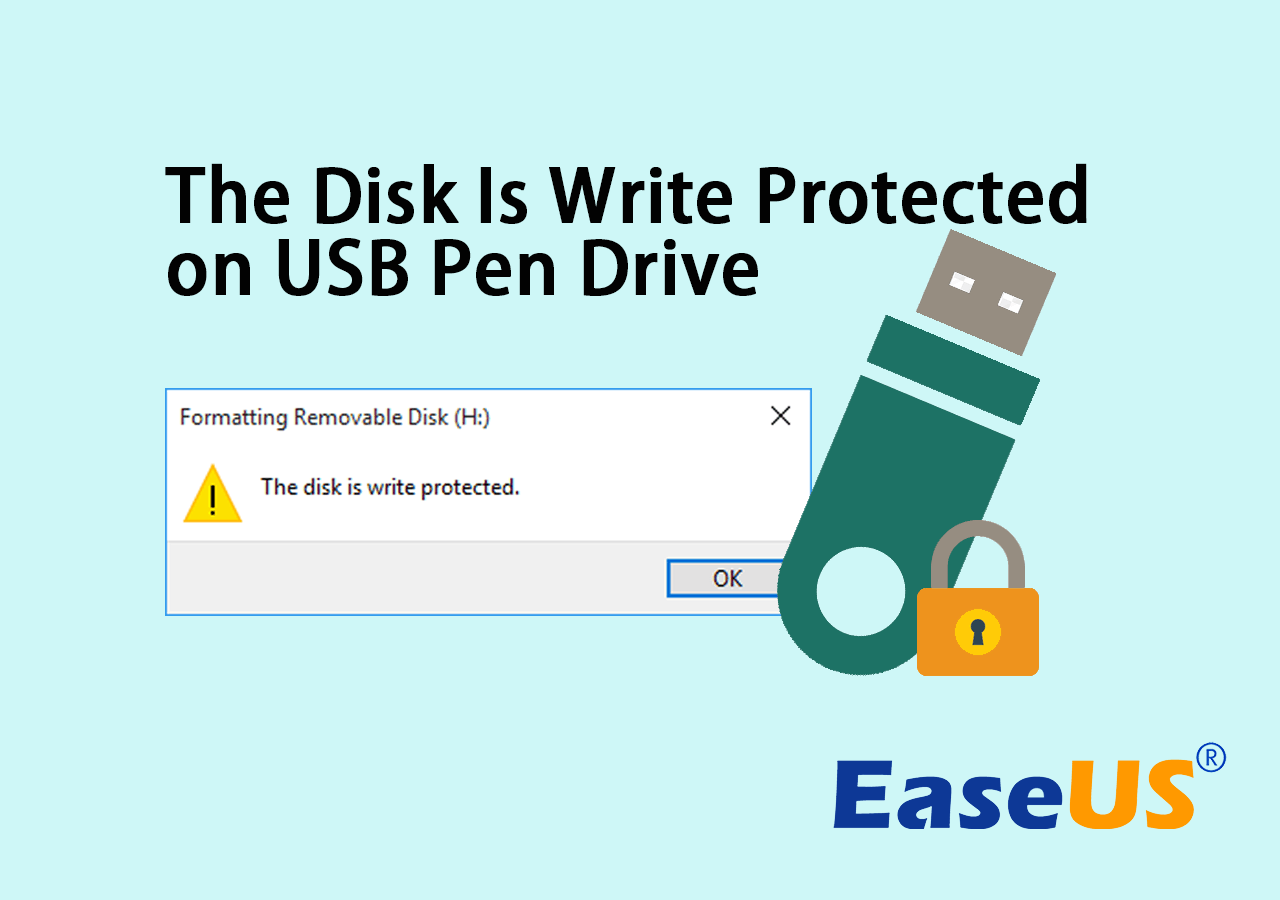
In this video we take a look at how to format a USB drive or SD card which displays Disk is Write Protected in Windows Download EaseUS Partition Master
Pre-crafted templates provide a time-saving service for producing a diverse range of documents and files. These pre-designed formats and designs can be made use of for different personal and expert projects, consisting of resumes, invites, leaflets, newsletters, reports, discussions, and more, enhancing the material production process.
How To Format Disk Is Write Protected Usb
Solved How To Format Write protected Disk Easily In Windows 10 8 7
World And Knowledge How To Format A Write Protected USB And Memory Card
Usb Drive Format Fix Lokasingb
Write Protected Error On Usb Smartadm ru

The Disk Is Write Protected Fix TOP 2 Ways To FIX Remove Write
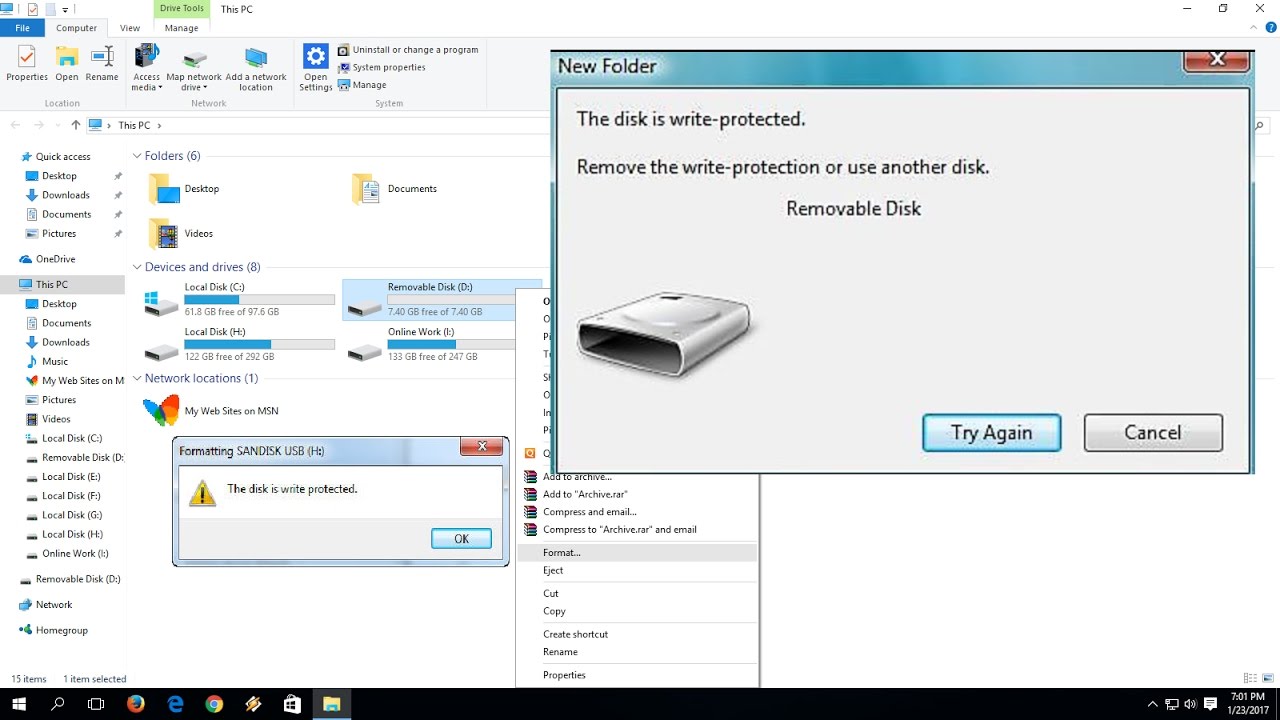
How To Fix Write Protected Error Of USB Pen Drive SD Card The Disk
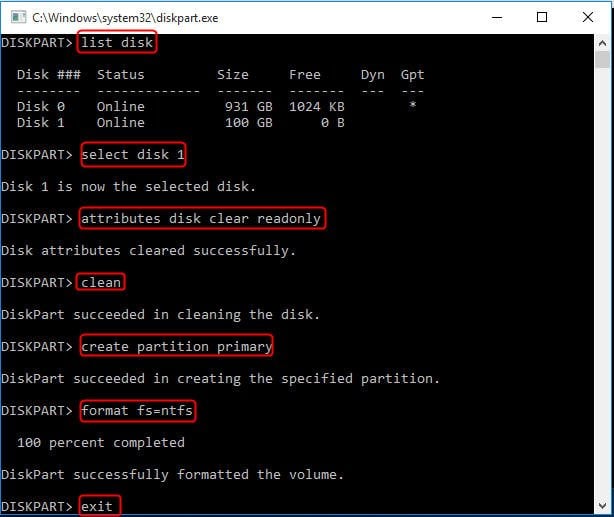
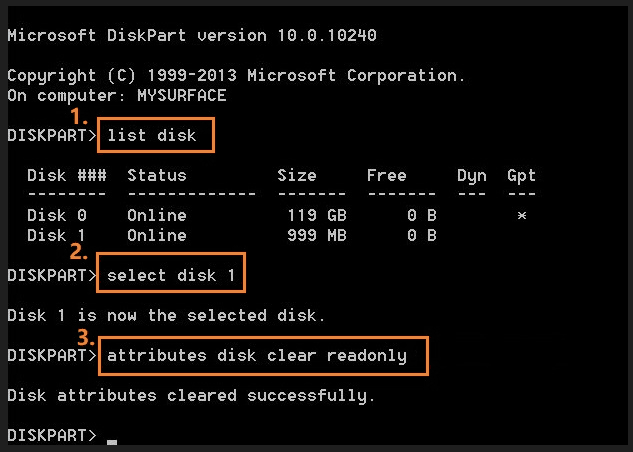
Solution 1 Check the physical switch Take out your write protected USB drive to check whether there is a lock switch or not if there is a physical lock switch on the side you should slide the switch to the unlock area Thus you can format the USB drive normally in Disk Management Solution 2 Remove write protected via Diskpart

You can try toggling the lock switch on your storage device or use the DiskPart utility to disable the read only attribute and clear the write protection Advanced users can use the Registry Editor to remove write protection by creating a DWORD entry and modifying its value data to disable write protection

Method 1 Using Diskpart Windows Download Article 1 Toggle the switch on the USB drive If your USB drive has a physical write protection switch on its exterior it might be in the wrong locked position Try toggling the switch before you continue with this method
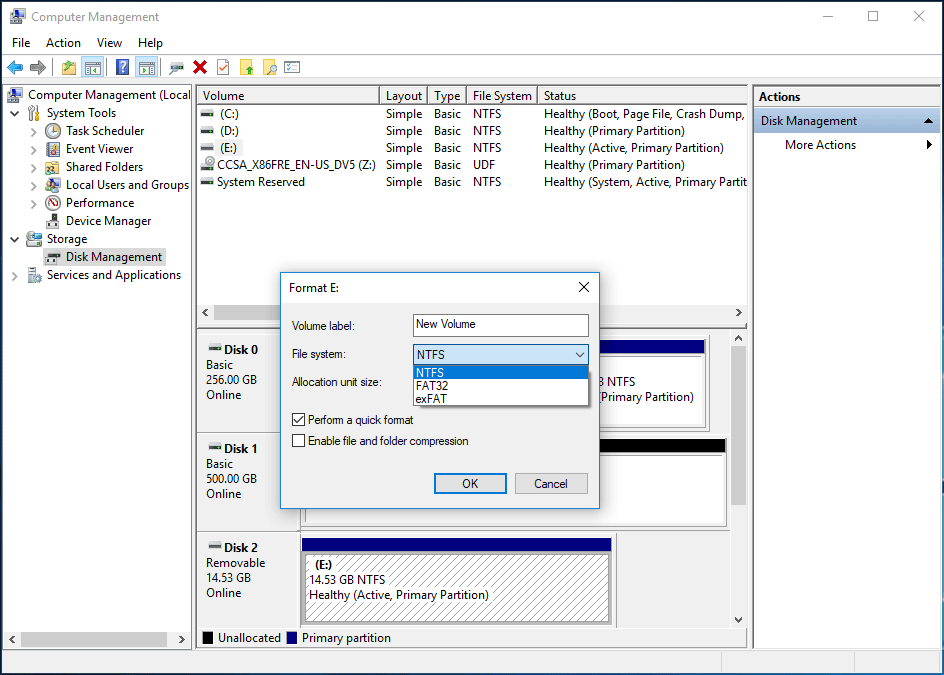
DISKPART attributes disk clear readonly Disk attributes cleared successfully DISKPART clean DiskPart has encountered an error Incorrect function See the System Event Log for more information DISKPART create partition primary DiskPart succeeded in creating the specified partition
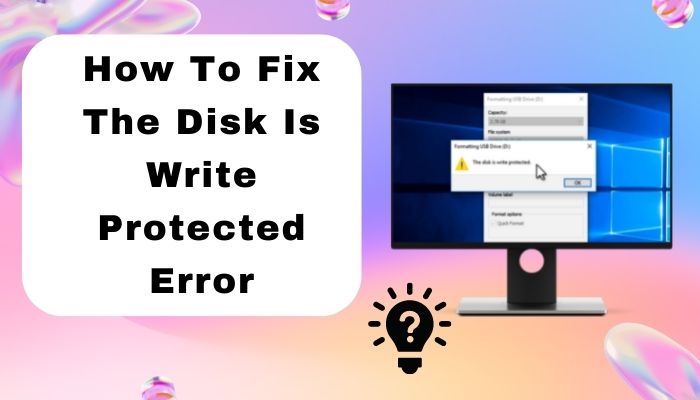
To format write protected USB pen drive in Windows 11 10 follow these steps Use write protection switch Bypass write protection using Registry Remove write protection using DISKPART
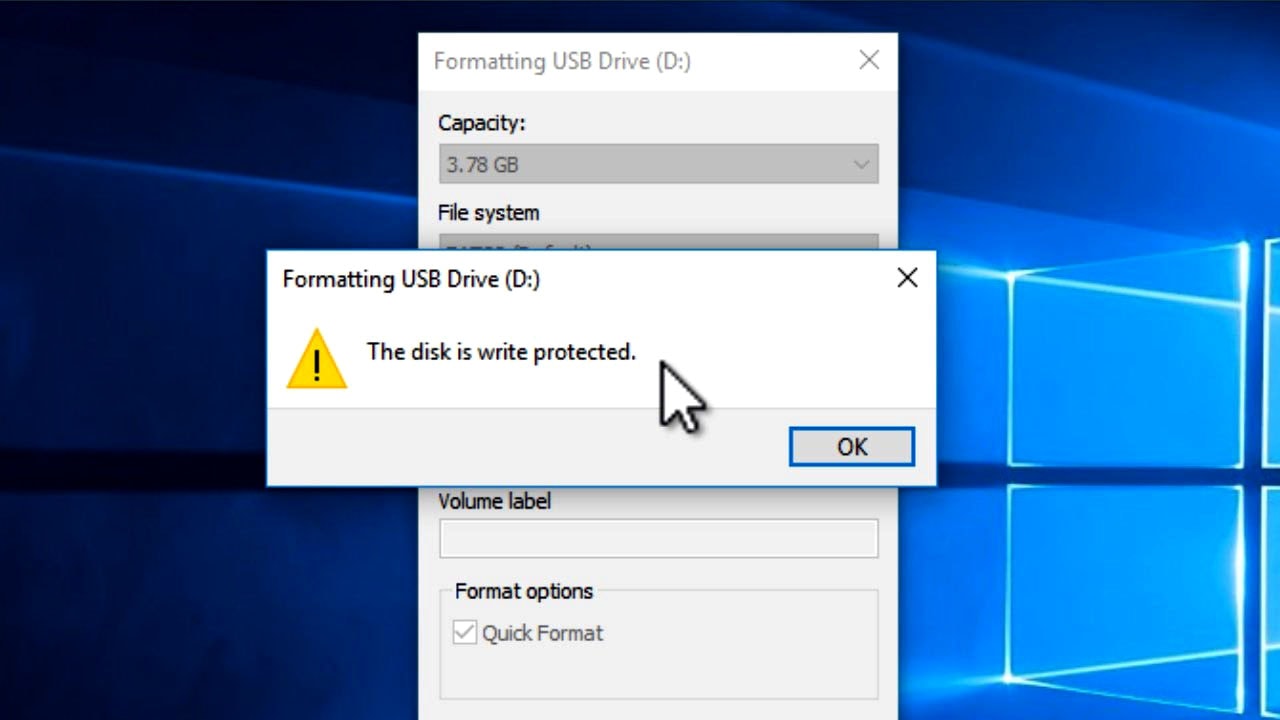
Actually a disk suddenly becoming write protected is a very common issue and it often comes out of the blue on a USB flash drive pen drive SD card or other data storage devices After plugging a drive into your PC to copy or modify a file folder a window might pop up with the error The disk is write protected Fix it Last updated Jun 30 2023 Detailed guide on how to format a write protected USB drive If you asking yourself the question how do I remove write protection on a USB drive then you are in the right place Here you will find out 2 great methods to remove write protection on the USB drive how to format the USB drive
Step 1 Download and install EaseUS Partition Master go to the Toolkit section and click Write Protection Step 2 Select your write protected USB USB external disk or SD card and click Disable Fix 6 Edit The Registry to Remove Write Protection