How To Find Folder Path On Mac How To Find And Copy Any File Or Folder Path On Mac MacOS Monterey Mac Finder Window Show File Path Lasopaei How To Copy File Or Folder Path Name In Finder On Mac 6 Fa ons De Trouver Le Chemin Complet D un Fichier Ou D un Dossier Sur How To Find A File Path On Mac One of the quickest ways to view a file path in Mac is to use the Finder Path Bar as it is the default file manager on macOS and can be reached with a snap of a
3 Answers Sorted by 76 In macOS holding the ALT key often shows extra options in context menus To copy a file or folder s path in Finder app Right click the item Hold alt key down Click Copy One of the easiest ways to view a file path is in Finder on your Mac Along with it we ll show you how to use the context menu to copy that path Step 1 Open Finder on your Mac and
How To Find A File Path On Mac How To Open Folders Instantly On Your Mac 5 Ways How To Find Folder Paths In Outlook Mailboxes Outlook Tips How To Get Folder Path In Mac OS YouTube How To Copy File Or Folder Path From Finder On Mac Igeeksblog How To Copy The Path To A File Or A Folder In Mac OS Step by step How To Find Folder Path Of A Library Open Apple Community How To Configure The Scan To Network Folder Path For HP Offi HP Path
How To Find Folder Path On Mac
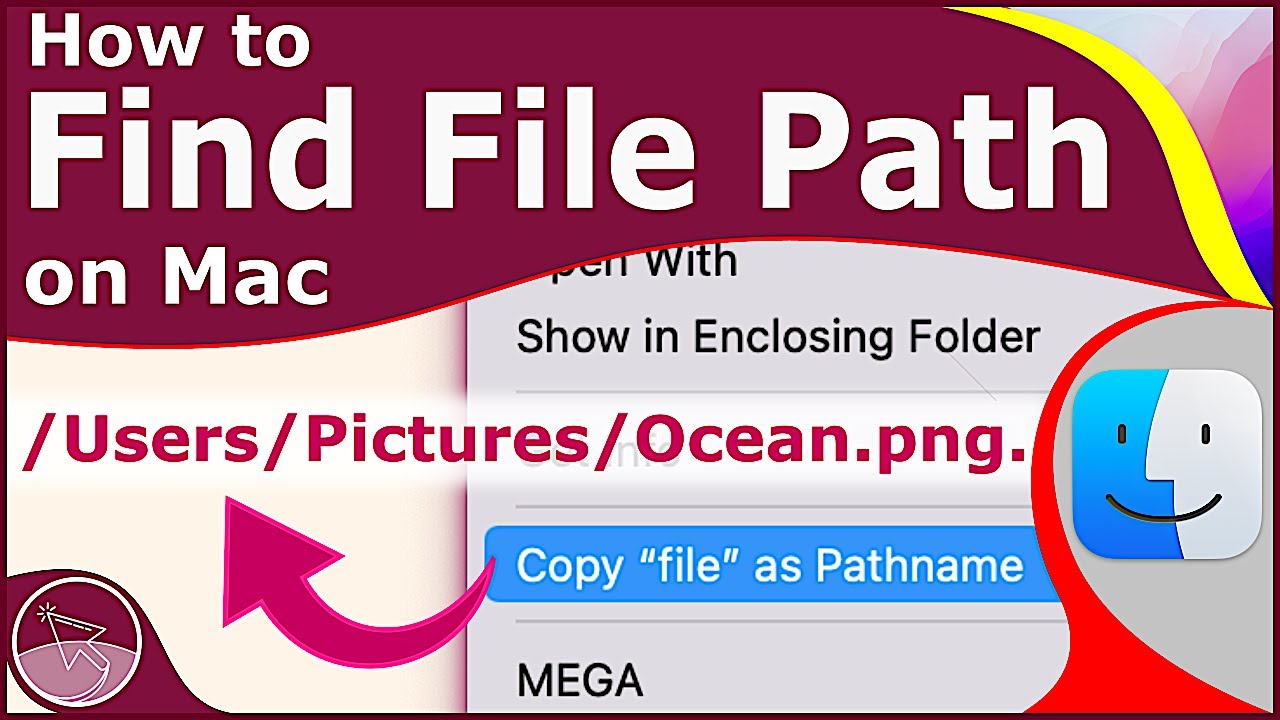 How To Find Folder Path On Mac
https://i.ytimg.com/vi/u6vYYf4U21o/maxresdefault.jpg
1 From Finder Path Bar The Finder Path Bar is the quickest and simplest way to see a file s complete path The whole path to your present location is displayed at the bottom of the window in Finder
Pre-crafted templates use a time-saving service for producing a varied variety of documents and files. These pre-designed formats and designs can be made use of for different individual and expert projects, consisting of resumes, invites, flyers, newsletters, reports, discussions, and more, simplifying the content development procedure.
How To Find Folder Path On Mac

How To View And Copy File Or Folder Path On Mac Stugon
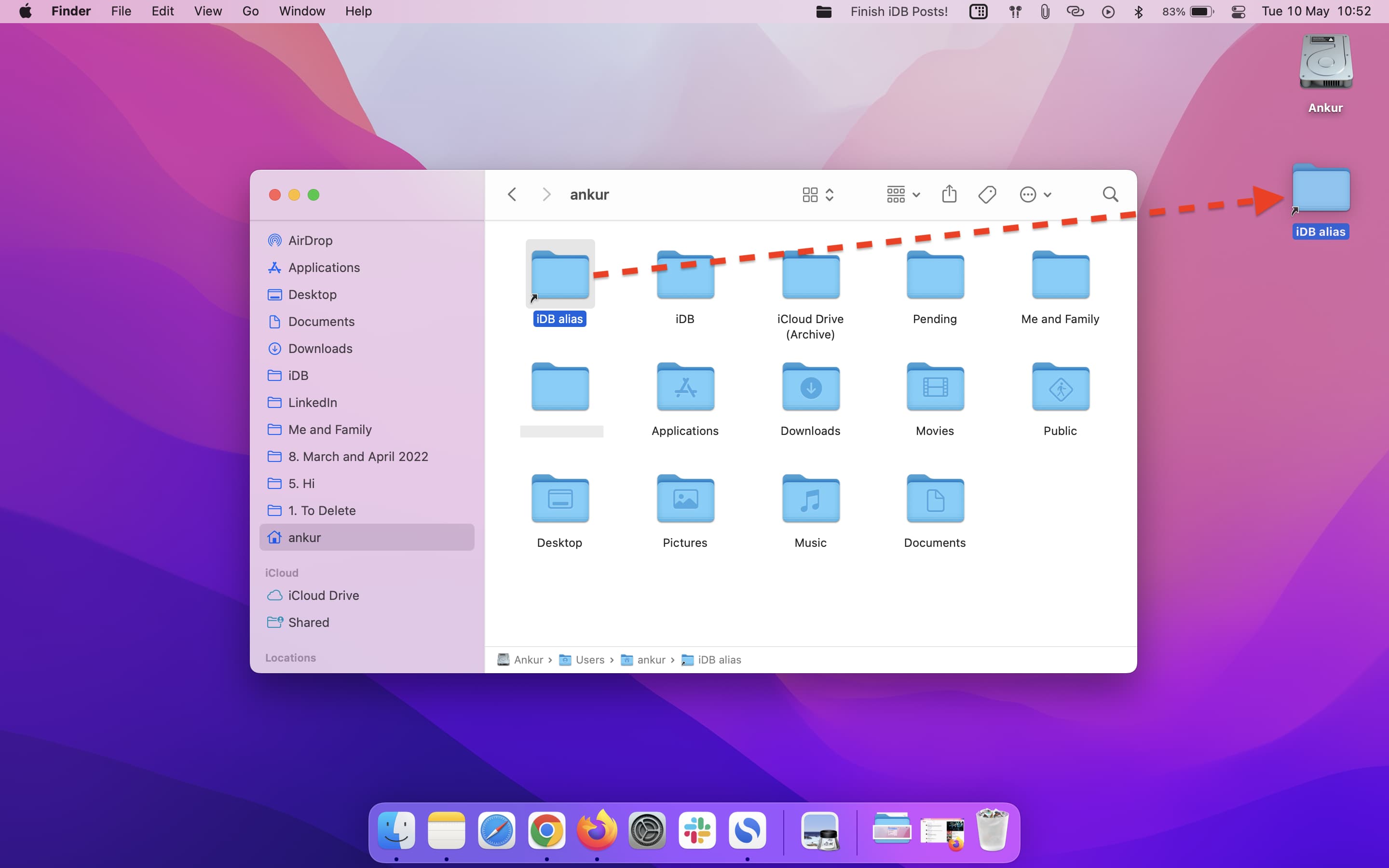
How To Open Folders Instantly On Your Mac 5 Ways
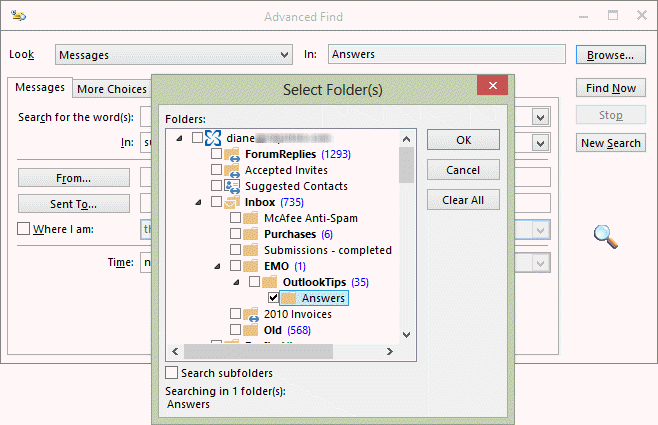
How To Find Folder Paths In Outlook Mailboxes Outlook Tips
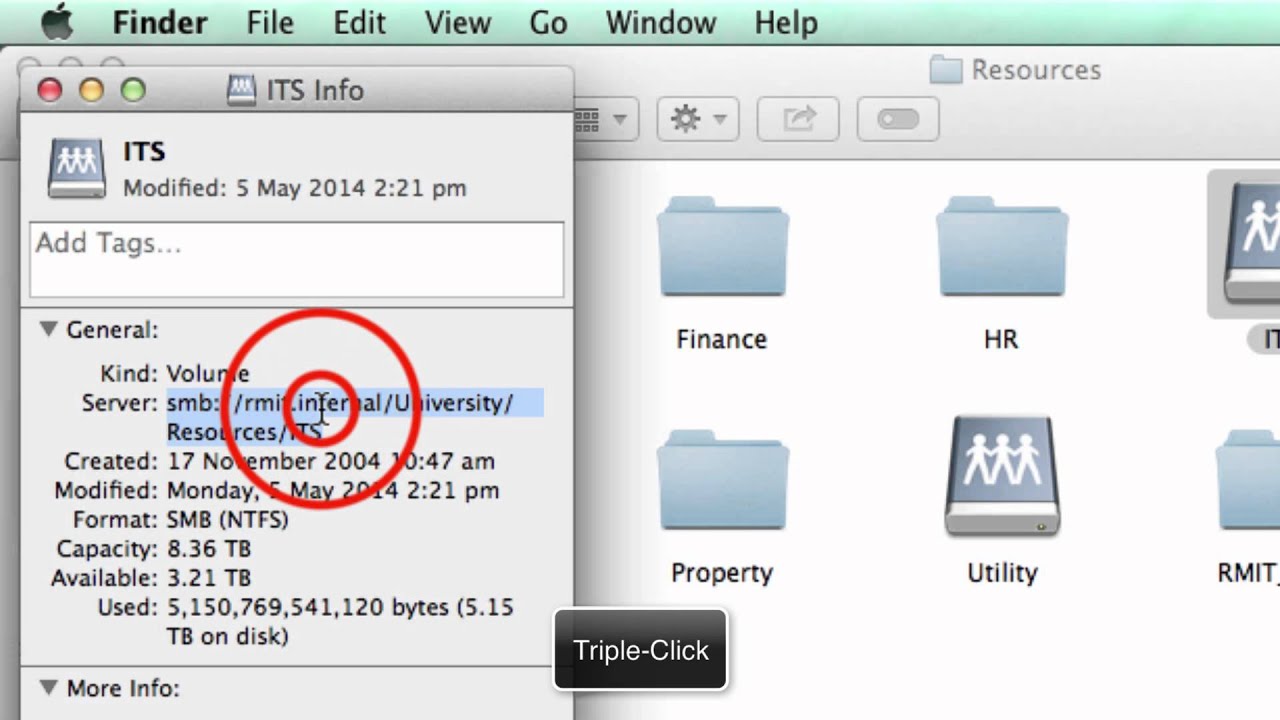
How To Get Folder Path In Mac OS YouTube
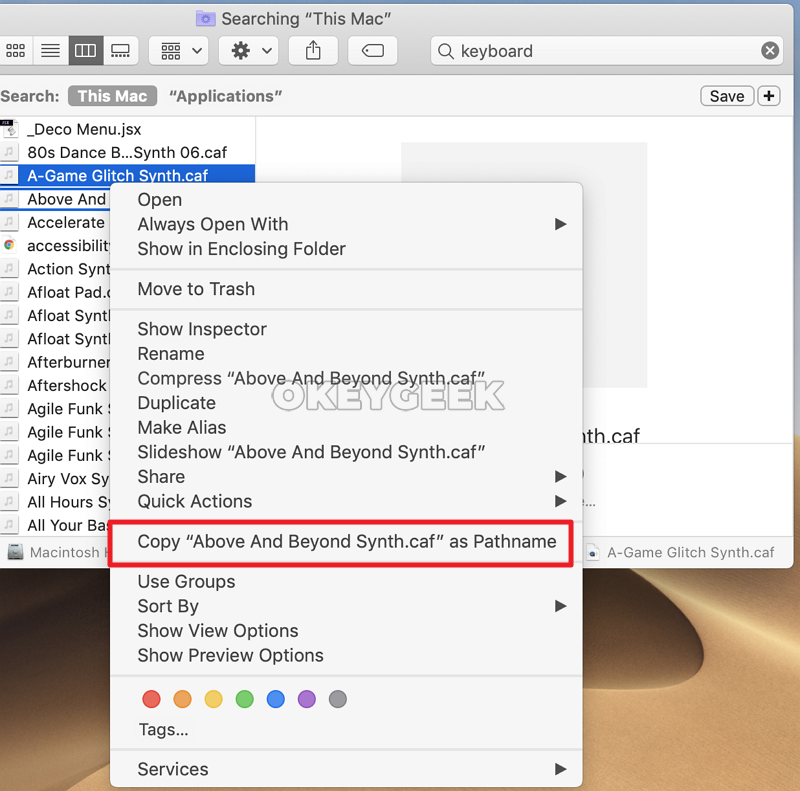
How To Copy The Path To A File Or A Folder In Mac OS Step by step
How To Find Folder Path Of A Library Open Apple Community

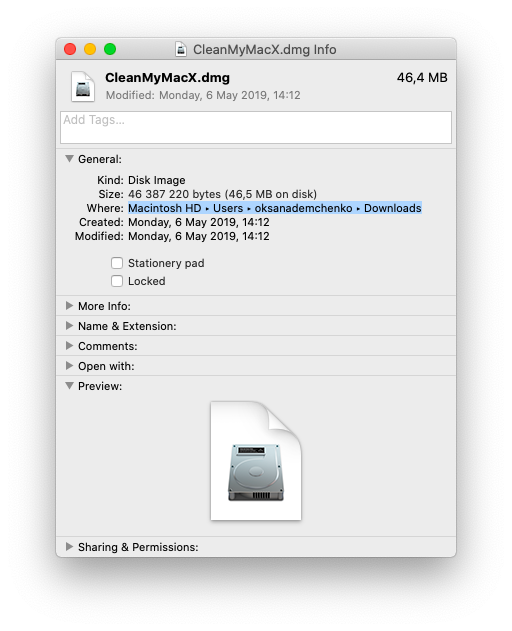
How to get a file path on a Mac To get a basic understanding of where your file is located just right click the file Right click the file Click Get Info Look up what s

You can simply find a file on your Mac and see which folder it sits in You can also check if a folder is contained in another folder and view other accompanying files

1 Finder Path Bar 2 Finder context menu 3 Spotlight 4 Get Info 5 Terminal 6 Finder title bar Finder Path Bar The simplest way to always see the full

The location and nested folders that contain your file or folder are displayed near the bottom of the Finder window You can also do any of the following Show a folder s subfolders
Fortunately there are multiple ways to find all files and folders on a Mac Some of them require manually navigating while others are as convenient as using hotkeys to pull up a quick search function If
Just select a file or folder in Finder or any other program that works in a similar way and invoke your new service from the Application Menu Services Copy File or Folder Open Applications Utilities Terminal Drag the file into the Terminal The path to the file or folder appears as a selection In this method the path name is
Here s how to get directory path in Mac using the Info Window Locate the file you need and right click it Choose Get Info or press Ctrl I on your keyboard