How To Find Command On Mac How To Find Command Location In Linux Systran Box Function Keys On Laptop Yahoo Image Search Results Keyboard Stickers Mac Keyboard How To Use Find Command In Powershell Active Directory Tools COMMAND F FIND KEY WORD Keyboard Mac Keyboard Shortcuts Mac How To Find IP Address On Apple Mac With Easy Steps Ipconfig Command In Mac BENISNOUS Web 146 rows nbsp 0183 32 Dec 12 2021 nbsp 0183 32 Launch the Terminal app from Applications gt Utilities or search for it via Spotlight Then you can get started with some of the powerful commands below
Web Navigate Terminal windows Add marks and bookmarks as you work then use them to quickly navigate through lengthy Terminal window output How to use marks and bookmarks Manage processes Use the inspector to Web May 31 2021 nbsp 0183 32 Open Terminal and type the following command to check for download and install any available updates for your system softwareupdate i a When you run this
How To Find IP Address On Apple Mac With Easy Steps Ipconfig Command In Mac BENISNOUS Anemonenfisch Hinzuf gen Panzer Apple Tastatur Windows Verbinden Lustig Sei Aufgeregt Unterw sche How To Find Command Prompt Windows 10 Likoslottery 2 Show Desktop Keyboard Shortcuts For Mac TechRistic How To Find The Command Key Option And Other Mac Control Keys La De Du How To Take A Screenshot On A Mac Softonic How To Find IP Address Using Command Prompt YouTube Minecraft How To Get Command Block Tutorial 1 9 1 8 YouTube How To Find Command Prompt History In Windows YouTube
How To Find Command On Mac
 How To Find Command On Mac
https://syscdn.systranbox.com/how_to_find_command_location_in_linux.png
Web Feb 4 2019 nbsp 0183 32 Use Ctrl R for searching a command from history in Terminal Type any substring of the command you want to search e g grep It will return the latest
Templates are pre-designed files or files that can be used for various functions. They can save effort and time by offering a ready-made format and design for producing various type of content. Templates can be utilized for individual or expert tasks, such as resumes, invitations, flyers, newsletters, reports, presentations, and more.
How To Find Command On Mac
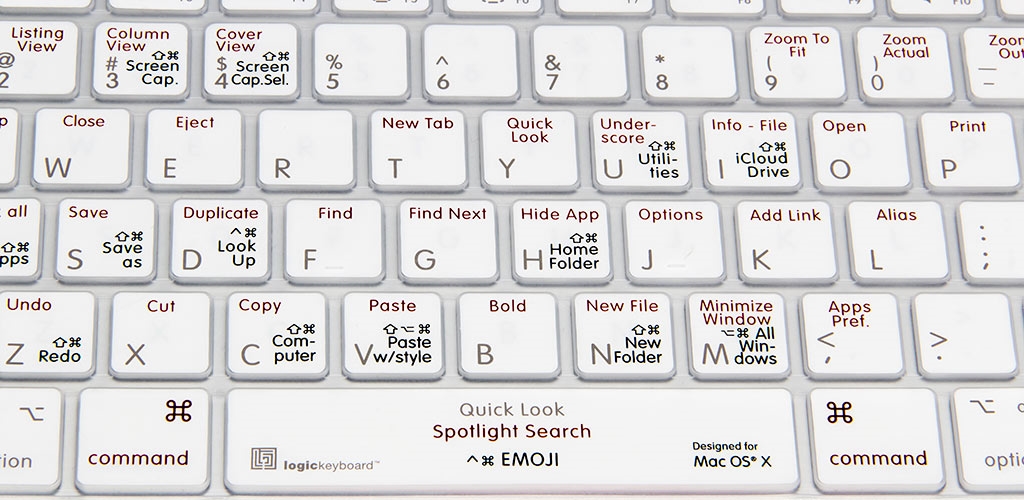
Windows Shortcuts In Mac Newlineirish
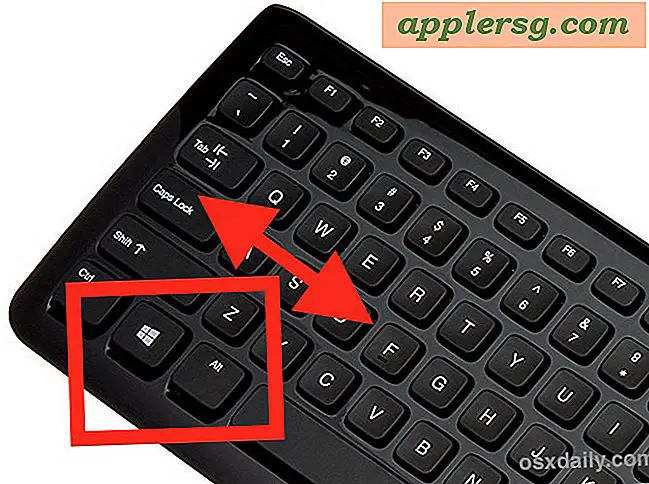
Anemonenfisch Hinzuf gen Panzer Apple Tastatur Windows Verbinden Lustig Sei Aufgeregt Unterw sche
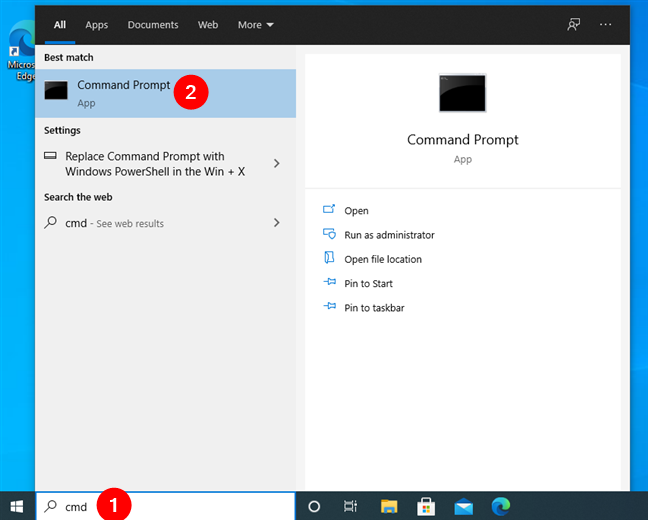
How To Find Command Prompt Windows 10 Likoslottery
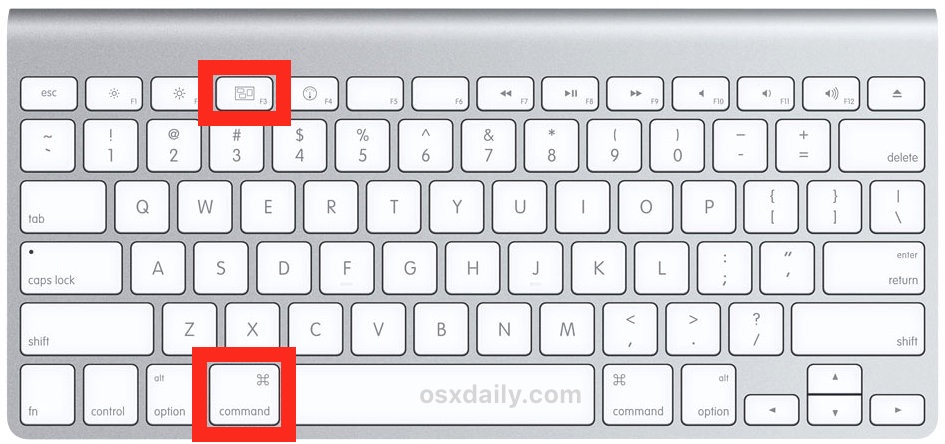
2 Show Desktop Keyboard Shortcuts For Mac TechRistic
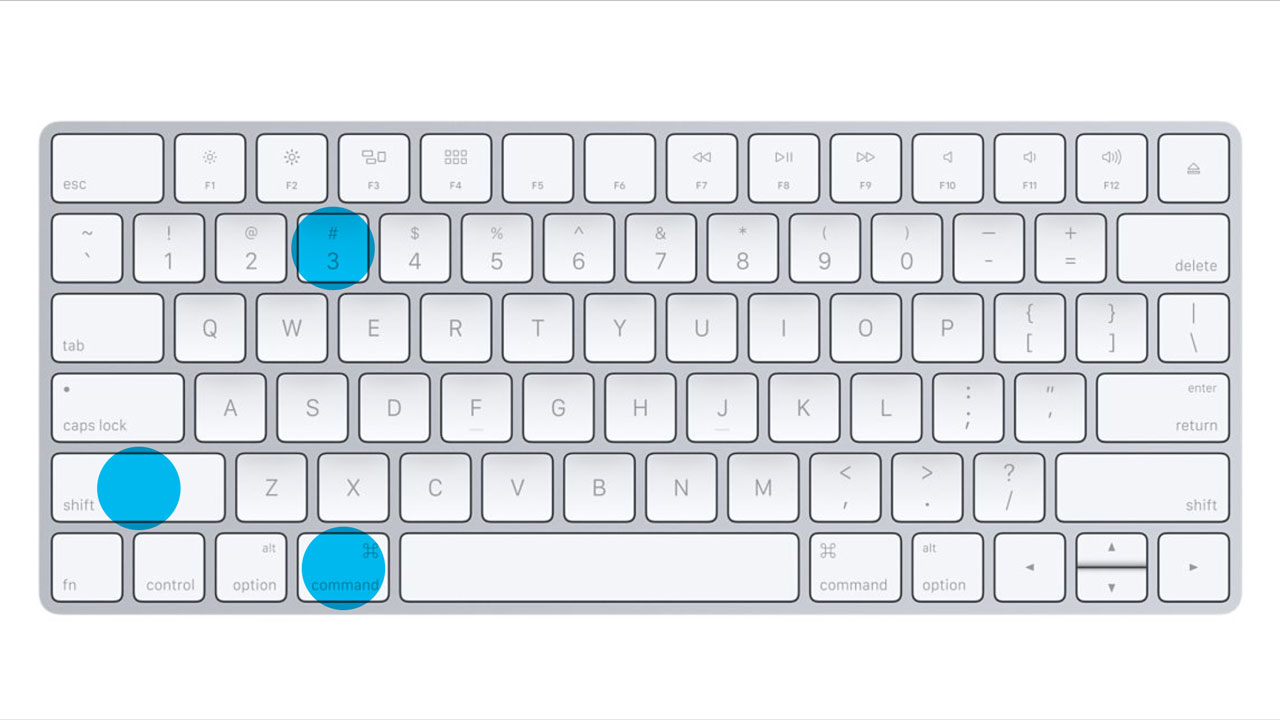
How To Take A Screenshot On A Mac Softonic

How To Find IP Address Using Command Prompt YouTube

Web Execute commands in the shell In the Terminal app on your Mac enter the complete pathname of the tool s executable file followed by any needed arguments then press

Web Feb 26 2022 nbsp 0183 32 This is how you execute commands on your Mac using the command line Launch Terminal by finding it in the Utilities folder or by searching for it using Spotlight and then familiarize yourself with the
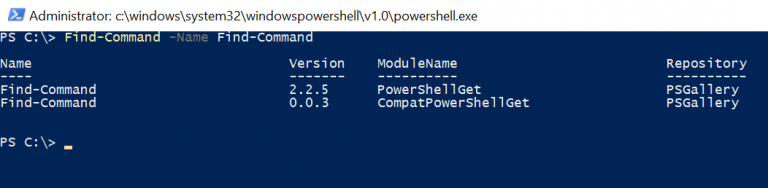
Web Mar 18 2017 nbsp 0183 32 Mac s command line interface Terminal ships with a bewildering array of commands Google searches and man pages will help you get a better sense of what your machine is capable of but they won t

Web Nov 6 2021 nbsp 0183 32 How to access the command line on a Mac Updated 11 06 2021 by Computer Hope In macOS the Terminal application provides a command line for

Web Aug 10 2020 nbsp 0183 32 To launch Spotlight click the small magnifying glass icon in your menu bar or press Command Space When the Spotlight Search bar pops up on your screen
Web May 18 2023 nbsp 0183 32 A system running macOS Access to the command line terminal Note Since both macOS and Linux are compatible with UNIX applications most commands Web For example history 5 tells the shell to display the commands starting with the fifth one in the history list You can enter any number as an argument for the history command if
Web I just tried this and got a quot No such file or directory error quot cd find name filename txt exec dirname results in an error but the find command by itself works perfectly find