How To Export Access To Excel Excel Converting Access Databases To Microsoft Excel HOW TO EXPORT ACCESS TO EXCLE IN Microsoft Office 2019 YouTube How To Export Data From Access To Excel Files Best Methods How To Convert Excel To Microsoft Access Riset How To Export Data From Microsoft Access To Excel Web Tips It is possible to just copy the data from an Access data table and paste it into Excel for a simple way to move the data over Highlight all of the data in the table Right click anywhere in the table and click quot Copy quot Open up Excel right click in the worksheet and click quot Paste quot
Web Open the Linked Table Manager dialog in Access 2016 or later by clicking External Data gt Linked Table Manager Select the linked data sources you want to list and then click Export to Excel Access prompts you for a location to save the Excel workbook Web Overview You can export a table query form report macro or module from one Access database to another When you export an object Access creates a copy of the object in the destination database You export database objects
How To Export Data From Microsoft Access To Excel Access To Excel How To Export Table Data From Access 2016 Then Apply How To Export Access Data To Excel Using VBA Code Easy Way 08 Coding Heuristiko Access Import Export To Excel Archives MS Access Blog How To Export Access Data To Excel Using VBA Code Easy Way 08 Excel Export Invoice Format In Excel Free Download JohnSilvas Blog How To Export Access Table To Excel Using Vba 2016 Youtube Riset Access To Excel Conversion
How To Export Access To Excel
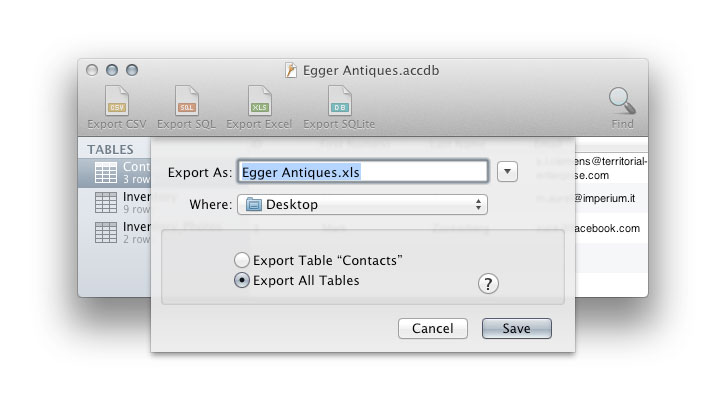 How To Export Access To Excel
https://eggerapps.at/mdbviewer/docs/en/images/export-xls.jpg
Web When you move data from Excel to Access there are three basic steps to the process Note For information on data modeling and relationships in Access see Database design basics Step 1 Import data from Excel to Access Importing data is an operation that can go a lot more smoothly if you take some time to prepare and clean your data
Templates are pre-designed documents or files that can be used for different functions. They can conserve time and effort by supplying a ready-made format and layout for developing various kinds of material. Templates can be utilized for individual or professional jobs, such as resumes, invites, flyers, newsletters, reports, discussions, and more.
How To Export Access To Excel
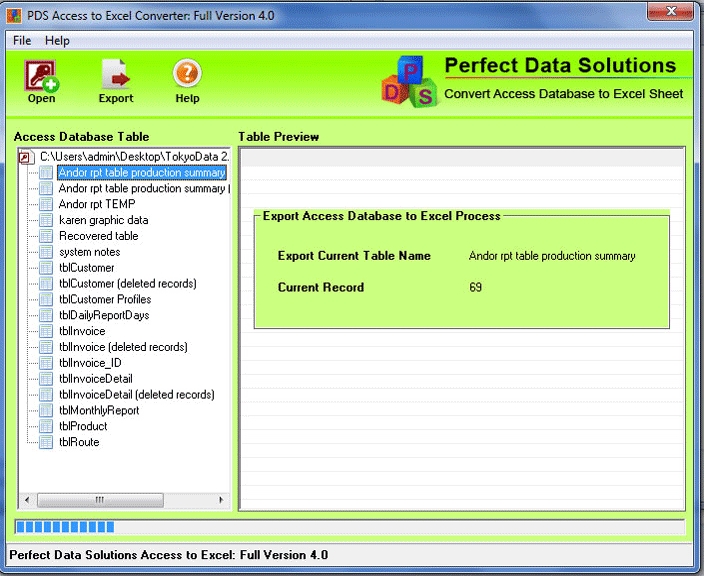
Export Access To Excel Standaloneinstaller
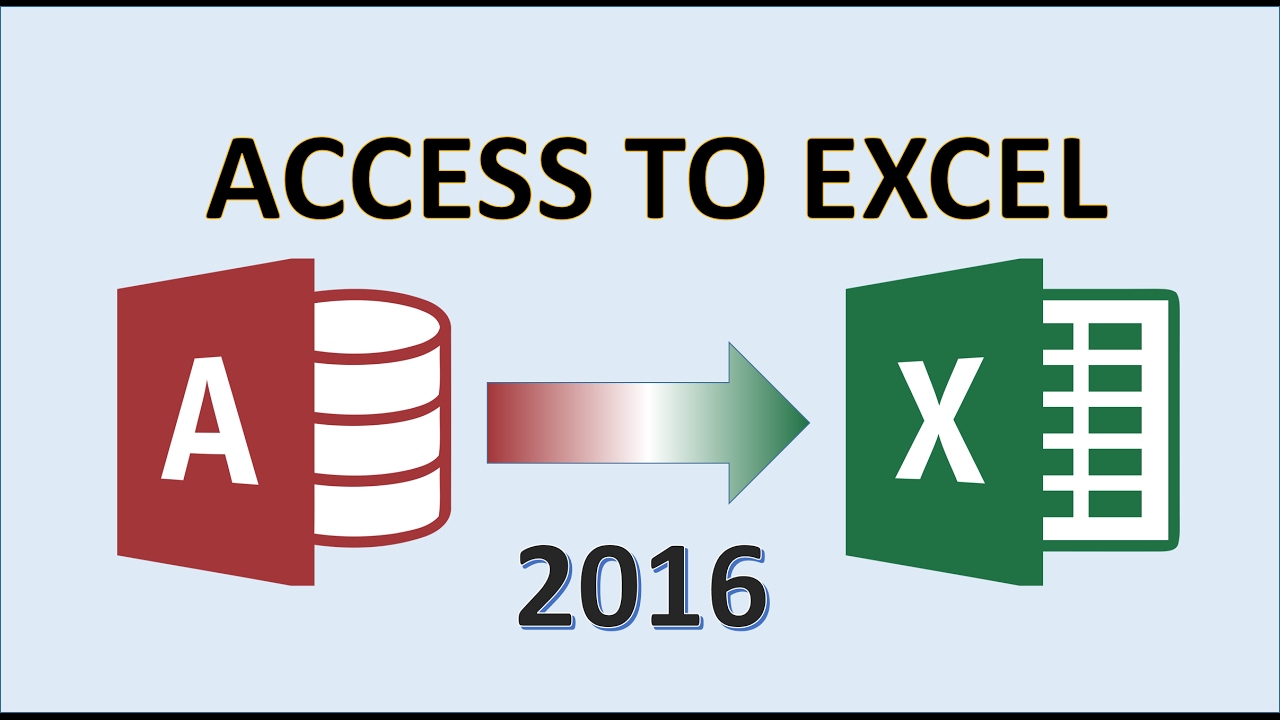
Access To Excel How To Export Table Data From Access 2016 Then Apply

How To Export Access Data To Excel Using VBA Code Easy Way 08 Coding

Heuristiko

How To Export Access Data To Excel Using VBA Code Easy Way 08 Excel
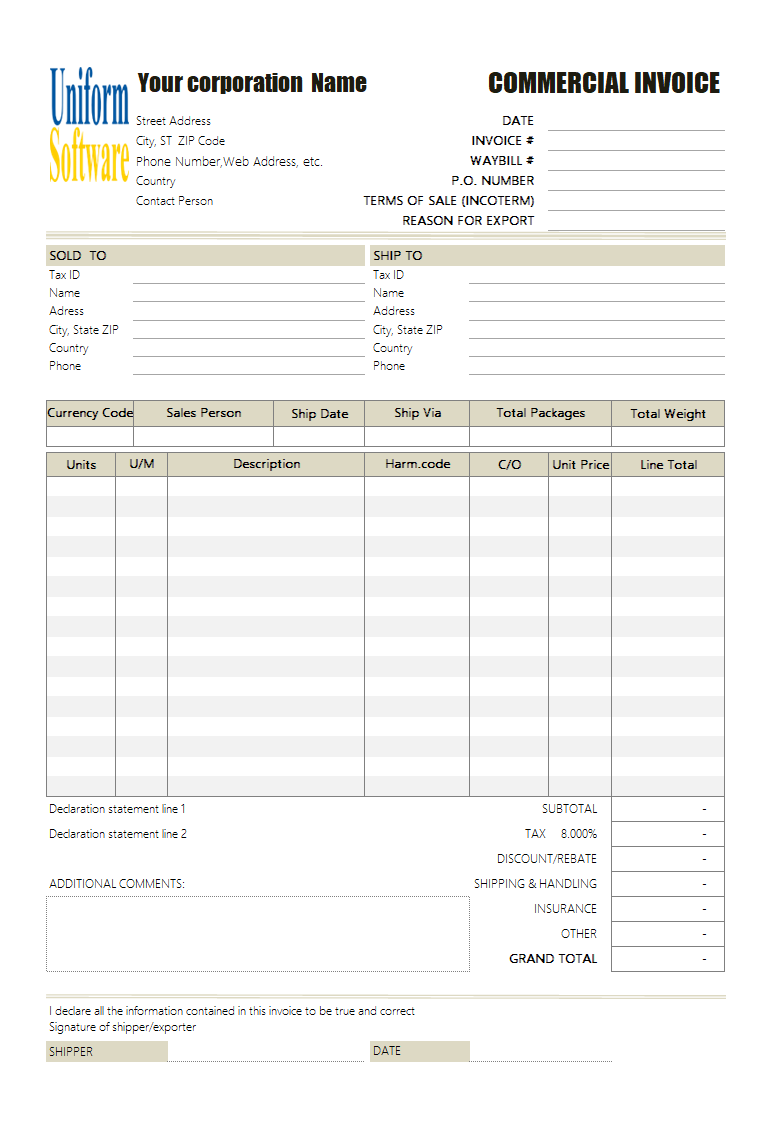
Export Invoice Format In Excel Free Download JohnSilvas Blog
Web Sep 18 2020 nbsp 0183 32 Use the Access Wizard to Quickly Export Data to Excel Applies to Microsoft 174 Access 174 2007 2010 2013 2016 2019 and 365 Windows Microsoft Access includes an easy to use export wizard that can be used to export tables queries forms or reports to Excel Certain objects export better than others

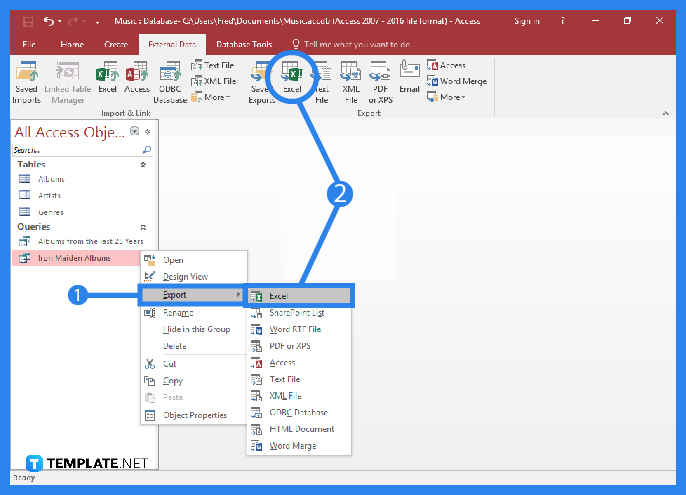
Web Apr 21 2022 nbsp 0183 32 In Access you can export data from Access in various formats such as Excel Word and SharePoint list Exporting an Access database to Excel will export an object to a worksheet in an Excel file

Web May 24 2016 nbsp 0183 32 To export from Access 2013 or 2016 to Excel Open the table or query that contains the data you want to export Click the Excel download icon from the EXTERNAL DATA tab on the Ribbon Click OK to save the file at the default location Alternatively change the location and or a file name

Web Oct 27 2022 nbsp 0183 32 To bring data from Access to Excel users can execute any one of the following processes as mentioned below Copy data items from an MS Office Access database and paste it into an Excel worksheet Connect to Microsoft Office Access database from an MS Excel spreadsheet Export Access data contents into an MS
Web Jan 25 2017 nbsp 0183 32 138K views 6 years ago Access 2016 Tutorial Playlist Lean How to Use MS Access to Make a Database Tutorials for Microsoft Office Specialist Exam MOS This video covers how
[desc-11] [desc-12]
[desc-13]