How To Enable Typescript Debugging In Visual Studio 2022 Visual Studio Code Debugger Settings Profileops 6674 Hot Sex Picture How To Debug Node Js Code In Visual Studio Code DigitalOcean 2022 31980 Typescript Debugging With Visual Studio code 2019 YouTube Solved Binding Wpf Combobox To Sql Server Table Experts Exchange Debugging ASP NET Web Request Failures The Complete Guide Michael s This process seen in Figure 1 is an iterative approach that proceeds to clearly define a problem generate solution ideas model simulate solutions create
Engineering Design Process Steps 1 Define The Problem 2 Brainstorm Possible Solutions 3 Research Ideas Explore Possibilities for your Engineering Design 12 Develop a Design Proposal Make a Model or Prototype Test and Evaluate Refine the Design Create or make Solution Communicate Processes and Results 1
Debugging ASP NET Web Request Failures The Complete Guide Michael s Visual Studio For Web Development Microsoft Edge Development Deshabilitar El Depurador Just In Time Visual Studio Windows Declare Missing Helper Function TypeScript In Visual Studio Code By Debugging In Visual Studio Code What s New In Visual Studio 2022 And C 10 0 Iteo How To Debug Go Code With Visual Studio Code DigitalOcean Visual Studio Debugging In Visual Studio Visual Studio Tutorial Hot Playwright getting started vscode js md At Main Microsoft playwright
How To Enable Typescript Debugging In Visual Studio 2022
 How To Enable Typescript Debugging In Visual Studio 2022
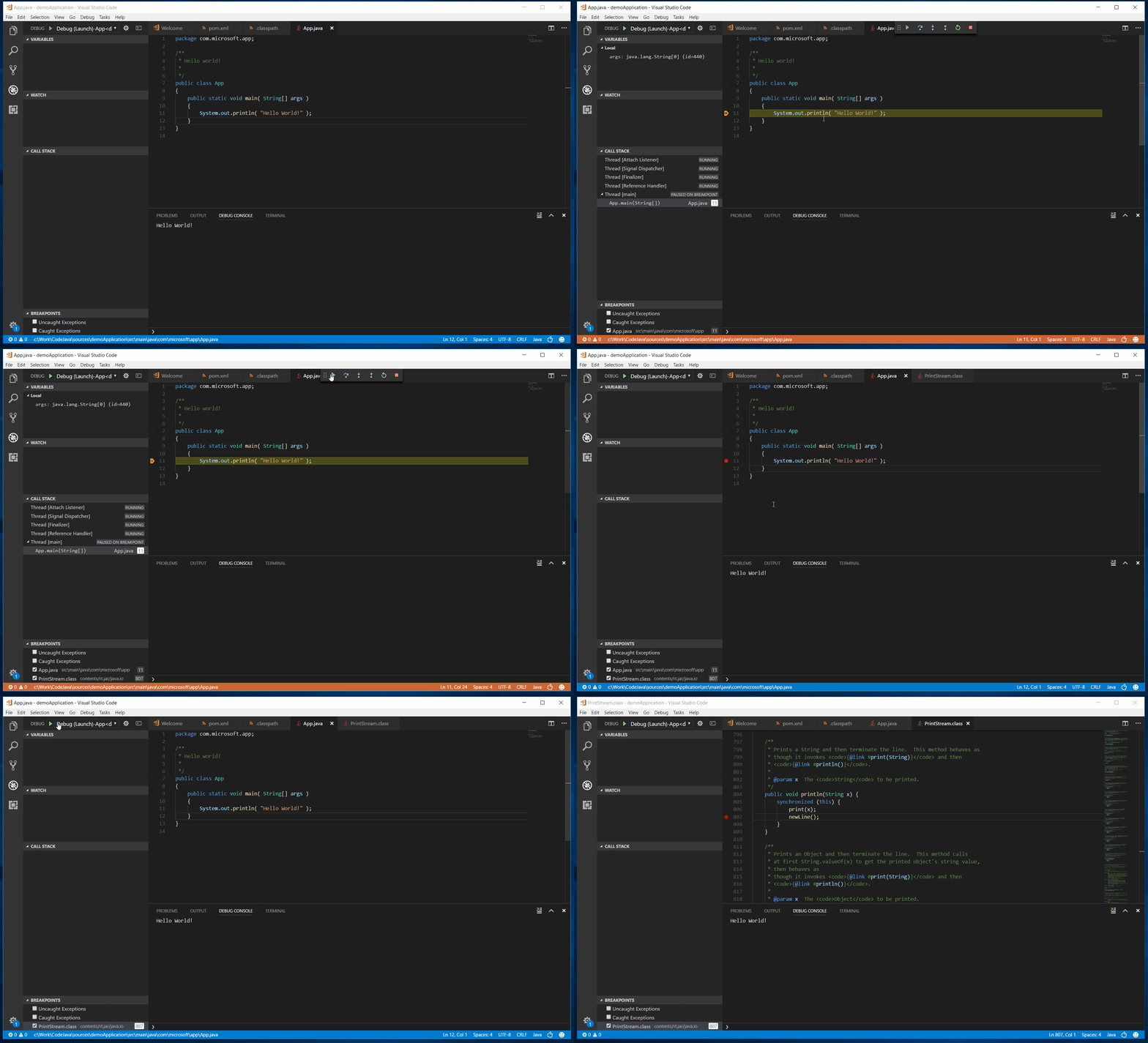
http://devblogs.microsoft.com/wp-content/uploads/sites/4/2019/06/Open-Sourcing-Java-Debugger-for-Visual-Studio-Code-External-Source.gif
Phase 1 Research Design and Presentation Step 4 Project Preparation Step 5 Preliminary Design Step 6 Final Presentation
Pre-crafted templates use a time-saving service for creating a varied range of documents and files. These pre-designed formats and layouts can be made use of for numerous personal and professional tasks, including resumes, invites, leaflets, newsletters, reports, presentations, and more, simplifying the material development process.
How To Enable Typescript Debugging In Visual Studio 2022
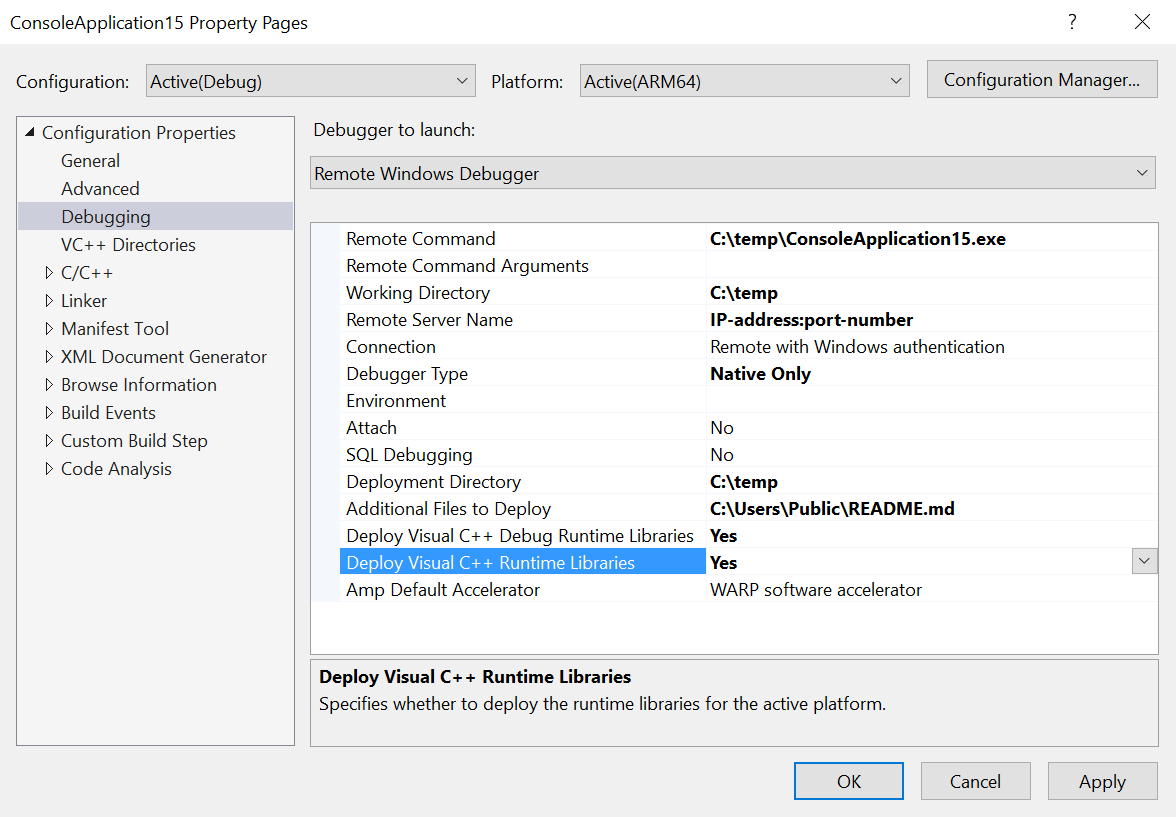
Visual Studio Remote Debugging Tutorial Naxreultra
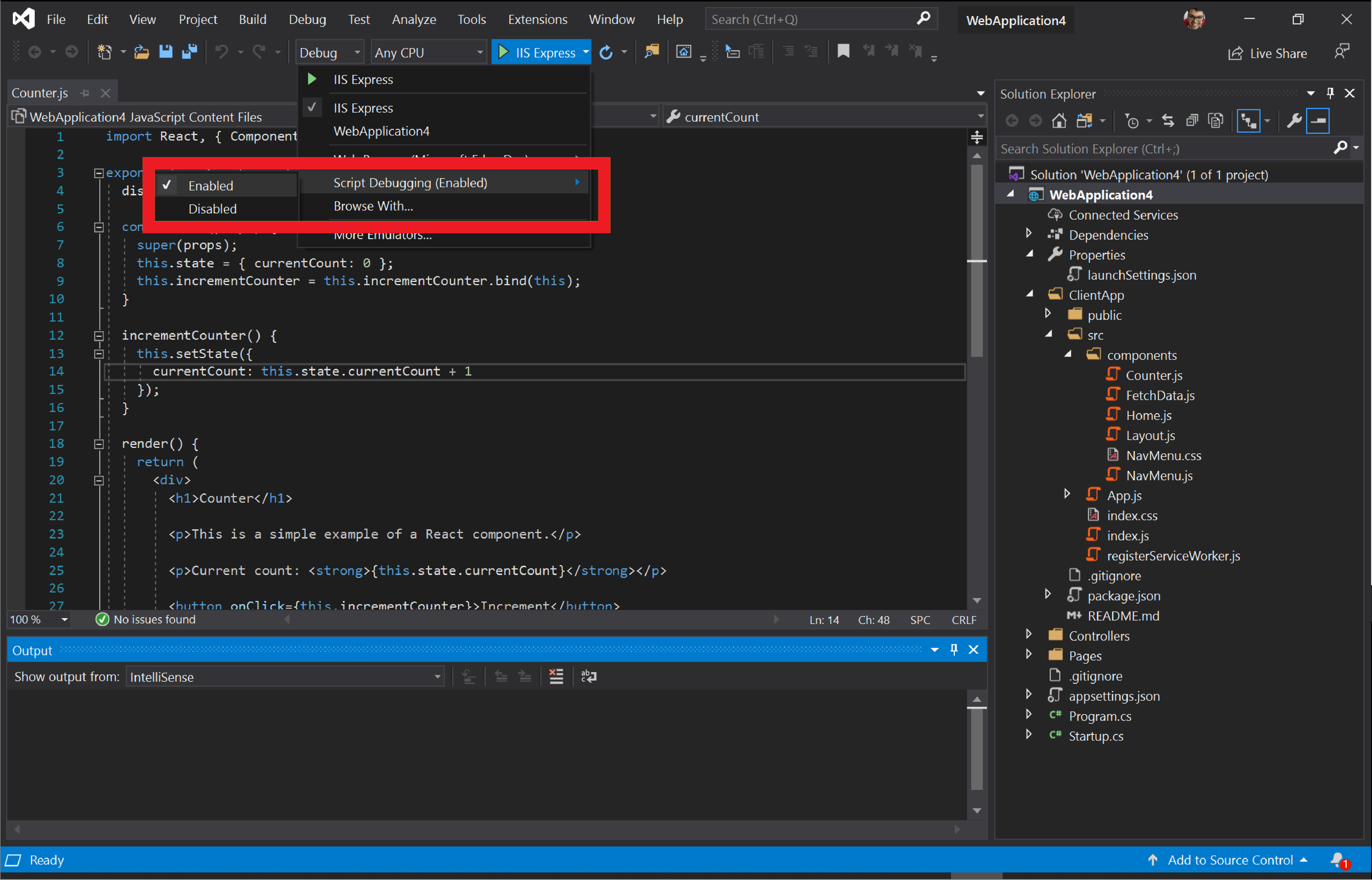
Visual Studio For Web Development Microsoft Edge Development

Deshabilitar El Depurador Just In Time Visual Studio Windows
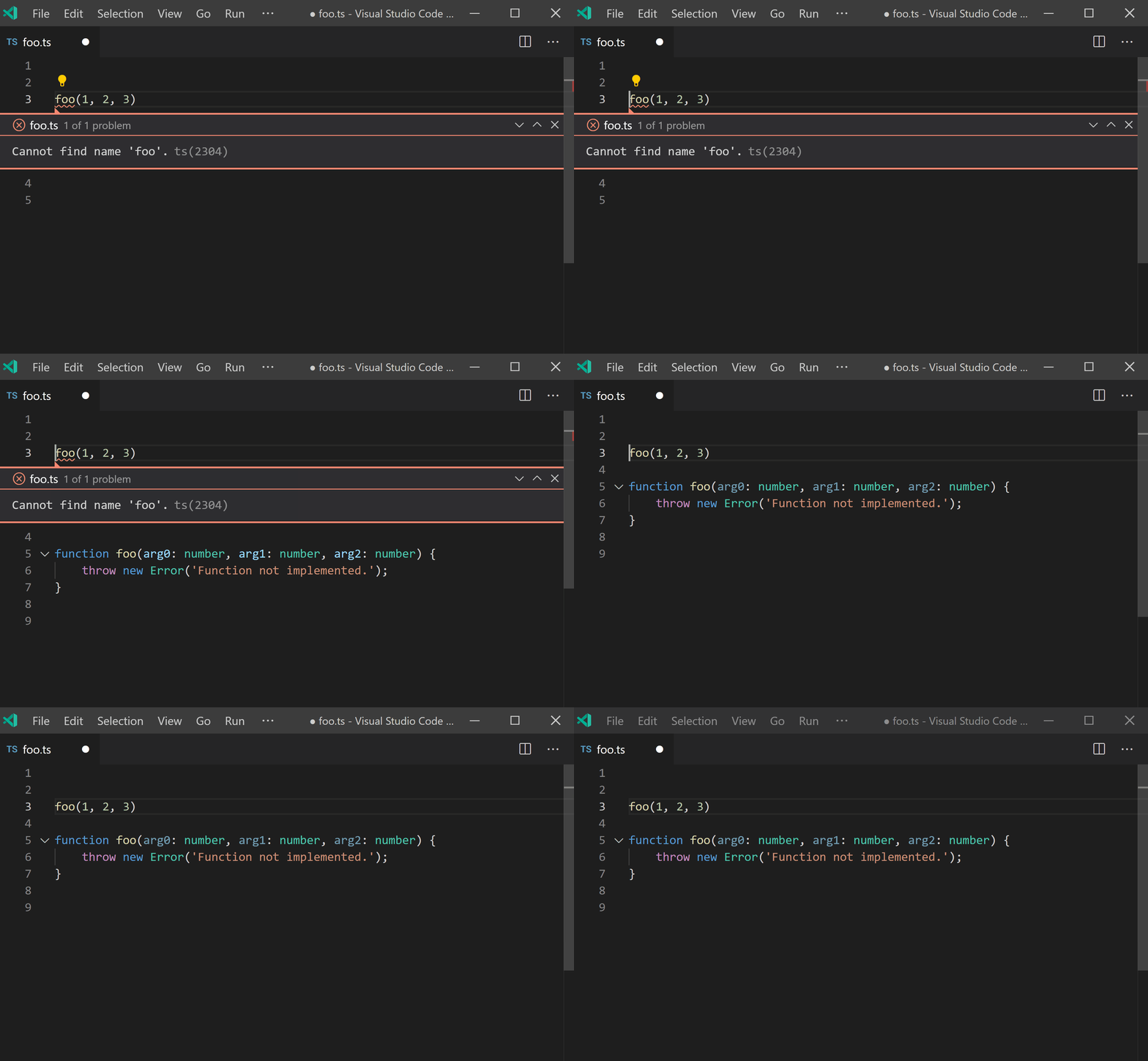
Declare Missing Helper Function TypeScript In Visual Studio Code By

What s New In Visual Studio 2022 And C 10 0 Iteo

How To Debug Go Code With Visual Studio Code DigitalOcean

Define Problem The first step in the engineering design process is to select a need to address Brainstorm Possible Solutions Research Ideas Explore
Produces accurate pictorial and orthographic sketches of design concepts Identifying Criteria and Specifying Constraints Does not restate the criteria

Built within each step is the ability to gather feedback and continuously iterate around ideas Our front end design process consists of

The 12 step design process it one that can be applied to engineering This process is very straight forward and gives an outline on how to design new products

After watching this video either make a video of your own a presentation or a sketchnote with
12 Steps of the Engineering Design Process Select an Approach Develop a plan based off all information gathered Develop a Design Proposal Finalize and Which step is the first in the design process answer choices Define a problem Generate concepts Develop a solution Construct and test a prototype
Browse all K 12 engineering design process curriculum Ask Identify the Need Constraints Research the Problem Imagine Develop Possible Solutions Plan