How To Enable Remote Debugging In Visual Studio 2019 Debug Using The Just In Time Debugger Visual Studio Windows Visual Studio For Web Development Microsoft Edge Development About debugging Firefox Source Docs Documentation Debugging In Visual Studio Code In 2021 Coding Visual Studio Depurar Remotamente Dispositivos Windows Microsoft Edge Development Verkko To set up a remote debugging session you first need to copy the debug server over to the target machine Find the folder under your installation directory for visual studio
Verkko 5 p 228 iv 228 228 sitten nbsp 0183 32 To attach the remote debugger Select Tools gt Google Cloud Tools gt Show Google Cloud Explorer to launch the Cloud Explorer Right click the Compute Verkko VS Code Remote Development Visual Studio Code Remote Development allows you to use a container remote machine or the Windows Subsystem for Linux WSL as a
Depurar Remotamente Dispositivos Windows Microsoft Edge Development Disable The Just In Time Debugger Visual Studio Windows Microsoft How To Enable USB Debugging On Realme AirDroid Support Center Debugging Configurations For Python Apps In Visual Studio Code 2022 How To Disable JavaScript Debugging In Visual Studio 2013 Stack Overflow How To Enable Usb Debugging On An Android Device Bitwarsoft Vrogue Enabling UI Debugging Tools For XAML Mastering Visual Studio 2017 Book Noob Guide How To Enable Developer Option USB Debugging On Android What Is USB Debugging Mode On Android Here s How To Enable It
How To Enable Remote Debugging In Visual Studio 2019
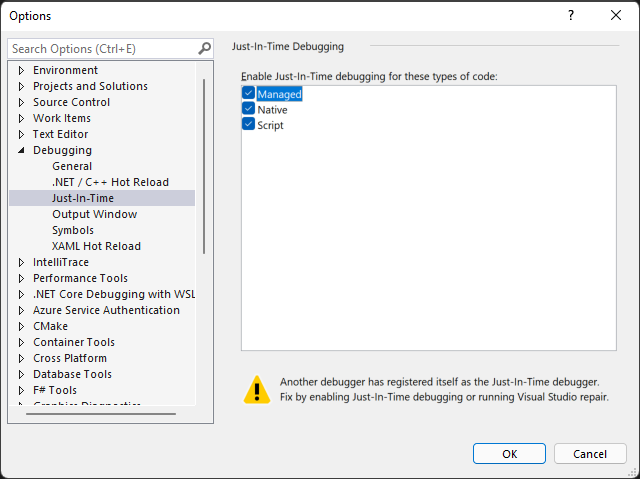 How To Enable Remote Debugging In Visual Studio 2019
https://learn.microsoft.com/en-us/visualstudio/debugger/media/dbg-jit-enable-or-disable.png?view=vs-2022
Verkko 2 huhtik 2019 nbsp 0183 32 Task 3 IntelliTrace inside Visual Studio 2019 F5 IntelliTrace Select File Start Page to open the Visual Studio Start Page Open the PartsUnlimited
Pre-crafted templates provide a time-saving solution for creating a varied range of documents and files. These pre-designed formats and designs can be used for different individual and professional jobs, including resumes, invites, leaflets, newsletters, reports, discussions, and more, streamlining the material production procedure.
How To Enable Remote Debugging In Visual Studio 2019

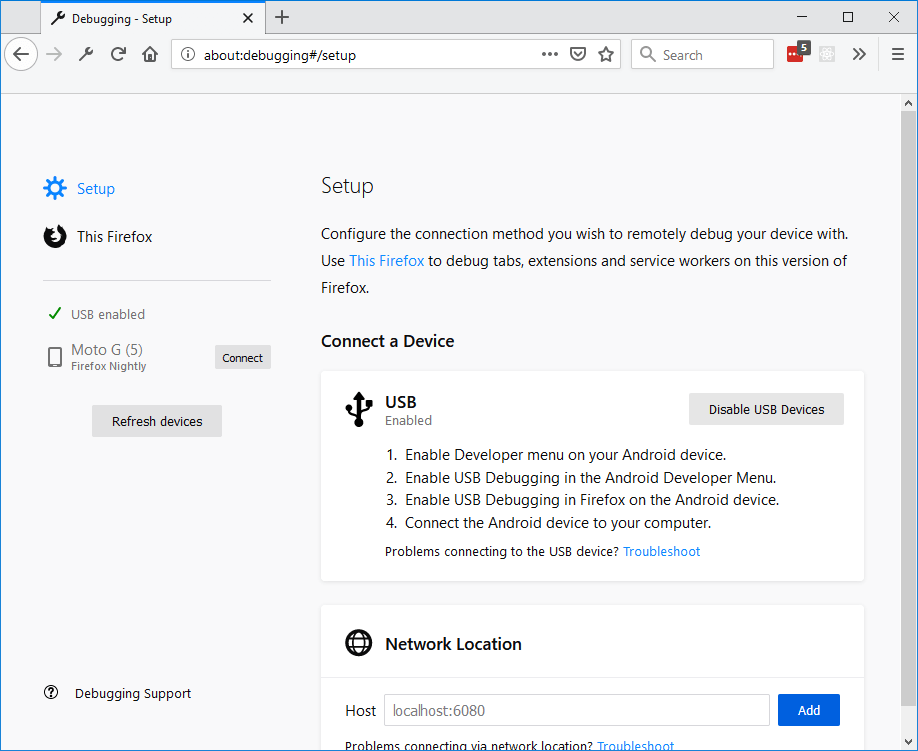
Remotely Debug Windows Devices Microsoft Edge Development Microsoft
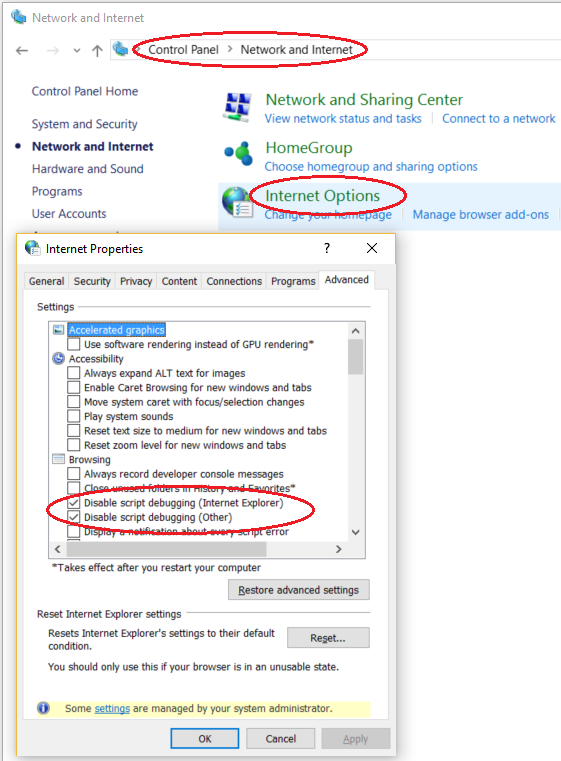
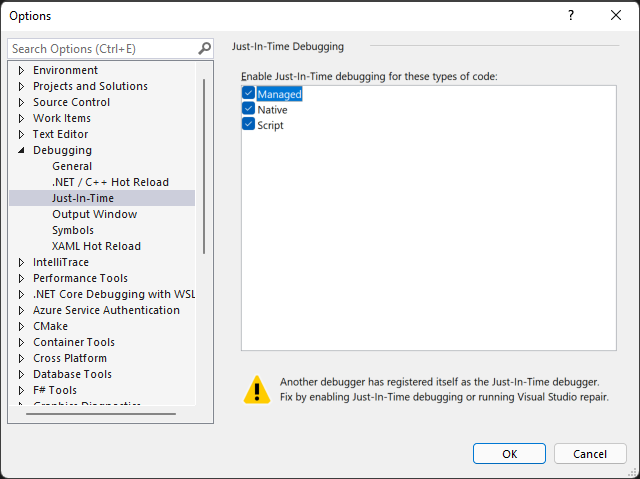
Disable The Just In Time Debugger Visual Studio Windows Microsoft
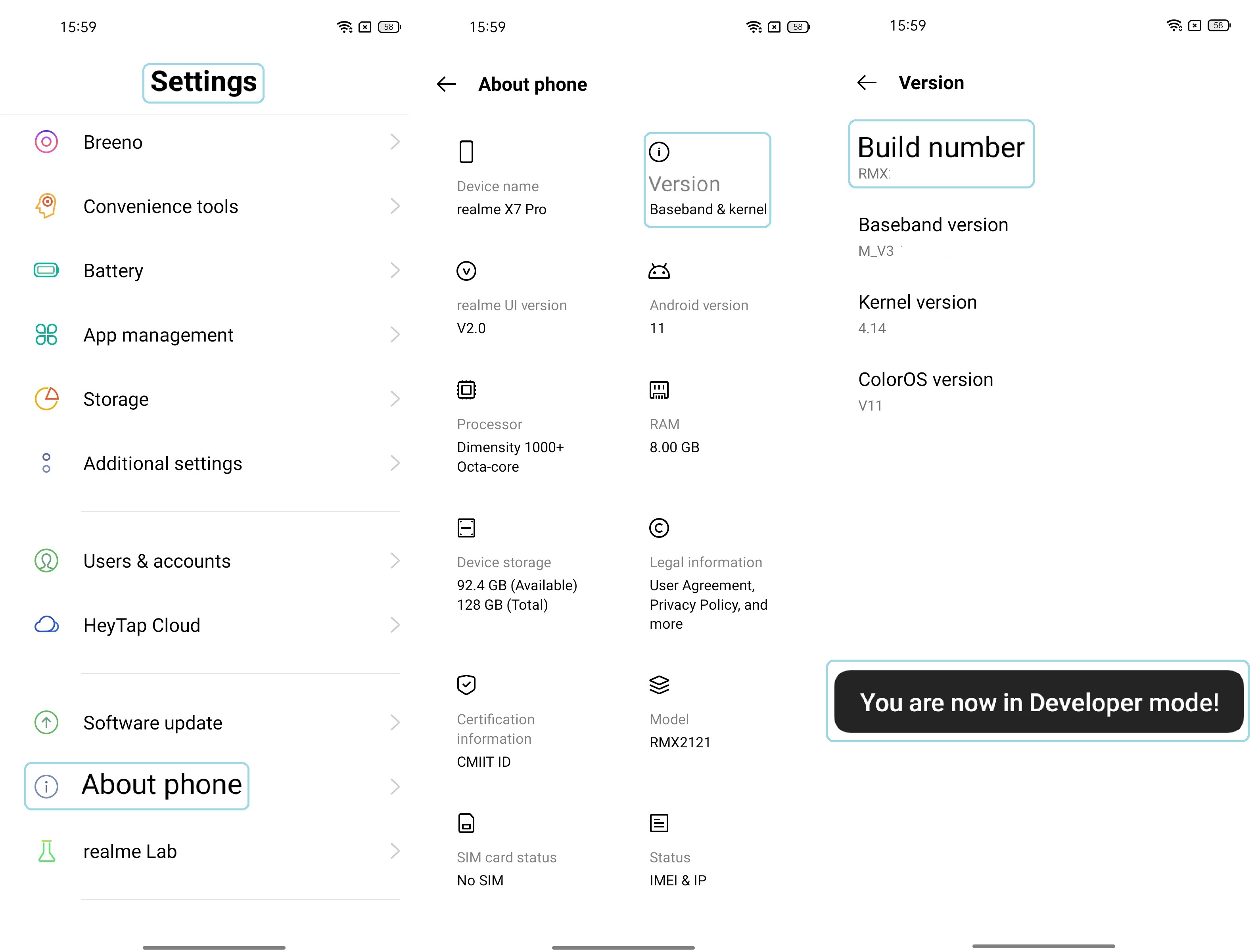
How To Enable USB Debugging On Realme AirDroid Support Center
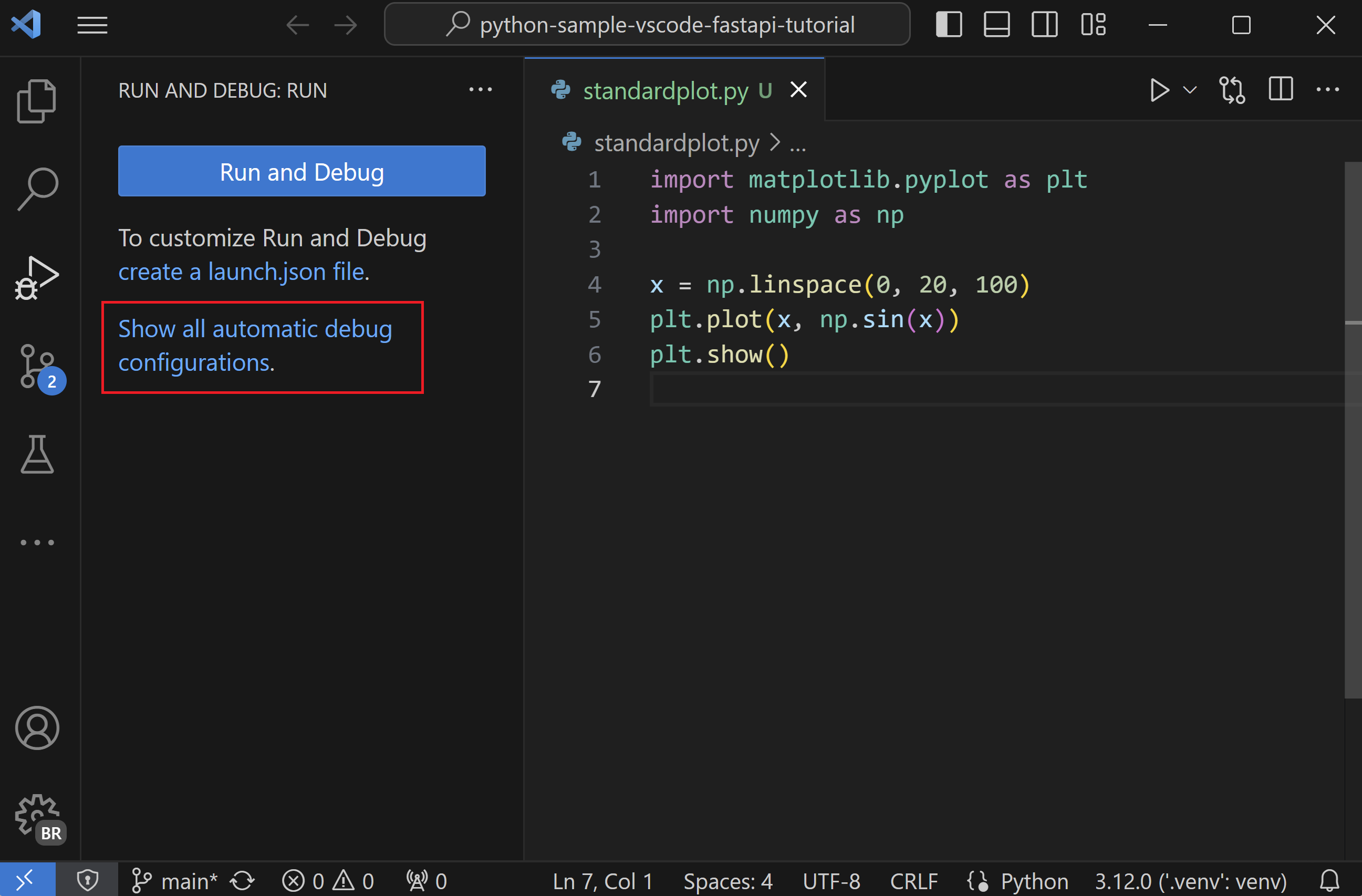
Debugging Configurations For Python Apps In Visual Studio Code 2022
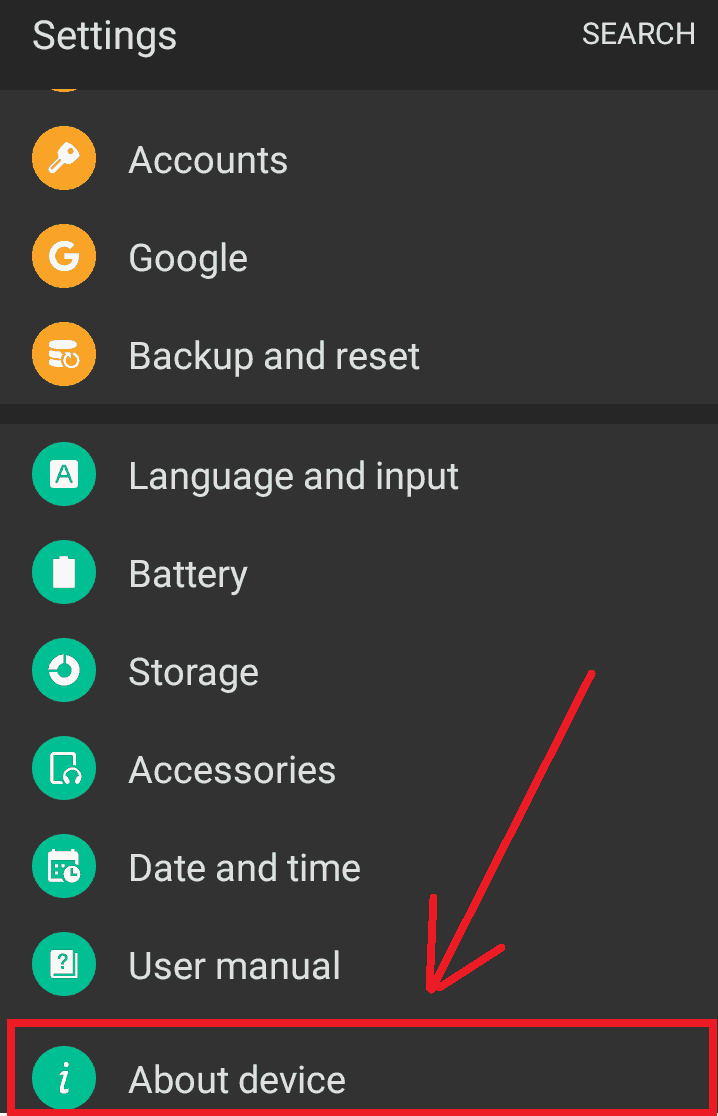
How To Enable Usb Debugging On An Android Device Bitwarsoft Vrogue

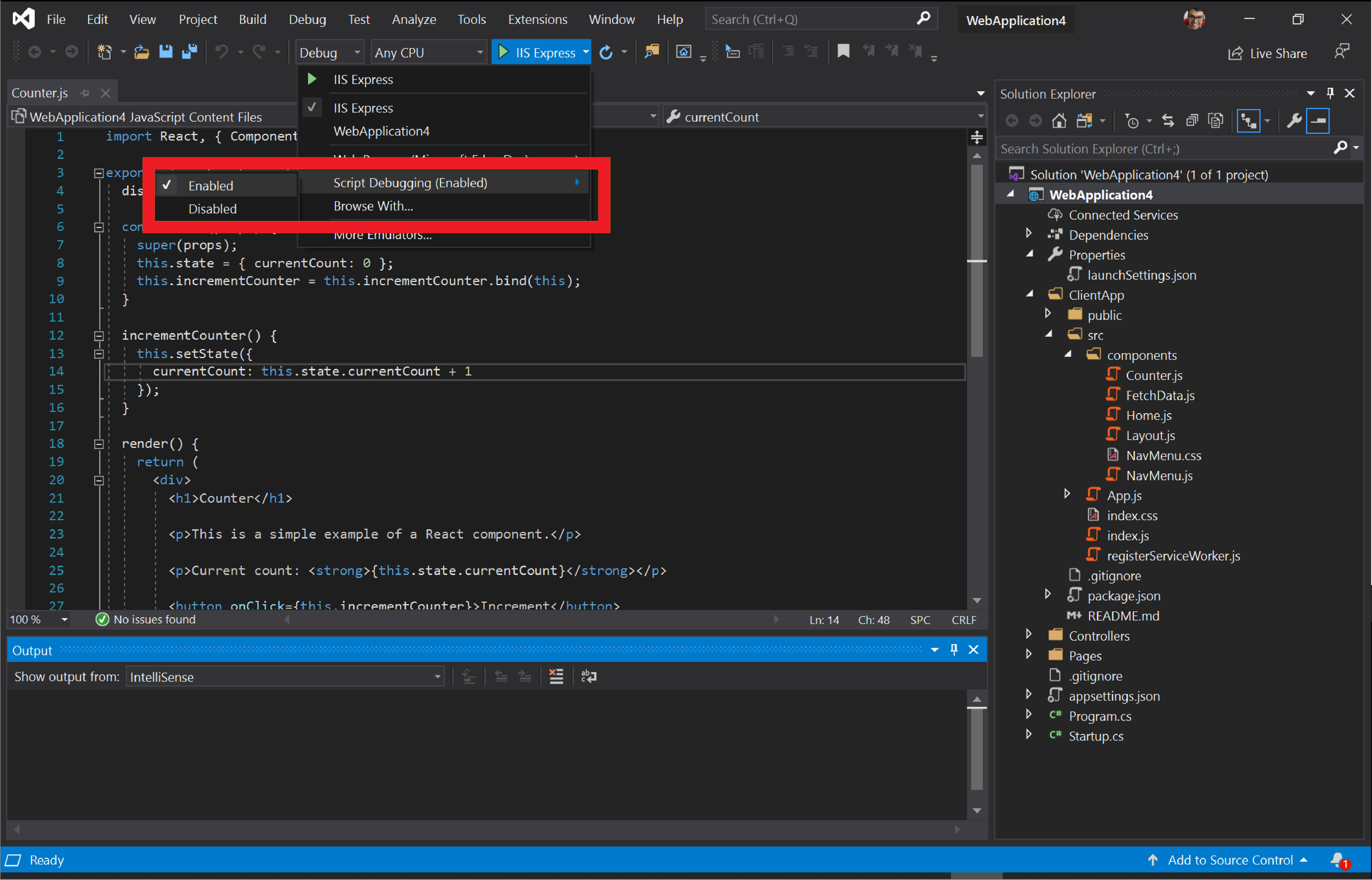
Enabling UI Debugging Tools For XAML Mastering Visual Studio 2017 Book
Verkko 24 huhtik 2020 nbsp 0183 32 But now when I hit F5 the error quot The Visual Studio 2019 Remote Debugger MSVSMON EXE does not appear to be running on the remote computer
Verkko 6 tammik 2021 nbsp 0183 32 https docs microsoft en us visualstudio debugger remote debugging view vs 2019 requirements msvsmonhttps docs microsoft en
Verkko 28 marrask 2021 nbsp 0183 32 Want to debug code on a Virtual Machine or another computer using the Remote Debugger for Visual Studio 2022 VS 2022 Well this video takes you

Verkko 26 helmik 2021 nbsp 0183 32 Visual Studio 2019 offers remote debug support for MSBuild and CMake projects targeting Windows and Linux Thanks to remote debugging the following scenarios and more are now

Verkko It doesn t need to exist either on the computer running Visual Studio Code or if you are remote debugging on the remote machine The debugger reads the path to the
Verkko 24 maalisk 2021 nbsp 0183 32 I am trying to debug a Stored Procedure in Visual studio 2019 I have sysadmin rights on the server These are the steps that I took in order to debug Verkko 18 jouluk 2023 nbsp 0183 32 In Visual Studio simply select any identifier right click and choose Rename Ctrl R Ctrl R Click on the rename suggestions button or use the
Verkko 4 maalisk 2021 nbsp 0183 32 1 Answer Sorted by 0 Try these suggestions 1 disable Use Managed Compatibility Mode option and Enable native Edit and Continue option