How To Embed A Pdf Into Google Docs Pdf Google Docs Know Full Guide To Insert PDF Files In A Document How To Embed PDF In HTML 5 Ways Insert PDF Into Google Docs Without Losing Formatting How To Insert A PDF File Into Google Docs 3 Simple Ways PDF Agile How To Save Google Doc As Pdf On Ipad Eden Newsletter Bildergallerie WEB Dec 13 2023 nbsp 0183 32 Insert a Link to Your PDF in Google Docs The first method is to upload your PDF file as is and insert a link to it within your Google Docs document This is often the best option for a PDF
WEB Discover the simple process of inserting a PDF file into a Google Doc and effortlessly uploading a PDF to Google Docs Follow along and master the art of integrating PDFs into your WEB Dec 13 2023 nbsp 0183 32 We ll keep it all within the Google ecosystem Upload amp Link Master the art of uploading your PDF to Drive grabbing the magic link and dropping it into your Doc like a pro Multi Mode
How To Save Google Doc As Pdf On Ipad Eden Newsletter Bildergallerie Insert Template Into Excel Worksheet How To Embed A PDF Viewer In Your Website PSPDFKit 2 Ways To Insert A PDF Into A Word Document 2019 Updated How To Embed A PDF In Gmail Everything You Need To Know In 2023 How To Insert PDF Into Google Doc In 3 Ways How To Embed PDF In HTML Using PDFObject How To Insert PDF File Into Google Docs Document How To Embed A PDF In WordPress In 3 Steps
How To Embed A Pdf Into Google Docs
 How To Embed A Pdf Into Google Docs
https://img.etimg.com/thumb/msid-98052027,width-1070,height-580,imgsize-7212,overlay-economictimes/photo.jpg
WEB Jun 21 2023 nbsp 0183 32 In this article I ll explain how to insert a PDF into a Google Doc how to preserve formatting when editing the PDF in Google Docs and a cool trick to embed the PDF file or link into the Google Doc
Pre-crafted templates offer a time-saving option for creating a varied variety of documents and files. These pre-designed formats and designs can be utilized for different individual and expert projects, including resumes, invites, flyers, newsletters, reports, discussions, and more, enhancing the material creation procedure.
How To Embed A Pdf Into Google Docs

5 Steps To Insert A Pdf Into Google Docs November 2023
Insert Template Into Excel Worksheet

How To Embed A PDF Viewer In Your Website PSPDFKit
2 Ways To Insert A PDF Into A Word Document 2019 Updated
How To Insert PDF Into Google Doc In 3 Ways
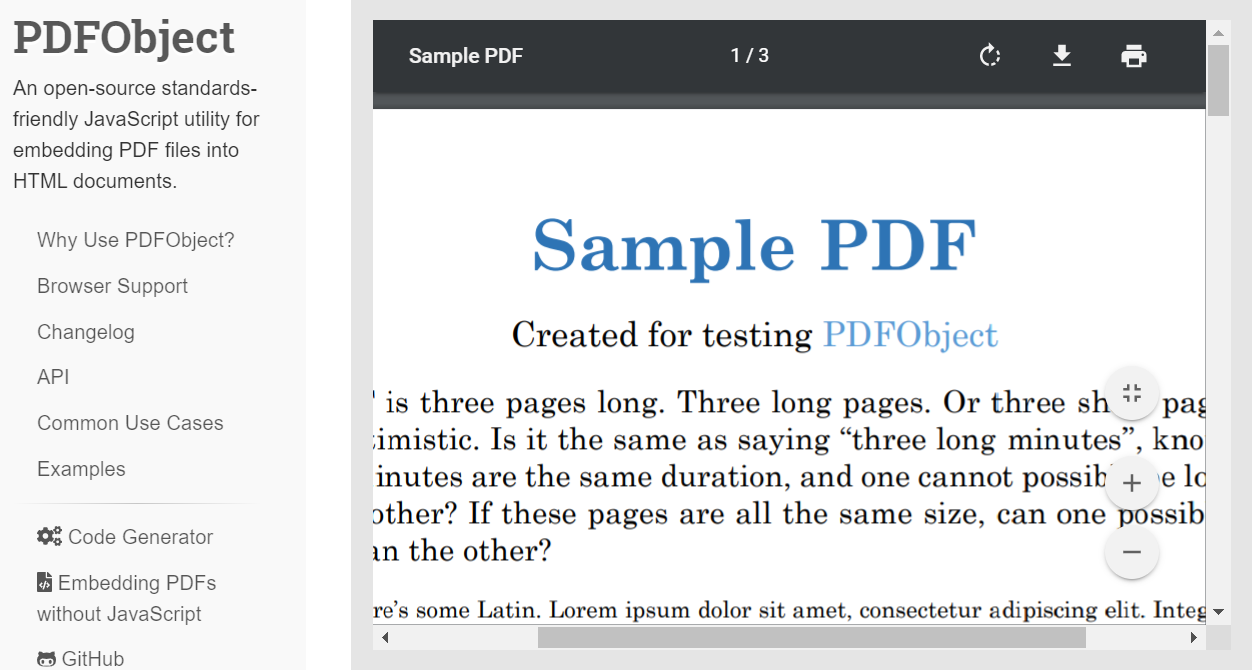
How To Embed PDF In HTML Using PDFObject
WEB Feb 6 2024 nbsp 0183 32 Putting a PDF into Google Docs is a breeze All you need is the PDF file you want to upload and a Google account Within a few clicks you ll have your PDF displayed right in Google Docs ready for any editing or sharing you might want to do Let s dive into the details so you can get started

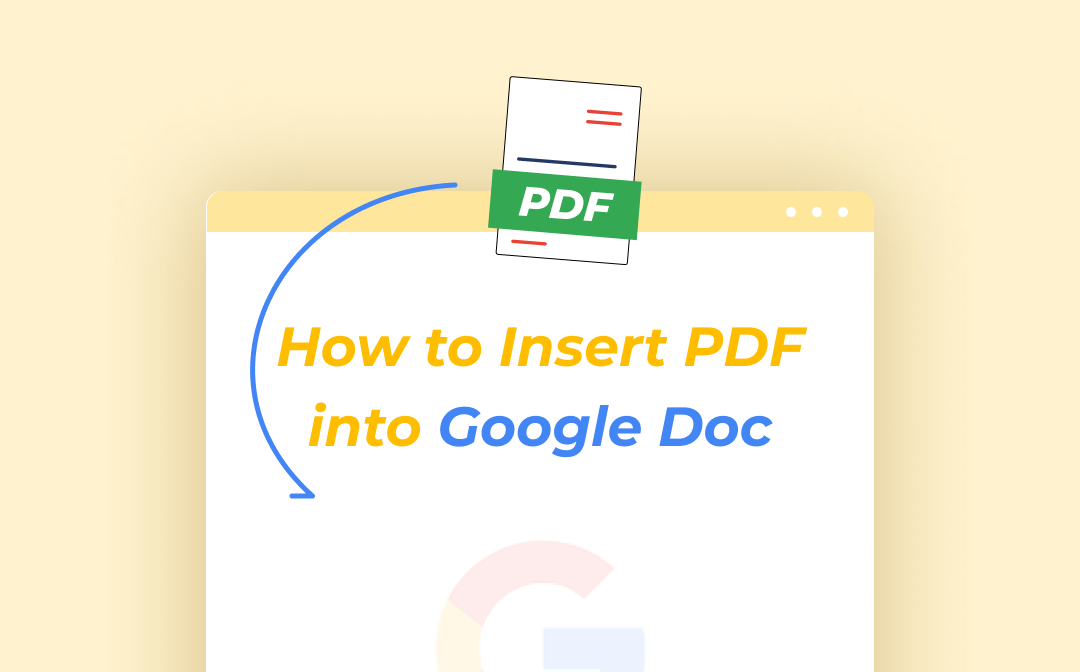
WEB Apr 2 2024 nbsp 0183 32 Learn how to insert a PDF into Google Docs by converting pages into images pasting its share link into a document or merging it with your current file

WEB Sep 5 2023 nbsp 0183 32 How to Insert PDF as a link in Google Docs Step 1 Upload PDF to Google Drive To start initiate the upload of the PDF file into your Google Drive Once the PDF file is successfully uploaded to your Google Drive account proceed with the subsequent step
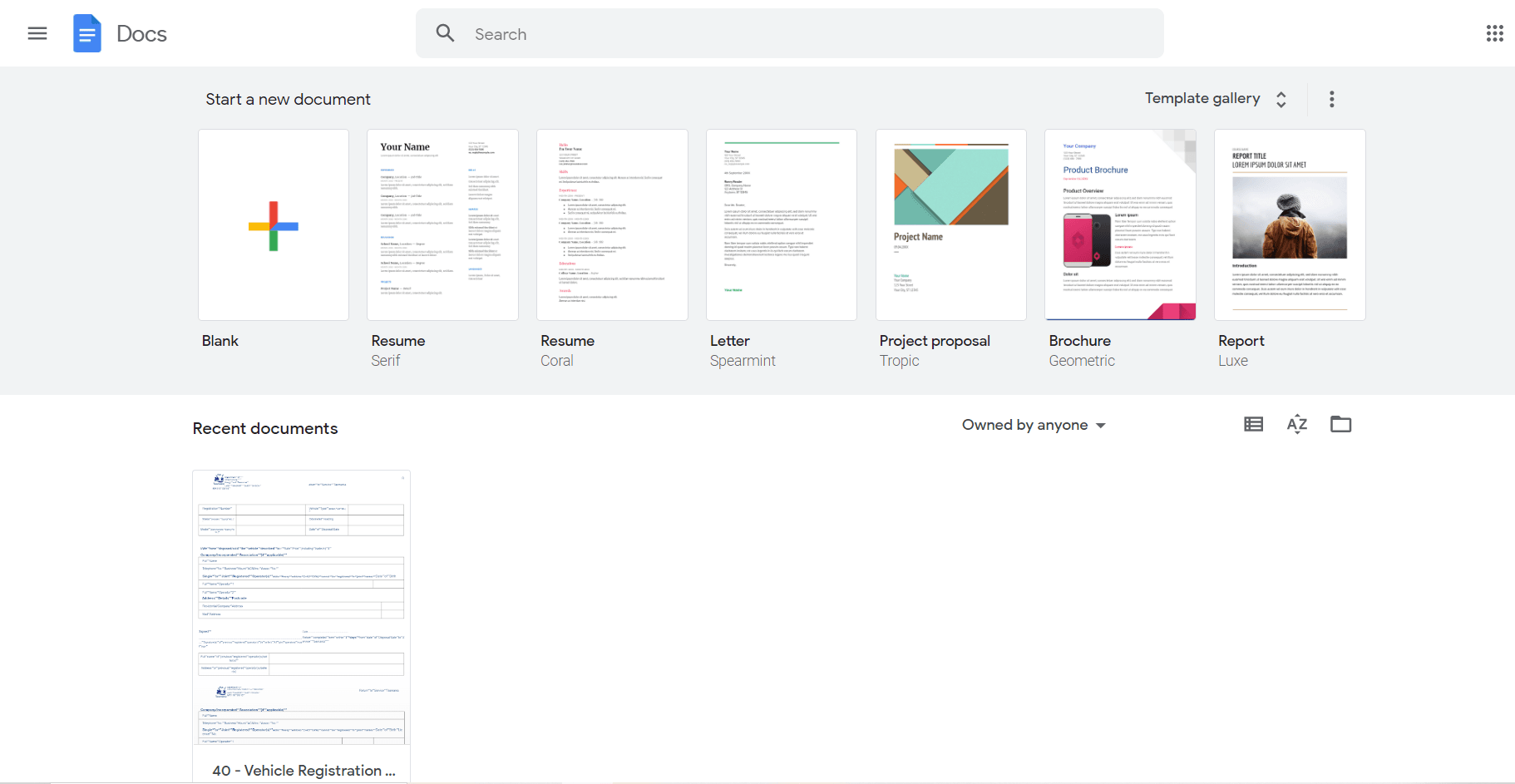
WEB Jan 8 2024 nbsp 0183 32 In this tutorial We will learn how to insert a PDF into a Google doc using 3 easy methods i e Directly opening PDF file to DOC Inserting a PDF link

WEB Jun 21 2021 nbsp 0183 32 3 Ways to Add PDF to Google Docs Slides and Google Form PDF is the most used file format as it preserves and protects the content and layout of a document and works universally across devices Let s find out how
WEB Mar 14 2022 nbsp 0183 32 Solvetic eng video tutorial to How to Insert PDF into Google Doc https www youtube playlist list PLOkioV3BTLXgYn4Hy WEB Feb 14 2024 nbsp 0183 32 Upload your PDF to a PDF to PNG or PDF to JPG converter like PDF to PNG or FreeConvert Open the Google Docs file where you want this PDF as image to go Go to Insert gt Image gt Upload from
WEB May 28 2022 nbsp 0183 32 Modify a PDF File on Google Docs With Google Docs editing tools you can edit your PDF to add and remove text images charts and more It then gives you the resulting file back as a PDF We ll show you how to use this service for PDF editing