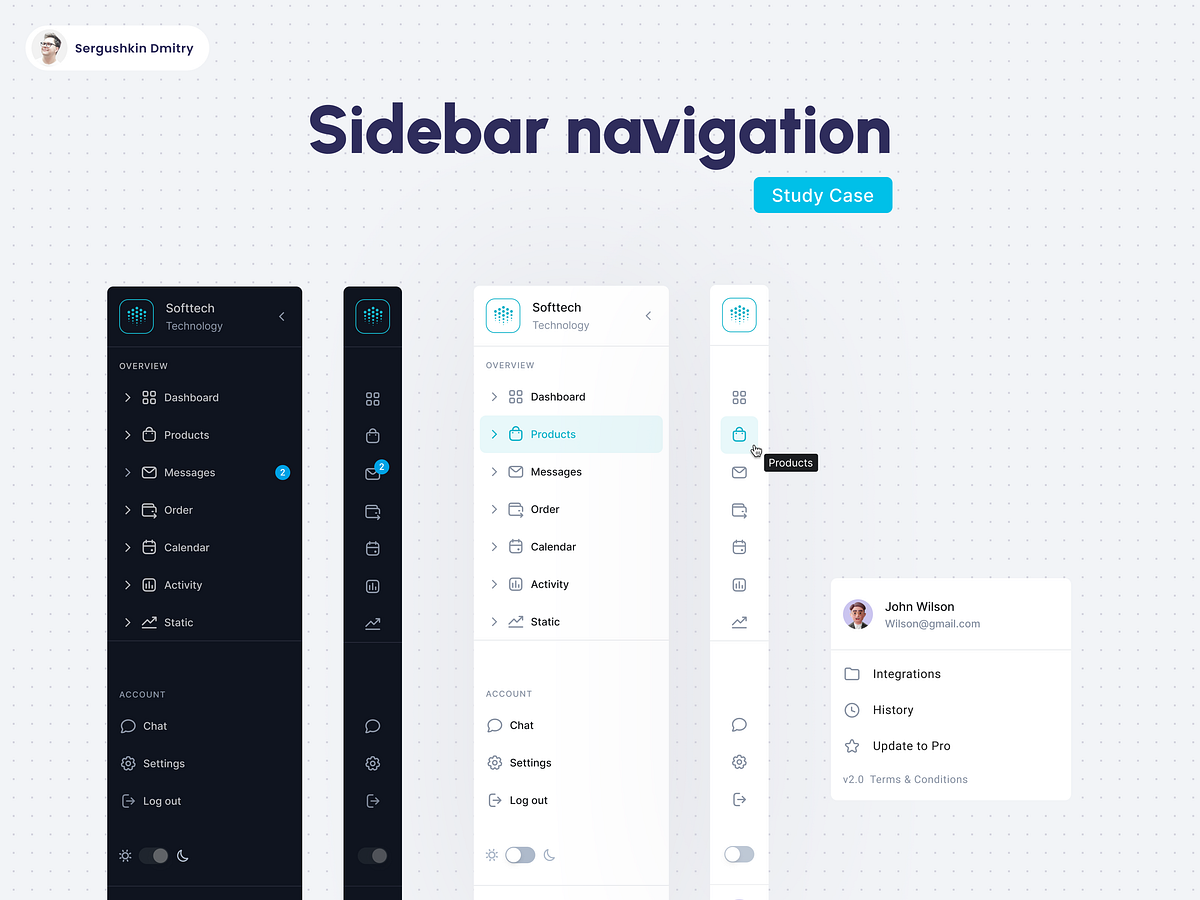
How To Edit Side Menu In Wordpress How To Make A Side Menu In A Flutter Doripot How To Add A Page To The Menu In WordPress EASY Header Menu Submenu Footer Menu YouTube Case Study Research Sidebar Navigation By Dmitry Sergushkin UX Planet Editing An Existing WordPress Menu Item Easy WP Guide How To Add Navigation Menu In WordPress How To Use WordPress WordPress Tutorial 2022 Part Web Sep 22 2023 nbsp 0183 32 To create a navigation menu you need to visit the Appearance 187 Menus page in your WordPress admin dashboard Note If you don t see the Appearance 187 Menus option on your site and see
Web Oct 12 2018 nbsp 0183 32 In left panel click on Widgets The left sidebar panel will now roll over to show you a list of all your widget areas These are named by your theme so the name won t be consistent But one will Web Sep 22 2023 nbsp 0183 32 How to edit a menu in WordPress Need to edit an existing menu If you have only one menu just go to the Appearance Menus screen and it will be right there on the page ready to be customized If
How To Add Navigation Menu In WordPress How To Use WordPress WordPress Tutorial 2022 Part How To Edit A Menu In WordPress Webpopular Astra Customize The Submenu Html Left Side Menu Pad Make One Side Part Blurred And Transparent Stack Overflow Standard Side Sheet Standard Navigation Drawer As Per Material 3 Issue 123072 Flutter How To Edit The Menu In WordPress BEST Step by Step Tutorial For 2023 Dropdown Sidebar Menu Using HTML CSS JavaScript Custom Layout Side Menu Expandable Overview OutSystems Responsive Dashboard Sidebar Menu Using HTML CSS And JAVASCRIPT
How To Edit Side Menu In Wordpress
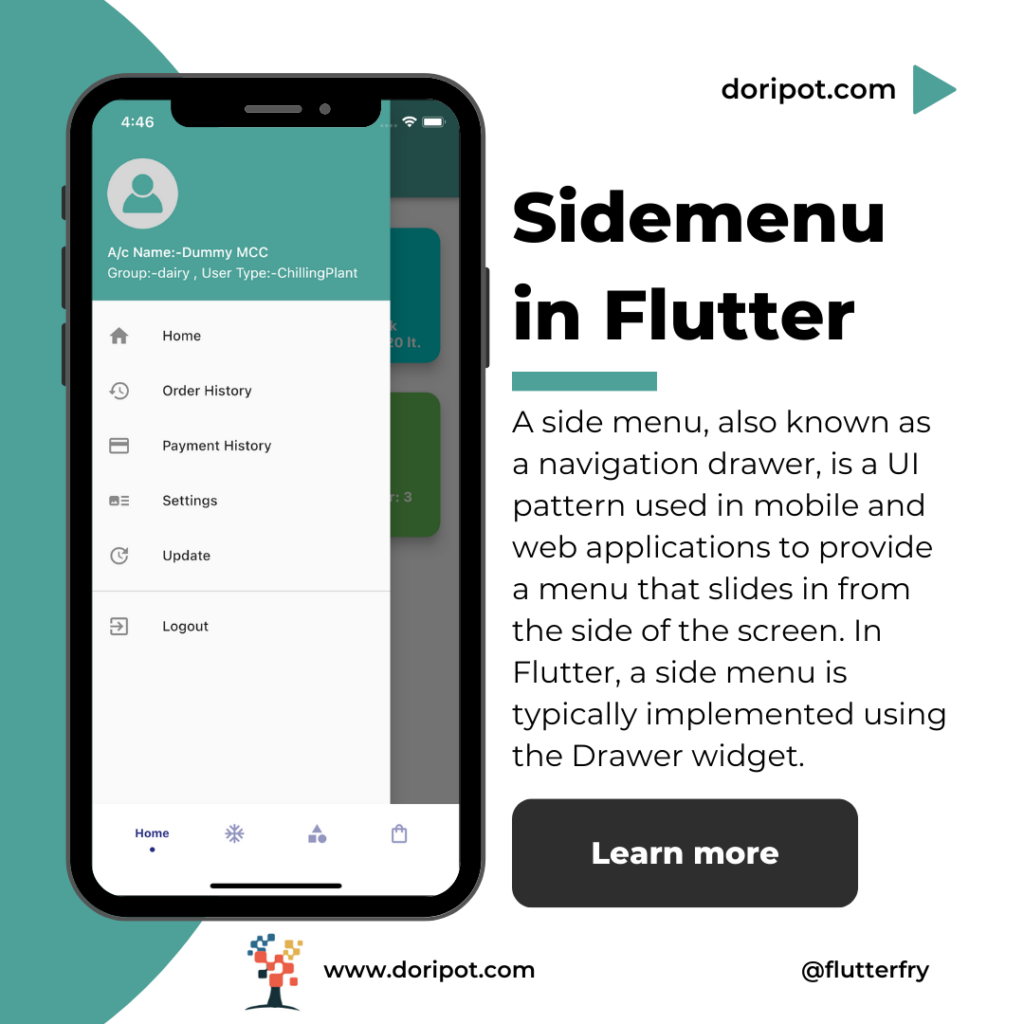 How To Edit Side Menu In Wordpress
https://doripot.com/wp-content/uploads/2023/04/a_side_menu_known_as_a_navigation_drawer_flutter-1024x1024.png
Web Aug 18 2022 nbsp 0183 32 To customize the sidebar and change it into a custom sidebar you need to follow the given steps 1 Add Widgets to Sidebar In order to customize the default sidebar on your website you need to add
Pre-crafted templates use a time-saving option for creating a varied series of files and files. These pre-designed formats and designs can be utilized for different individual and professional projects, including resumes, invitations, flyers, newsletters, reports, presentations, and more, enhancing the content production process.
How To Edit Side Menu In Wordpress
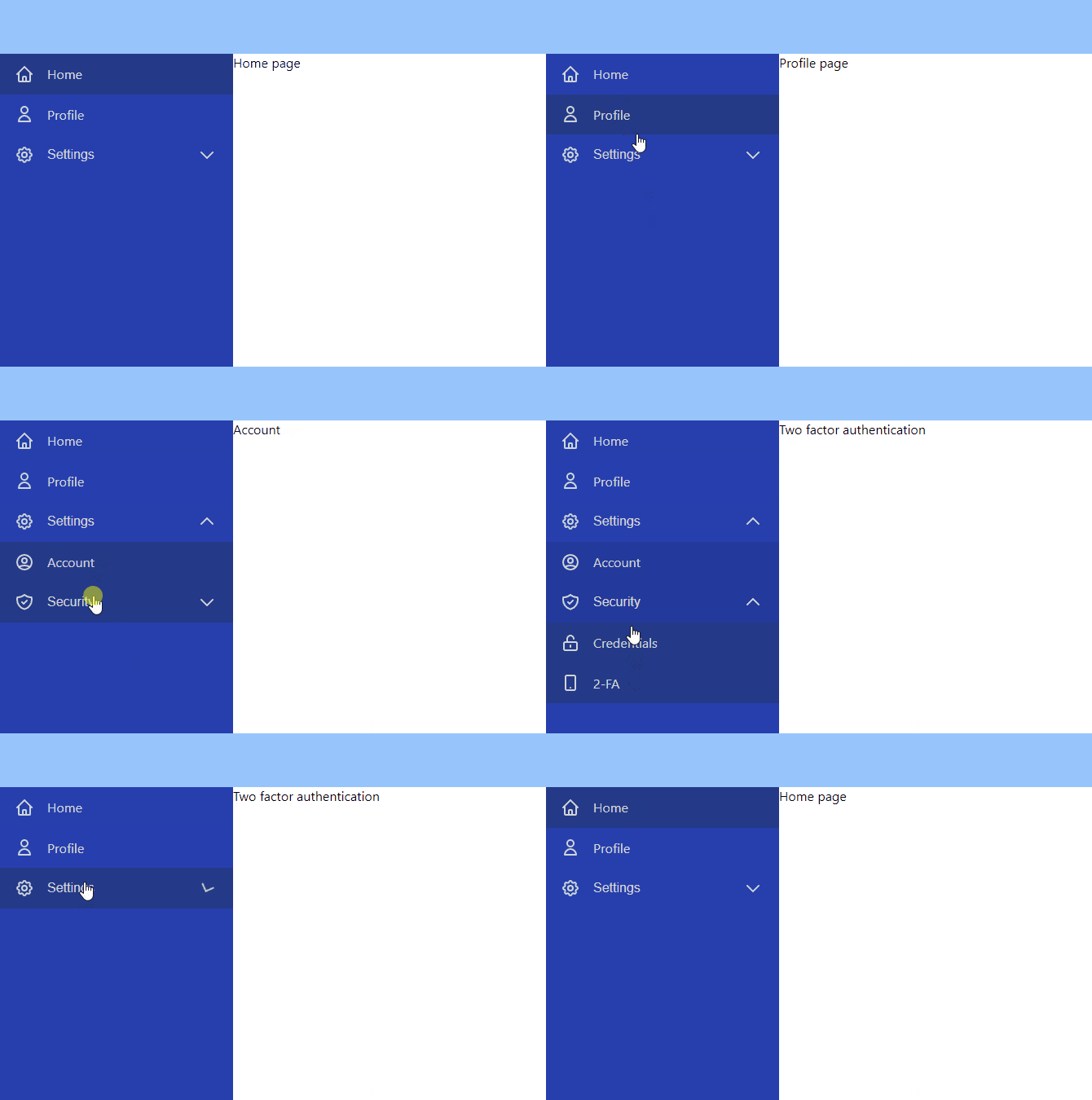
How To Build A Recursive Side Menu In React

How To Edit A Menu In WordPress Webpopular
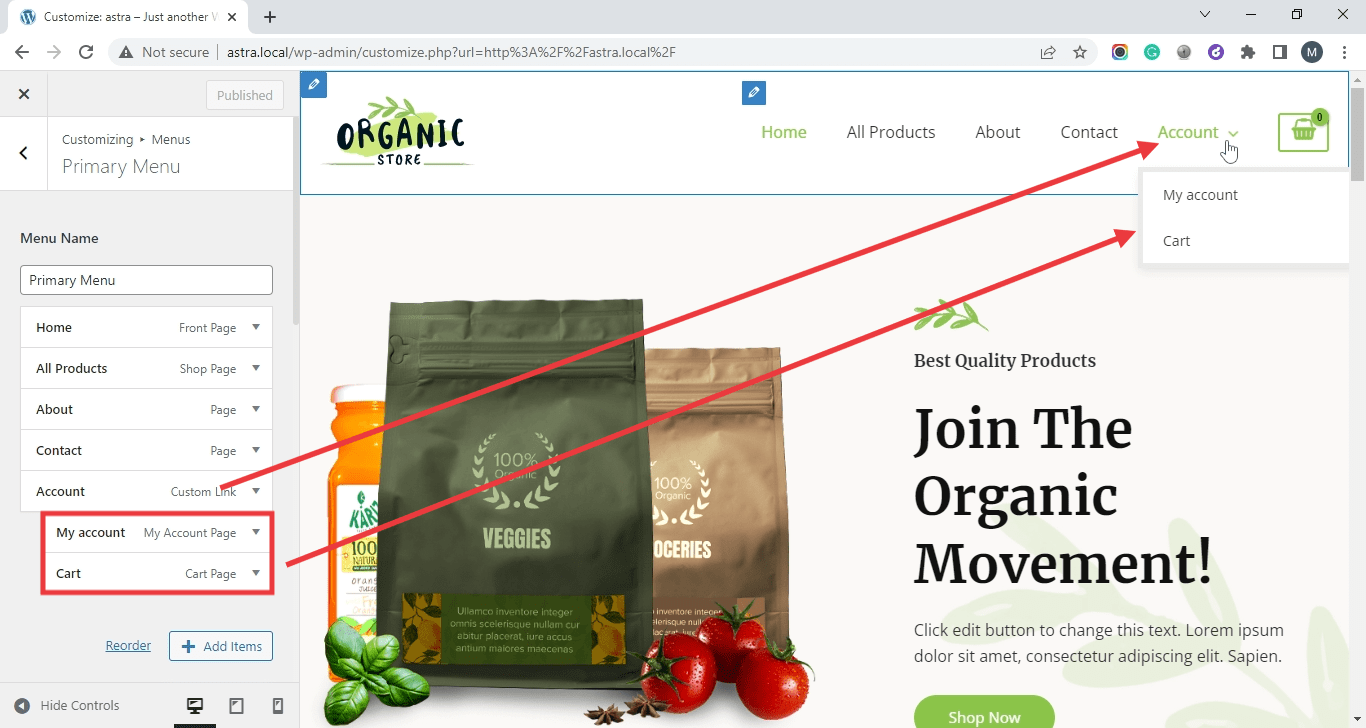
Astra Customize The Submenu

Html Left Side Menu Pad Make One Side Part Blurred And Transparent Stack Overflow
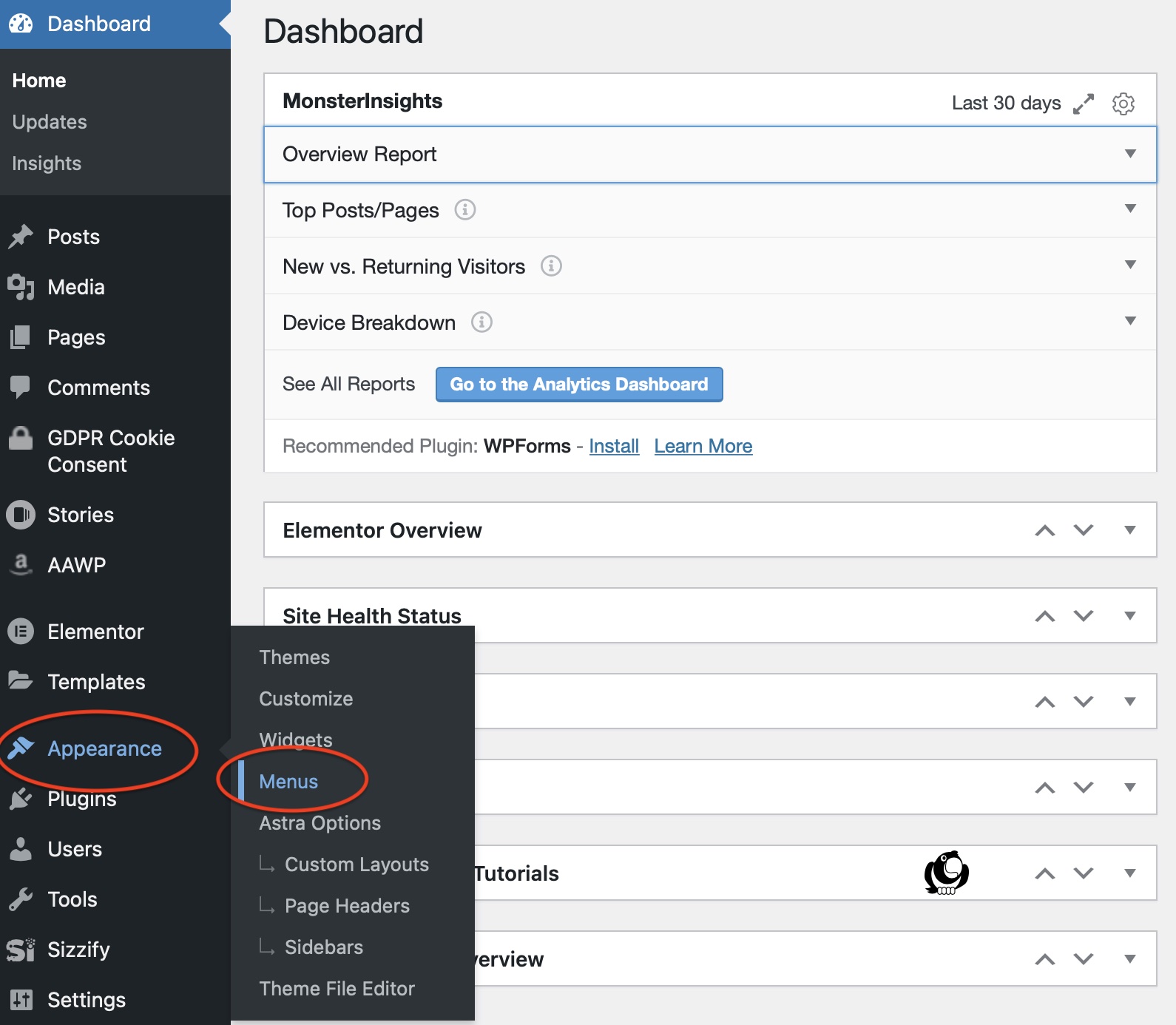
How To Edit The Menu In WordPress BEST Step by Step Tutorial For 2023
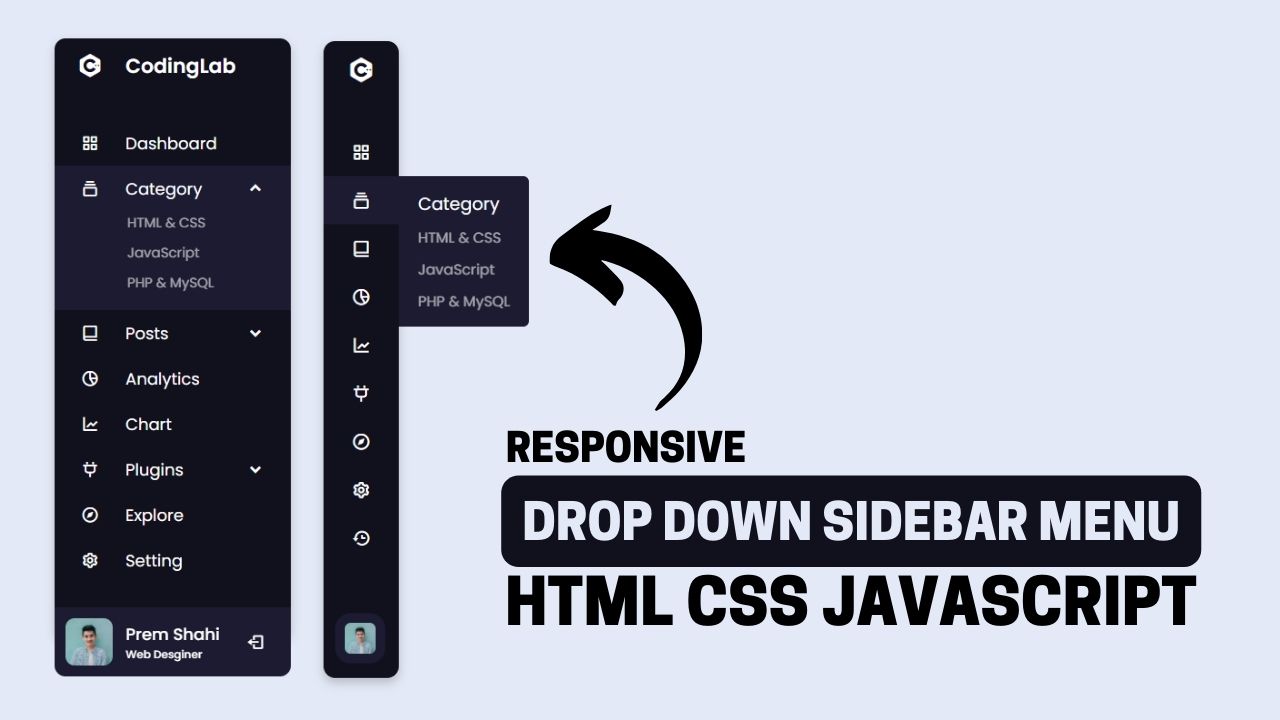
Dropdown Sidebar Menu Using HTML CSS JavaScript

Web Oct 11 2020 nbsp 0183 32 To display a WordPress custom sidebar with code you ll need to directly edit your theme s template files Because you re making direct edits to your theme it s

Web Mar 29 2021 nbsp 0183 32 You can also edit the sidebar from the WordPress Dashboard In the left hand menu select Appearance gt Widgets find
Web Jul 6 2016 nbsp 0183 32 position relative width 29 4118 Hosted with by WPCode 1 click Use in WordPress As you can see it floats sidebar to
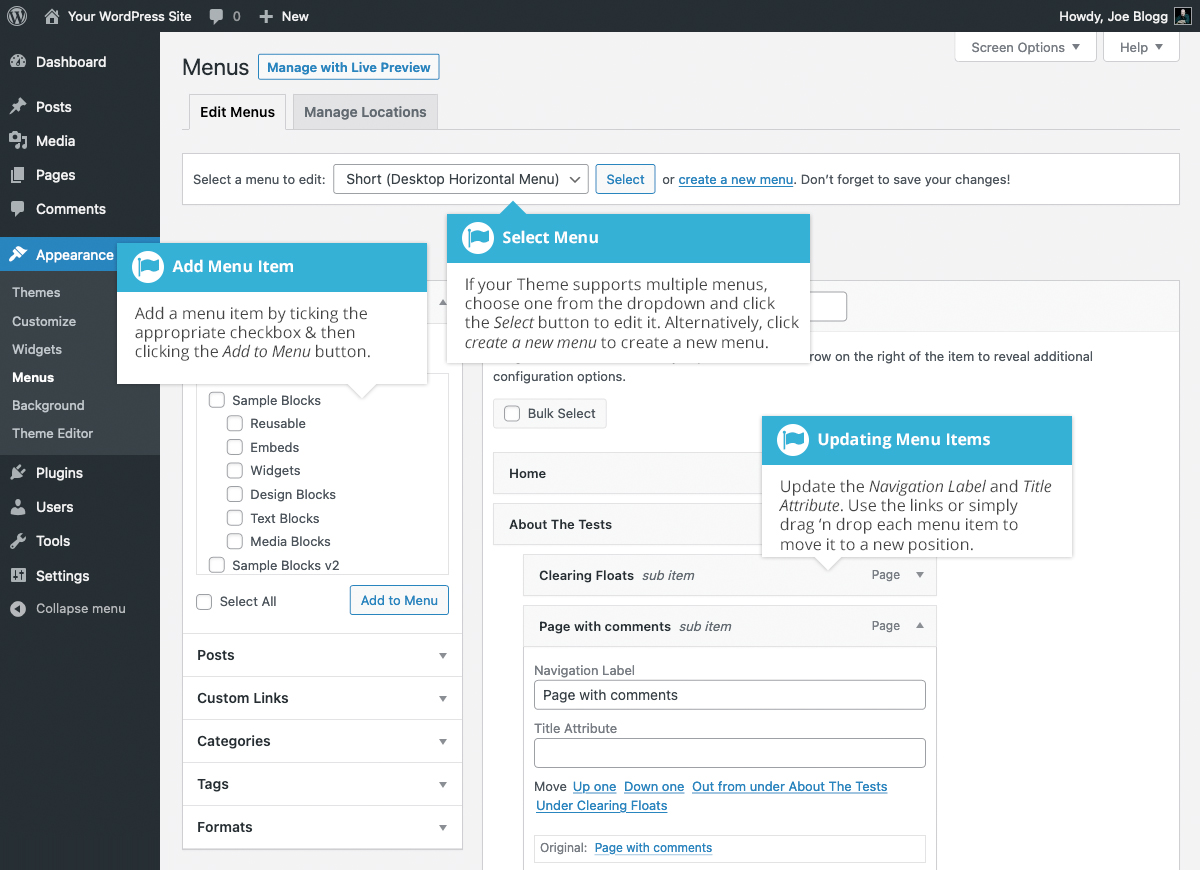
Web Aug 16 2021 nbsp 0183 32 To add a menu that will be seen in the sidebar across all pages follow the instructions below Log into your WordPress dashboard Navigate to Appearance gt Widgets Find Navigation Menu under

Web May 16 2023 nbsp 0183 32 1 Navigate to quot Appearance quot and then quot Menus quot underneath Appearance in your WordPress dashboard On this screen you ll be able to see all of the menus that have been set up for your website Is
Web Mar 28 2021 nbsp 0183 32 In this video you ll learn how to customize your WordPress theme s built in sidebar including adding and removing content as well as customizing the content Web Aug 25 2022 nbsp 0183 32 1 Edit Sidebar in WordPress Using Widgets Example Edit WordPress Sidebar by Adding Social Icons Search for Best Social Media Widget Plugin Install and
Web Aug 19 2020 nbsp 0183 32 Look at the menu on the left side of the screen Click Appearance 187 Widgets After clicking the Widgets button you ll land on a page that looks something like