How To Edit Pdf On Mac PDF Editor For Mac OS X What s The Best Way To Edit A PDF On Your Mac Shrinking PDFs A Step by Step Guide For Mac Users Infetech How To Edit A PDF On Mac For Free Nektony How To EDIT PDF On Mac YouTube Bdadeveloper Blog You usually just have to click and drag your cursor to select the text you want to highlight and hit a highlight button possibly in a markup or edit menu In PDFs where the text isn t selectable there might be a highlighter tool you can access that will let you click and draw on text you want to emphasize
How to Edit a PDF on a Mac Edit PDFs on a Mac with Preview or a free web based PDF editor By Tim Fisher Updated on December 23 2022 In This Article Jump to a Section Edit PDFs With Preview Preview Editing Tools Add a Signature in Preview Make New PDFs From Old PDFs Other PDF Editors for Mac Problems With PDF Editors Open your web browser go to Adobe Acrobat online services and follow these steps to make edits or collaborate with peers Click Select a file Navigate to the file to choose or drag and drop into the drop zone After the file uploads sign in to use the tools to add highlight draw and more Go to the Share menu to share the document with
Bdadeveloper Blog How To Edit A PDF On Mac Edit PDF Files On Mac PDF Expert How To Edit A PDF On Mac Using Preview And Quick Look How To Edit A PDF On Mac A Complete Guide Appsntips How To Edit PDF On Mac Rene E Laboratory How To Edit A PDF On Mac Edit PDF Files On Mac PDF Expert How To Edit PDF On Mac YouTube How To Edit PDF On Mac How To Edit A Pdf On Mac Using Word Vastblack
How To Edit Pdf On Mac
 How To Edit Pdf On Mac
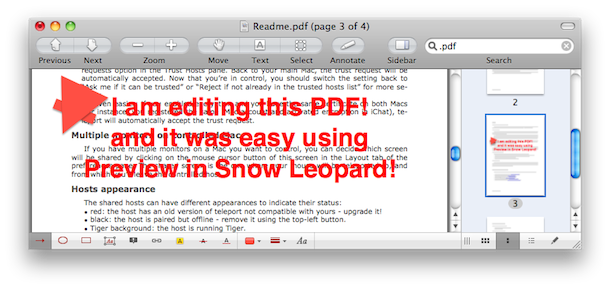
http://cdn.osxdaily.com/wp-content/uploads/2009/09/Screen-shot-2009-09-09-at-3.28.08-PM.png
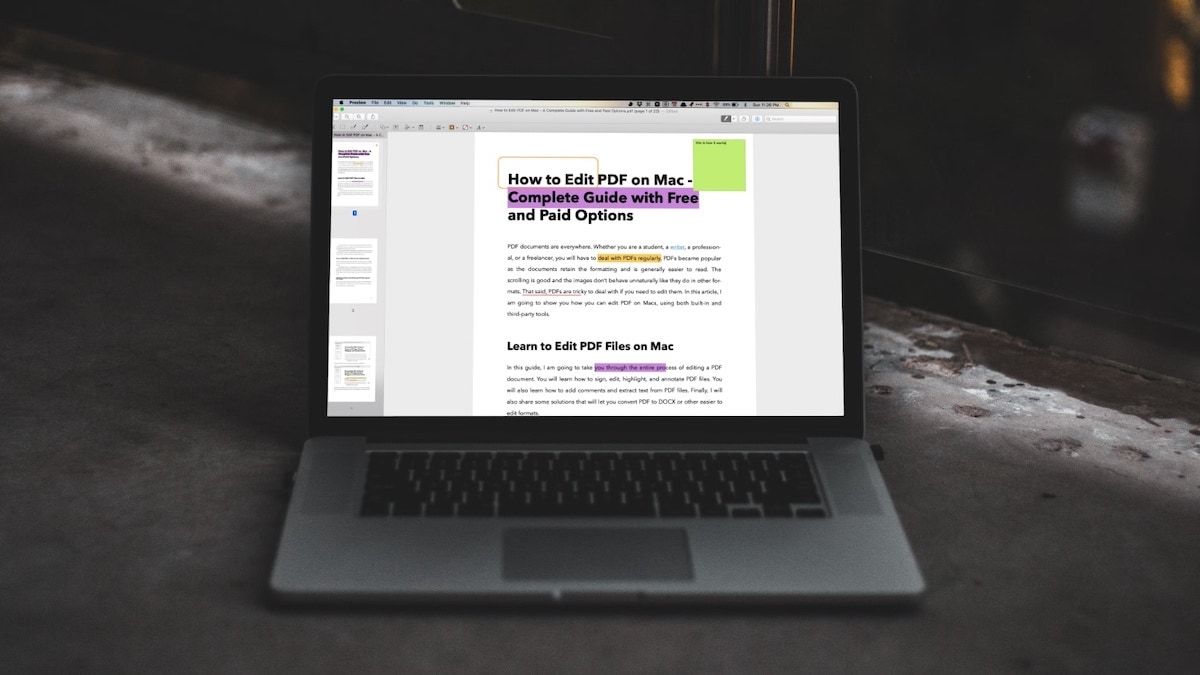
MacOS offers two different tools to view and edit PDFs Preview and Quick Look Preview the in built macOS tool comes packed with options like adding text annotations and signatures on Mac For more options like replacing existing text on a PDF on Mac you can try third party tools like Adobe Acrobat PDF
Templates are pre-designed documents or files that can be used for various functions. They can save time and effort by supplying a ready-made format and design for developing various sort of material. Templates can be utilized for individual or professional projects, such as resumes, invites, leaflets, newsletters, reports, presentations, and more.
How To Edit Pdf On Mac
How To Edit PDF On Mac YouTube

How To Edit A PDF On Mac Edit PDF Files On Mac PDF Expert

How To Edit A PDF On Mac Using Preview And Quick Look
How To Edit A PDF On Mac A Complete Guide Appsntips

How To Edit A PDF On Mac Edit PDF Files On Mac PDF Expert
How To Edit PDF On Mac YouTube

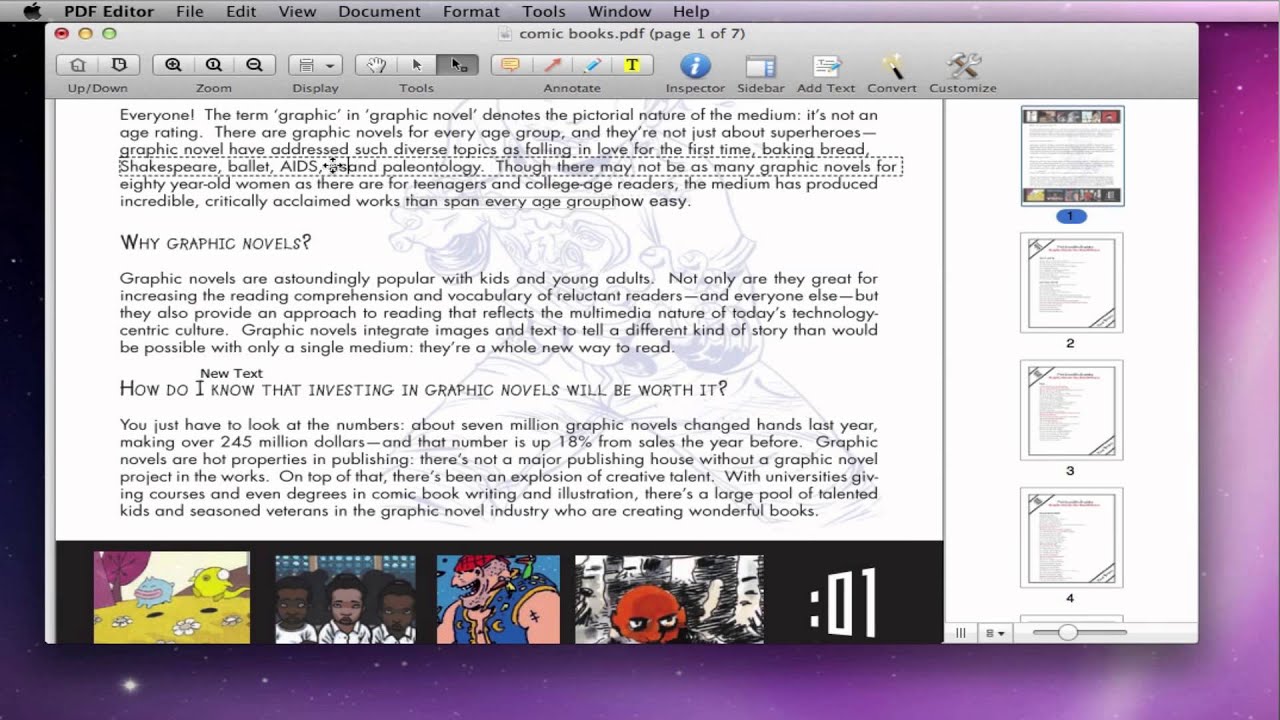
Learn how to edit a PDF on a Mac device using Adobe Acrobat Acrobat lets you do more than just view PDFs and make notes Create PDFs from scratch annotate files work with images and even make fillable PDF forms In addition to changing the content of PDFs Acrobat can also help you manage them
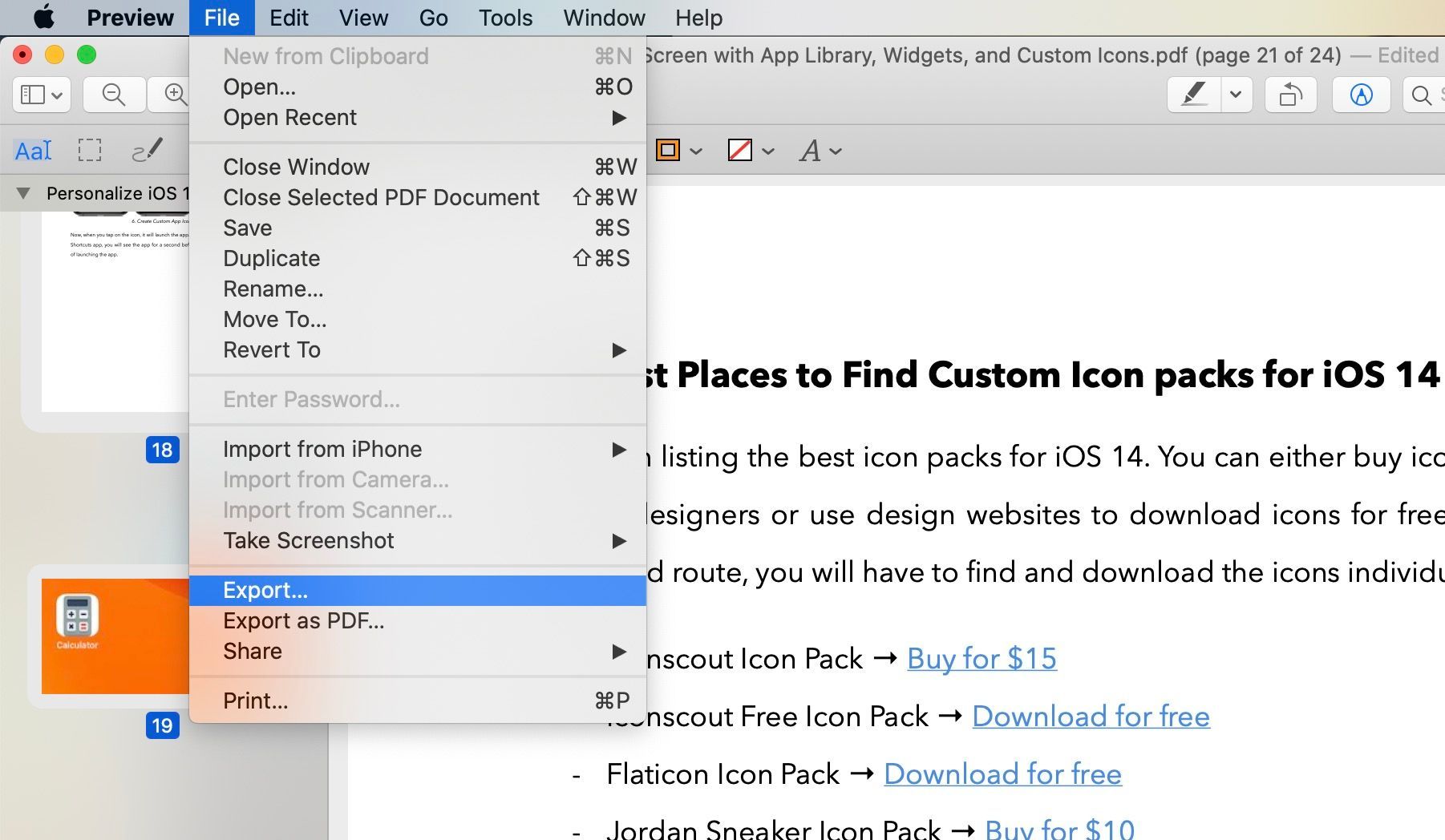
1 Find a PDF that you want to edit and press the spacebar on your keyboard Image credit Future 2 This will open Quick Look and allow you to see the PDF To begin editing a PDF
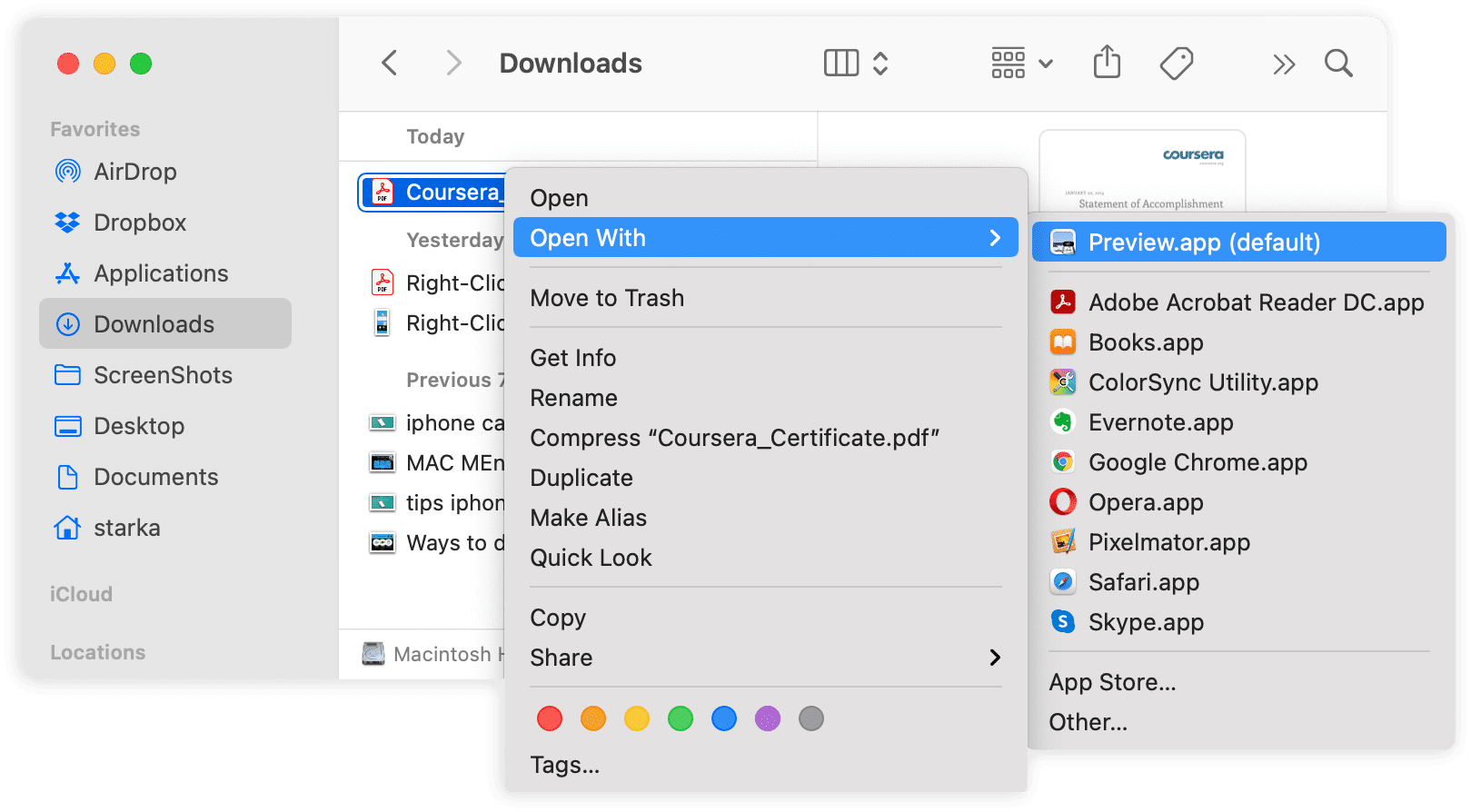
You can access the PDF Editor through your Mac s Preview function It s simple free and preinstalled on your machine With Preview you can easily add text images or annotations and you can add remove and rearrange pages in your PDF documents To start open a PDF on your Mac

How to view and edit PDFs on a Mac There are many ways to work with PDF files on a Mac or Apple device Learn how to effectively edit text images and other elements in just a few steps

How to edit PDFs on a Mac using Acrobat Pro With Adobe Acrobat Pro on your Mac you can create PDFs from scratch leave annotations and feedback work with images and make fillable forms You can also keep PDFs even more secure with password protection and redaction tools
[desc-11] [desc-12]
[desc-13]