How To Edit In Capcut How To Edit In CapCut Step by Step Guide To Basic Editing In CapCut How To Edit Text On Capcut Template How To Resize Video In Capcut Osearrow How To Edit Text In Capcut Template How To Make Templates On Capcut If you want to learn how to edit your videos using CapCut this is the video for you I ll be covering the basics of this app so when you finish this video you can get started editing right
Learn how to make your videos more professional with these 7 advanced editing tips in CapCut Video Editor TIMESTAMPS 0 00 Intro 0 44 How To Do PiP Stack Let s get started How To Create A Project On CapCut First open the CapCut app Tap on New Project then select your primary video clip and press Add If you have multiple primary video clips you can select multiple But don t upload any B roll footage just yet we ll be adding that later
How To Make Templates On Capcut How To Use Templates In Capcut How To Edit Templates On Capcut Video Editor Like Capcut For Pc Ksemate Capcut For PC How To Download On Windows 7 8 10 Mac Os How To Blur A Video On CapCut Easy Steps CapCut PC Pro Capcut For PC How To Download On Windows 7 8 10 Mac Os The Best Friend CapCut Template And How To Edit It New Trend Mang Idik How To Remove Background In Capcut With And Without Green Screen Riset
How To Edit In Capcut
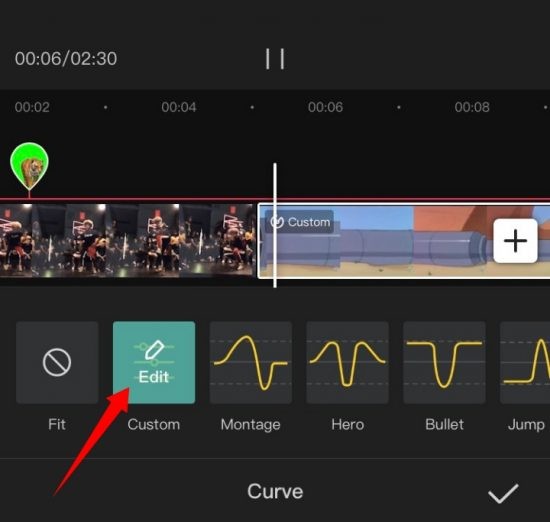 How To Edit In Capcut
https://cdn.nerdschalk.com/wp-content/uploads/2021/05/imarkup-20210530-215326-550x522.jpg
1 Download the CapCut app Image Future Download the CapCut app from the Play Store or App Store 2 Open the CapCut app and tap New Project Image Future Open the CapCut app and
Templates are pre-designed documents or files that can be used for different purposes. They can conserve effort and time by providing a ready-made format and design for creating various sort of content. Templates can be utilized for personal or professional projects, such as resumes, invitations, flyers, newsletters, reports, discussions, and more.
How To Edit In Capcut
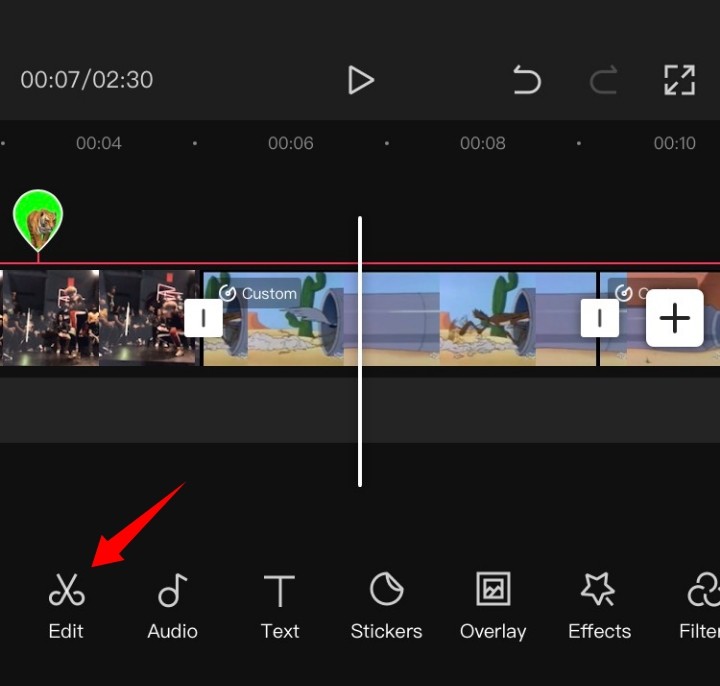
Capcut Template Se Acabo
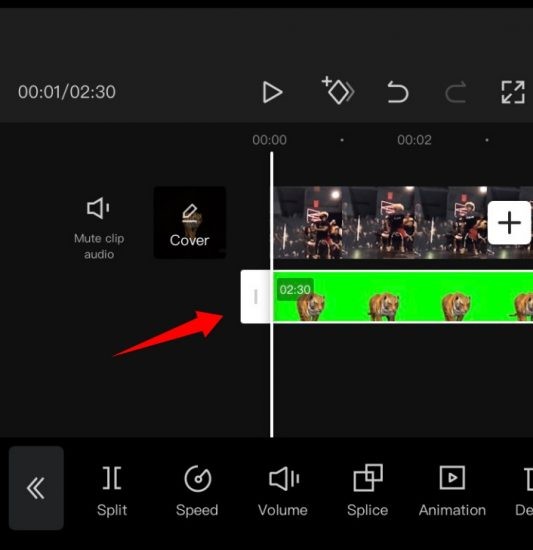
How To Use Templates In Capcut
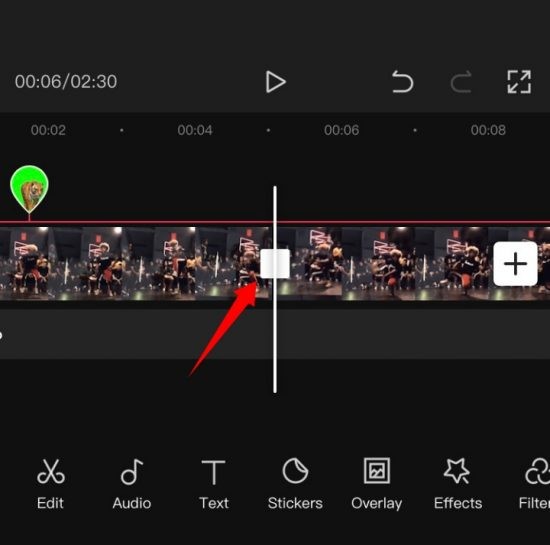
How To Edit Templates On Capcut
Video Editor Like Capcut For Pc Ksemate

How To Blur A Video On CapCut Easy Steps CapCut PC Pro
Capcut For PC How To Download On Windows 7 8 10 Mac Os

88K 3 6M views 1 year ago capcut stratvert In this step by step tutorial learn the best 11 CapCut Edit Tips and Tricks Make text or other objects float over your hand by using tracking

The COMPLETE CapCut Video Editing Tutorial Learn how to edit videos on iPhone Android using the CapCut app fast and easy LINKS When available we u
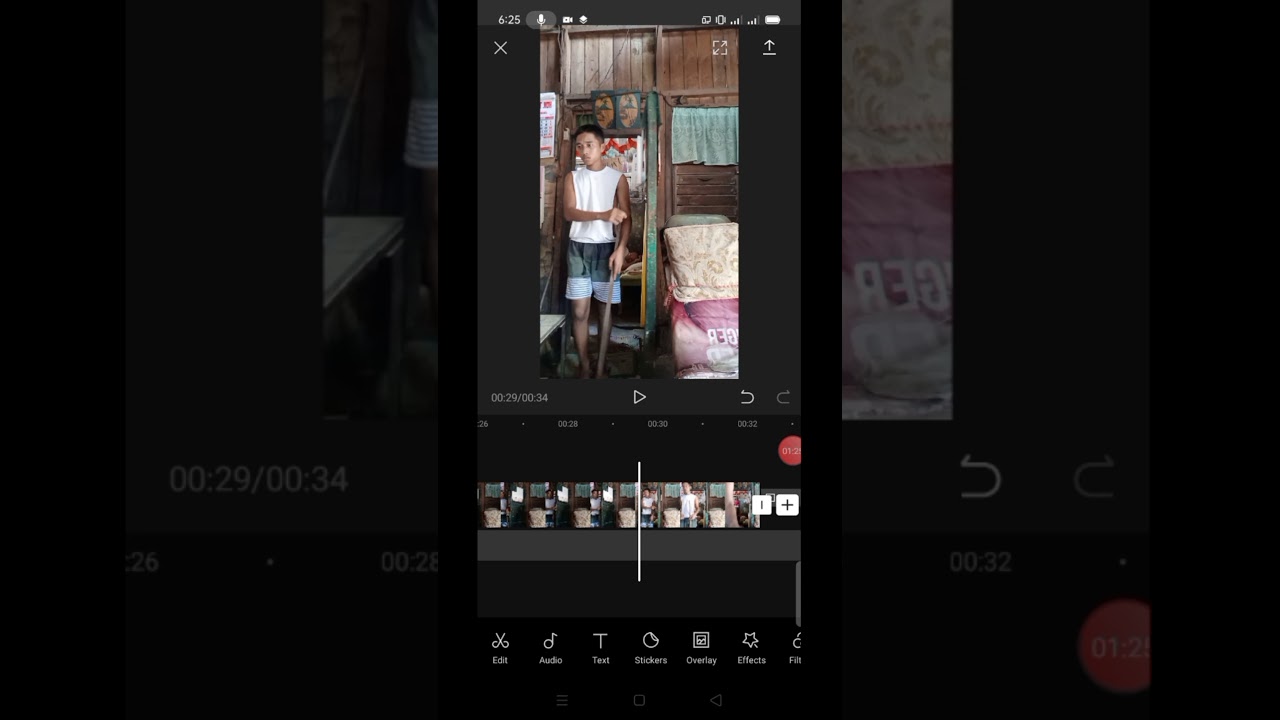
Trim Trimming is one of the best tools under any editor s belt It allows you to lengthen or shorten any video depending on your needs and requirements To trim a video in CapCut Tap and select the clip Now tap either end with the white selection area and drag to extend or shorten your video clip And that s it
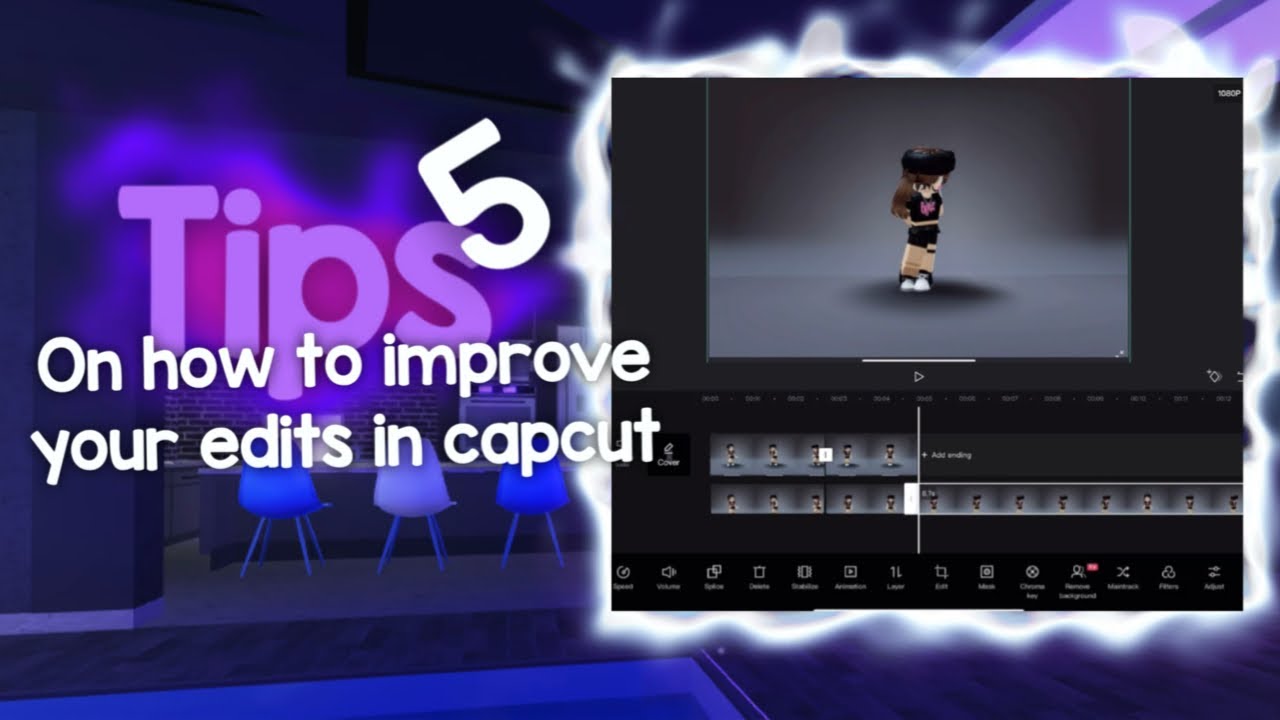
366K views 8 months ago CapCut Editing Tutorials Learn how to edit videos in CapCut on your iPhone Android and Tablet device Get a 30 Day Free Trial of Epidemic Sound with my link

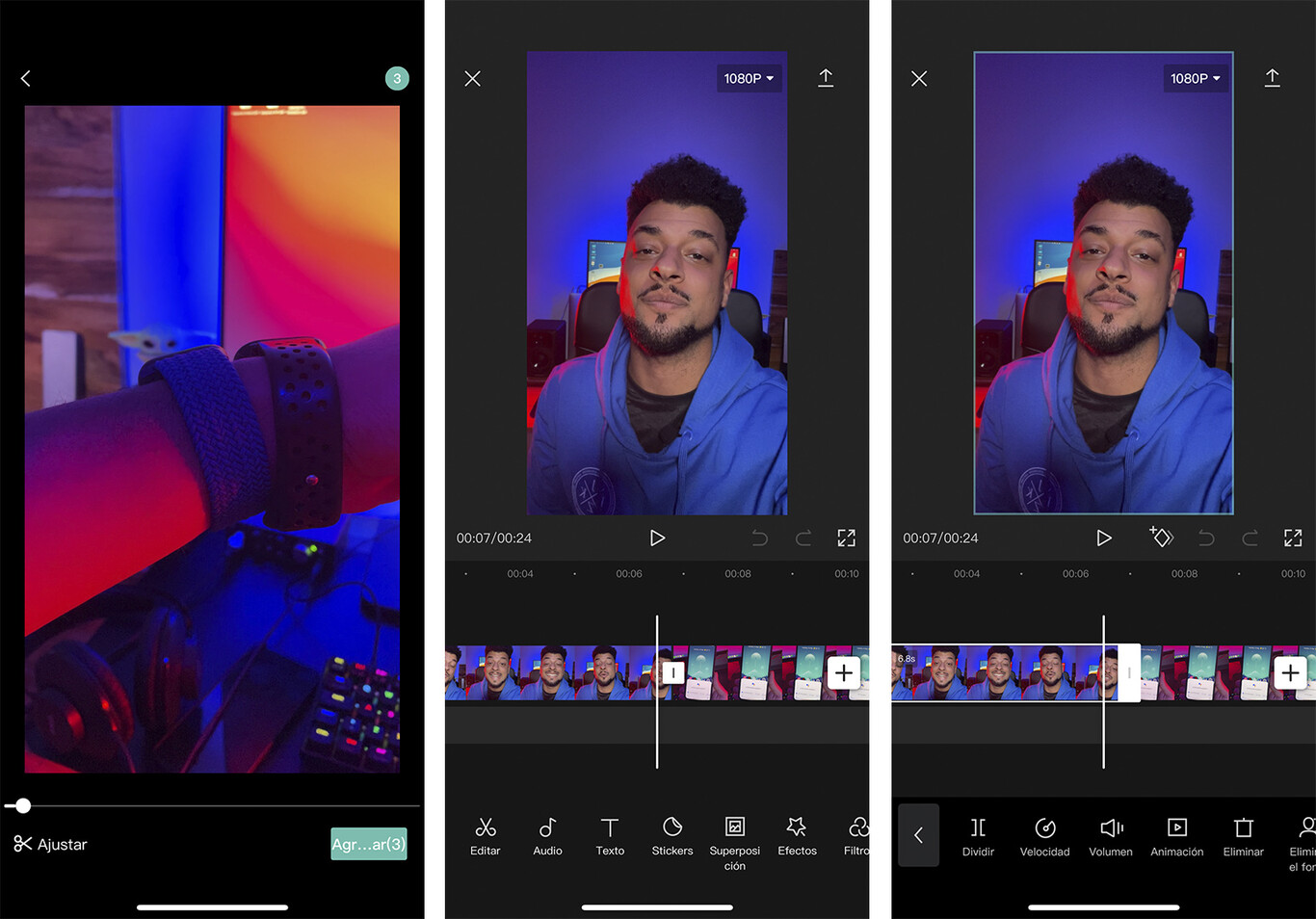
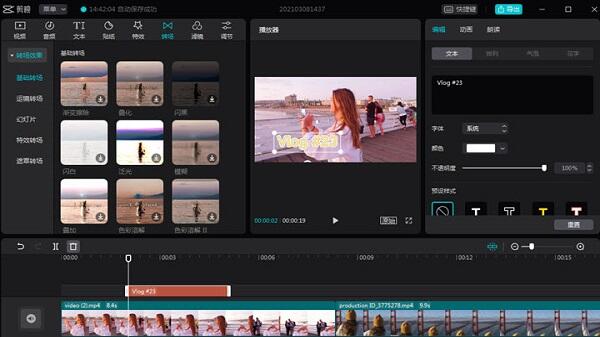
Step 1 Install CapCut app and open it Note CapCut also has a desktop version so that you can edit videos on a bigger screen more easily Step 2 Tap the New Project icon to create a project Step 3 Tap to select one or multiple video clips and hit Add Step 4 Start editing on the timeline Tips 1
[desc-11] [desc-12]
[desc-13]