How To Do Timesheet Hours An Attendance Roster Can Help Track Your Workers Schedule NEWSCABAL Time Sheet In Excel Easy Calculator FREE 23 Sample Time Sheet Templates In MS Word Numbers Pages 12 Hourly Timesheet Calculators Sample Templates Weekly Timesheet Template For Multiple Employees For Your Needs Click on the Start Time field for the first day of the week and enter the employee s start time in the format HH MM AM or PM Click on the Finish Time field for the first day of the week and enter the employee s finish time in the same format
A timesheet is a form that allows hourly or salaried employees to log how much time they ve spent working In addition to tracking the total amount of hours worked timesheets can also detail how many hours were spent working on specific tasks or Formula 1 Calculating daily working hours Here s how you calculate time in a daily Excel timesheet template Insert sum D8 F8 into the Daily total cell marked as G8 in this timesheet example As soon as employees type the hours in the Morning hours and Afternoon hours cells this time automatically gets added to the Daily total
Weekly Timesheet Template For Multiple Employees For Your Needs Free Timesheet Templates In Excel PDF Word Formats Timesheet In Excel 18 Easy Steps To Create Timesheet Calculator How To Make A Timesheet In Excel 2021 QuickBooks PDF Timesheet Templates Timesheets PDF NuTemplates What Is A Timesheet And How Does It Work Mitrefinch Inc Work Timesheet Template TUTORE ORG Master Of Documents 10 Best Timesheet Templates To Track Work Hours Throughout Weekly Time Entenda O Que Timesheet E Qual A Sua Rela o Com A Precifica o Dos
How To Do Timesheet Hours
 How To Do Timesheet Hours
https://usercontent.one/wp/www.newscabal.co.uk/wp-content/uploads/2020/04/An-Attendance-Roster-can-Help-Track-Your-Workers’-Schedule.png
If you re using a manual method like a physical timesheet you ll need to determine the times your team members clocked in and out each day of the pay period Example An employee started working at 7 45 a m and finished at 5 p m
Templates are pre-designed files or files that can be used for numerous functions. They can save effort and time by supplying a ready-made format and design for creating various sort of material. Templates can be used for individual or professional jobs, such as resumes, invites, flyers, newsletters, reports, discussions, and more.
How To Do Timesheet Hours

Timesheet 08 2 Pdf Monthly Timesheet Template pdf Easy To Download
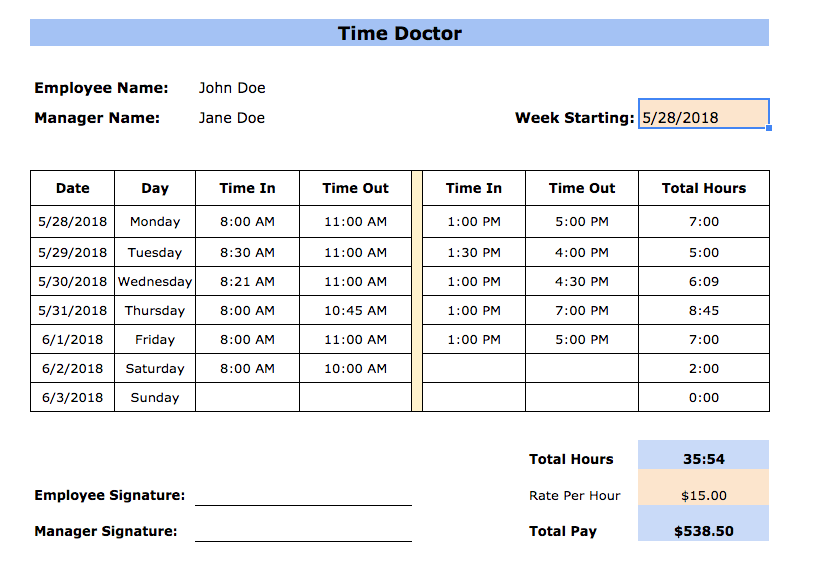
Free Timesheet Templates In Excel PDF Word Formats

Timesheet In Excel 18 Easy Steps To Create Timesheet Calculator
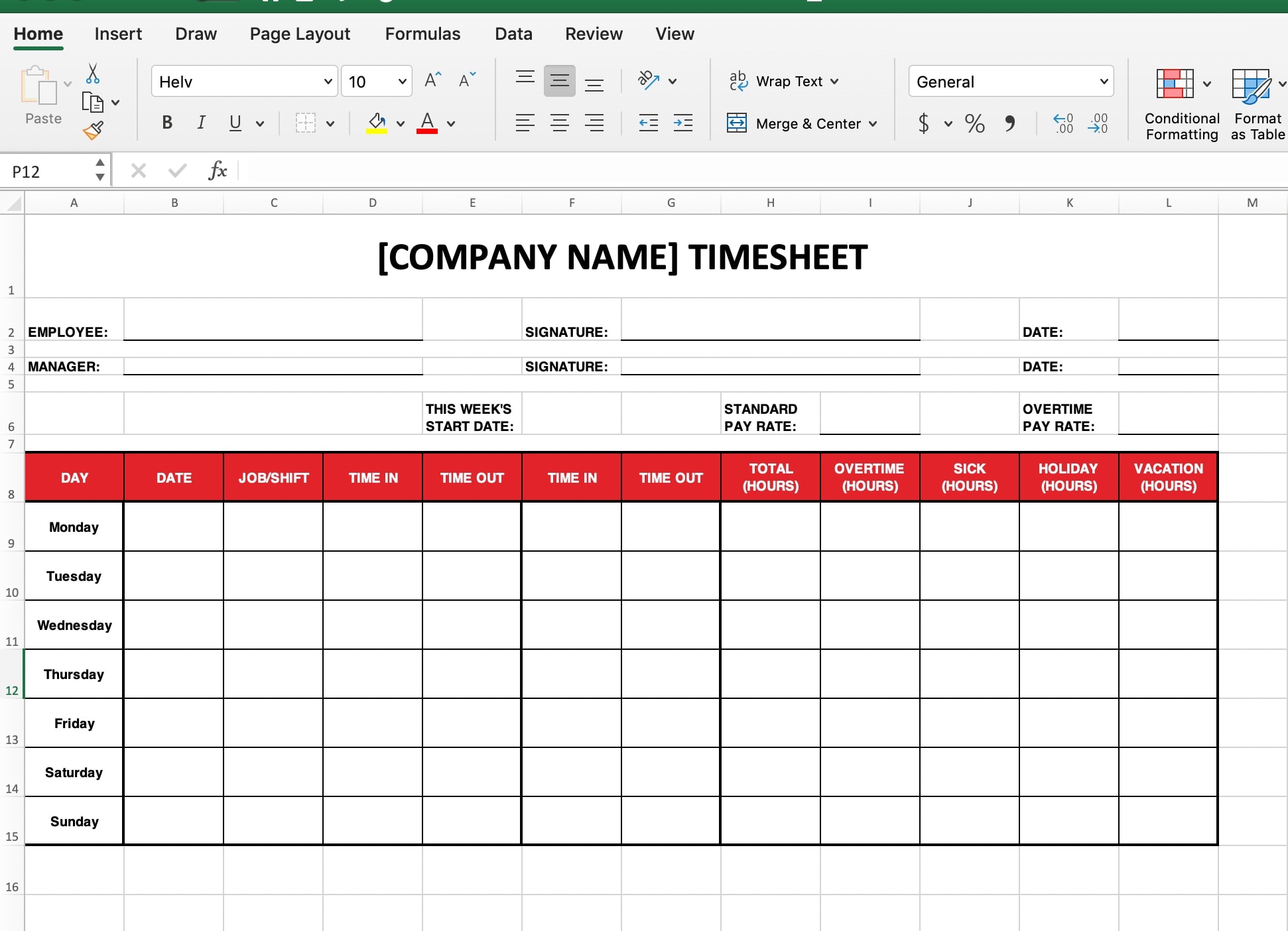
How To Make A Timesheet In Excel 2021 QuickBooks

What Is A Timesheet And How Does It Work Mitrefinch Inc
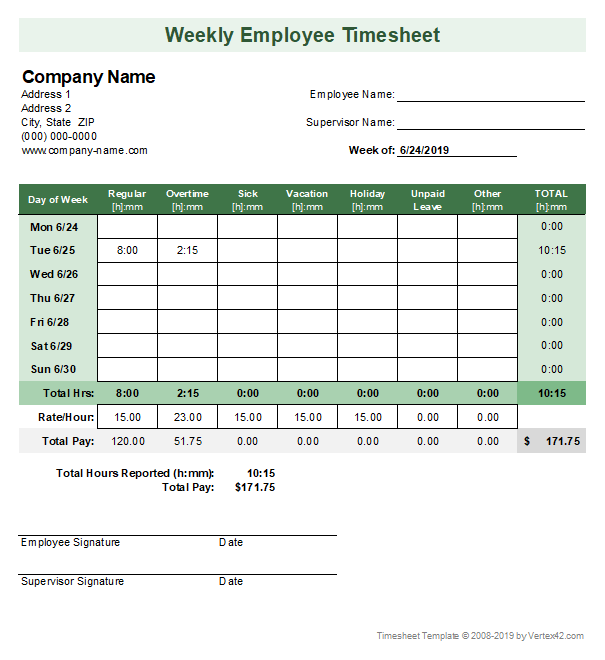
Work Timesheet Template TUTORE ORG Master Of Documents

How to calculate timesheet hours The easiest way to calculate timesheet hours is by subtracting the start time when employees clock in from the end time when employees clock out For example An employee worked from 9 am to 5 pm The first step is to change the time format from AM PM to military time
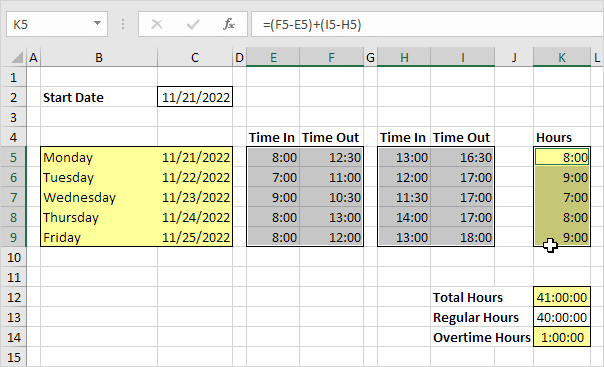
1 Format your timesheet 2 Structure your timesheet 3 Make a grid for the timesheet 4 Borders and some final touches Read more here
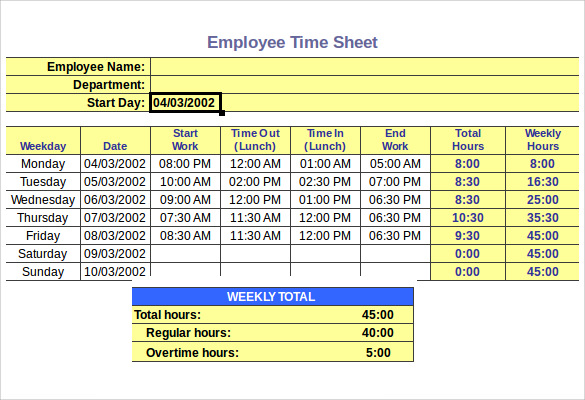
Calculate Hours Worked in a Weekly Timesheet We can use the IF SUM and MAX Functions to calculate the hours worked in a weekly broken down by regular time and overtime Calculate Overtime The overtime is calculated once a person works more than 40 hours a week IF SUM E 4 E4 40 SUM E 4 E4 40 0
Step 1 Format your spreadsheet Open a new Excel file To create an Excel timesheet that s legible you need to format the worksheet cells to make them wider How Select column A and drag its edge to your desired width Then right click on column A select Copy highlight the column range B through L press Ctrl V to paste the formatting

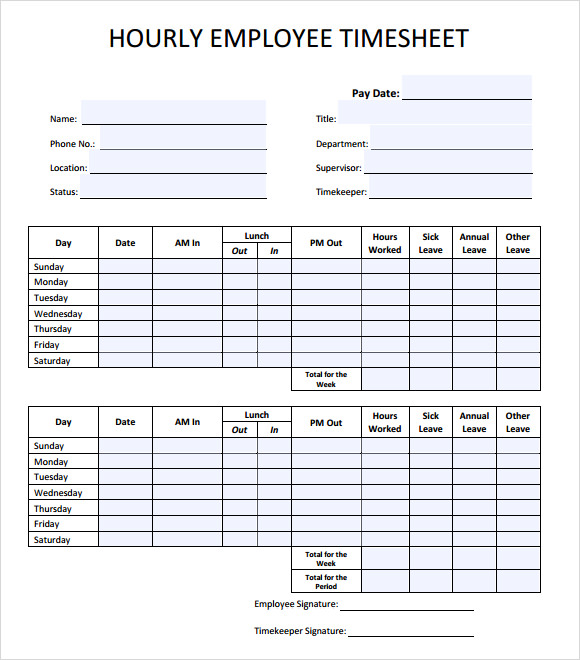
There are two ways to use a time sheet With a traditional paper or spreadsheet With an employee time tracking tool The most common spreadsheet or paper timesheets are daily weekly bi weekly monthly and project specific timesheets Here are the steps you can follow to fill out any of these timesheets Step 1 Enter the employee s
If you are in a hurry simply download the Excel file 1 To automatically calculate the next 4 days and dates when you enter a start date use the formulas below 2 Select the cells containing the times 3 Right click click Format Cells and select the right Time format Use the circled format for cell K12 K13 and K14 The tutorial covers how to format cells to hours and calculate wages based on the hours worked This video explains how to create a basic timesheet and a 24hr timesheet in Microsoft Excel The
This is done to calculate both work time and break time MOD C6 B6 1 get work time MOD E6 D6 1 get break time Next break time is subtracted from work time to get net work hours This formula uses the the MOD function to handle times that cross a day boundary midnight By using MOD with a divisor of 1 positive results are