How To Do A Split Screen With Two Word Documents How To Split Screen On Mac In Few Steps How To Add Two Word Documents Together Docs Tutorial Maximize Your Workspace How To Do A Split Screen On Dell Laptop Top Rank Laptop Here s How To Use Split Screen On Windows 10 Laptops And PCs YouTube 15 Super Charged Alternatives To Built in Windows Apps Flipboard Open the 2 documents Select View View Side by Side If you scroll up or down the other scrolls as well If you want them to scroll separately select Synchronous Scrolling
Using the Ribbon The split screen button is found in View tab in the Window options section Use this handy button to split your screen and save yourself To split the window display the View tab of the ribbon and then in the Windows group click the Split tool When you split the window Word places a
15 Super Charged Alternatives To Built in Windows Apps Flipboard Cara Split Screen Laptop Di Windows 10 Untuk Multitasking Lebih Tinggi Gadgetren How To Use PowerPoint In Split Screen With Another Window Side By Side Kenneth MD Dr How To Split Screen On Windows 10 Fsmzaer Maximize Your Workspace How To Do A Split Screen On Dell Laptop Top Rank Laptop How To Do The Splits In A Week Or Less Via WikiHow For Those Who Already Have A So Teilen Sie Den Bildschirm Auf Einem Chromebook Im Clamshell Oder Tablet Modus Tech News Undo Split Screen In Windows Nothing Is Working Microsoft Community Maximize Your Workspace How To Do A Split Screen On Dell Laptop Top Rank Laptop
How To Do A Split Screen With Two Word Documents
 How To Do A Split Screen With Two Word Documents
https://mytechmore.com/wp-content/uploads/2020/11/How-To-Do-A-Split-Screen-On-Mac.jpg
0 00 1 57 How to Use Split Screen in Microsoft Word MagnetsAndMotors Dr B s Other Channel 28 7K subscribers Share 4 6K views 11 months ago Here s how
Pre-crafted templates offer a time-saving option for producing a varied variety of files and files. These pre-designed formats and layouts can be used for different personal and expert tasks, consisting of resumes, invitations, leaflets, newsletters, reports, presentations, and more, streamlining the material production procedure.
How To Do A Split Screen With Two Word Documents

How To Do A Split Screen On Fortnite 2021 YouTube
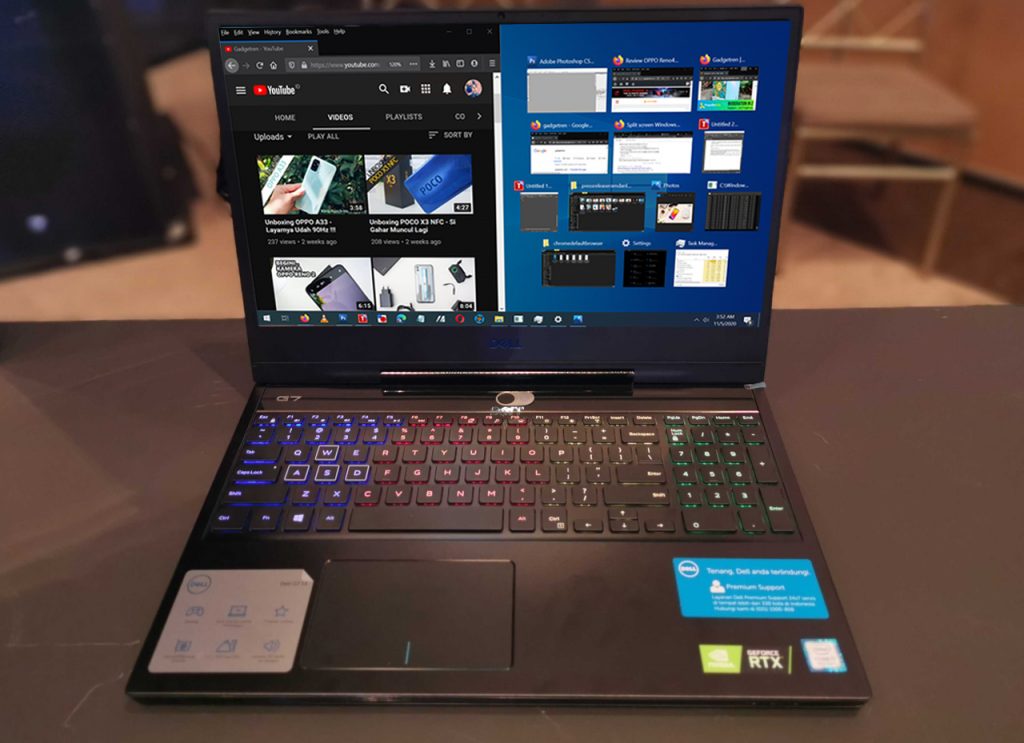
Cara Split Screen Laptop Di Windows 10 Untuk Multitasking Lebih Tinggi Gadgetren
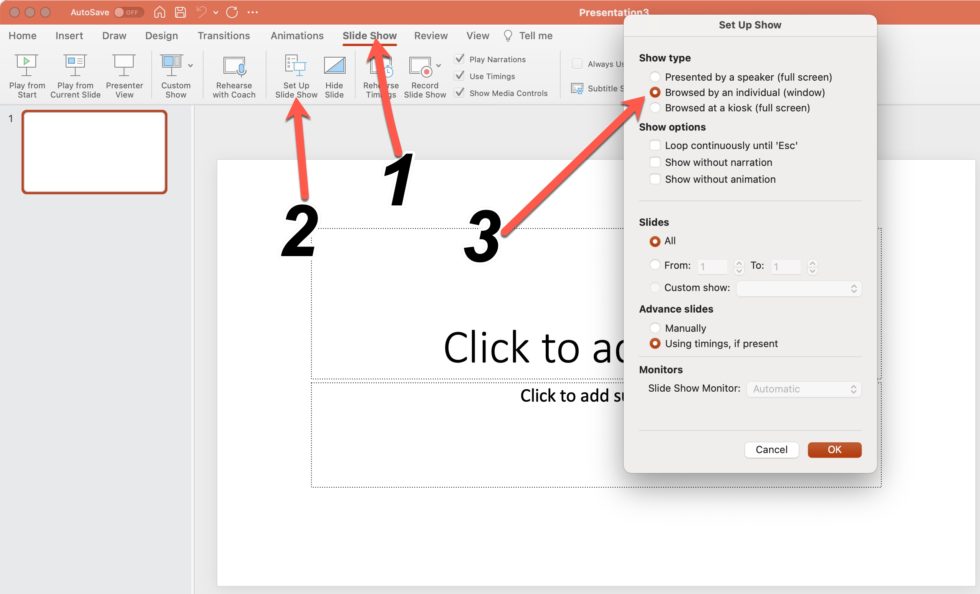
How To Use PowerPoint In Split Screen With Another Window Side By Side Kenneth MD Dr
How To Split Screen On Windows 10 Fsmzaer

How To Do The Splits In A Week Or Less Via WikiHow For Those Who Already Have A
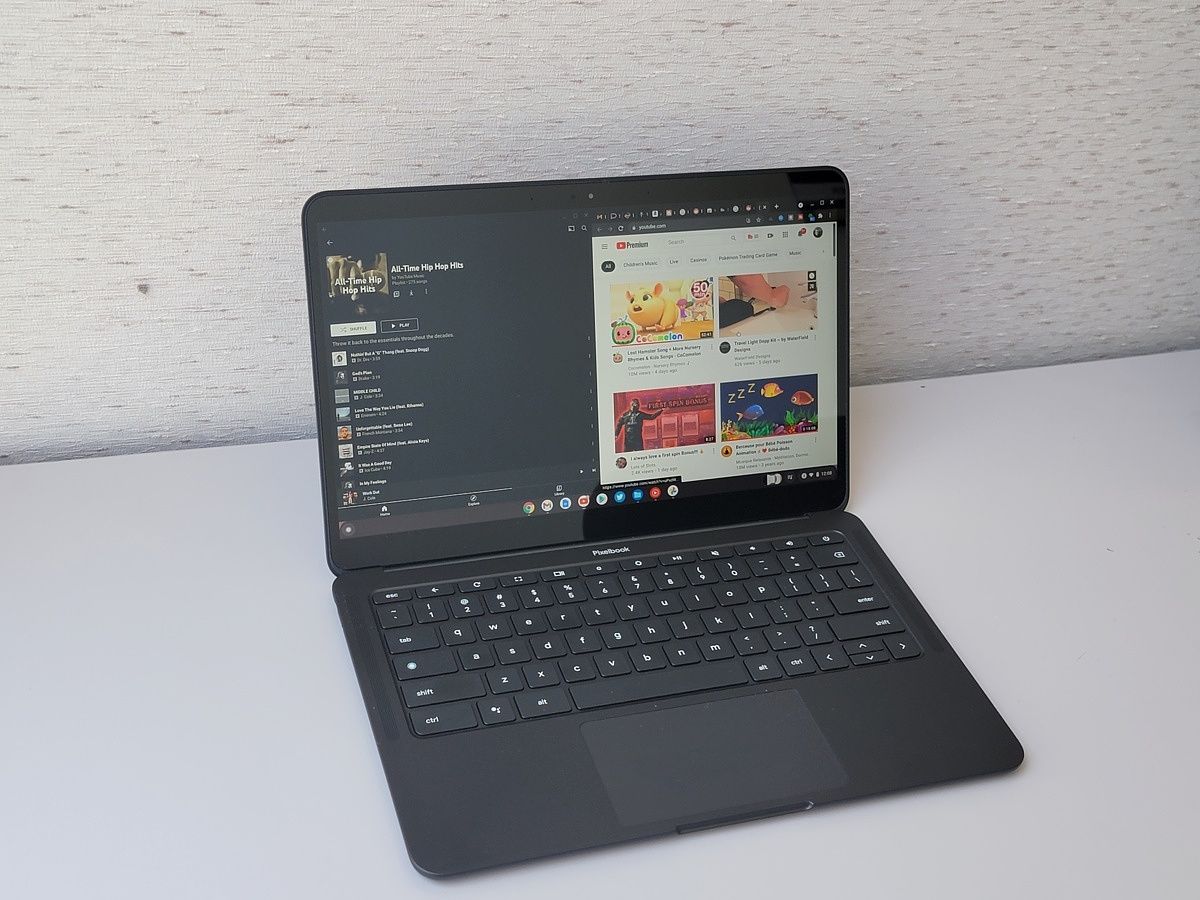
So Teilen Sie Den Bildschirm Auf Einem Chromebook Im Clamshell Oder Tablet Modus Tech News

To do this click on the Word window for the document you want to view and click Split in the Window section of the View tab The current document is split into
Within Microsoft Word there is a feature to split a document screen into two sections so you can view two parts of a document at the same time To split the screen double click on the

Step 2 In the menu View select Outline to access the Outlining menu Your document will now look a bit different In the Outlining menu choose Show Document to open additional options Select

When you want to see two sections of your document at the same time you will go into View and click the Split window But you can only get a horizontal one see Fig 1

How to Vertically Split a Screen in Microsoft Word Tech Pro Advice 26 5K subscribers Join Subscribe 17 Share 4 9K views 2 years ago Microsoft Word Tutorial How to Vertically Split a Screen
How can I do split screen with a word document and safari Im trying to complete some schoolwork and was hoping someone could help with my question I The MS Word window will horizontally split into two halves and two copies of your document will appear in them Both these halves will have their own
If you have two documents select View View Side by Side This is also a quick way to snap each window back to equal screen space after you have customized