How To Display Custom Post Type In Wordpress Without Plugin How To Create Custom Post Type In WordPress Without Plugin Example How To Create Custom Post Type In Wordpress EASY Tutorial With How To Pin A Post In WordPress Without Plugin One Sports Live WordPress RYWEBACADEMY Custom Post Type Page Template From Plugin Page Template Templates Google Analytics offers a few user metrics that provide different ways of understanding how many people visit your website or app Differences at a glance The following core user metrics are
By adding utm campaign parameters to the destination URLs you use in referral links and ad campaigns you can see which campaigns refer traffic When a user clicks a referral link the In Incognito mode third party cookies are blocked by default If a site that relies on third party cookies doesn t work as expected you can try temporarily allowing them for that site Learn
Custom Post Type Page Template From Plugin Page Template Templates How To Display Tool Tips In Wpf Datagrid Text Column Skylark Software How To Get All Post Of Custom Post Type By Rest Api Usbforwindows How To Create Custom Post Type With Taxonomy In Wordpress RYWEBACADEMY Creating Templates To Display Custom Posts In WordPress Toolset How To Create Custom Post Type In Wordpress Without Plugin The Alfaaz Creating A Custom Post Type In WordPress Toolset 4 Easy Ways To Display Custom Post Type In WordPress PDA What Are Custom Post Types In WordPress
How To Display Custom Post Type In Wordpress Without Plugin
 How To Display Custom Post Type In Wordpress Without Plugin
https://njengah.com/wp-content/uploads/2019/05/custom-post-types.jpg
Set your startup page You can control what page or pages appear when you launch Chrome on your computer
Pre-crafted templates use a time-saving option for developing a diverse series of files and files. These pre-designed formats and designs can be used for numerous personal and expert projects, including resumes, invitations, flyers, newsletters, reports, discussions, and more, simplifying the content creation procedure.
How To Display Custom Post Type In Wordpress Without Plugin

How To Display Custom Post Type In WordPress RYWEBACADEMY
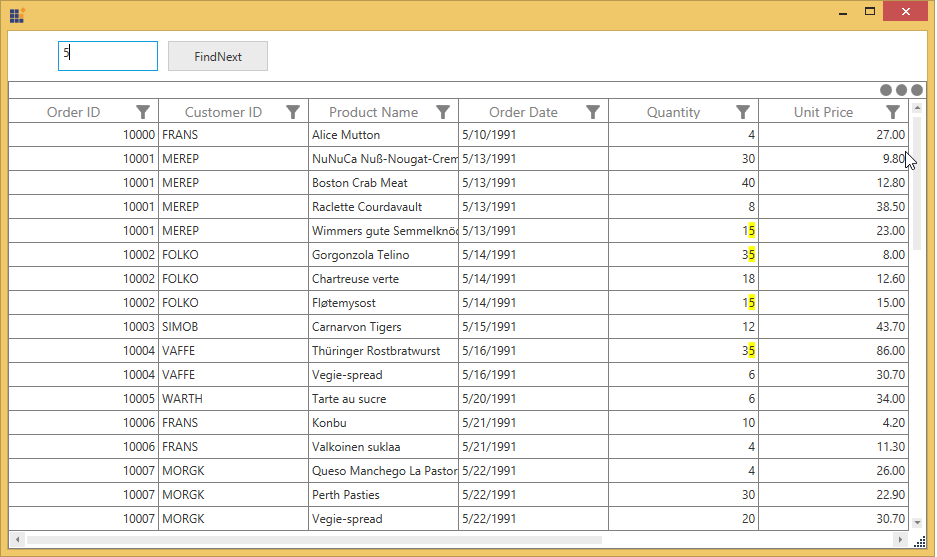
How To Display Tool Tips In Wpf Datagrid Text Column Skylark Software
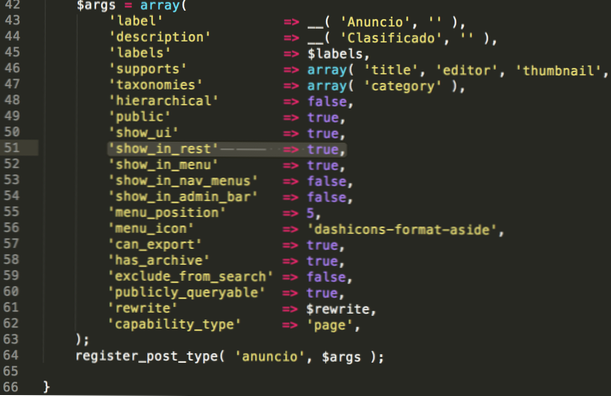
How To Get All Post Of Custom Post Type By Rest Api Usbforwindows

How To Create Custom Post Type With Taxonomy In Wordpress RYWEBACADEMY

How To Create Custom Post Type In Wordpress Without Plugin The Alfaaz
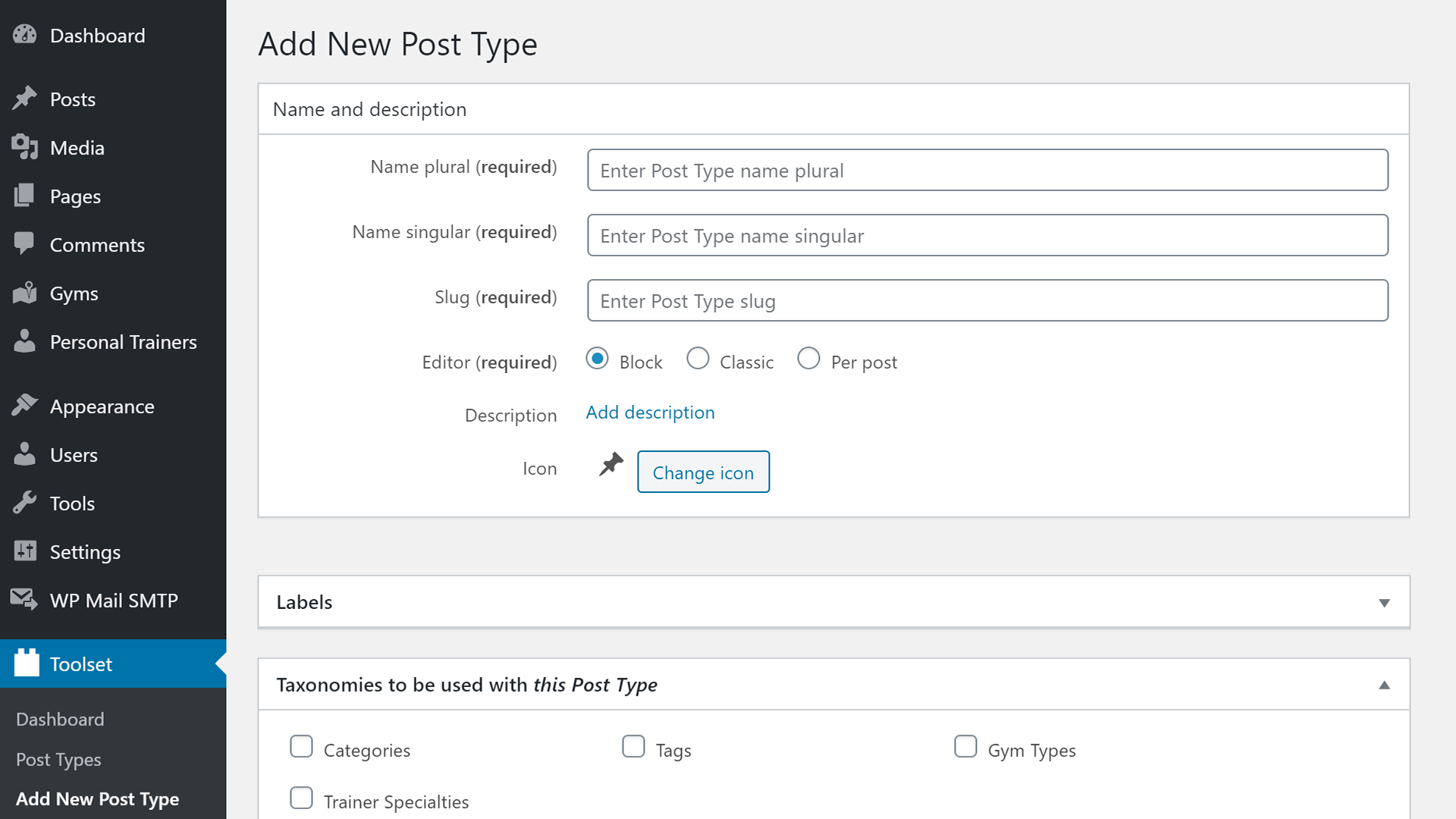
Creating A Custom Post Type In WordPress Toolset

How to install Chrome Important Before you download you can check if Chrome supports your operating system and other system requirements

Google Chrome tips Google Chrome tips From productivity to customization learn how to get things done more quickly with your browser

If you forgot your password or username or you can t get verification codes follow these steps to recover your Google Account That way you can use services like Gmail Pho

Official Google Play Help Center where you can find tips and tutorials on using Google Play and other answers to frequently asked questions

Official Gmail Help Center where you can find tips and tutorials on using Gmail and other answers to frequently asked questions
[desc-11] [desc-12]
[desc-13]