How To Dim Google Maps On Android Auto How To Dim String Lights Welding Glasses Welding Glasses Shade Goggles Safety Protective Eyewear Identidad Digital 2012 09 04CAUSA Gut DiM doc Google Drive Some Android Auto Users Seeing Searching For GPS Issue With Google Maps Flipboard Android Auto already provides a handy interface that makes Google s operating system easier to use while you re behind the wheel But being able to access
Here s how 1 Connect your Android phone to your car s infotainment system using Android Auto via a cable or wirelessly 2 Next open Google Maps navigation on your car s screen 3 At this point if Google Maps display dimming automatically when using Google Maps It seems that either Samsung or Google is dimming the screen of the S22 Ultra on purpose when
Some Android Auto Users Seeing Searching For GPS Issue With Google Maps Flipboard Google Officially Launches Maps For Android Wear Google Maps Silopetraders Google Maps On Android Gets Street View Integration For Better Navigating JoyofAndroid How To Fix Dim Screen On Dell Laptop YouTube Mastering Google Maps On Android Auto With Voice Commands Autoevolution Nouvelle Version De Google Maps Sur Android How To Send Google Maps Directions To Your Android Phone Tom s Guide Google Maps On Android Wear OS Ticwatch S YouTube
How To Dim Google Maps On Android Auto
 How To Dim Google Maps On Android Auto
https://www.oillampman.com/wp-content/uploads/2022/03/dim-string-lights.jpg
Open Phone Settings Device care Battery Choose Optimize Open phone Settings Apps Google Maps Select Battery Enable allow background activity
Templates are pre-designed documents or files that can be utilized for numerous purposes. They can conserve time and effort by supplying a ready-made format and layout for developing different sort of content. Templates can be used for personal or expert jobs, such as resumes, invitations, flyers, newsletters, reports, discussions, and more.
How To Dim Google Maps On Android Auto
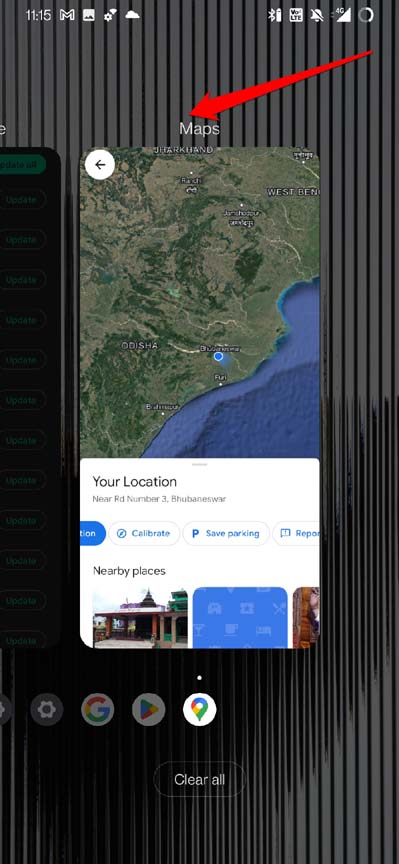
Google Maps Keeps Rerouting On Android Iphone Fixed Digitbin

Google Officially Launches Maps For Android Wear
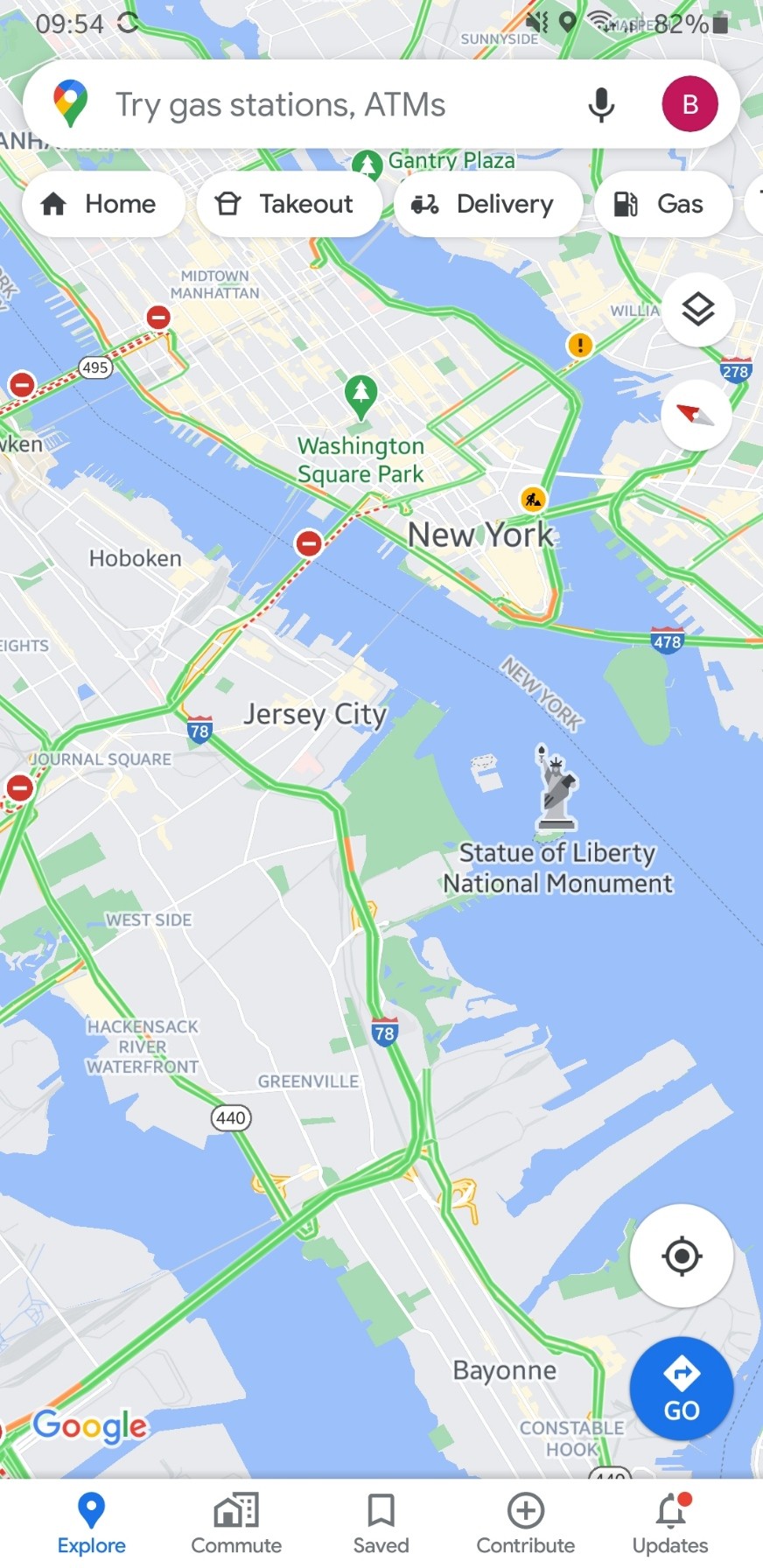
Google Maps Silopetraders

Google Maps On Android Gets Street View Integration For Better Navigating JoyofAndroid
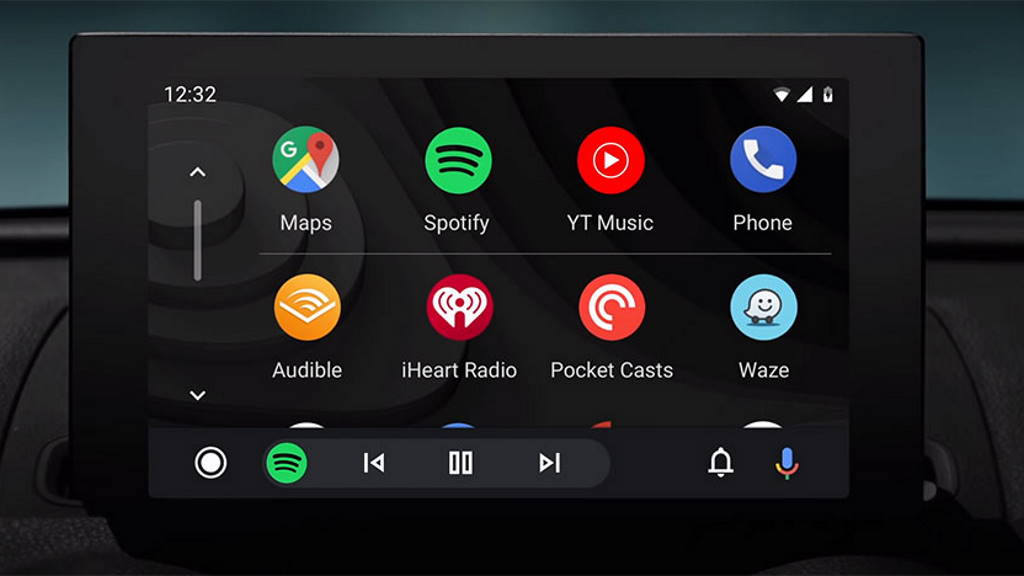
Mastering Google Maps On Android Auto With Voice Commands Autoevolution

Nouvelle Version De Google Maps Sur Android

This help content information General Help Center experience Search Clear search

Google Maps version 11 90 for Android Auto is displaying a new persistant sidebar on the left side of its display for users The sidebar contains various options such
From Android Auto follow these steps to set a destination with Google Maps Tap Search or this icon Select Recent Categories or Saved Select a result to start navigation

Accessing Google Maps via Smartphone s browser First plug in your Android smartphone to your car s infotainment system by using a cable or wirelessly using the Android Auto application After that

Open the Settings app and navigate to Apps Notifications See all apps and scroll until you find Google Maps or the Android Auto app Do note that these options might be buried inside menus using
Enable developer mode in Android Auto Then under developer settings there should be day night option that would let you select to turn on night mode by turning on the When using Android Auto Google maps on new Toyota Corolla the car screen dims as soon as the phone screen timeouts If I unlock the phone car screen
Our app is going to support Android Auto We have a navigation button on car screen When user press that button we want to open Google Map directly for