How To Delete The Last Commit In Github Undoing The Last Commit And Keeping The Changes For A Next Commit Get Verified Setup Git Commit Signing On Windows Garry Trinder How To DELETE That Unwanted BLANK PAGE At The End Of A Word Document 5 Glasnik Prili no Fenomen How Do I Commit A File In Git Bipostit How To Undo Pushed Commits With Git Sciencx Web Nov 11 2023 nbsp 0183 32 There are many ways to achieve git remove commit You can pick the best solution depending on the challenge you are facing For instance do you want to remove the last commit Reset the HEAD bash git reset hard HEAD a group of commits on a branch Interactively rebase the branch bash git rebase i HEAD N
Web Tower also allows you to access advanced tools like quot interactive rebase quot very easily for example to delete a commit and if you made a mistake you can undo it simply by hitting CMD Z Learn More Check out the chapter Undoing Things in our free online book More frequently asked questions about Git amp version control Web Removing the last commit To remove the last commit from git you can simply run git reset hard HEAD If you are removing multiple commits from the top you can run git reset hard HEAD 2 to remove the last two commits You can increase the number to remove even more commits
How To Undo Pushed Commits With Git Sciencx Collaborating With You And Others With Github Beginners Guide For R Viewing The Branch History GitHub Docs Git Delete SourceTree Commit History Stack Overflow Git Last Commit How To View The Details Of Your Last Commit How To Undo The Last Commit In Git Become Front End Expert How To Add And Commit Files In Single Command In Git YouTube Non blocking Transactions Using 2 phase Commit Documentation How To Revert To Last Commit In Git YouTube
How To Delete The Last Commit In Github
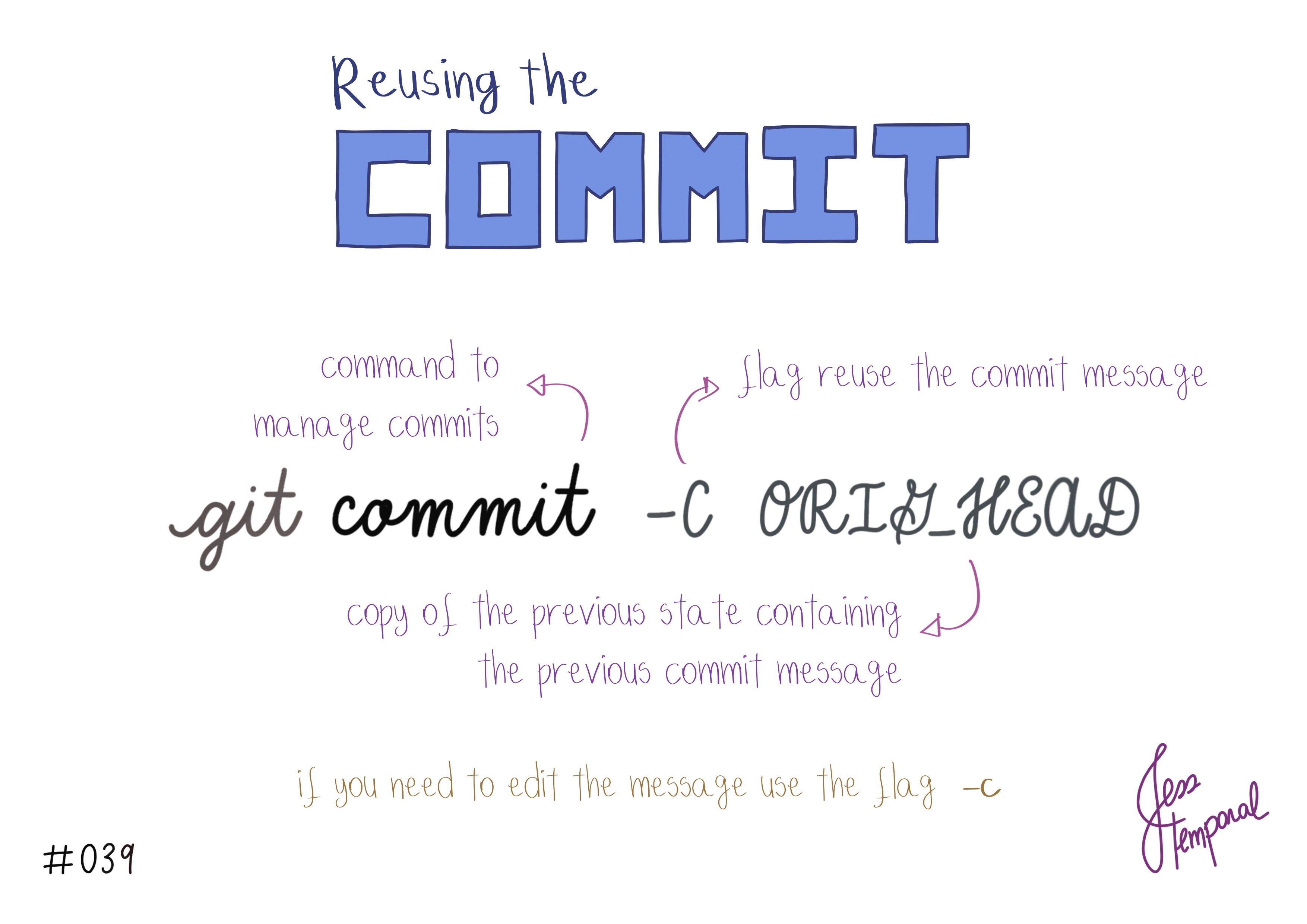 How To Delete The Last Commit In Github
https://res.cloudinary.com/jesstemporal/image/upload/v1642878601/gitfichas/en/039/full_cvowy3.jpg
Web You can use GitHub Desktop to revert a specific commit to remove its changes from your branch When you revert to a previous commit the revert is also a commit The original commit also remains in the repository s history Tip When you revert multiple commits it s best to revert in order from newest to oldest
Pre-crafted templates offer a time-saving option for creating a diverse range of documents and files. These pre-designed formats and designs can be made use of for different individual and expert projects, including resumes, invites, flyers, newsletters, reports, presentations, and more, improving the content development procedure.
How To Delete The Last Commit In Github
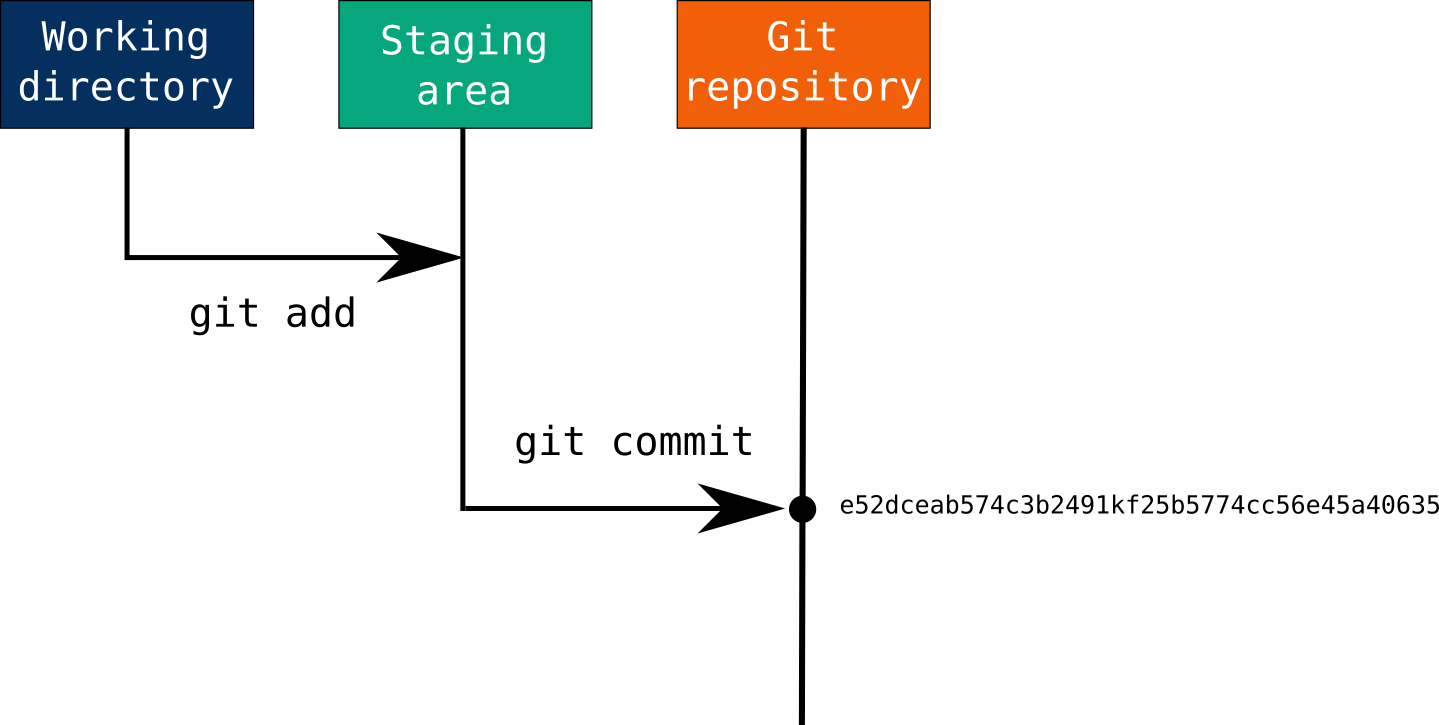
Get Started With Git Commands For Version Control Earth Data Science
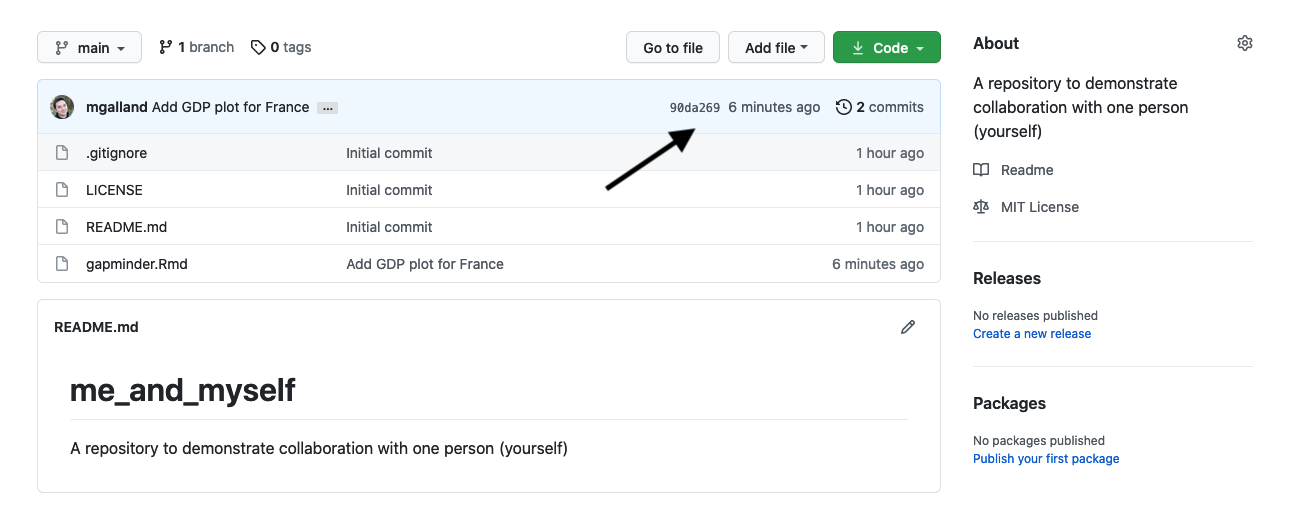
Collaborating With You And Others With Github Beginners Guide For R
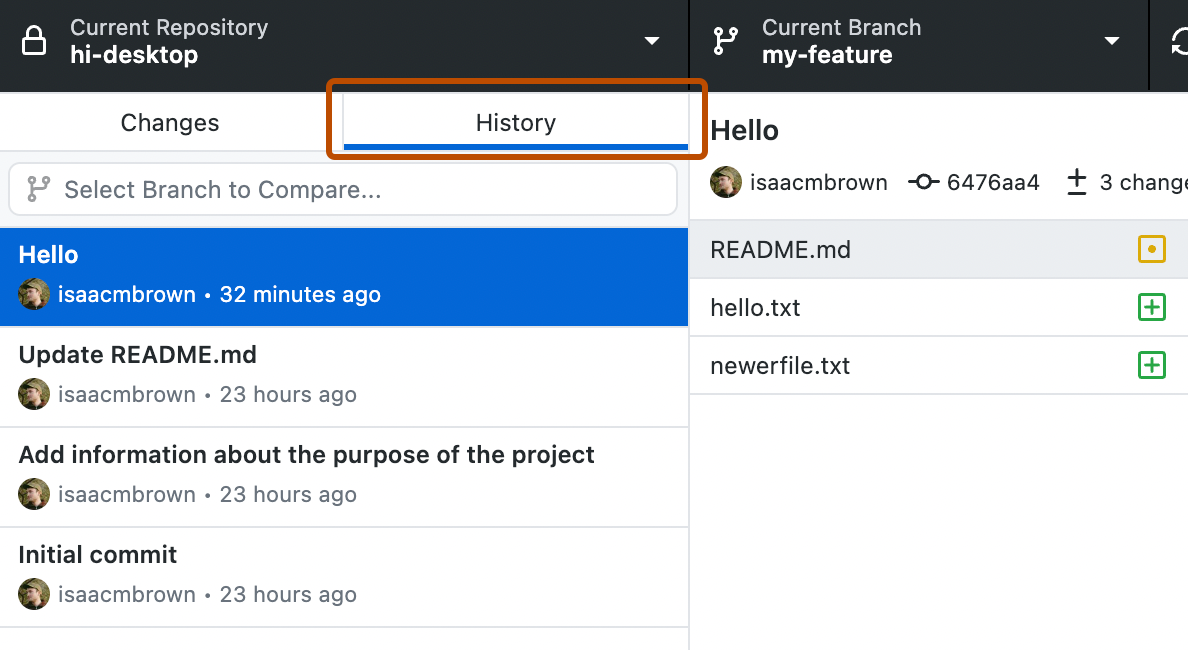
Viewing The Branch History GitHub Docs

Git Delete SourceTree Commit History Stack Overflow
How To Undo The Last Commit In Git Become Front End Expert
How To Add And Commit Files In Single Command In Git YouTube
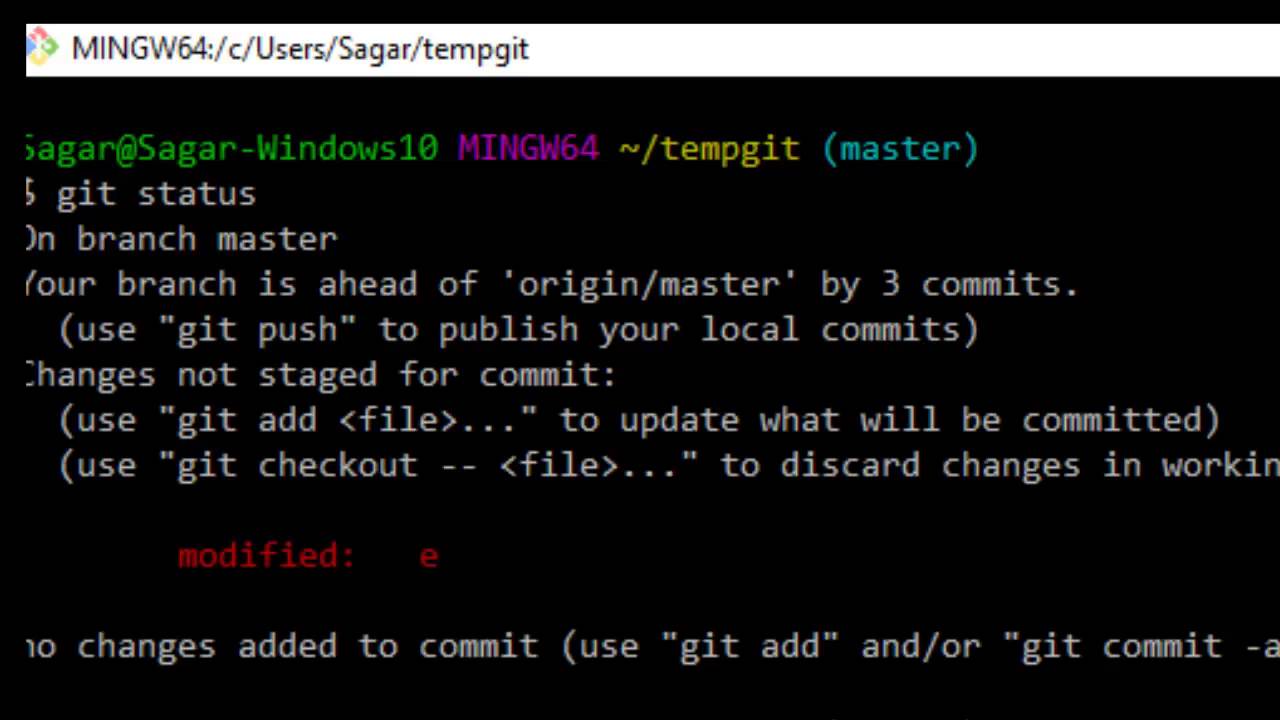
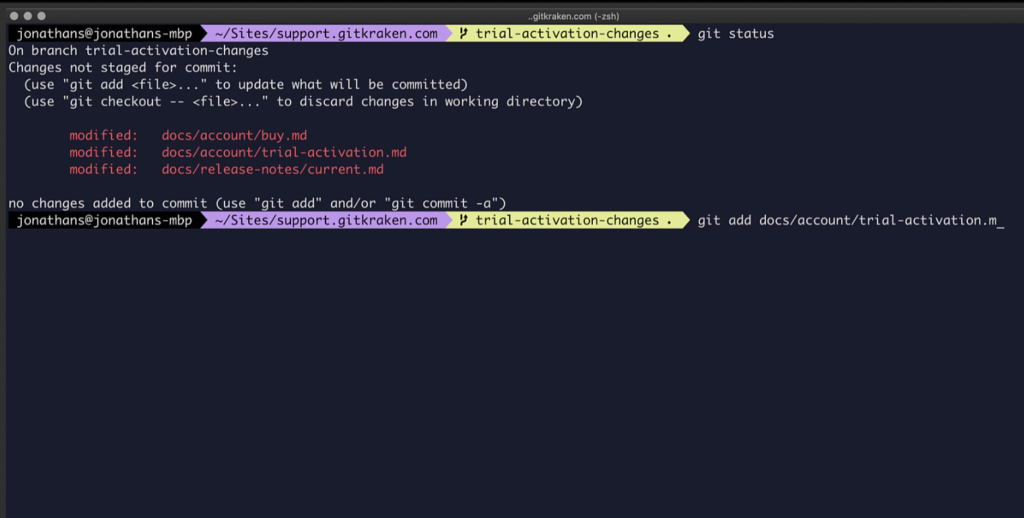
Web Sep 21 2022 nbsp 0183 32 to update what will be committed use quot git restore lt file gt quot to discard changes in working directory modified README md no changes added to commit use quot git add quot and or quot git commit a quot Now to discard the changes you made and restore the file to its original contents use git restore README md
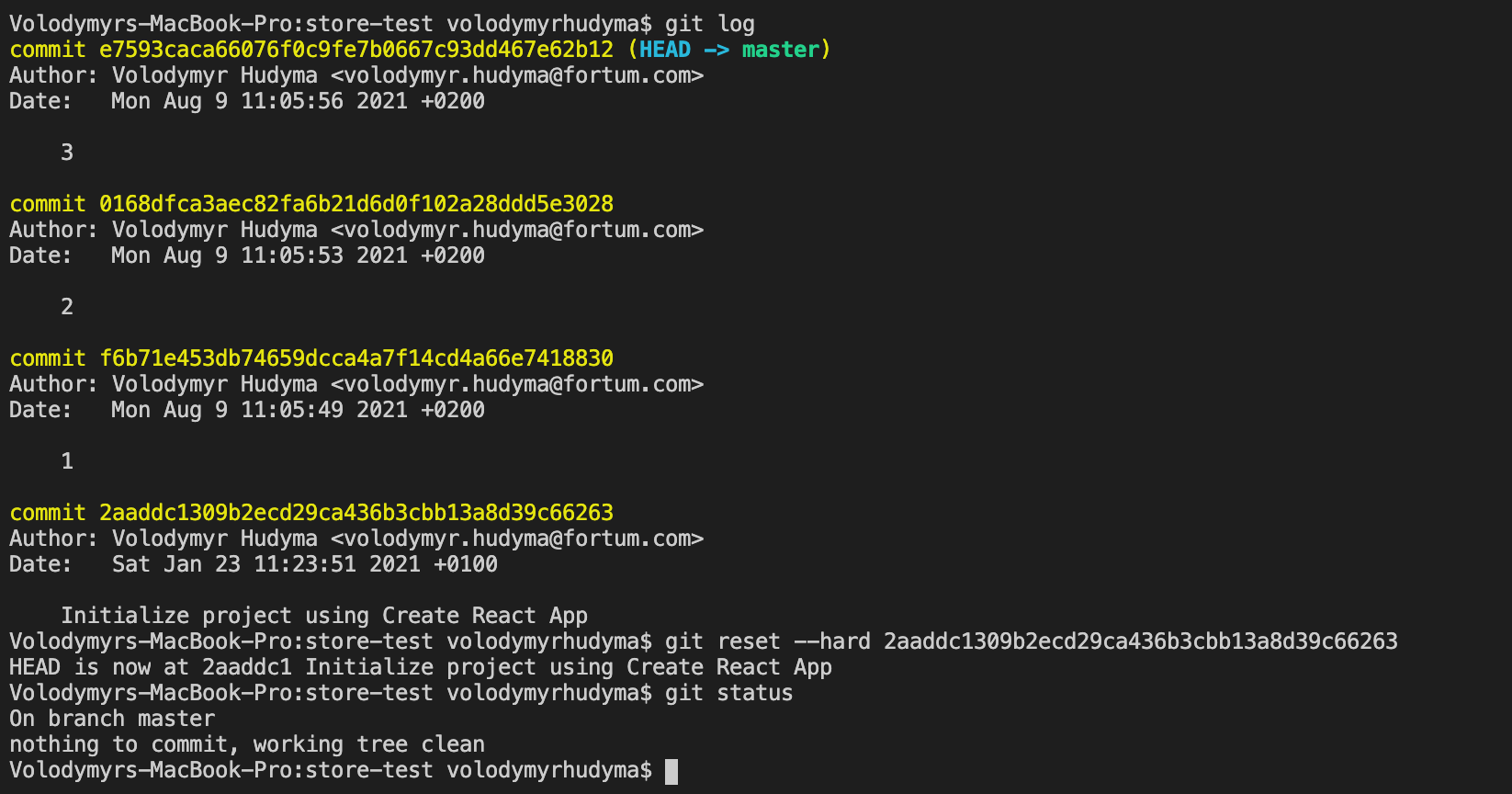
Web Apr 14 2012 nbsp 0183 32 Removing the last commit To remove the last commit from git you can simply run git reset hard HEAD If you are removing multiple commits from the top you can run git reset hard HEAD 2 to remove the last two commits You can increase the number to remove even more commits
Web Delete the last commit For example your last commit git push origin aa61ab32 master Now you want to delete this commit then an Easy way to do this following Steps First reset the branch to the parent of the current commit Force push it to the remote git reset HEAD hard git push origin f For particular commit you want to
Web Nov 23 2021 nbsp 0183 32 Then you can remove the commit locally which is easiest if it s the latest commit git reset soft HEAD You can also do an interactive rebase which is useful if the commit isn t the most recent one If the commit was for example 12 commits ago you can rebase from then remove the offending commit and save git rebase i HEAD 12

Web 1 To remove a commit done locally You made a commit and then realized you want to remove it But you still want to keep your changes This is achieved by git reset soft HEAD HEAD means go back one commit from where HEAD is now This will get you to the state just before the last commit
Web Removing the last commit To remove the last commit from git you can simply run git reset hard HEAD If you are removing multiple commits from the top you can run git reset hard HEAD 2 to remove the last two commits You can increase the number to remove even more commits Web quot Reset the working tree to the last commit quot git reset hard HEAD quot Clean unknown files from the working tree quot git clean see Git Quick Reference NOTE This command will delete your previous commit so use with caution git reset hard is safer
Web To remove the last commit from git you can simply run git reset hard HEAD If you are removing multiple commits from the top you can run git reset hard HEAD 2 to remove the last two commits You can increase the number to remove even more commits