How To Delete Preview On Mac How To Edit Images And Mark Up PDFs With Preview On Your Mac Apple How To Disable Preview Pane In File Explorer In Windows 10 Remove Mastering Redaction A Step by Step Guide Using Preview Infetech Edit In Preview On Mac Pinoyvamet Mac Rpeview For Windows Lindaroof Web May 26 2016 nbsp 0183 32 1 Open Preview 2 File gt Open Recent gt Clear Menu 3 Quit Preview 4 Drag Preview icon from Dock goes poof or option remove from Dock 5 Open Preview from Applications folder or Launch Pad option gt Keep in Dock Scroll to the bottom to see the clear menu option
Web Jan 10 2017 nbsp 0183 32 According to this answer you can t delete the last file that s open in a Preview window Preview won t allow you to cmd delete or quot move to trash quot or even drag and drop to trash the last file it has open If there is more than one PDF open in a single Preview window however you can delete them up until the last one Web May 5 2023 nbsp 0183 32 Here are three methods to force close Preview Using the Force Quit Applications window Press Option Command Escape select Preview and click Force Quit Force quit using keyboard shortcut Press Command Q to force quit the active application Using Activity Monitor Launch Activity Monitor find Preview in the list of
Mac Rpeview For Windows Lindaroof Option Card All Delete Preview For Booster Set 5 With The Will How To Delete Utorrent Web Mac Stashokmis Catalina Hasnas Delete Pages In MS Word With Shortcut Key Delete Entire Page Easily How To Use Preview On Mac Find And Use Preview App On MacBook YouTube FileBrowser Homepage Catalina Hasnas Heimdall
How To Delete Preview On Mac
 How To Delete Preview On Mac
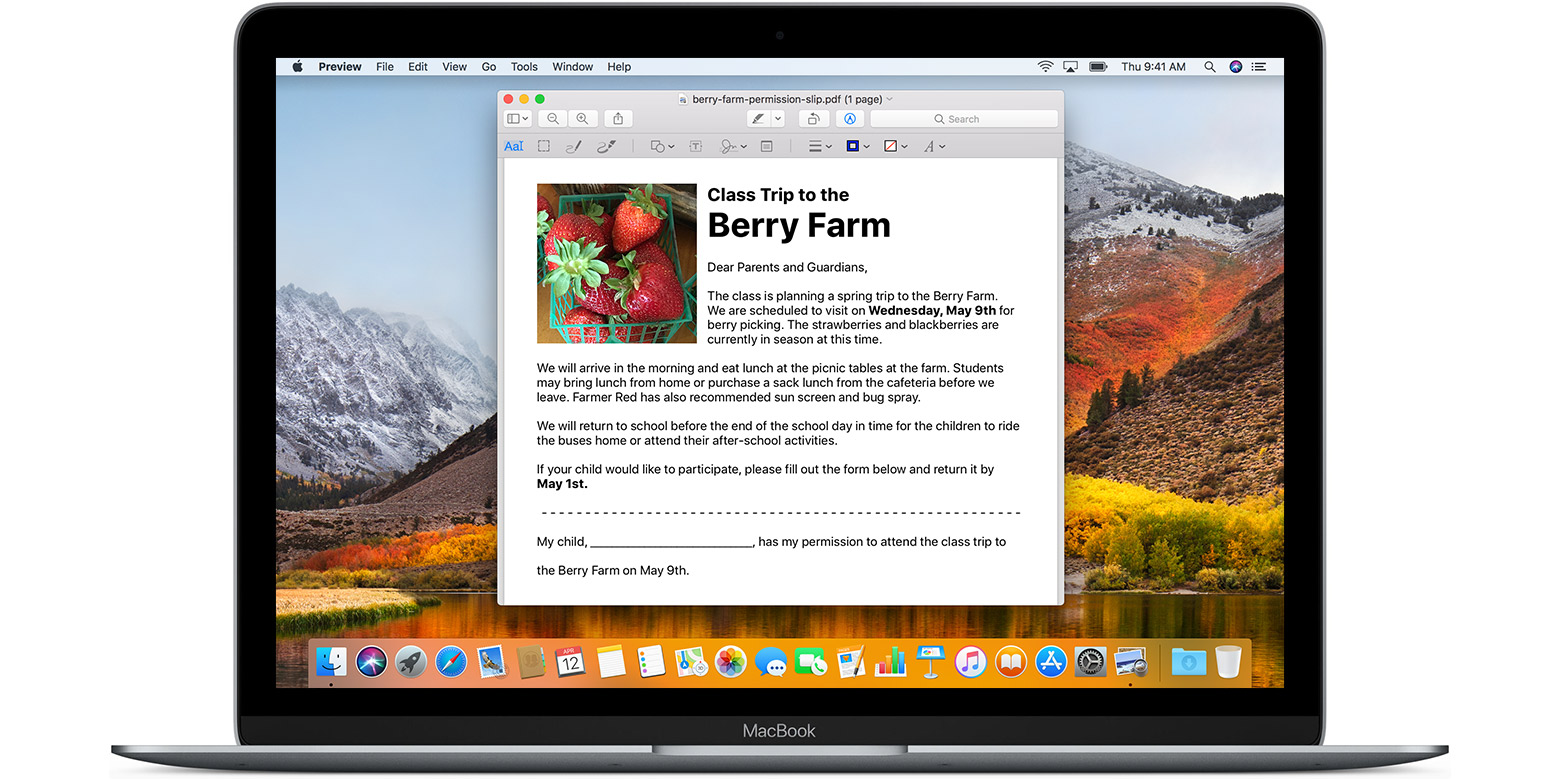
https://support.apple.com/library/content/dam/edam/applecare/images/en_US/macos/macos-high-sierra-macbook-preview-hero.jpg
Web Oct 31 2023 nbsp 0183 32 Press and hold the Option key or click and hold any app until the apps jiggle Click the Delete button next to the app that you want to delete then click Delete to confirm The app is deleted immediately If you can t delete an app from Launchpad The Delete button appears only for apps that you downloaded from the App Store
Templates are pre-designed documents or files that can be utilized for various purposes. They can conserve effort and time by supplying a ready-made format and design for developing various kinds of material. Templates can be utilized for personal or professional projects, such as resumes, invitations, leaflets, newsletters, reports, presentations, and more.
How To Delete Preview On Mac
12th SS Kubelwagen File Mod DB
Option Card All Delete Preview For Booster Set 5 With The Will

How To Delete Utorrent Web Mac Stashokmis

Catalina Hasnas

How To Use Preview On Mac Find And Use Preview App On MacBook YouTube

FileBrowser Homepage

Web Jun 6 2012 nbsp 0183 32 1 When Preview is open click File gt Open Recent gt Clear Menu You ll notice this clears the menu in the app 2 To finish and ensure the Dock icon history is cleared simply quit Preview Cmd Q or File gt Quit Now reopen Preview You ll notice now when you right click that nothing appears in the history I have used this successfully

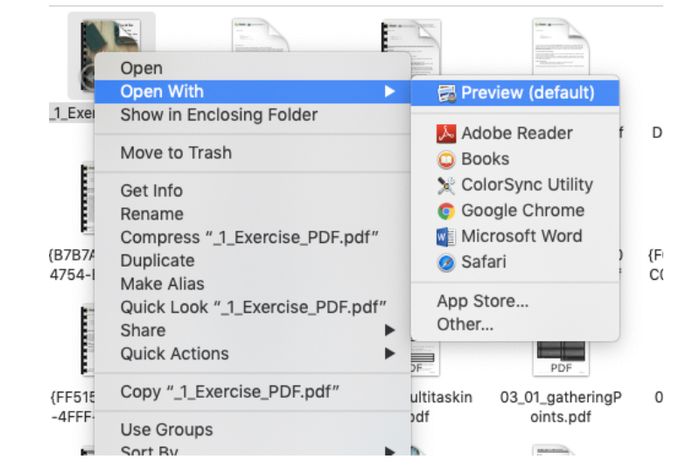
Web Mar 13 2023 nbsp 0183 32 To delete a preview on a Mac follow these steps 1 Locate the file or image that you want to delete the preview of 2 Right click or control click on the file image and select Open With from the menu 3 Choose Preview from the
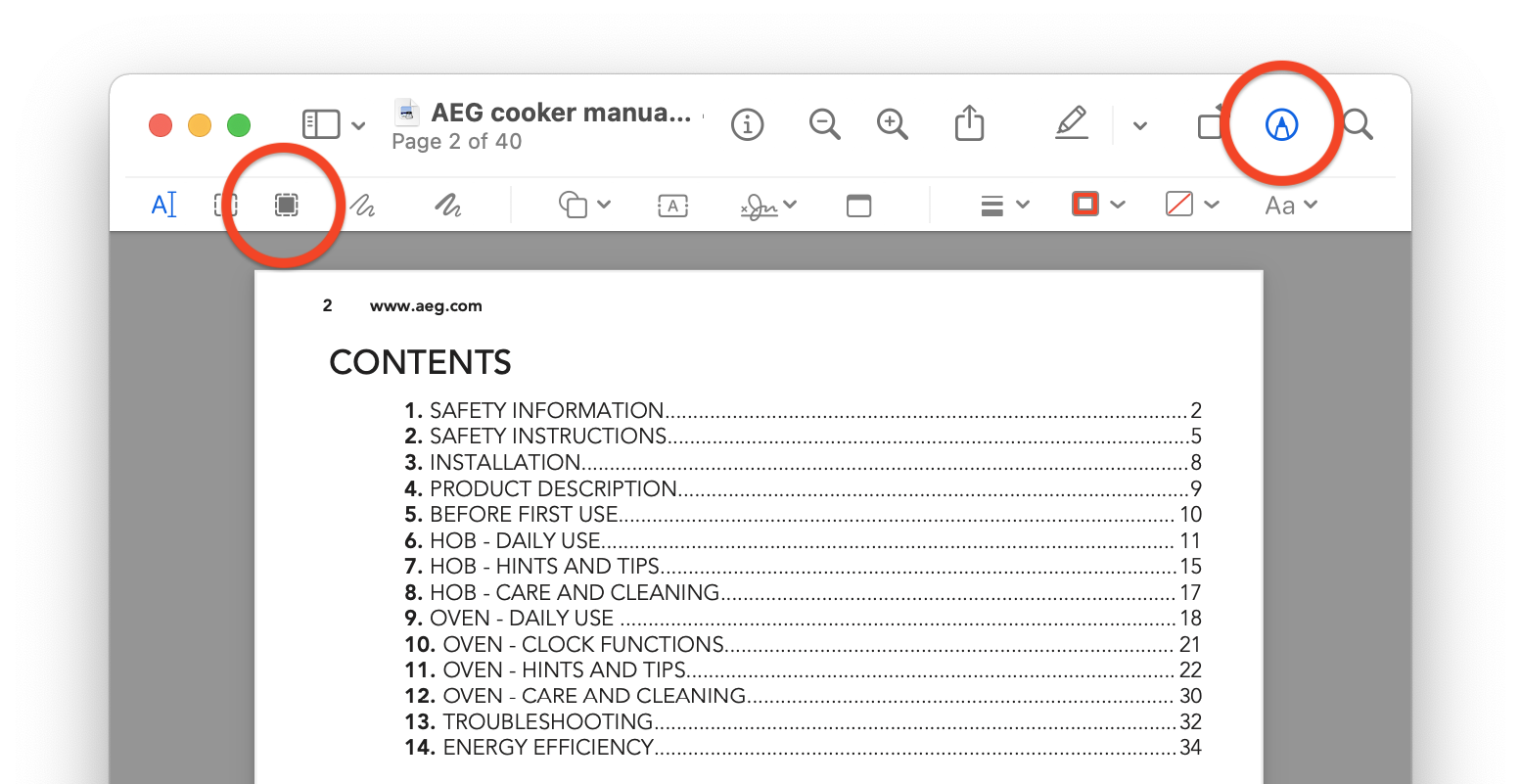
Web Nov 25 2019 nbsp 0183 32 Any items which were added from Preview you can select the item then remove or edit it I tested on my Mac running macOS Mojave by opening a PDF in Preview adding some mark up boxes and saving the changes that I made I then opened the same file in Preview and was able to remove the mark ups
Web Learn how to use Preview on your Mac to work with and change image files and PDF documents

Web On your Mac click the Finder icon in the Dock to open a Finder window Select the folder or file If you don t see the Preview pane on the right choose View gt Show Preview Choose View gt Show Preview Options then select the checkboxes for the options you want to show for the file you selected available options depend on the file type If
Web In the Preview app on your Mac open the PDF file choose View gt Thumbnails then select the page in the thumbnail sidebar Click File gt Export type a name add a tag optional then choose where you want to save it Click the Format pop up menu and choose an image format such as PNG Click Save Remove the background from an image Web Jan 29 2007 nbsp 0183 32 quot Is it possible to delete photos from Preview directly with delete key or using a keyboard shortcut quot No The Delete choice you mention i e in Preview Edit gt Delete applies to removing either annotations ovals or notes or bookmarks one has added to a PDF in Preview
Web You can also delete pages from a PDF file with Preview in macOS in five easy steps double click on your PDF file select View from the menu bar at the top of your screen select