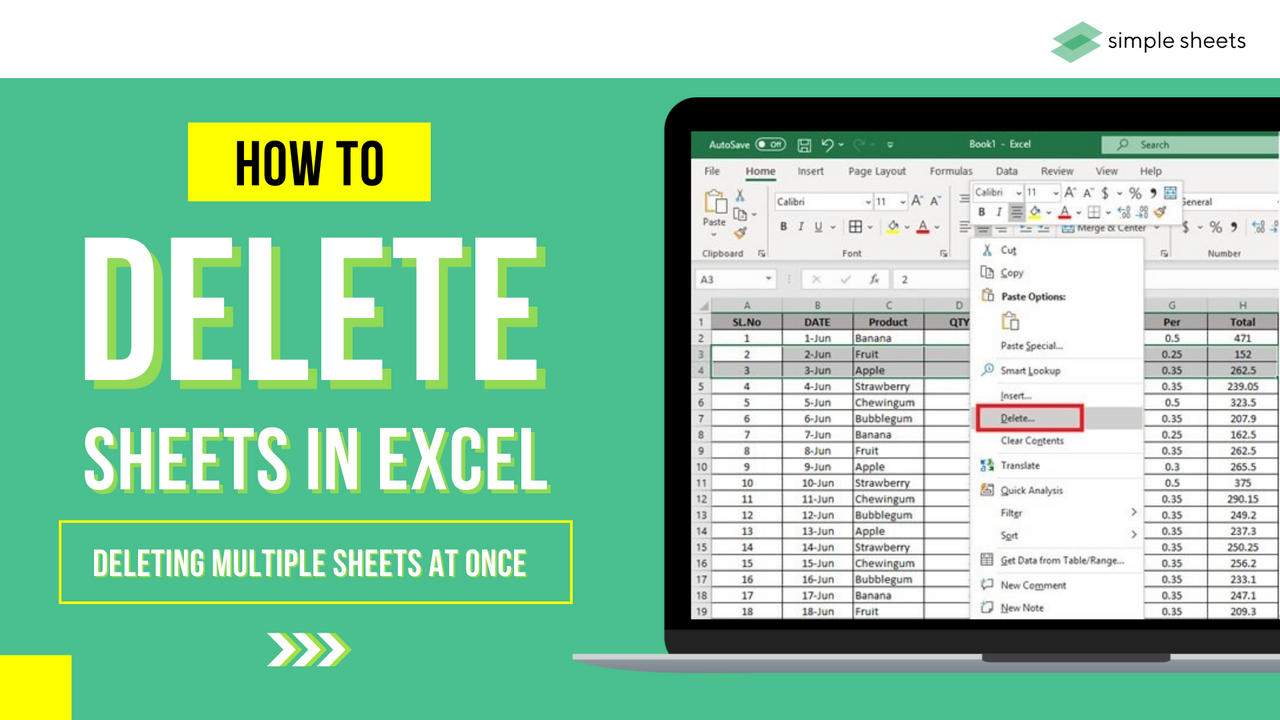
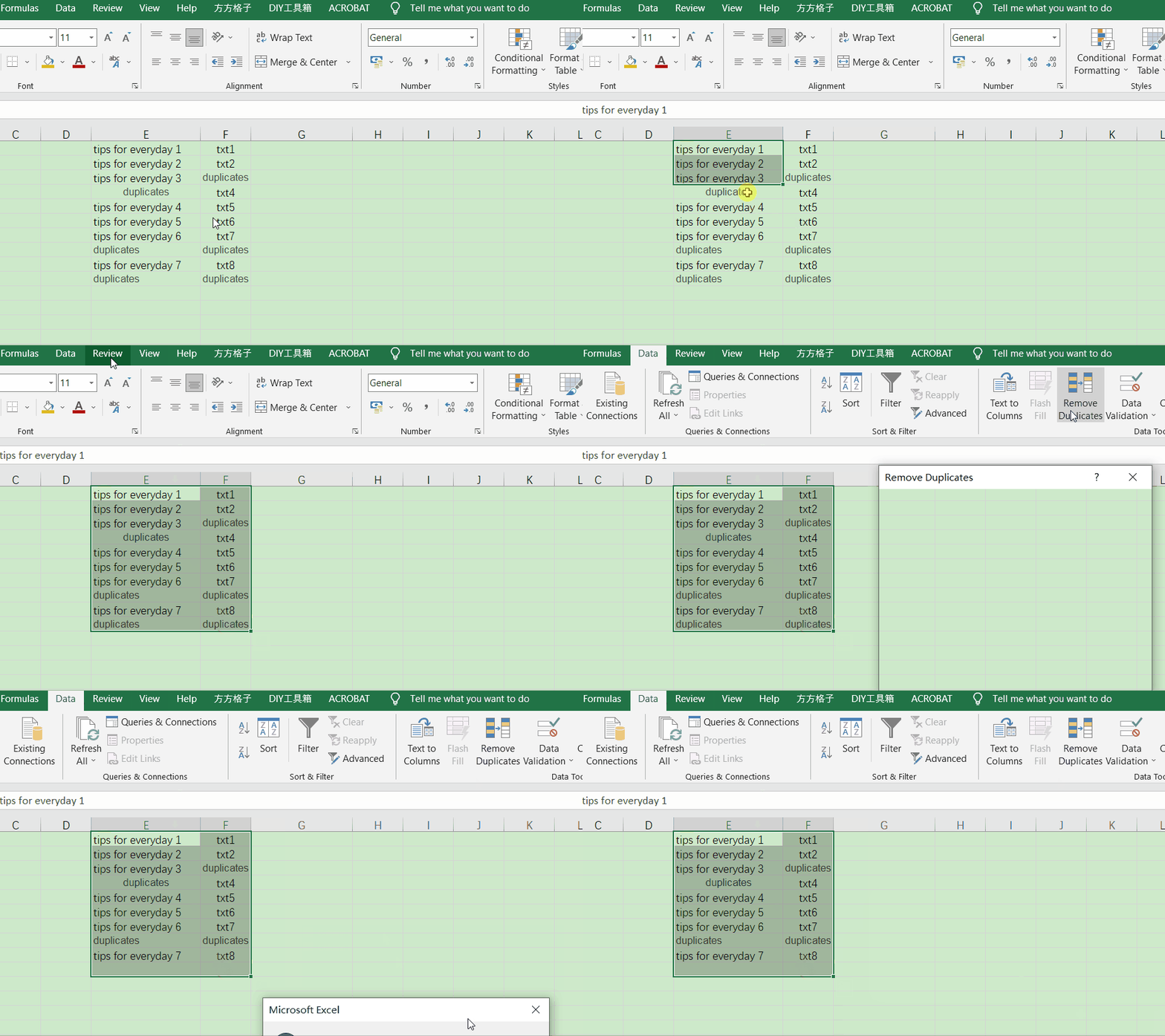
How To Delete Multiple Text In Excel How To Wrap Text In Excel Earn Excel How To Delete Sheets In Excel Deleting Multiple Sheets At Once How To Delete Duplicates In Excel Tips For Everyday Reverse Text In Excel User Defined Function Advanced Excel Excel Shortcut Key To Delete Multiple Blank Rows Columns In Ms Excel Youtube If you want to delete row contents then select multiple rows from Row
1 Using the Find Feature to Delete Rows with Specific Text 1 1 Delete Rows with Partial Matching Text in Excel 1 2 Using Find Feature to Delete Rows with Full Matching Text 2 Delete Rows with In order to delete content of multiple cells in excel the keyboard shortcut
Shortcut Key To Delete Multiple Blank Rows Columns In Ms Excel Youtube Replace A Text In Excel With Another 3 Solutions YouTube Fixed Excel Not Recognizing Numbers In Cells 3 Techniques Excel A Spreadsheet In Excel Is Also Called As Compute Expert 10 Ways To Use Paste Special In Excel Learn Excel Course MS Word How To Delete Multiple Text At The Same Time In Word 2010 YouTube How To Add Numbers In Excel With 5 Variations Learn Excel Course MS How To Use Averageifs Formula In Excel Learn Excel Course MS Word SQL Delete Statement Overview With Examples
How To Delete Multiple Text In Excel
 How To Delete Multiple Text In Excel
https://earnandexcel.com/wp-content/uploads/How-To-Wrap-Text-In-Excel.png
I have a massive list of email addresses but just to make things simple i am
Templates are pre-designed files or files that can be used for numerous purposes. They can save time and effort by supplying a ready-made format and layout for creating various kinds of content. Templates can be utilized for personal or expert jobs, such as resumes, invitations, flyers, newsletters, reports, discussions, and more.
How To Delete Multiple Text In Excel

Remove Text In Excel Without Formulas Or Macros YouTube

Replace A Text In Excel With Another 3 Solutions YouTube

Fixed Excel Not Recognizing Numbers In Cells 3 Techniques Excel

A Spreadsheet In Excel Is Also Called As Compute Expert

How To Delete Multiple Text At The Same Time In Word 2010 YouTube

How To Add Numbers In Excel With 5 Variations Learn Excel Course MS

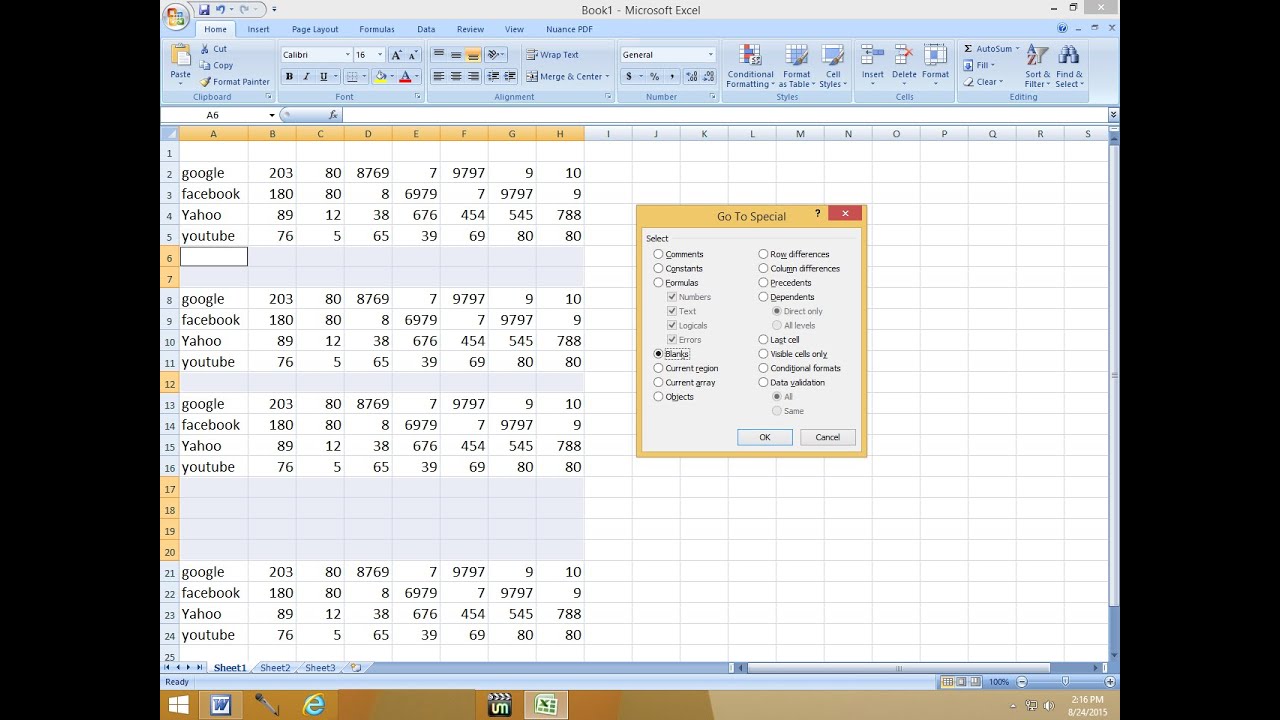
It is time consuming to delete each Text Box one by one Actually there are several ways can help you quickly delete all text boxes Delete all text boxes or other objects in active worksheet with Go To function Delete
Press Ctrl H to open the Find and Replace dialog In the Find what box enter one of the following combinations To eliminate text
How to Delete Multiple Sheets in Excel 4 Easy Ways 1 Use Ribbon Option to Delete Multiple Sheets in Excel 2 Use Sheet Option to Delete Multiple Sheets in Excel 2 1 For Adjacent Worksheet 2 2 For

If you are working with Excel for Windows use the Delete keyboard
Please do as follows 1 Select range with cells you want to remove unwanted text and
Excel Remove text before string for multiple possible strings With It is time consuming to delete each Text Box one by one Actually there are several
How to delete text in Excel Using Find and Replace 1 The first way to