How To Delete All Commit Message In Git Glasnik Prili no Fenomen How Do I Commit A File In Git Bipostit How To Write Good Commit Messages Git Commit Message Style Guide Second Memory How Do You Correct A Commit Message In Git O Reilly To Write Git Vrogue Crayon Couronne Crocodile Git Correct Commit Message Stylo Magasin La Web Feb 5 2019 nbsp 0183 32 You can safely carry out the following steps First commit all your changes to the main branch if you have any git commit m message 2 Now create a new branch using the orphan switch
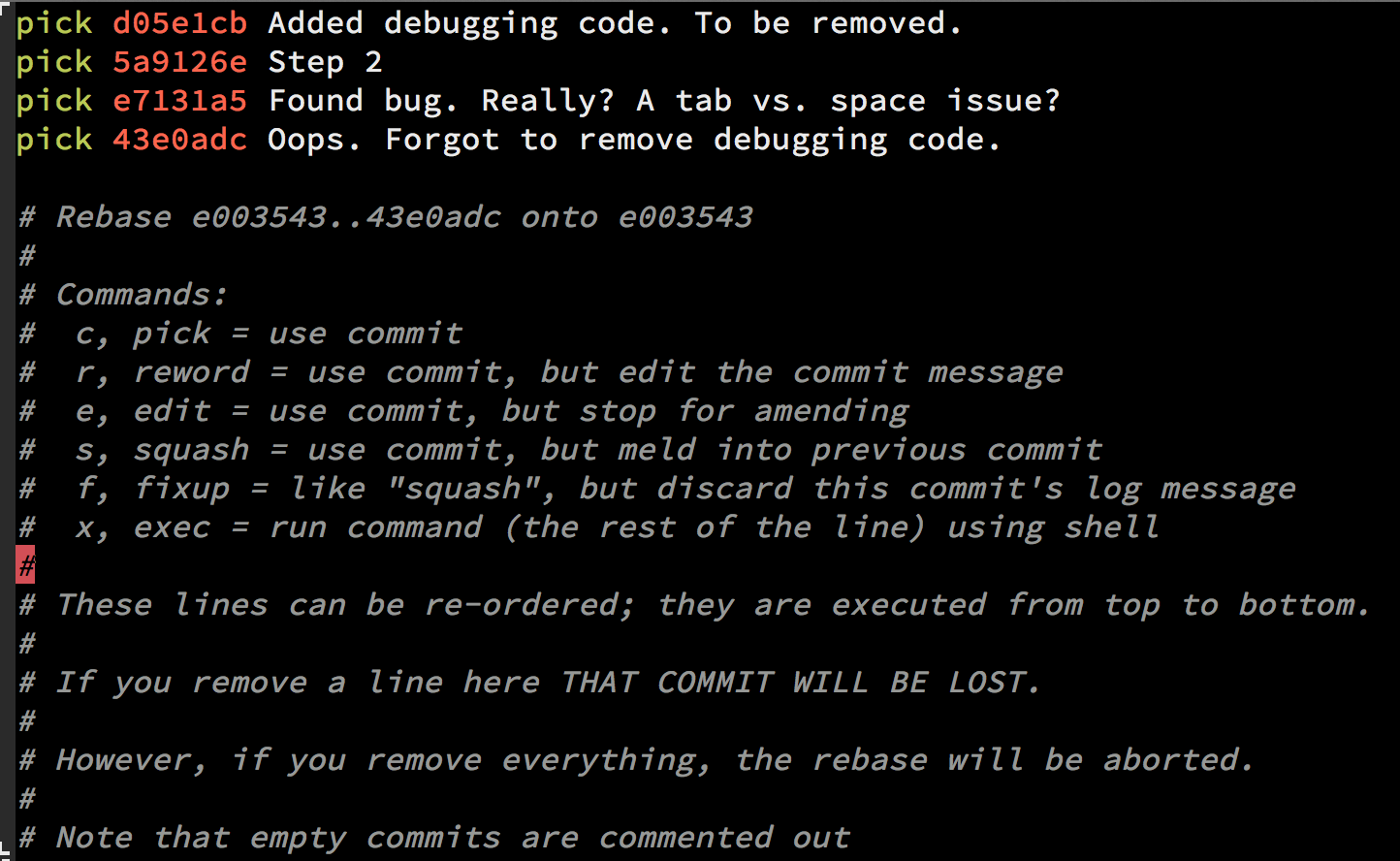
Web For example if you want to change the last three commit messages or any of the commit messages in that group you supply as an argument to git rebase i the parent of the last commit you want to edit which is HEAD 2 or HEAD 3 It may be easier to remember the 3 because you re trying to edit the last three commits but keep in mind that you re Web Feb 2 2023 nbsp 0183 32 git commit m Initial Commit 4 Delete the old main branch Delete the main branch which has all the commit history git branch D main 5 Rename the new branch to main git branch m main 6 Final step force push Let s do the force update of the repository from local to the remote main branch git push f origin main Conclusion
Crayon Couronne Crocodile Git Correct Commit Message Stylo Magasin La How Do You Correct A Commit Message In Git O Reilly How To Delete All Commit History In GitHub How To Write A Useful Commit Message A Git Guide Innovation Vrogue Git Commit Message Format And Conventional Commits How To Change Commit Message In Git Git Commit Message Plugin IntelliJ IDEs Plugin Marketplace How To Write A Useful Commit Message A Git Guide Innovation Vrogue How Do You Correct A Commit Message In Git O Reilly Vrogue
How To Delete All Commit Message In Git
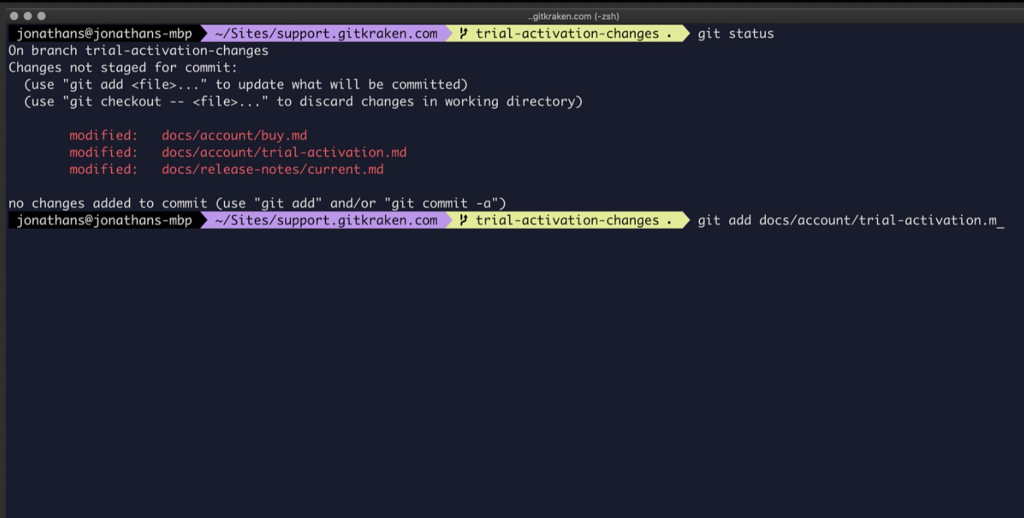 How To Delete All Commit Message In Git
https://www.gitkraken.com/wp-content/uploads/2021/03/git-add-1024x518.png
Web How can I delete a commit in Git Git offers a couple of tools to delete or undo older commits The first step therefore is to find out which tool is best for your scenario The Git Cheat Sheet No need to remember all those commands and parameters get our popular quot Git Cheat Sheet quot for free Download Now for Free
Pre-crafted templates use a time-saving option for developing a diverse variety of files and files. These pre-designed formats and designs can be utilized for numerous personal and professional jobs, including resumes, invites, flyers, newsletters, reports, discussions, and more, streamlining the material development process.
How To Delete All Commit Message In Git

Change Commit Message In Git InMotion Hosting
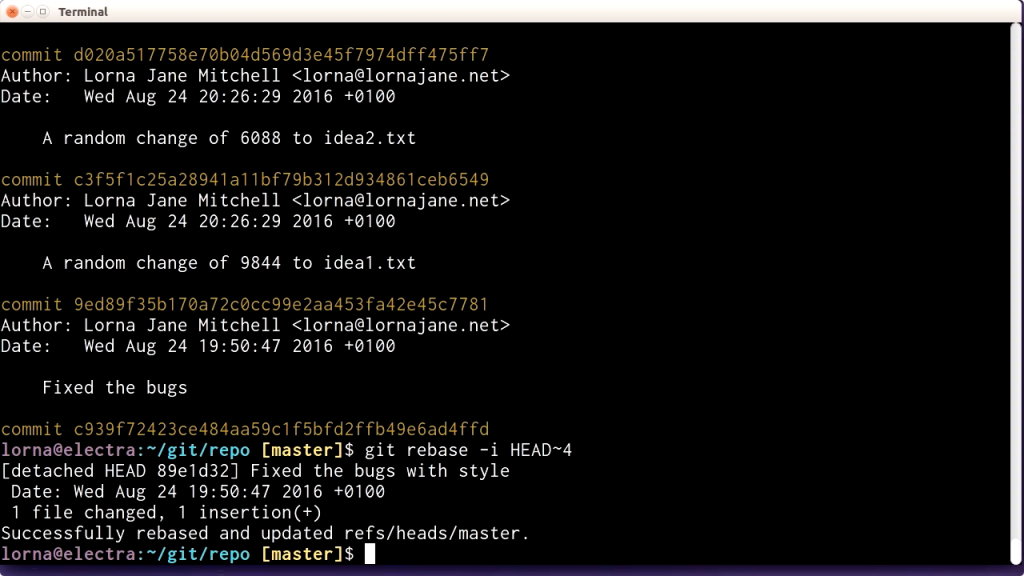
How Do You Correct A Commit Message In Git O Reilly

How To Delete All Commit History In GitHub
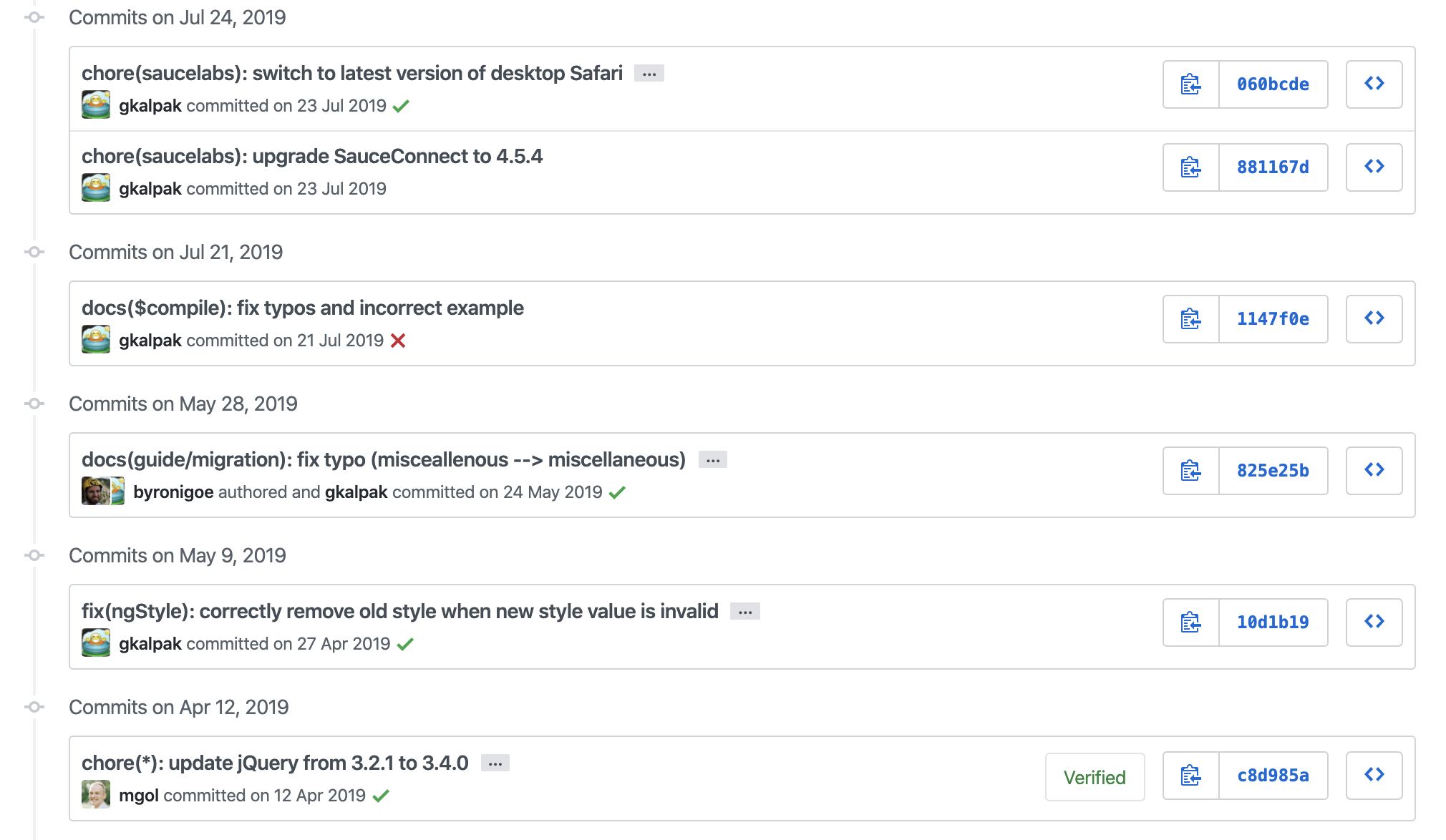
How To Write A Useful Commit Message A Git Guide Innovation Vrogue
How To Change Commit Message In Git
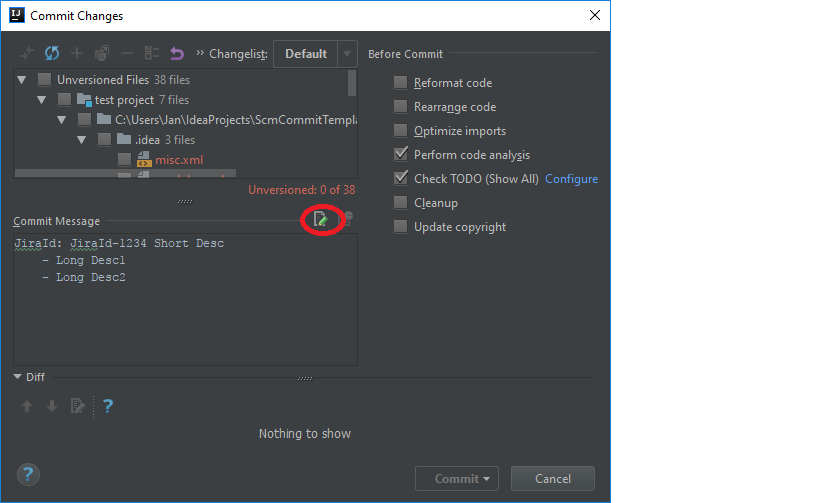
Git Commit Message Plugin IntelliJ IDEs Plugin Marketplace
Web git rebase i HEAD N The N means rebase the last N commits N must be a number for example HEAD 10 Then you can edit the file that Git presents to you to delete the offending commit On saving that file Git will then rewrite all the following commits as if the one you deleted didn t exist
Web Dec 5 2012 nbsp 0183 32 166 If you are sure you want to remove all commit history simply delete the git directory in your project root note that it s hidden Then initialize a new repository in the same folder and link it to the GitHub repository git init git remote add origin git github user repo
Web Aug 23 2019 nbsp 0183 32 In this article i am showing how to clear Git history by removing all commits You may need this if you want to delete sensitive data from the history of Git commits After such cleanup you will have the latest version of your Git repository but with the one commit only
Web Nov 11 2023 nbsp 0183 32 There are many ways to achieve git remove commit You can pick the best solution depending on the challenge you are facing For instance do you want to remove the last commit Reset the HEAD bash git reset hard HEAD a group of commits on a branch Interactively rebase the branch bash git rebase i HEAD N

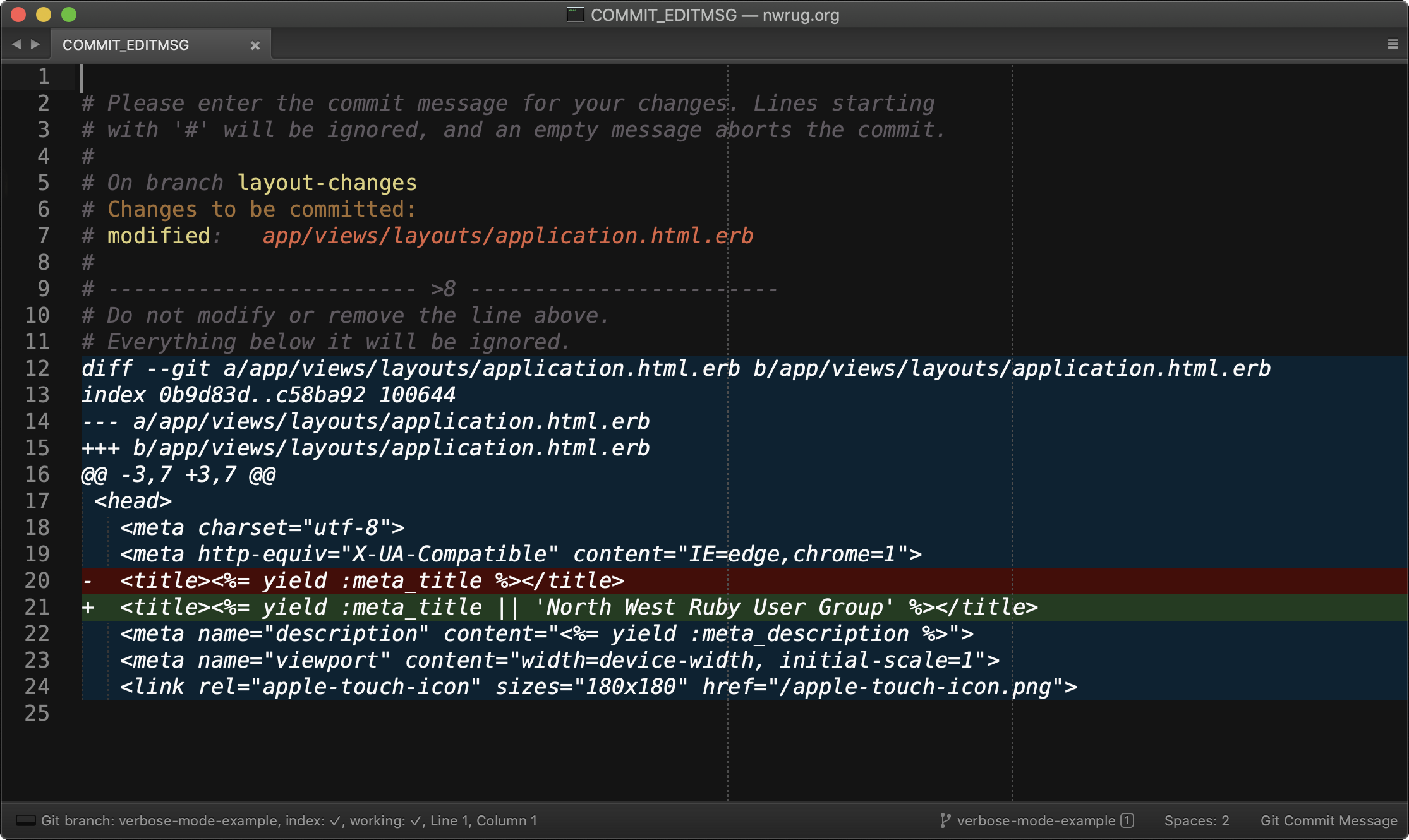
Web Jul 30 2021 nbsp 0183 32 First you ll need to stage your changes git add And then amend git commit amend no edit The no edit flag will make the command not modify the commit message If you need to clarify the new changes in a new message leave this flag out and you ll be prompted for the new commit message Under the hood the amend command
Web Type git commit amend and press Enter In your text editor edit the commit message and save the commit You can add a co author by adding a trailer to the commit For more information see quot Creating a commit with multiple authors quot You can create commits on behalf of your organization by adding a trailer to the commit Web Feb 19 2013 nbsp 0183 32 To squash the commits into one and truncate the final commit message if you want you can use an interactive rebase git rebase i lt whatever gt To truncate the actual commit messages but retain all of the commits use the
Web Feb 9 2023 nbsp 0183 32 Add All The Files to Branch Add all existing files to your newly created branch git add A Commit The Changes After adding all files to your new branch commit the changes git commit am quot your new commit message quot Delete Main Default Branch Now you can delete the main default branch from your git repository This