How To Delete A File From Git Command Line How To Delete A Branch Using Git Command ItSolutionStuff How To Delete File On Git Removing Files From Git Repository Using GIT Commands Basic To Advanced GIT Commands List That You Should Know How To Remove A File From Git YouTube How To Delete A File In PHP If It Exists With Code Examples In 2023 Web 136 I always find Guides Completely remove a file from all revisions feed helpful To remove the file called Rakefile git filter branch force index filter git rm cached
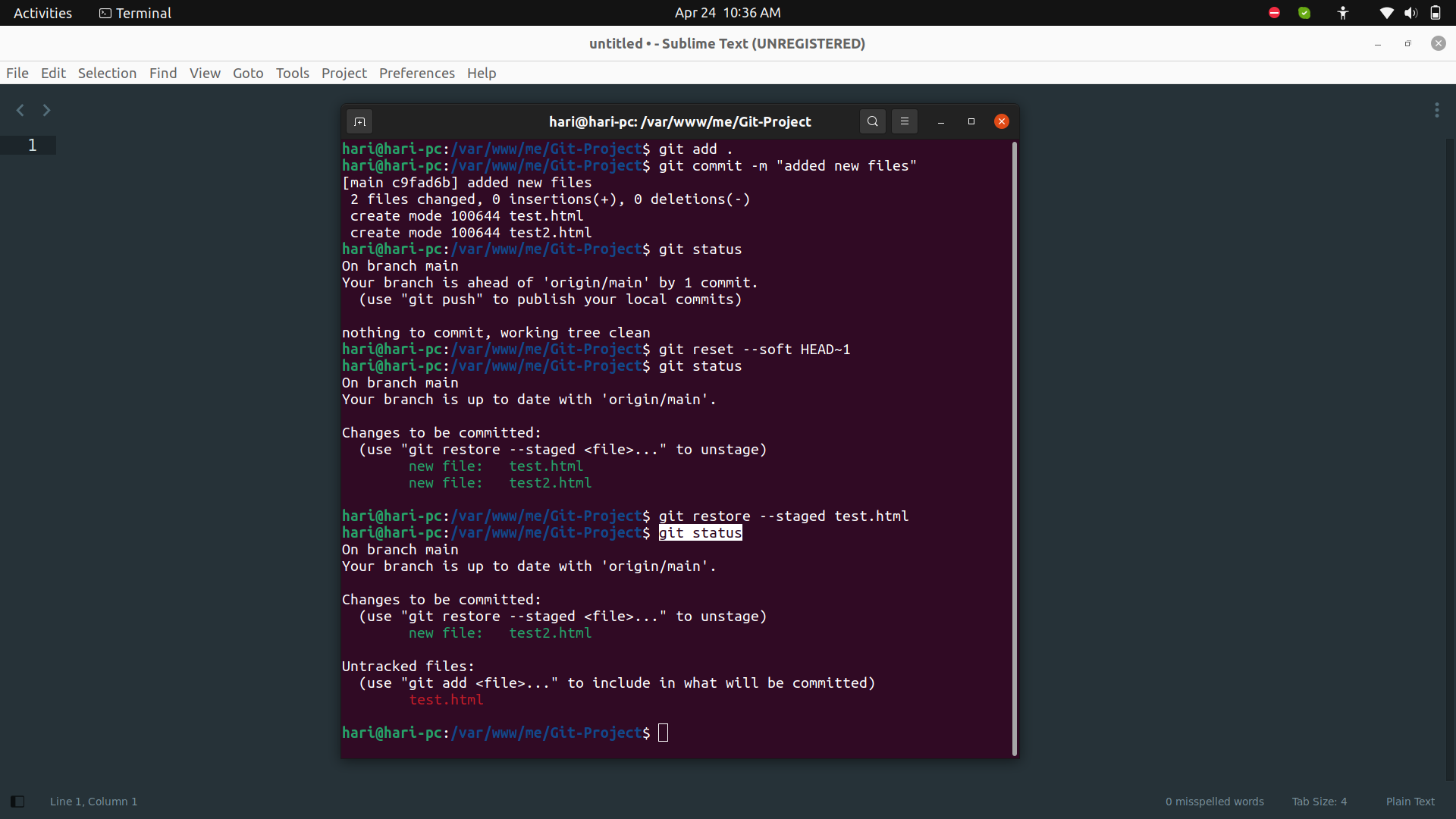
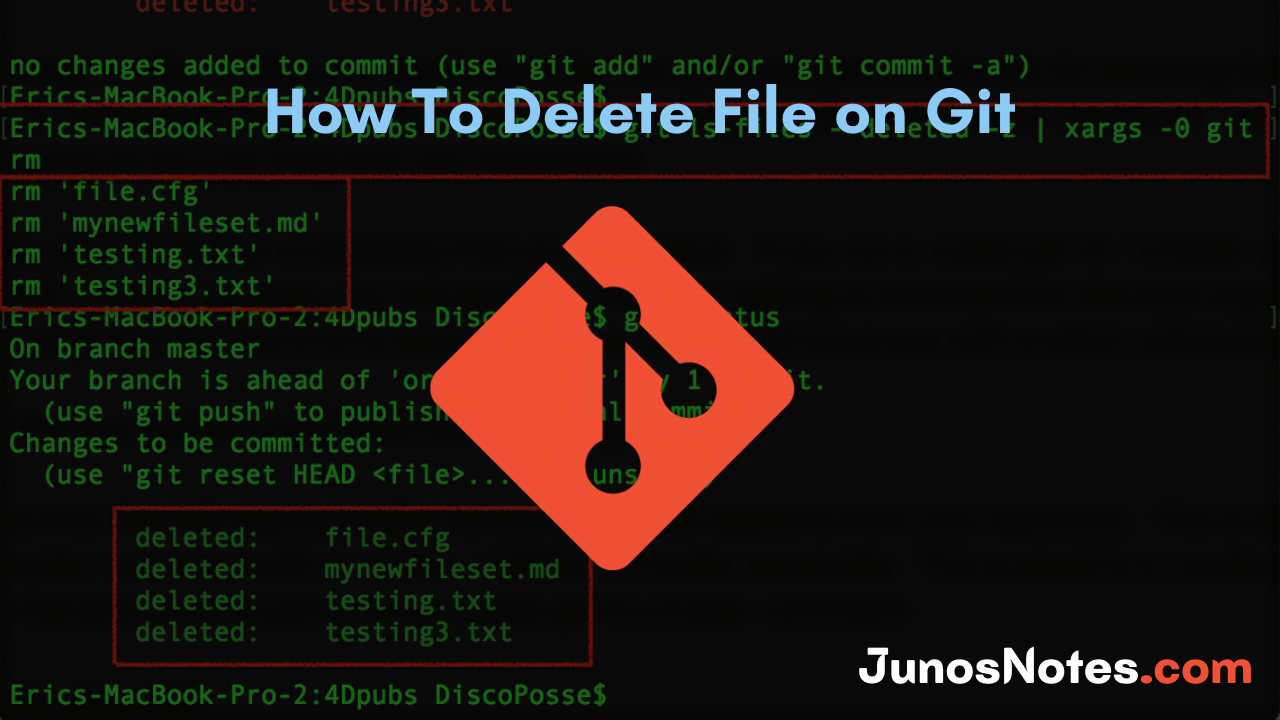
Web Jun 9 2023 nbsp 0183 32 To delete a file from your Git repo run the git rm command followed by the name of your file git rm lt file name gt Where you should replace the lt file name gt with the name of the file or the path to the file Web Dec 14 2019 nbsp 0183 32 To remove files from commits use the git restore command specify the source using the source option and the file to be removed from the repository For
How To Delete A File In PHP If It Exists With Code Examples In 2023 How To Remove File From Git Commit Before Push ItSolutionStuff Git Commands Cheat Sheet PDF Sql Cheat Sheet Python Cheat Sheet Cheat Sheets Computer Coding Deleting Files On GitHub The GitHub Blog How To Delete A Text Box In PowerPoint PPT Productivity Windows Command To Create A File How To Git Add All Files Git How To Add All Modified File To Commit How To Delete DLL Files with Pictures WikiHow
How To Delete A File From Git Command Line
 How To Delete A File From Git Command Line
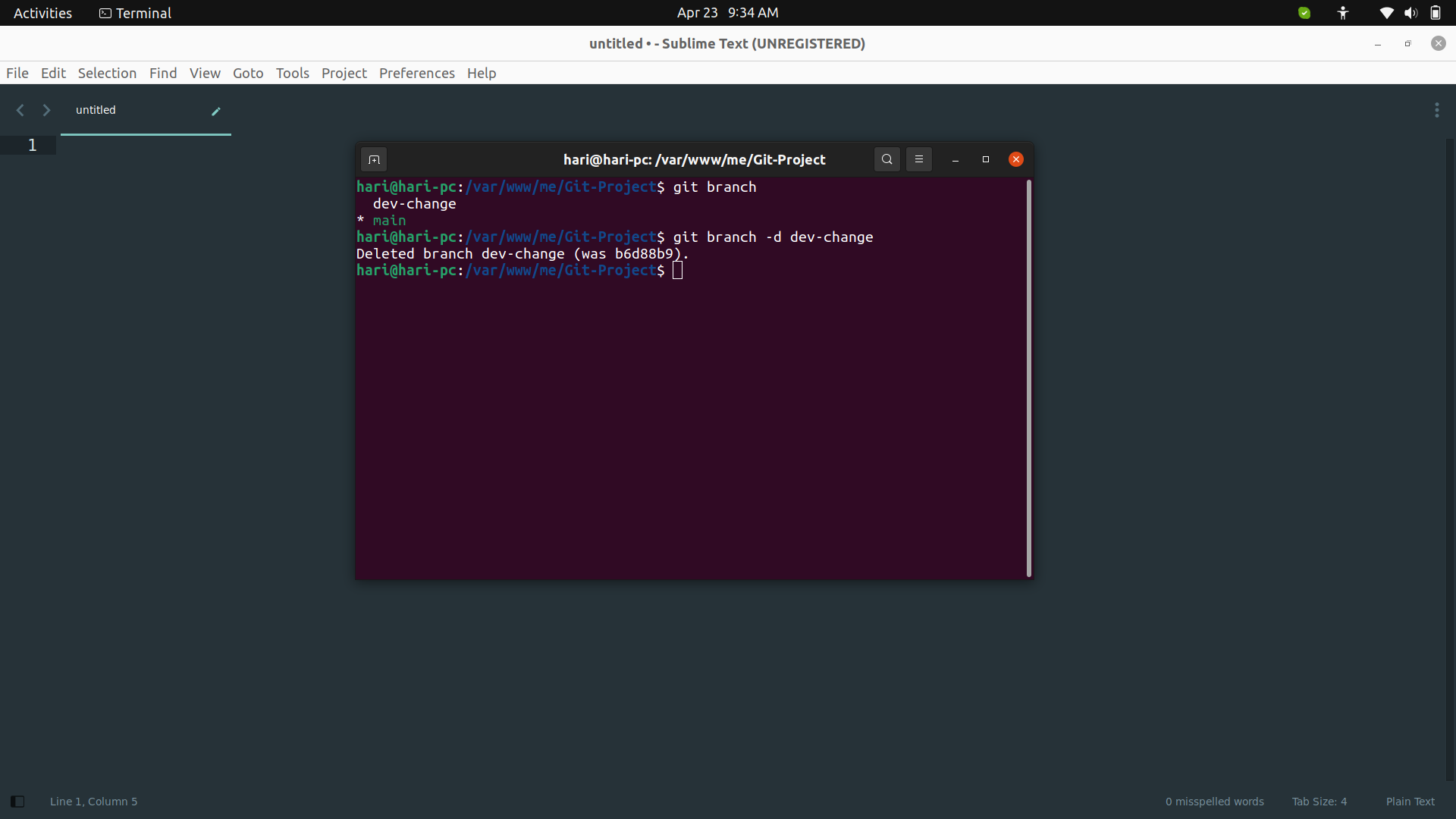
https://www.itsolutionstuff.com/upload/github-delete-branch-1.png
Web Removing files or directories To remove a file both from the git repository and the file system run the git rm command as follows git rm file1 txt To delete a particular file
Templates are pre-designed documents or files that can be used for various purposes. They can save effort and time by providing a ready-made format and layout for creating different kinds of material. Templates can be utilized for personal or expert tasks, such as resumes, invites, flyers, newsletters, reports, discussions, and more.
How To Delete A File From Git Command Line

Github How To Upload Folders On GitHub ITecNote
How To Remove File From Git Commit Before Push ItSolutionStuff
Git Commands Cheat Sheet PDF

Sql Cheat Sheet Python Cheat Sheet Cheat Sheets Computer Coding

How To Delete A Text Box In PowerPoint PPT Productivity

Windows Command To Create A File
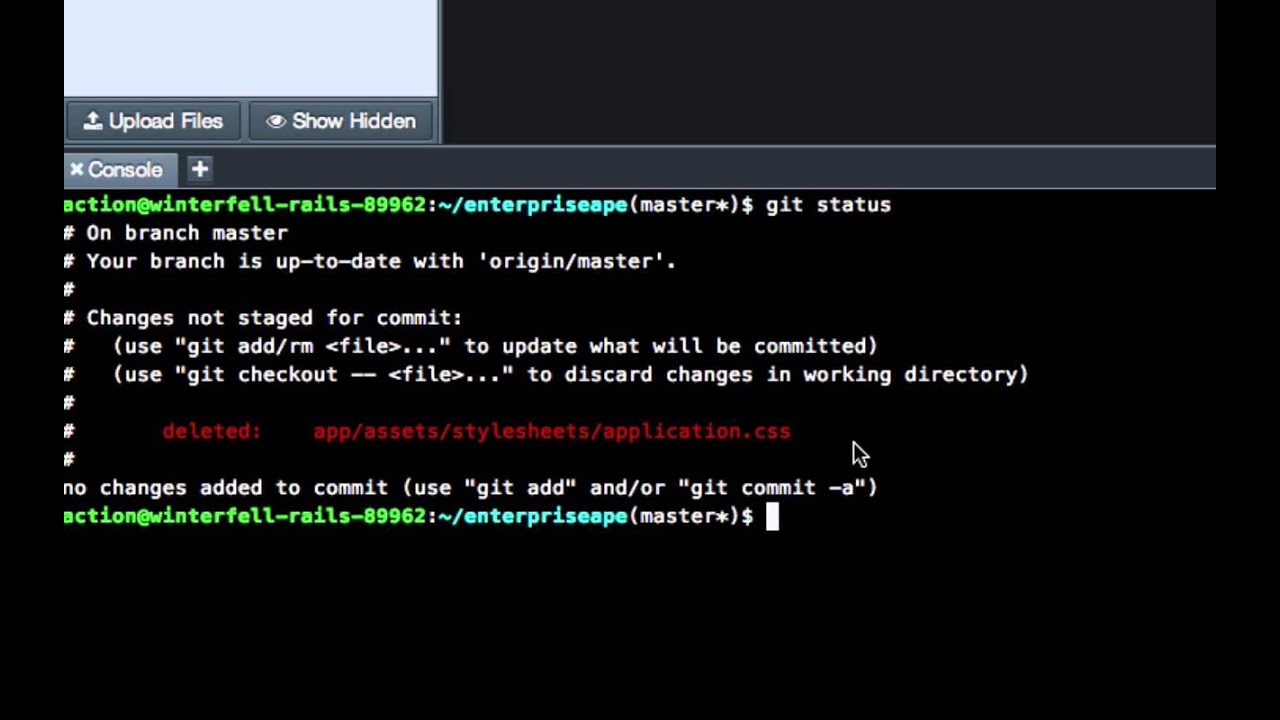
Web Remove files matching pathspec from the index or from the working tree and the index git rm will not remove a file from just your working directory There is no option to remove
Web Up to 24 cash back nbsp 0183 32 The git rm command can be used to remove individual files or a collection of files The primary function of git rm is to remove tracked files from the Git index

Web The quot rm quot command helps you to remove files from a Git repository It allows you to not only delete a file from the repository but also if you wish from the filesystem
Web Feb 13 2018 nbsp 0183 32 Open the terminal and type the following command to clone your GitHub repo to your computer git clone https github lt your username gt Demo git Then to see the list of

Web Browse to the directory in your repository that you want to delete In the top right corner select the dropdown menu then click Delete directory Review the files you will delete
Web Apr 11 2023 nbsp 0183 32 Step 3 Remove the file from the Git repository To remove the file from your Git repository without deleting the local copy use the git rm command with the Web Oct 29 2021 nbsp 0183 32 First and foremost let s remove the file git rm test file The output will look like the one below ADVERTISEMENT Output rm test file What this did is that it
Web May 24 2022 nbsp 0183 32 Using the git rm cached Command We ve mentioned that git rm FILE will remove files from the index and local working tree by default However the git rm