How To Create Process Flow In Excel Create Flowchart For Excel Edraw Excel Flowchart Template How To Make A Flow Chart In Excel 2010 YouTube How To Create A Process Flowchart In Visio Design Talk Sales Process Flowchart Template Excel Web You can create basic flowcharts cross functional flowcharts and organizational charts The diagrams are drawn automatically from data in an Excel workbook If you then edit the diagram in Visio your changes are synced back to Excel This means you don t need a Visio subscription to make stunning diagrams in Excel
Web Let us draw this first Step 1 We must first go to Insert gt SmartArt Step 2 Under the SmartArt select Process Scroll down and select the Repeating Bending Process Step 3 Now we have a default flow chart Step 4 The advantage here is we have pre drawn shapes We must type Business Web Start Visio In the Categories list click Flowchart Click the Cross Functional Flowchart template and then click Create If prompted select Horizontal or Vertical for the swimlane orientation and click OK You can change the orientation on
Sales Process Flowchart Template Excel Flow Chart Template Excel Lovely Excel Flowchart Template Process Riset How To Create Process Flowchart In Visio Design Talk How To Create Process Flow Chart In Powerpoint Design Talk Create A Flowchart In Excel For Mac Kingdisco Automatic Flowchart Maker Create Flowcharts In Excel Lacienciadelcafe ar Microsoft Visio Flowchart Lenacore Sensational Smartart Organization Chart Excel Spreadsheet Template How To Make Flow Chart In Excel Hot Sex Picture
How To Create Process Flow In Excel
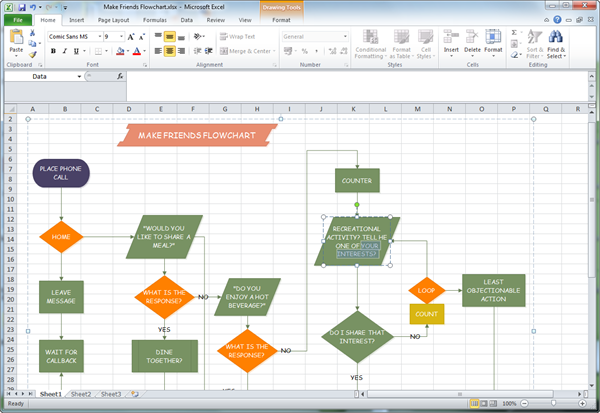 How To Create Process Flow In Excel
https://www.edrawsoft.com/flowchart/images/flowchartexcel.png
Web Jul 28 2023 nbsp 0183 32 Video Tutorial Why You Need to Create a Process Flow in Excel Method 1 Using Shapes and Connectors Method 2 Using SmartArt Graphics Method 3 Using Excel Flowchart Templates Method 4 Using Excel Data Visualizations What to Do If You Can t Create a Process Flow in Excel Bonus Tips 5 FAQs
Templates are pre-designed files or files that can be utilized for numerous purposes. They can save effort and time by providing a ready-made format and layout for producing different type of material. Templates can be utilized for individual or expert jobs, such as resumes, invites, flyers, newsletters, reports, presentations, and more.
How To Create Process Flow In Excel
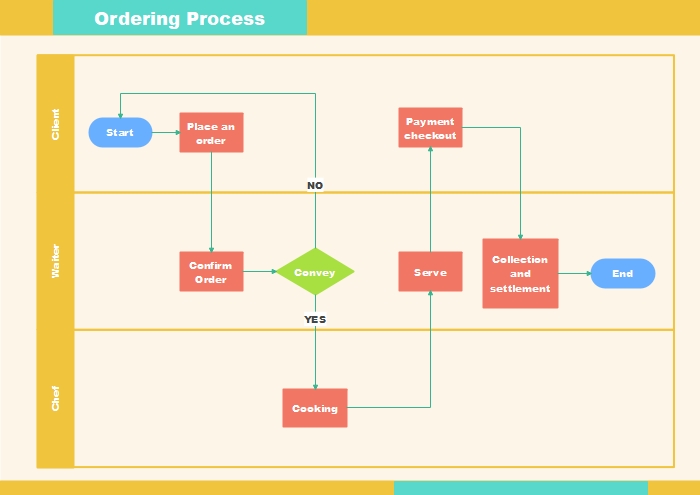
How To Create Process Flow Chart In Excel Design Talk
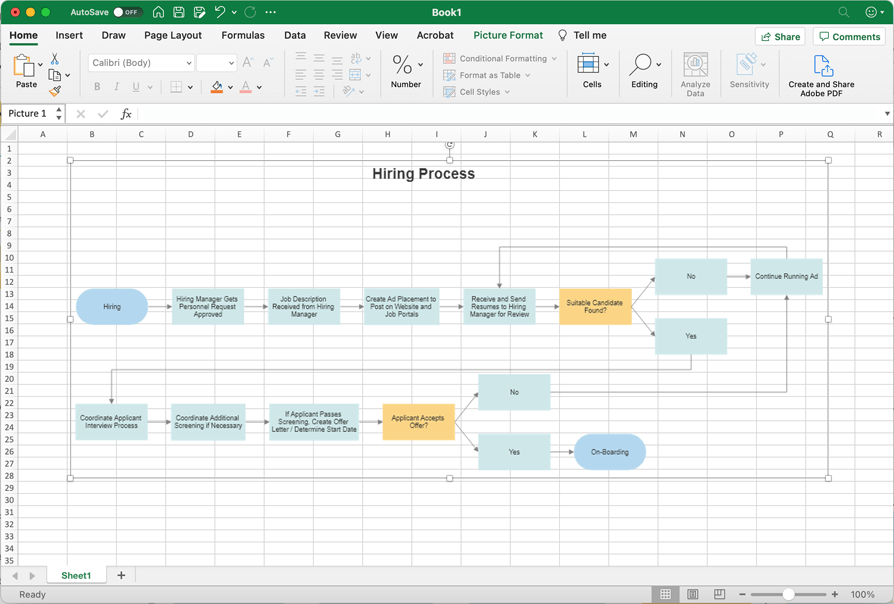
Flow Chart Template Excel Lovely Excel Flowchart Template Process Riset
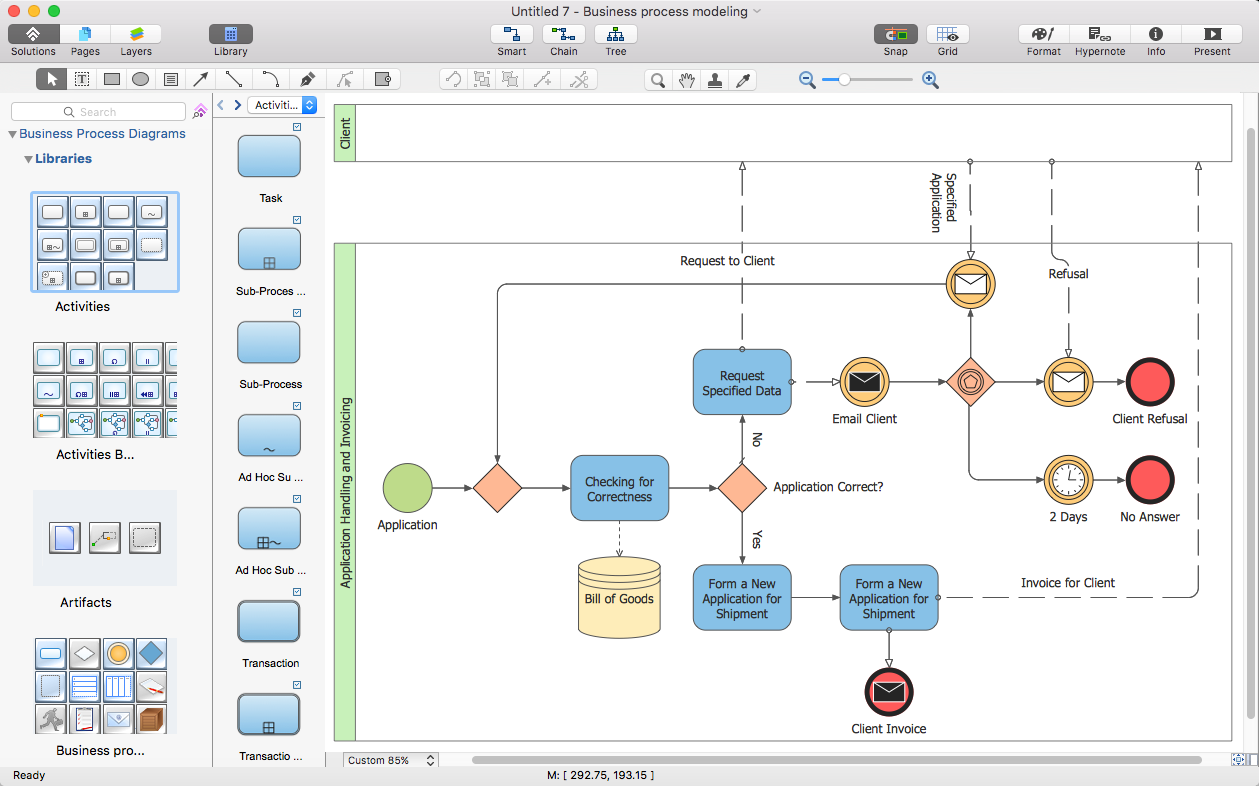
How To Create Process Flowchart In Visio Design Talk
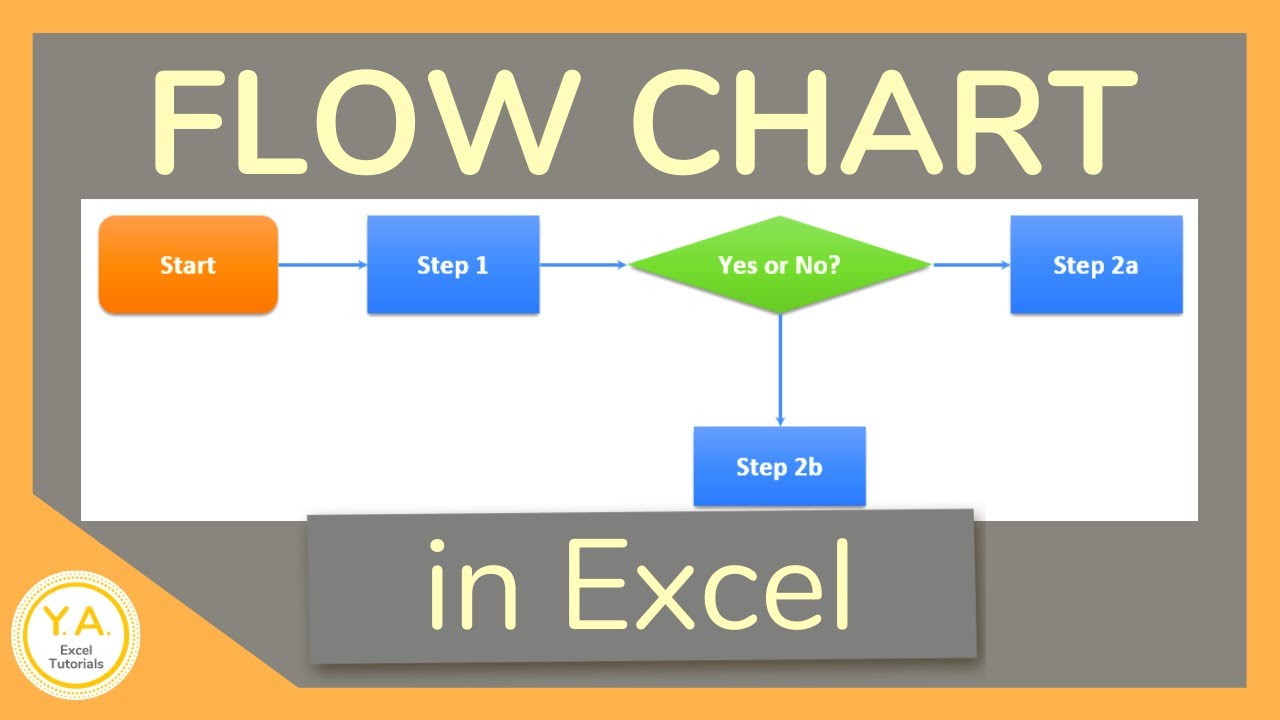
How To Create Process Flow Chart In Powerpoint Design Talk
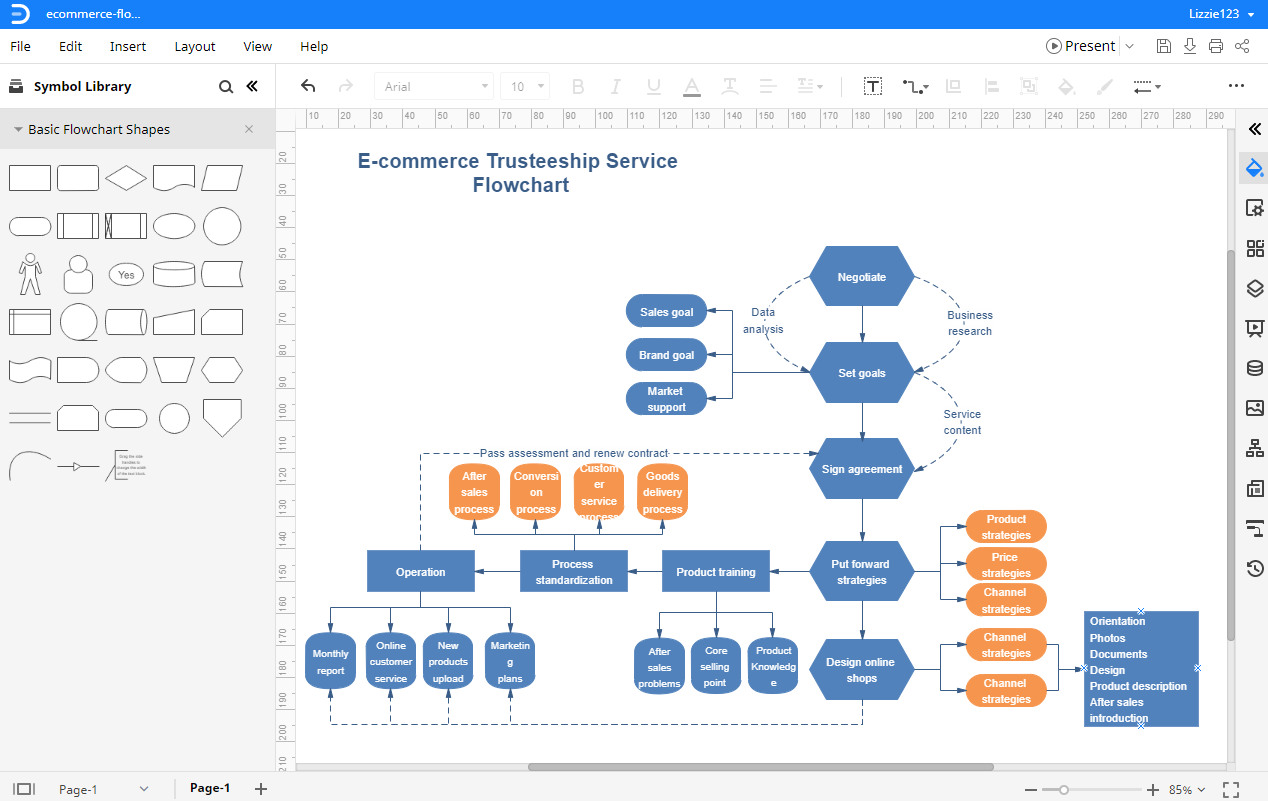
Automatic Flowchart Maker Create Flowcharts In Excel Lacienciadelcafe ar
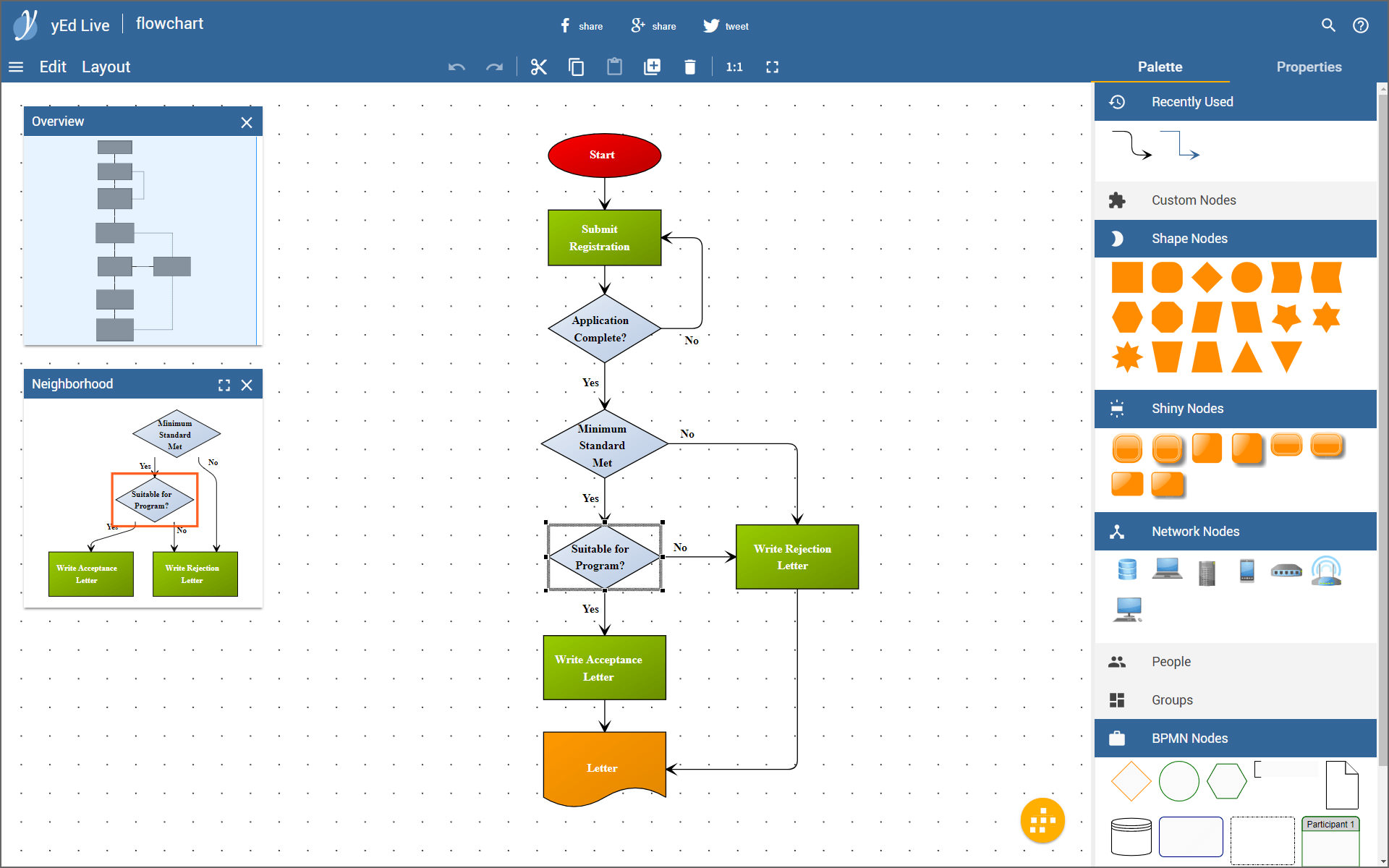
Microsoft Visio Flowchart Lenacore
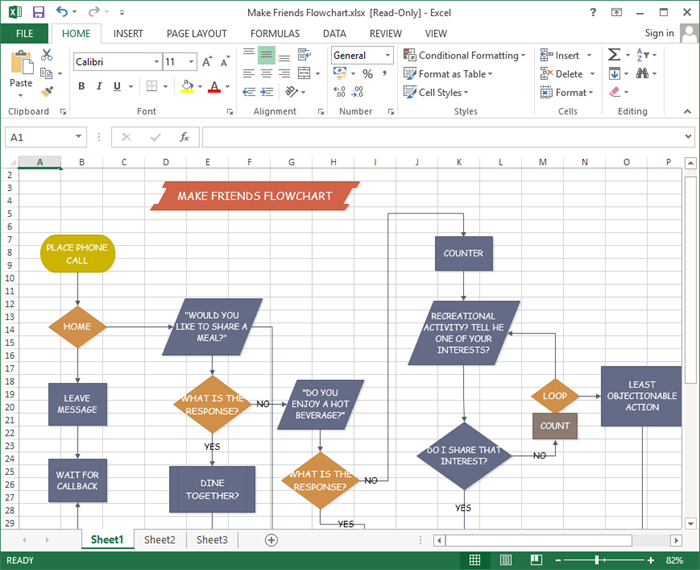
Web Jan 30 2020 nbsp 0183 32 The easiest way to create a flowchart in Excel involves inserting the preset flowchart designs You can still customize your worksheet and page layout before inserting a SmartArt flowchart But we ll save those specific instructions for when we create an Excel flowchart from scratch
Web Create a flowchart Try it The flowchart templates include shapes you can use to show many kinds of processes Open the basic flowchart template Select File gt New Select Basic Flowchart Select Create Add and connect shapes Select the Basic Flowchart Shapes stencil if necessary Select a flowchart shape and drag it onto the drawing page
Web Stage 1 Choose a Data Visualizer template Open Visio or select File gt New if you are editing a diagram Select TEMPLATES Select Flowchart Select Basic Flowchart Data Visualizer Cross Functional Flowchart Data Visualizer or Audit Diagram Data Visualizer

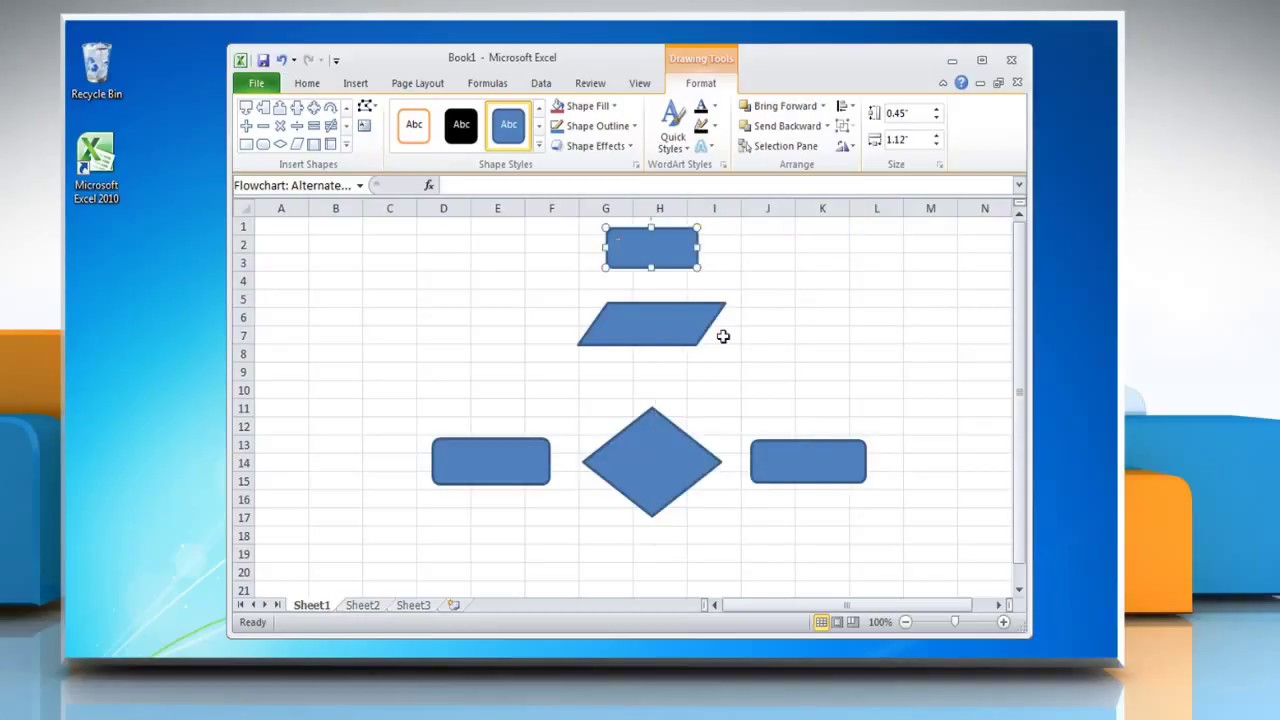
Web Jun 29 2022 nbsp 0183 32 How to create a flowchart in Excel with custom shapes 1 Add the terminator process and decision flowchart shapes Go to the Insert tab gt Illustration gt Shapes gt Flowchart gt select a shape gt click at 2 Adjust the flowchart shape sizes 3 Customize each flowchart shape 4 Begin adding your

Web Jan 4 2022 nbsp 0183 32 Wondering how to create a flowchart in excel Follow along to learn how and pick up some best practices along the way Show more Show more
[desc-11] [desc-12]
[desc-13]