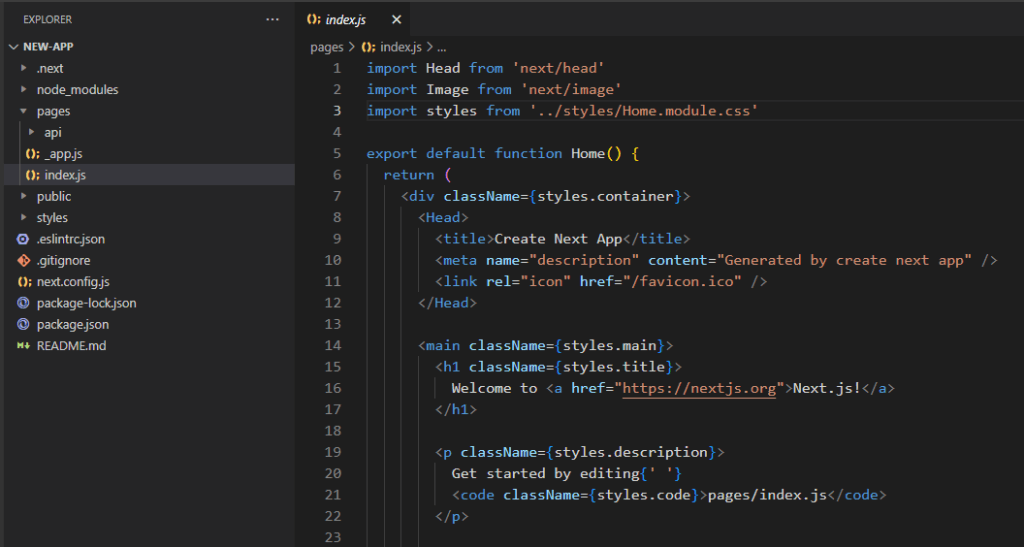
How To Create New Js File In Visual Studio Code Create Your First App Expo Documentation Como Criar E Executar O Projeto Node js No Editor De C digo VS How To Use Node Js In Visual Studio 2022 Templates Sample Printables Next Js Introduction Folder Structure How Next Js Actually Sexiezpix How To Add Reference Number In Ms Word Printable Templates Important Before you set up a new Gmail account make sure to sign out of your current Gmail account Learn how to sign out of Gmail From your device go to the Google Account sign in
Official Gmail Help Center where you can find tips and tutorials on using Gmail and other answers to frequently asked questions Gemini Apps give you direct access to Google AI You can get help with writing planning learning and more Learn more about what Gemini is and how it works
How To Add Reference Number In Ms Word Printable Templates How To Add A Component In React Js Learn Simpli Write Your First Vrogue Visual Studio 2022 Winforms Designer Dropslim How To Create A File In VSCode Using Terminal GeeksforGeeks How To Create New Flutter Project In Visual Studio Co Vrogue co How To Create A Folder In Visual Studio Printable Forms Free Online Disable Wavy Underline In Vs Code Visual Studio Code Hot Sex Picture How To Make Visual Studio Code Prettier In Windows 10 Vrogue co Practices Of Vscode plugin s Development Isaac Kam s Blog
How To Create New Js File In Visual Studio Code
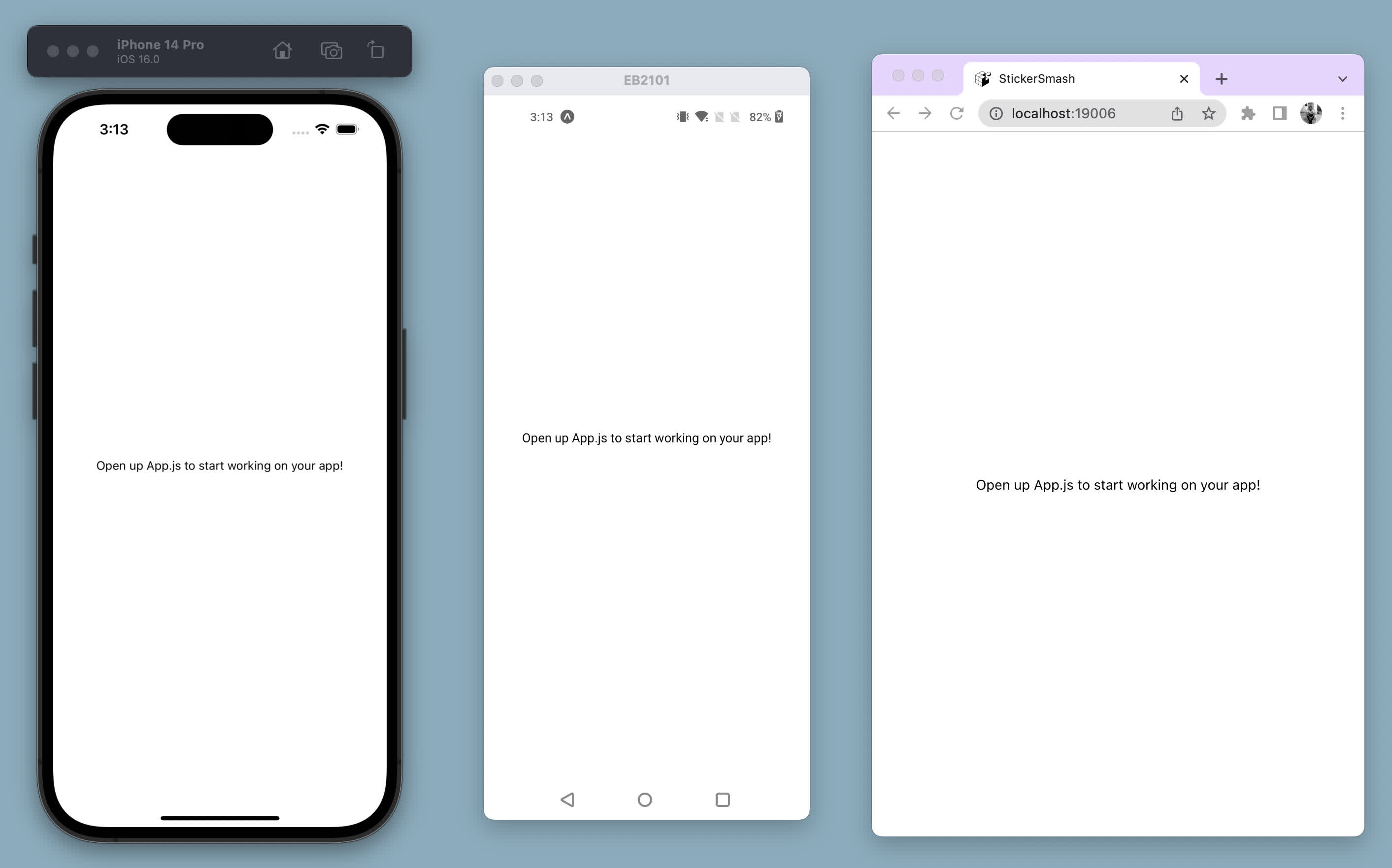 How To Create New Js File In Visual Studio Code
https://docs.expo.dev/static/images/tutorial/01-app-running-on-all-platforms.jpg
To edit a document On your computer open a document in Google Docs To select a word double click it or use your cursor to select the text you want to change Start editing To undo
Pre-crafted templates offer a time-saving service for producing a diverse series of files and files. These pre-designed formats and layouts can be made use of for numerous individual and expert tasks, consisting of resumes, invites, leaflets, newsletters, reports, discussions, and more, improving the content creation procedure.
How To Create New Js File In Visual Studio Code
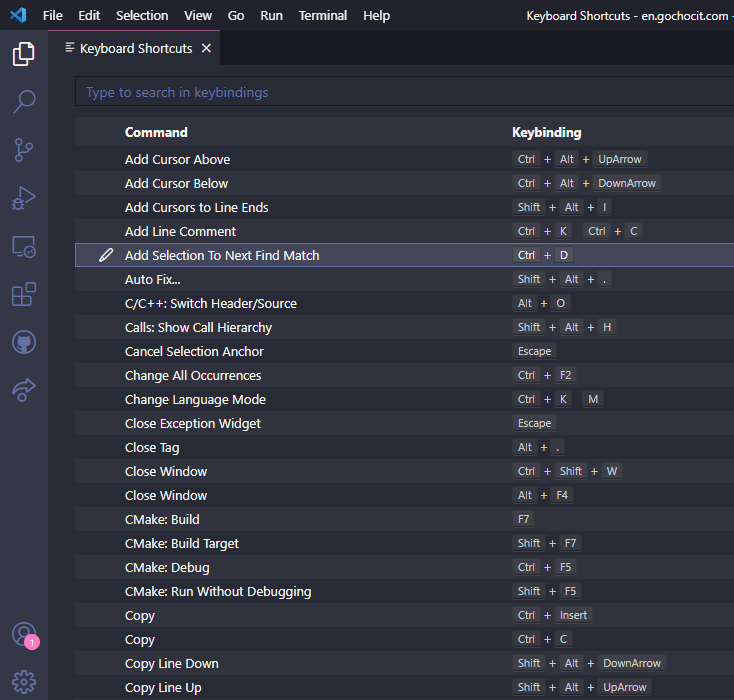
Top 30 Keyboard Shortcuts In Visual Studio Code
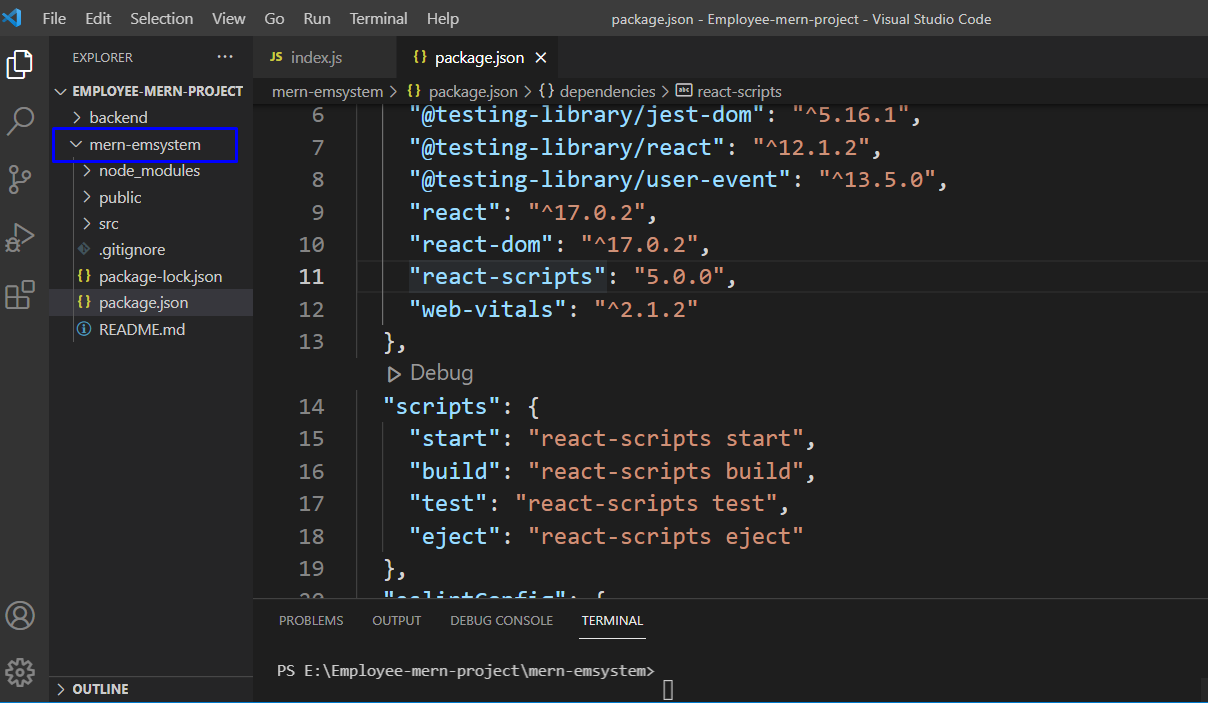
How To Add A Component In React Js Learn Simpli Write Your First Vrogue
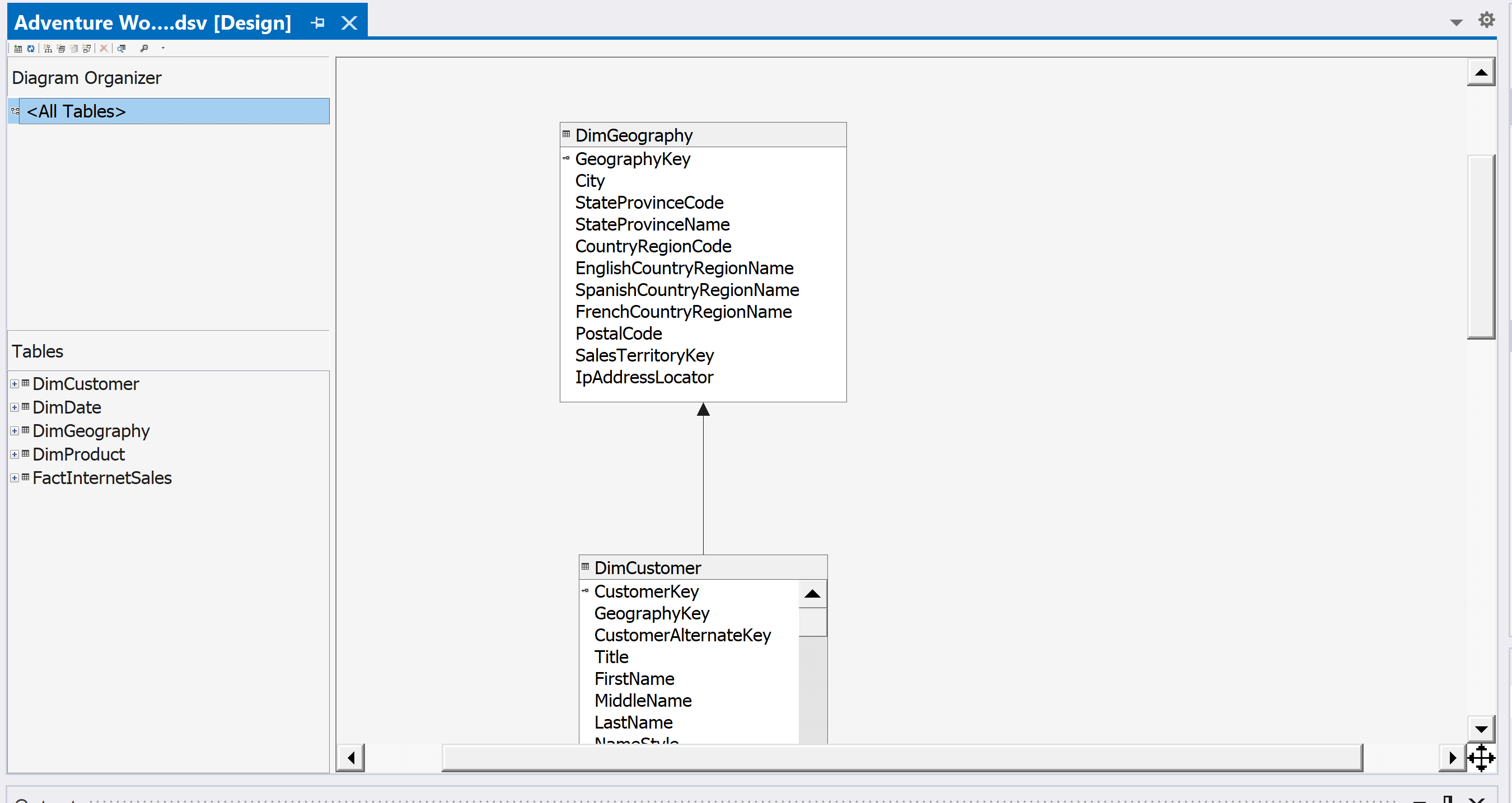
Visual Studio 2022 Winforms Designer Dropslim
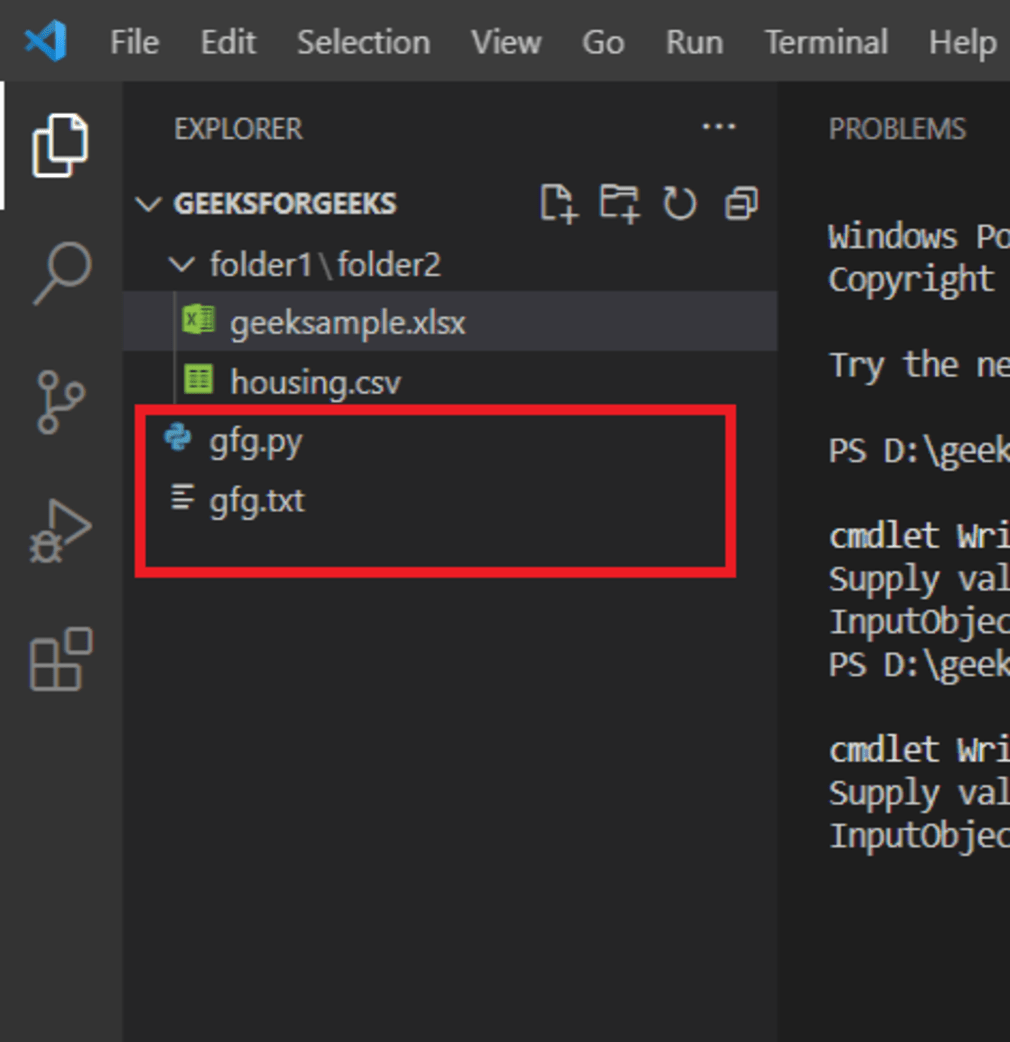
How To Create A File In VSCode Using Terminal GeeksforGeeks
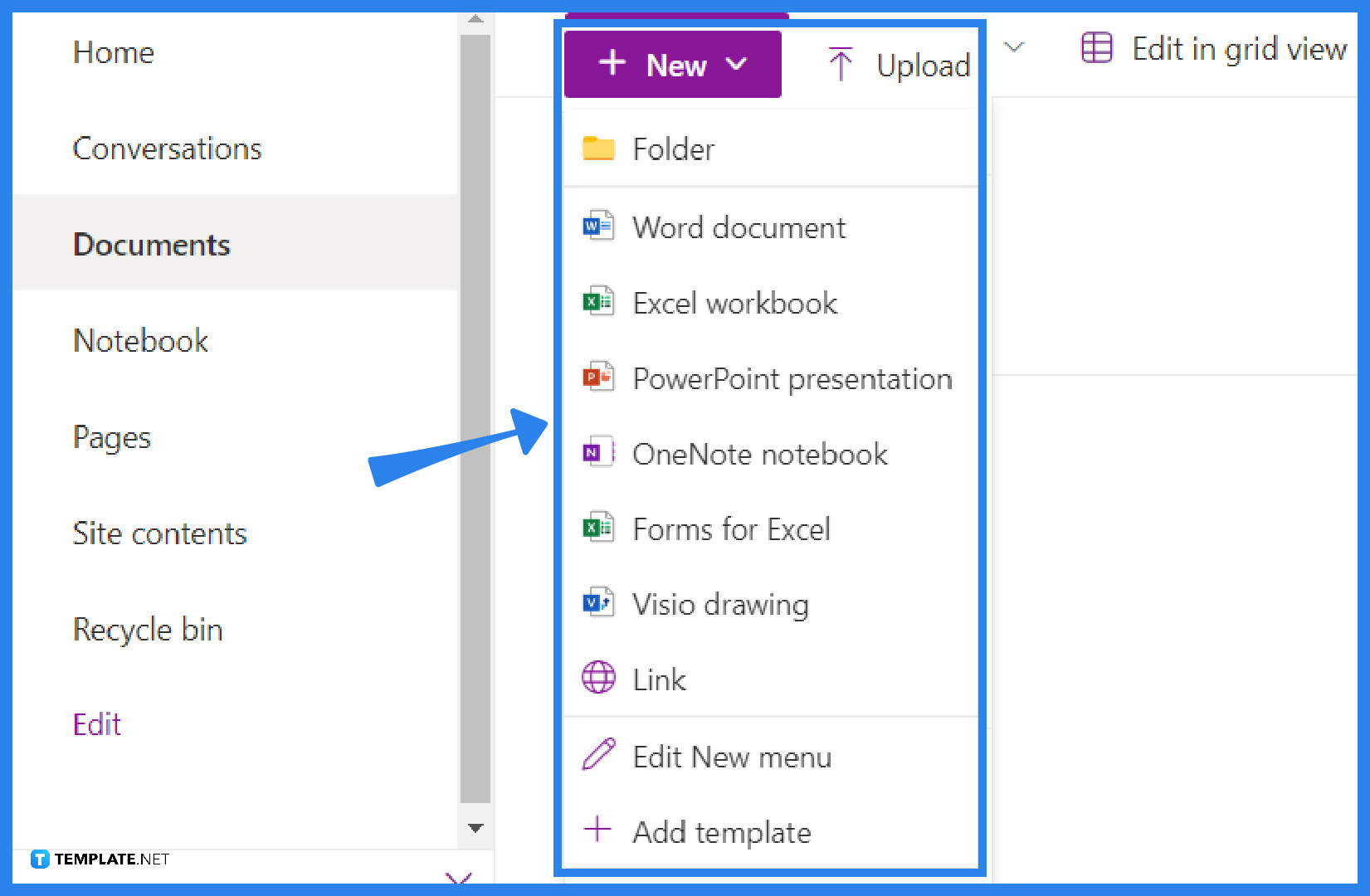
How To Create A Folder In Visual Studio Printable Forms Free Online
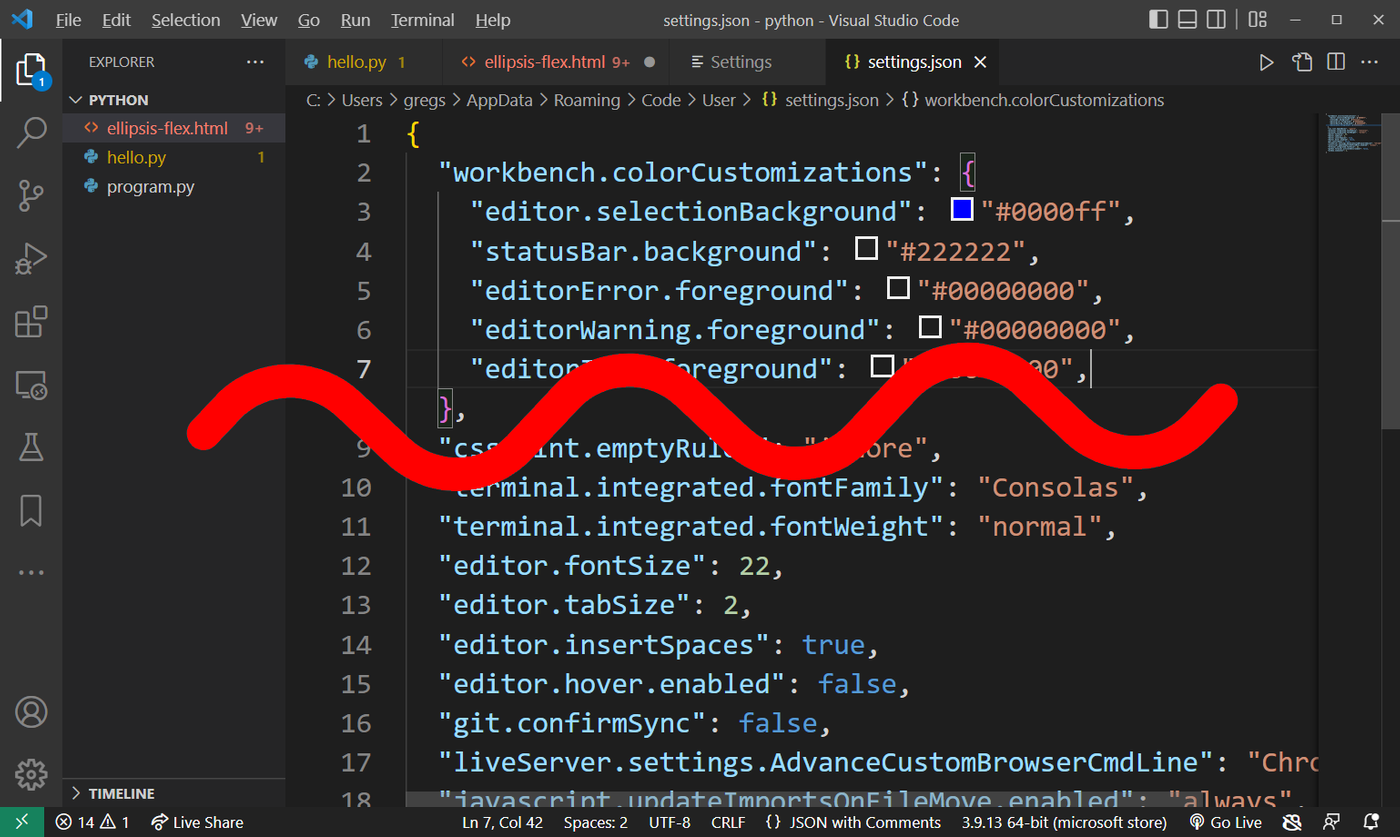
Disable Wavy Underline In Vs Code Visual Studio Code Hot Sex Picture

How to install Chrome Important Before you download you can check if Chrome supports your operating system and other system requirements

Google Chrome tips Google Chrome tips From productivity to customization learn how to get things done more quickly with your browser

Want advanced Google Workspace features for your business Try Google Workspace today Google Drive helps you keep all your files together You can upload and share your files from
If you forgot your password or username or you can t get verification codes follow these steps to recover your Google Account That way you can use services like Gmail Pho
To easily manage and share content across all of your devices and the cloud use Google s desktop sync client Drive for desktop If you edit delete or move a file on the Cloud the same
[desc-11] [desc-12]
[desc-13]