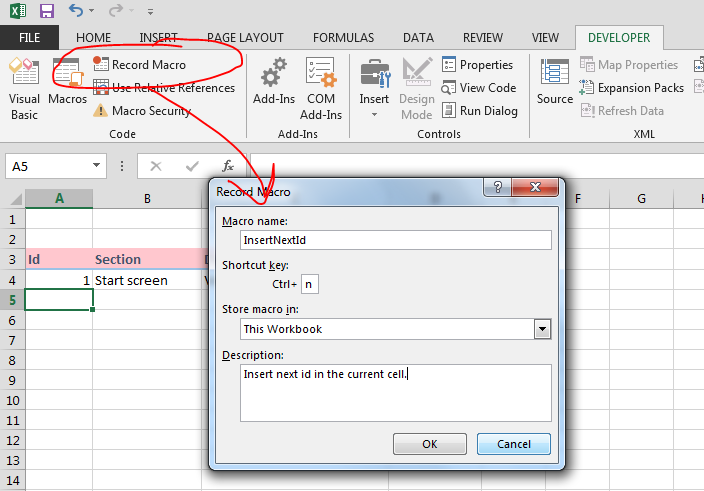
How To Create Macro Button In Excel How To Create A Macro Button To Save Close An Excel Workbook How To Create Your First Macro Button In Excel For Beginners Excel 4 Ways To Create A Custom Macro Button In Excel WikiHow How To Insert A Macro Button To Run Macro In Excel How To Run Macro In Excel And Create A Macro Button Record a macro In the Code group on the Developer tab click Record Macro Optionally enter a name for the macro in the Macro name box enter a shortcut key in the Shortcut key box and a description in the Description box and then click OK to start recording Perform the actions you want to automate such as entering boilerplate text or
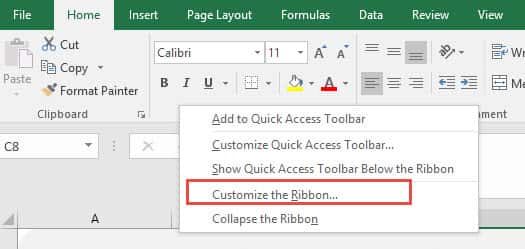
1 Click Tools Customize 2 Click the Toolbars tab 3 Click the New button 4 Type a name for your new toolbar 5 Click OK 6 Click the Commands tab 7 Select Macros from the list on the left 8 First I ll create a custom group for the DEVELOPER tab I click the FILE tab Options Customize Ribbon and then I make sure Developer is checked I click New Group and here is our new group I click Rename and call it My Macros Now let s find the macro and add it to this custom group I go over here and choose commands from Macros
How To Run Macro In Excel And Create A Macro Button Macros In Excel MyExcelOnline How To Create Macro Buttons In Excel Worksheets Excel Campus How To Run Macro In Excel And Create A Macro Button How To Create A Macro Button To Save Close An Excel Workbook excel How To Add Macro Buttons To The Excel Ribbon Or Quick Access Toolbar Excel Macro Button What Is It And How To Create One 4 Ways To Create A Custom Macro Button In Excel WikiHow How To Create A Macro Button To Save And Close An Excel Workbook
How To Create Macro Button In Excel
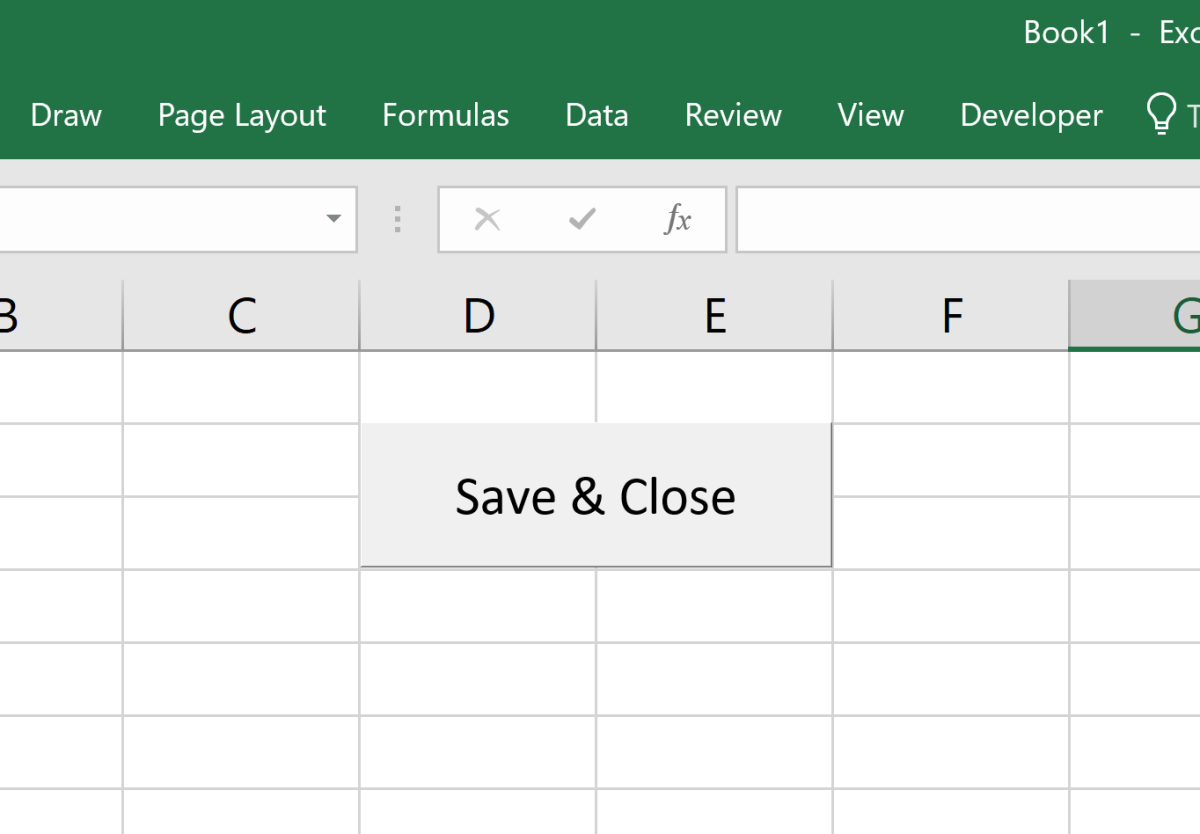 How To Create Macro Button In Excel
https://images.saymedia-content.com/.image/t_share/MTc0NDgzNDczNzQ5MjU1ODE0/how-to-create-a-macro-button-to-save-close-an-excel-workbook.png
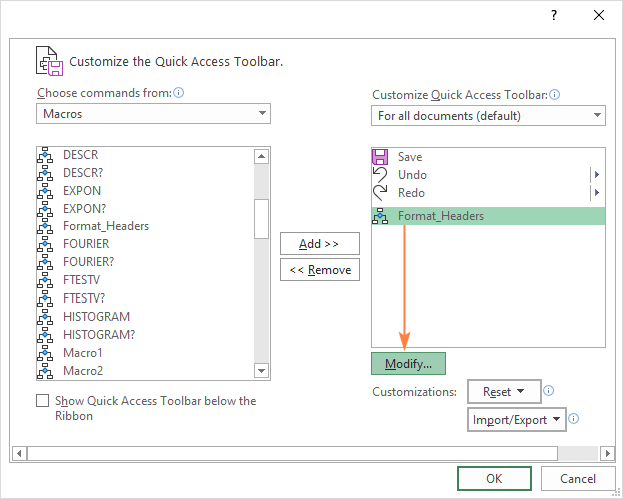
A macro is a series of commands and instructions that you group together as a single command to accomplish a task automatically To save time on tasks you do often bundle the steps into a macro First you record the macro Then you can run the macro by clicking a button on the Quick Access Toolbar or pressing a combination of keys
Templates are pre-designed files or files that can be utilized for various functions. They can conserve effort and time by offering a ready-made format and layout for producing various kinds of material. Templates can be utilized for personal or expert tasks, such as resumes, invites, flyers, newsletters, reports, presentations, and more.
How To Create Macro Button In Excel
Excel Macro For Generating Sequential Id Numbers Emil s Lost Found
Macros In Excel MyExcelOnline
How To Create Macro Buttons In Excel Worksheets Excel Campus
How To Run Macro In Excel And Create A Macro Button

How To Add Macro Buttons To The Excel Ribbon Or Quick Access Toolbar

Excel Macro Button What Is It And How To Create One
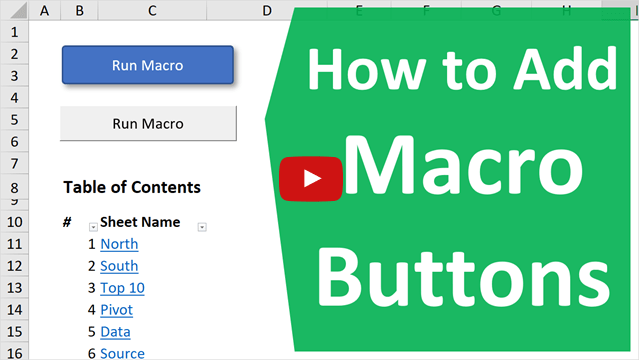
1 Using Shapes to Create Macro Buttons In my opinion the best way to create macro buttons is to use shapes Shapes give us the most styling formatting options and we can make them look like buttons you click every day on modern web pages Below we will create the button on a worksheet and assign a macro to it

Assigning a Macro to a Button Here you can assign an existing Macro to the button record a new macro create a new macro from scratch using VBA or click Cancel and return to your button later Assign Existing Macro to a Button To assign an existing Macro you simply select the macro s name in the list then click OK

Create macro button in Excel Make macro button from a graphic object Add macro button to Quick Access Toolbar Put macro button on Excel ribbon Run macro on workbook opening How to run a macro from Excel ribbon One of the fastest ways to execute VBA in Excel is to run a macro from the Developer tab
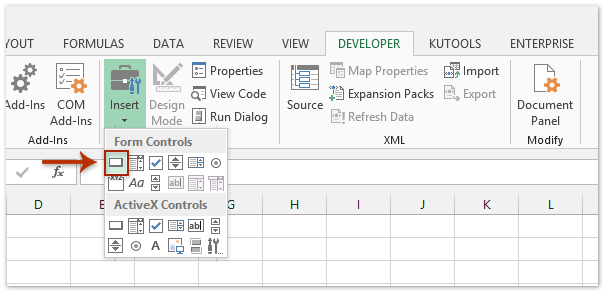
In the Assign Macro dialog box click the name of the macro that you want to assign to the button and then click OK To specify the control properties of the button Control Click or right click the button and then click Format Control
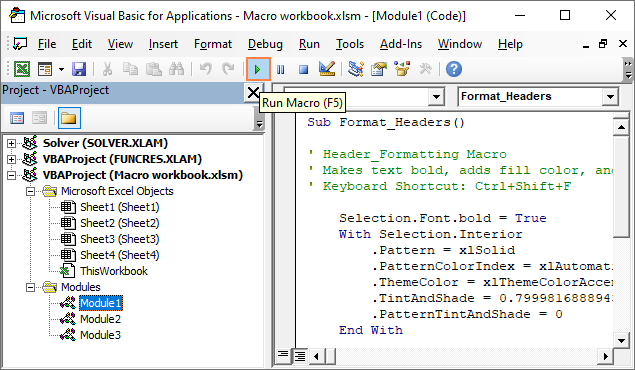
1 Using Control Button to Create a Macro Button 1 1 Using Form Control Button 1 2 Using ActiveX Control Button 2 Inserting Shapes to Create a Macro Button 3 Using Quick Access Toolbar to Make a Macro Button Conclusion How to Create a Macro Button in Excel 3 Quick Methods
Sign up for our Excel webinar times added weekly https www excelcampus blueprint registration In this video I explain the 3 ways to create macro butt Creating buttons for macros basically requires you to customize either the Excel Ribbon or the Quick Access Toolbar The ribbon is the tabbed menu that is found just above the formula bar The Quick Access Toolbar is the line of icons found at the very top of the Excel page
In this video I demonstrate how to assign a macro to a button in Excel The video runs you through how to create a simple navigation button that when click