How To Create Html In Vscode Review Of Creating A Google Developer Account Ideas Julianaslair Download How To Create A New File In Visual Studio How To Create A Web Page Design Using Notepad What Is Mark Down How To Create Html Form Using Notepad In Just 3 Minutes Otosection How To Create HTML In APACHE WELCOME TO MY BLOG Creating an HTML Document Create a folder on your computer for your project Name the folder Portfolio or anything you want Open VS Code
After launching Visual Studio Code go to File New File or press Ctrl N Command N to open a new blank file After writing your HTML code save the file with To explore HTML in practice and begin building an HTML website we ll need to set up a new project using a text editor
How To Create HTML In APACHE WELCOME TO MY BLOG How To Create HTML In APACHE WELCOME TO MY BLOG How To Create HTML In APACHE WELCOME TO MY BLOG Vs Code How To Find And Use The New Notepad In Windows 11 MBox Visual Studio Code Format Document Settings Cleveraca How To Link CSS To HTML Document YouTube Change Selected Text Color Promotionpassa Visual Studio Code View In Browser
How To Create Html In Vscode
 How To Create Html In Vscode
https://i2.wp.com/i.ytimg.com/vi/jTkNoPVrz4Y/maxresdefault.jpg
Create HTML boilerplate 1 Open the index html file in the start folder 2 Scaffold out a base HTML file 1 Type and press tab 3 Press tab 3 more
Templates are pre-designed files or files that can be used for different functions. They can conserve time and effort by supplying a ready-made format and layout for developing various type of content. Templates can be used for individual or professional jobs, such as resumes, invites, flyers, newsletters, reports, discussions, and more.
How To Create Html In Vscode

How To Create Columns In HTML Code Fantasies

How To Create HTML In APACHE WELCOME TO MY BLOG

How To Create HTML In APACHE WELCOME TO MY BLOG
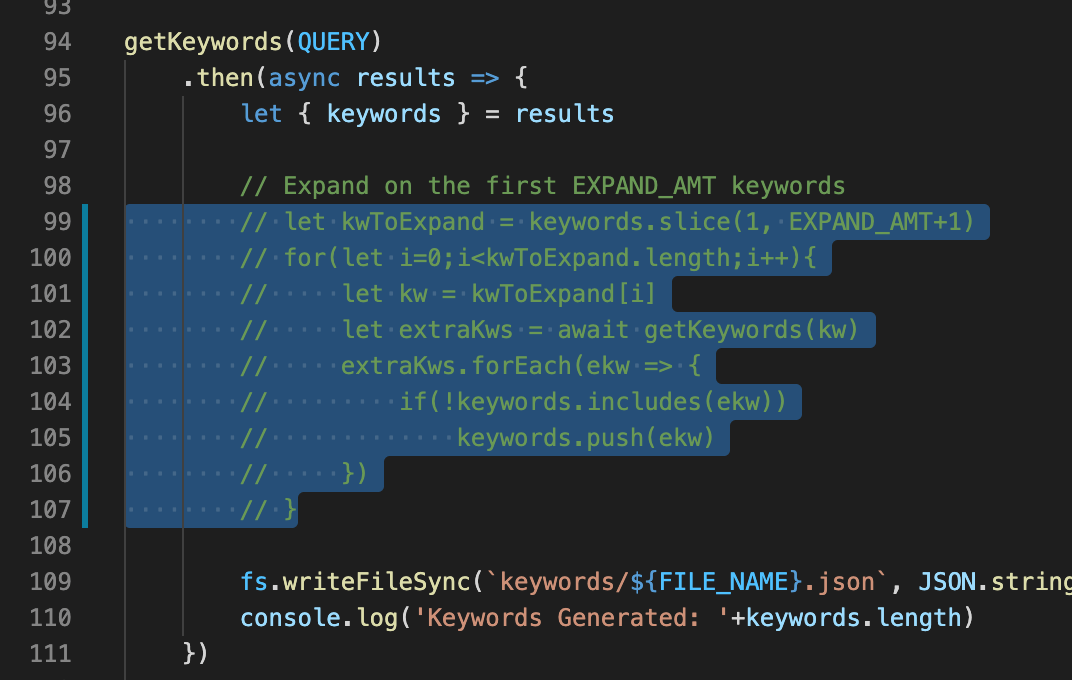
Vs Code

Visual Studio Code Format Document Settings Cleveraca
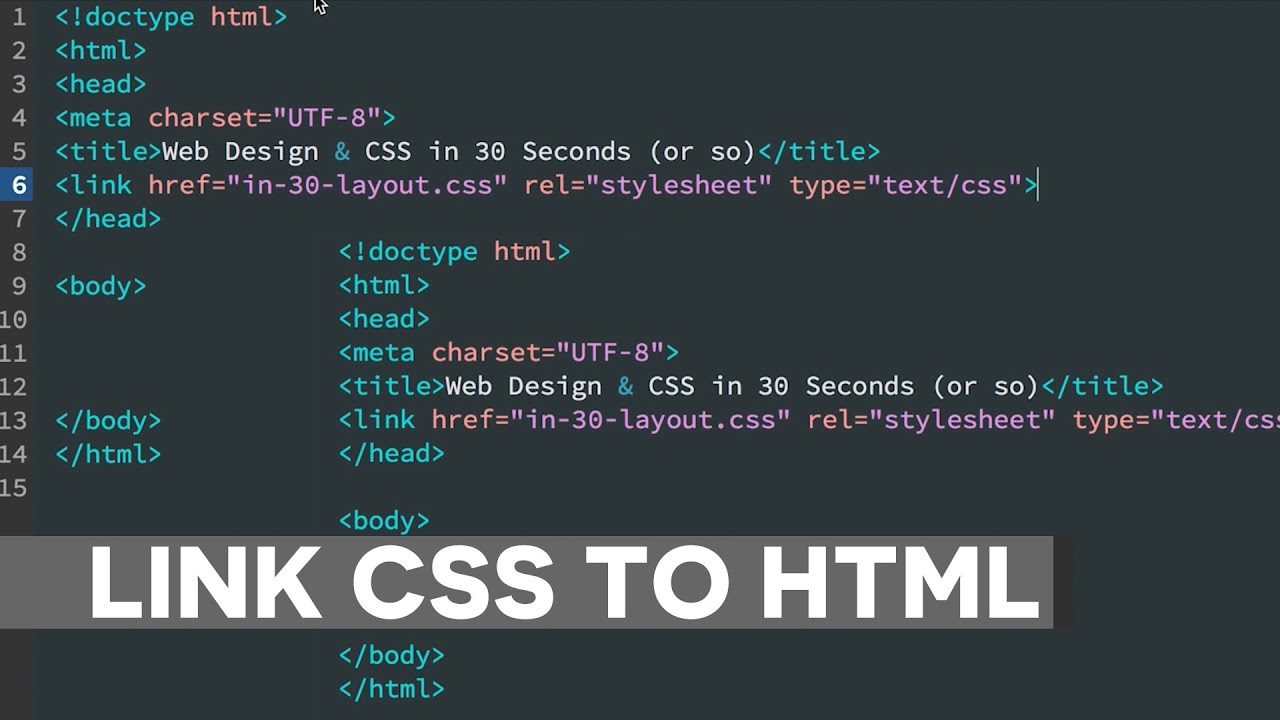
How To Link CSS To HTML Document YouTube

Go to the Extensions view Ctrl Shift X and type html to see a list of relevant extensions to help with creating and editing HTML Tip Click on an extension
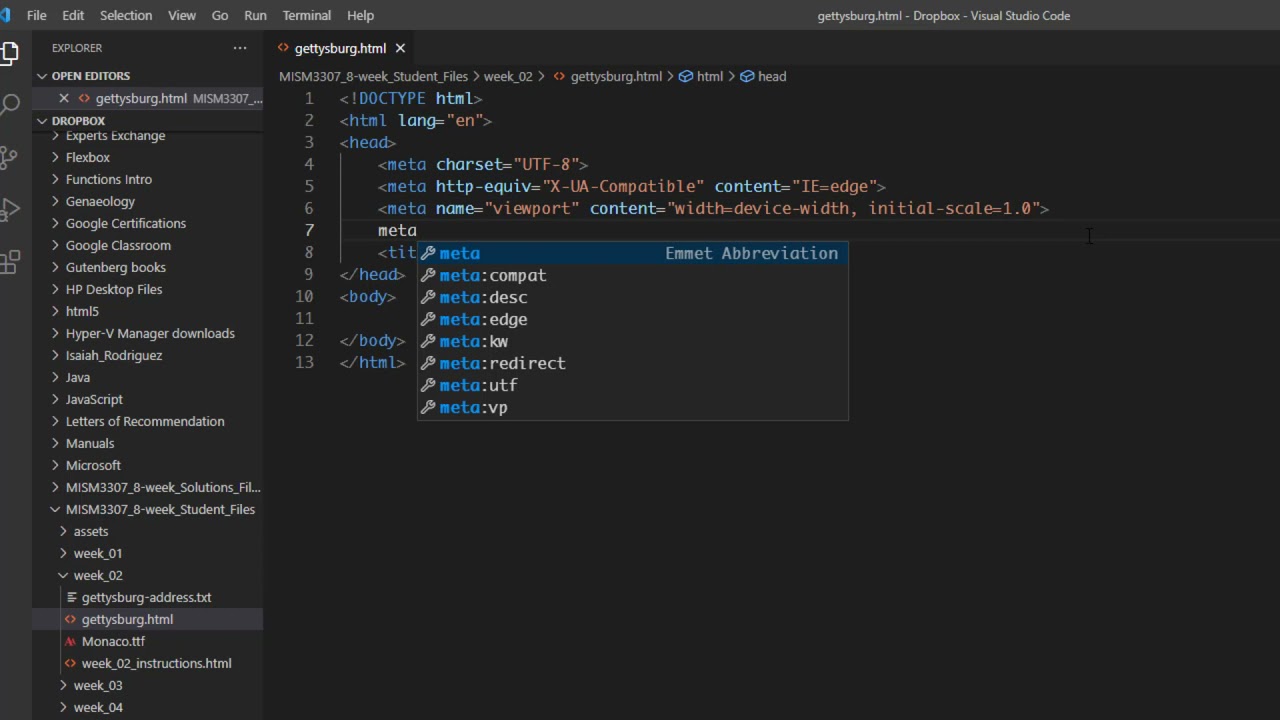
Transcript Adding content to an HTML page Using Visual Studio Code to make a website

Create a new Script Point your mouse over the project name Click on the icon New File Enter Hello html A new file appears on the editor pane

For a new HTML file I simply right click on any folder in WORKSPACE select New File and then name that file with an HTML extension The file

Open Visual Studio Code on your device now click the Explorer button or press Ctrl Shift E then click the Explorer button then click the New
Create a snippets json file add this basic JSON structure and save it somewhere on your hard disk Open the VS Code settings Code So how do you run an HTML file on localhost as though on a live server 1 Create a new folder for your HTML project 2 In VSCode menu go to File Open Folder
We want to produce the following html boilerplate Create an empty index html document Place the cursor inside the Create an empty index html document