How To Create Google Maps Api Key For Free The Request Is Missing A Valid Api Key Top 11 Best Answers How To Create Google Maps API KEY For Free YouTube Whats The Api Key For In Google Maps Api V3 Stack Overflow Riset Fix The Missing Google Maps Api Key Laborator Riset keble ste n Okam ik Create Google Map Key Prezident etl Jsem Knihu Go to the Google Maps Platform Credentials page Go to the Credentials page On the Credentials page click Create credentials API key The API key created dialog displays your
The first step is to sign up and get an API key Let s learn how How to Get Your Google Maps API Key An API key is a unique code associated with your project APIs distribute keys to users in order to track how the API is being used Requests you make to an API include your API key so the API knows it s you making the request Create a Google Maps API key To create and manage Google Maps API keys see Using API Keys opens in the Google Maps Platform documentation You ll need to have a
keble ste n Okam ik Create Google Map Key Prezident etl Jsem Knihu Add A Google Maps API Key Looker Studio Help How To Generate Google Map Api Key YouTube How To Create Google Maps API Key How To Get Google Maps Api Key In 1 Minute Tutorial Google Maps API Key WP Sunshine Where Do I Find An Api Key For Use With Map Styler Map Display Api Riset How To Create Google Maps API Key WordPress Google Maps Plugin How To Get Google Maps API Key WP ACF VC Bridge
How To Create Google Maps Api Key For Free
 How To Create Google Maps Api Key For Free
https://i.ytimg.com/vi/OGTG1l7yin4/maxresdefault.jpg
What you can expect from the Google Map API key Google provides excellent documentation for its APIs including Guides tutorials sample projects a Stack Overflow tag issue tracker and more For both Android and iOS there is a Maps and Places SDK The following Web APIs are available Maps Embed API Maps JavaScript API Places Library
Pre-crafted templates offer a time-saving solution for creating a varied series of files and files. These pre-designed formats and layouts can be utilized for various individual and expert tasks, including resumes, invitations, flyers, newsletters, reports, presentations, and more, streamlining the material development process.
How To Create Google Maps Api Key For Free
Google Maps API Key WP Sunshine
Add A Google Maps API Key Looker Studio Help

How To Generate Google Map Api Key YouTube
How To Create Google Maps API Key
Google Maps API Key WP Sunshine
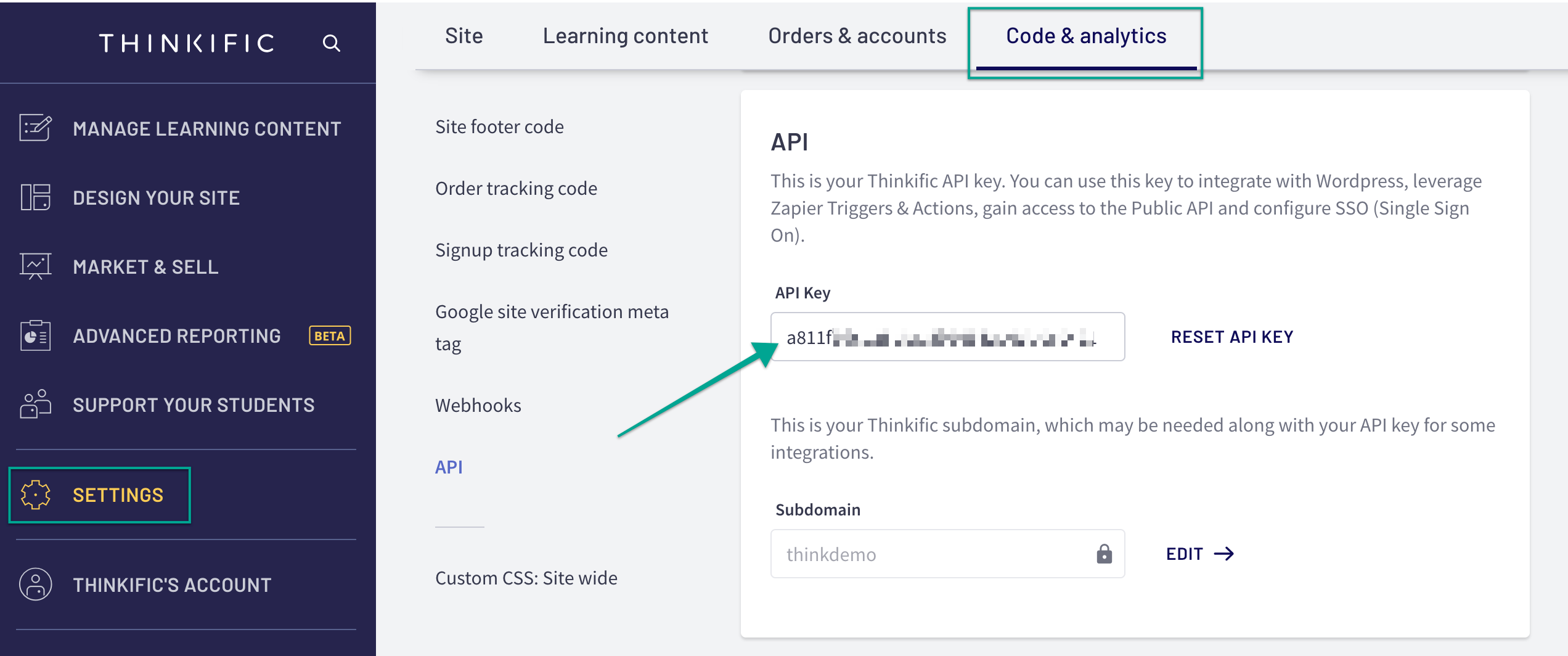
Where Do I Find An Api Key For Use With Map Styler Map Display Api Riset

Step 1 Step 2 Step 3 Console Cloud SDK In the Google Cloud Console on the project selector page click Create Project to begin creating a new Cloud project Go to the project selector page

On the Credentials page click Create credentials API key The API key created dialog displays your newly created API key Click Close The new API key is listed on the
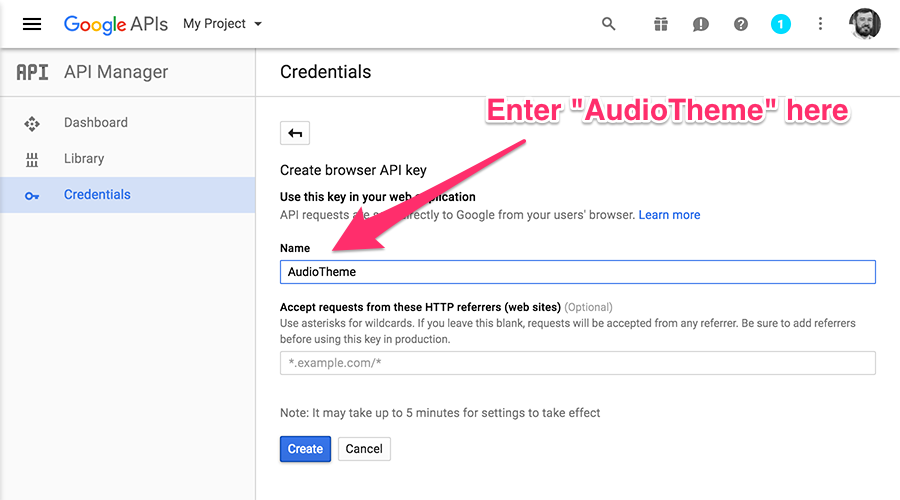
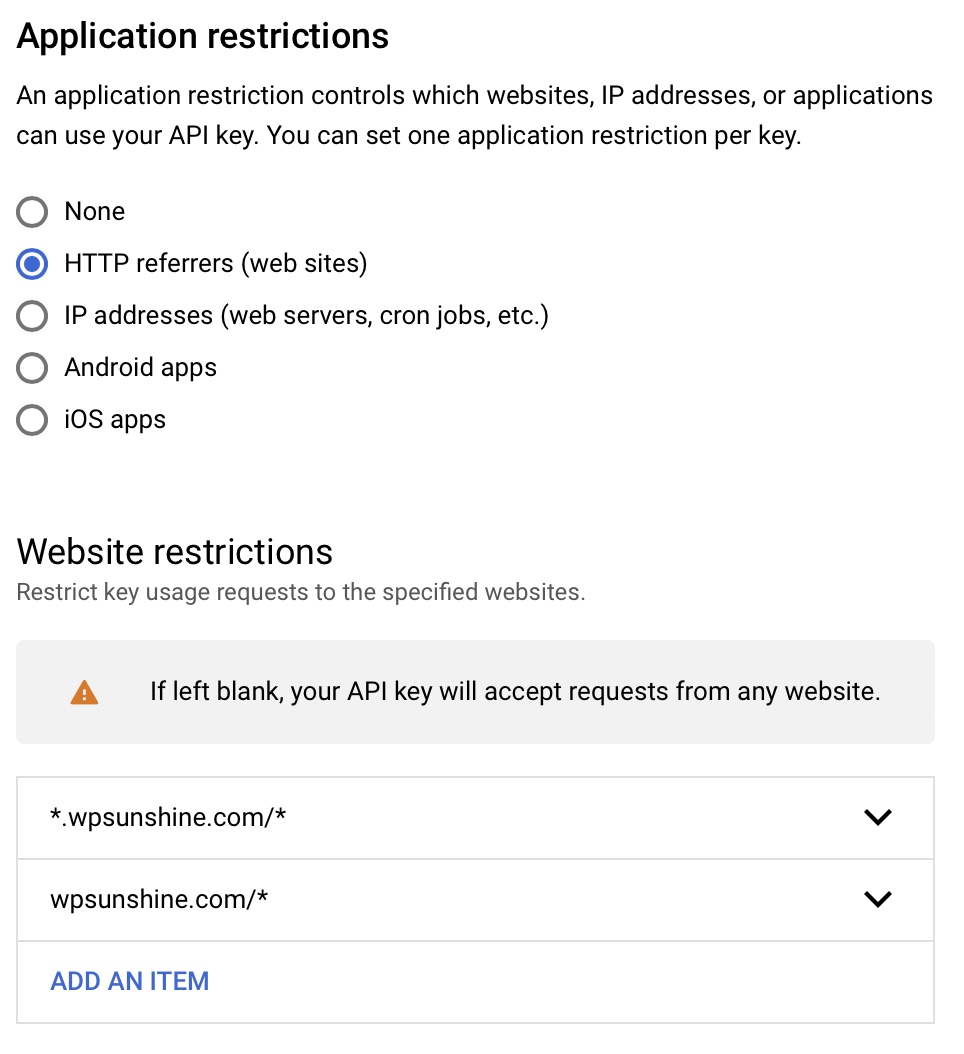
Create a new Google Cloud Platform project if you don t already have one Enable Google Maps Platform APIs and SDKs for your project Generate an API key for your project Once you have generated an API key provide it to your WordPress plugin to enable it to access Google Maps Platform features on your behalf
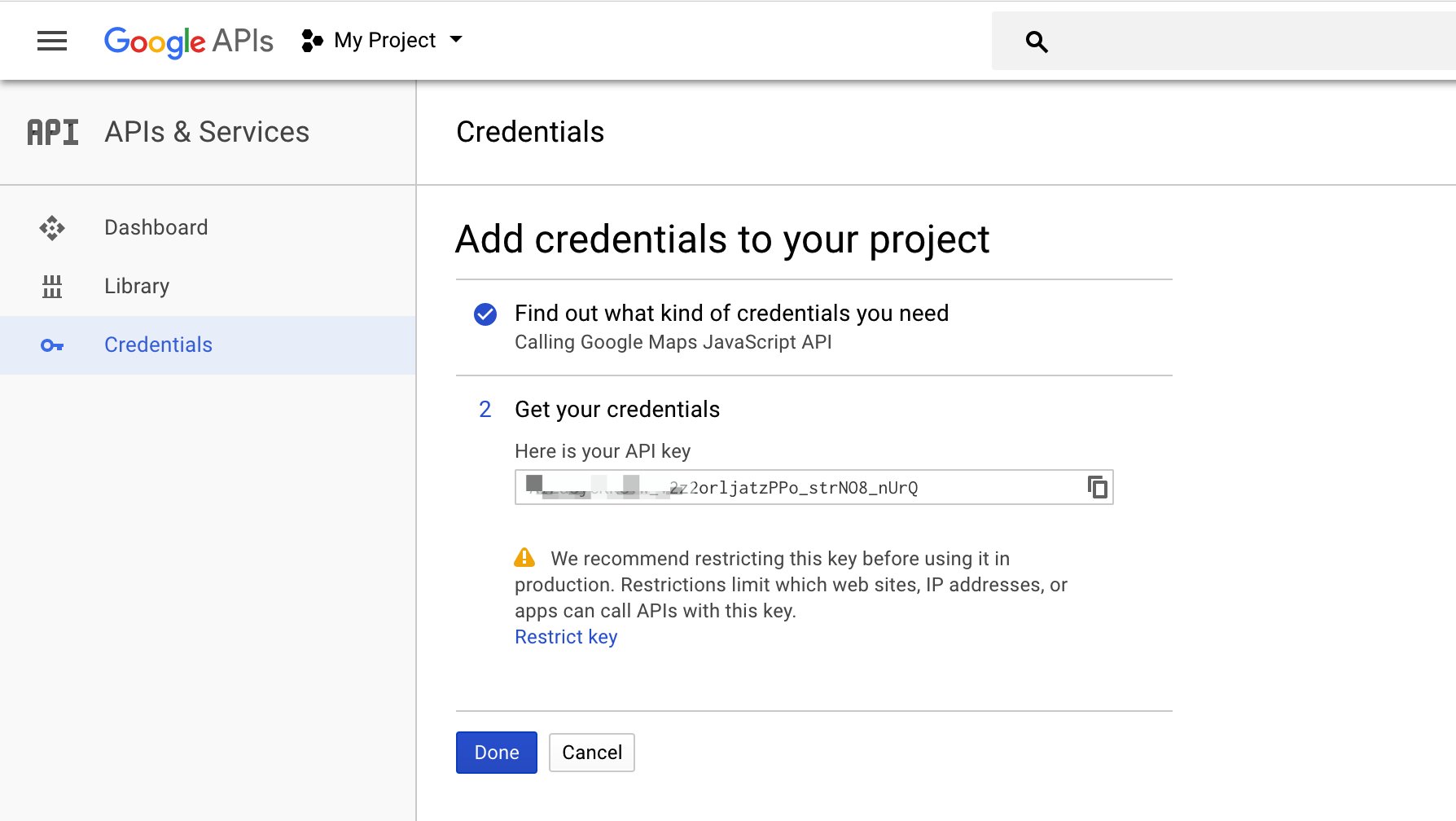
To create your application s API key Go to the API Console From the projects list select a project or create a new one If the APIs services page isn t already open open the left side
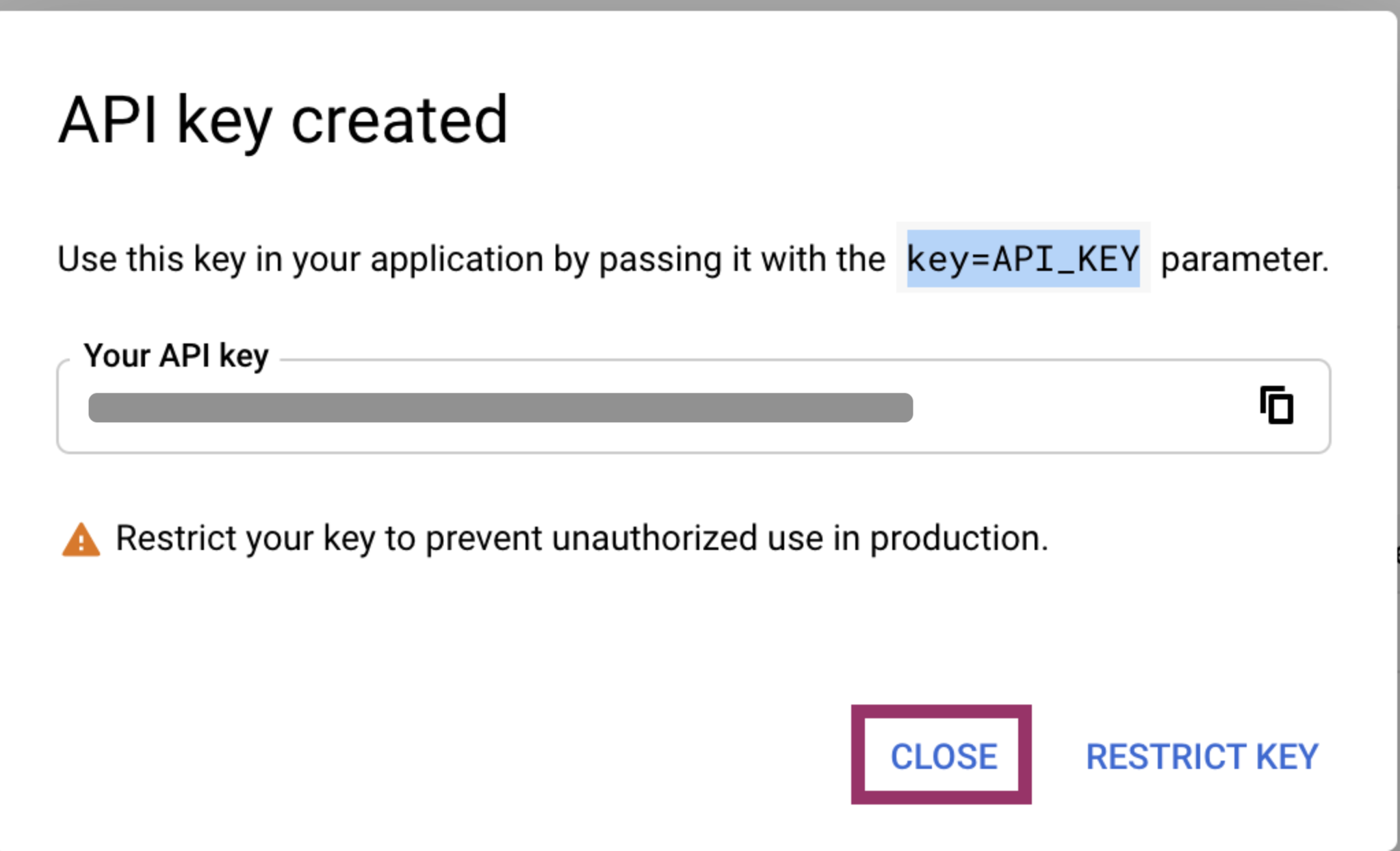
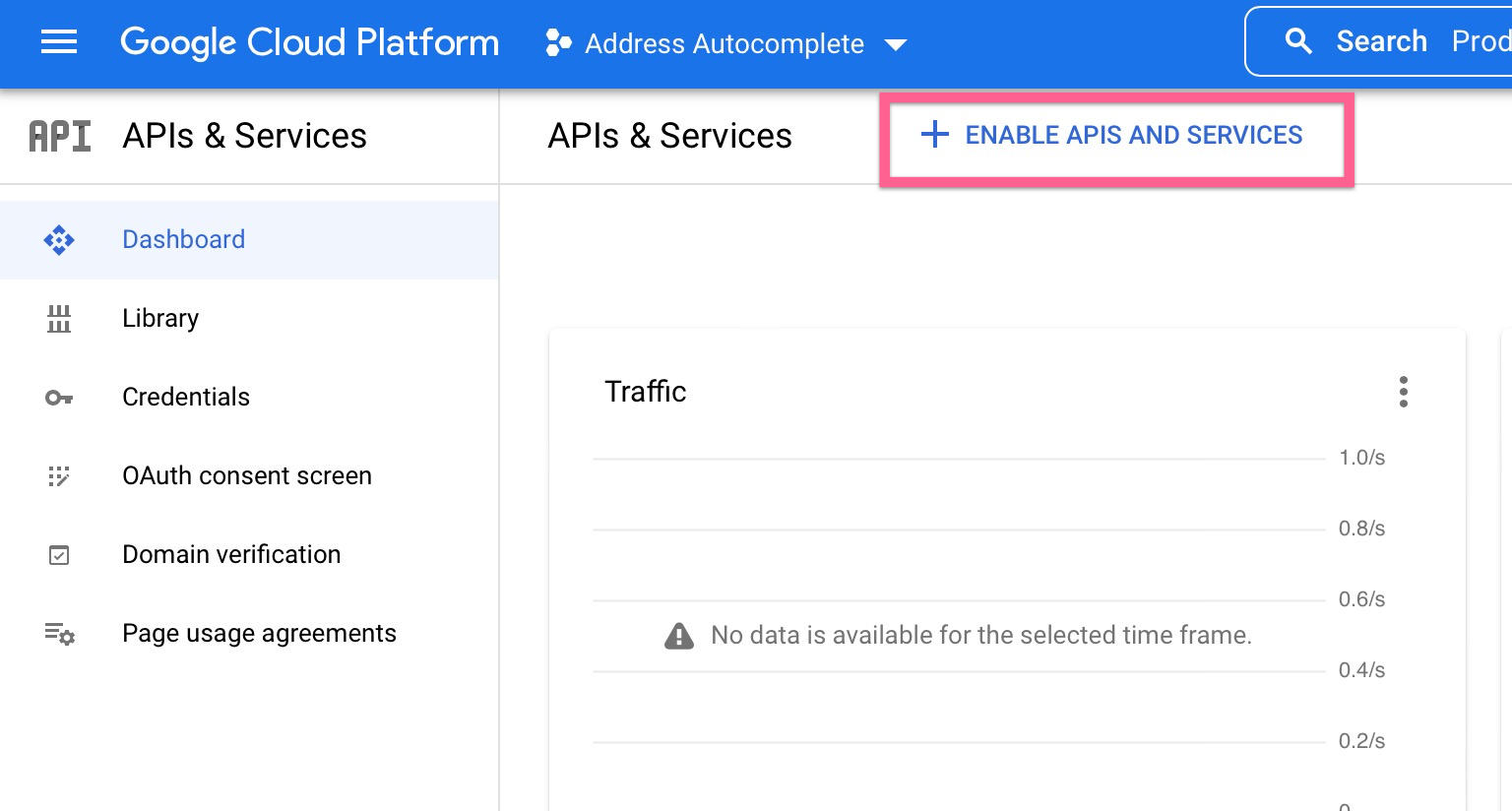
Click into the Maps Javascript API item and press the Enable button 6 Create an API Key After enabling the API your API Key will be created automatically You can also find the API Key in the navigation menu under APIs Services Credentials Press the Copy icon to copy the API Key to your clipboard 6a
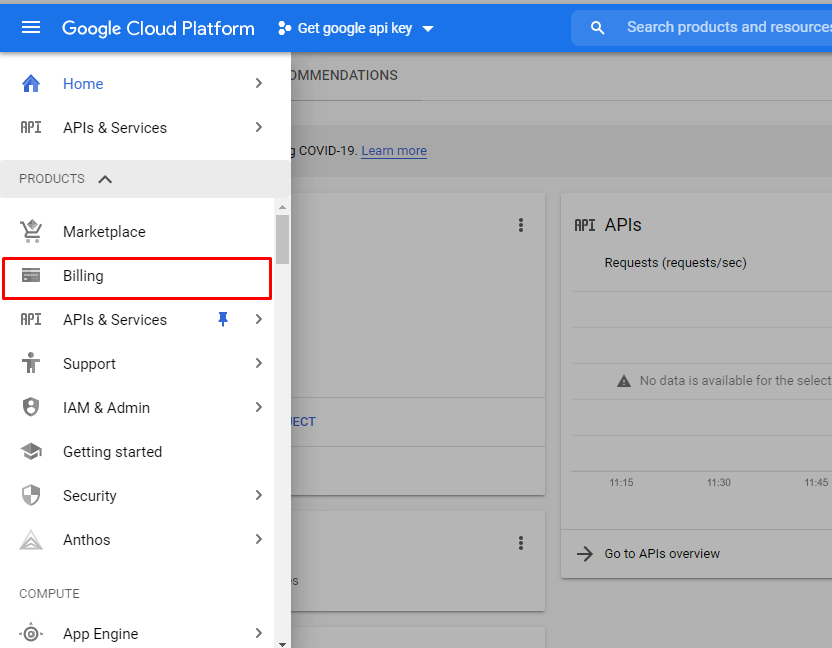
4 Answers Sorted by 45 There seems no way to have google maps api key free without credit card To test the functionality of google map you can use it while leaving the api key field EMPTY It will show a message saying For Development Purpose Only How to generate and set a Google Maps API key Warning You must have a Google account with billing enabled to generate a key for Google Maps API Google Maps requires a special Google Maps API key Without this key you cannot display Google Maps on your website
Step 1 Get Started To get started ensure that you re logged into your Google account and head over to the following url https cloud google maps platform Click the Get Started button The Google Maps Platform has a number of API Libraries available within it