How To Create Dynamic Data Range In Excel How To Make Dynamic Range In Pivot Table Brokeasshome How To Create Named Ranges To Use In Excel Formulas YouTube Excel Dynamic Named Data Ranges Explained With Examples Feat Data Va Dynamic Data Range Mode Median And Mean Lesson Plan For 3rd 5th Modify Excel Chart Data Range CustomGuide WEB The dynamic named range in Excel option enables one to create variable sized named ranges that adjust by changing height and width based on the count of non empty cells Users can use the Excel dynamic named range option to
WEB Mar 17 2017 nbsp 0183 32 To tackle this issue we can create Dynamic Named Ranges in Excel that would automatically account for additional data and include it in the existing Named Range For example For example if I add two additional sales data points a dynamic named range would automatically refer to A1 A12 WEB Aug 15 2023 nbsp 0183 32 INDEX has two syntax options and for dynamic named ranges we use this version Syntax INDEX array row num column num array the range of cells you want to return a range from row num the row s you want to return column num the column s you want to return
Modify Excel Chart Data Range CustomGuide How To Make A Dynamic Chart Using Offset Formula Excel Dashboard Riset Excel Dynamic Named Data Ranges Excel Excel Tutorials Excel Named Range In Excel How To Expand Chart Data Range In Excel 5 Suitable Methods How To Dynamically Change Chart Range On Drop Down List In Excel Excel Dynamic Data Range Access Excel Tips Creating A Chart Using A Dynamic Named Range In Excel 2010 Super User How To Create Dynamic Named Ranges In Excel Riset
How To Create Dynamic Data Range In Excel
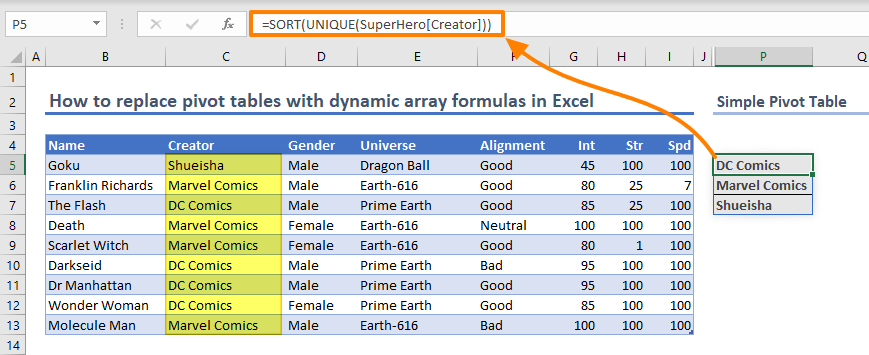 How To Create Dynamic Data Range In Excel
https://www.spreadsheetweb.com/wp-content/uploads/2021/03/How-to-replace-pivot-tables-with-dynamic-array-formulas-in-Excel-01.png
WEB Jun 10 2024 nbsp 0183 32 The easiest way to create a dynamic named range is to start by creating a named Excel table Then define a range based on one or more columns in that table In this example there is a list of parts on the worksheet and a named table and dynamic named ranges will be created
Pre-crafted templates offer a time-saving service for creating a diverse range of documents and files. These pre-designed formats and designs can be utilized for various personal and expert jobs, consisting of resumes, invitations, flyers, newsletters, reports, presentations, and more, streamlining the material creation procedure.
How To Create Dynamic Data Range In Excel

QWT 1 Create An Excel Chart With Dynamic Data Range My Engineering

How To Make A Dynamic Chart Using Offset Formula Excel Dashboard Riset

Excel Dynamic Named Data Ranges Excel Excel Tutorials Excel
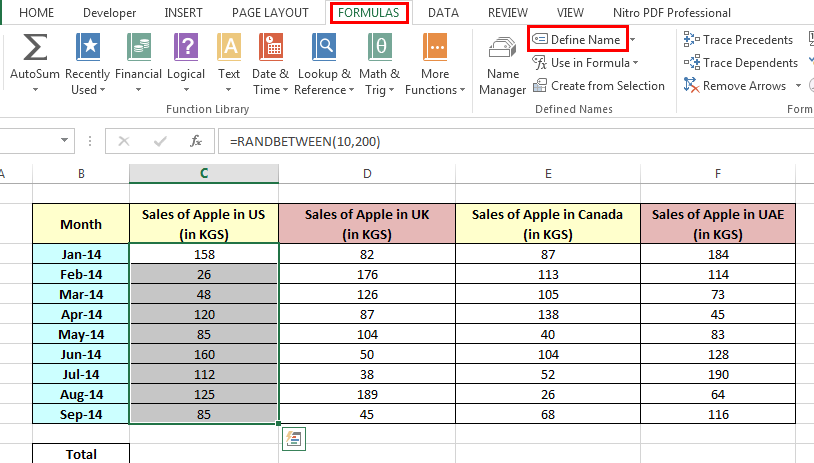
Named Range In Excel

How To Dynamically Change Chart Range On Drop Down List In Excel
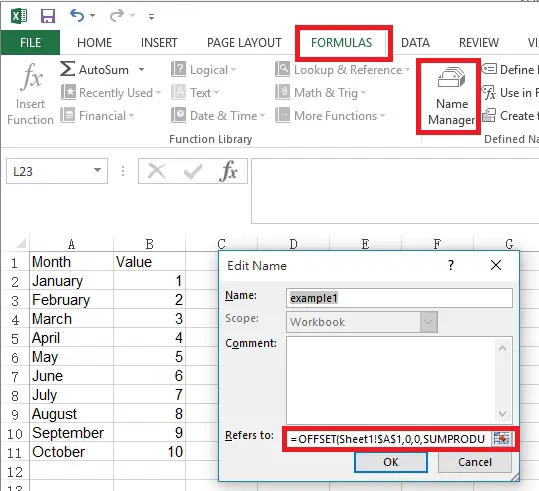
Excel Dynamic Data Range Access Excel Tips

WEB Jun 6 2024 nbsp 0183 32 Provides a method to create a dynamic defined range that can automatically extend to include new information if you have a named range that must be extended
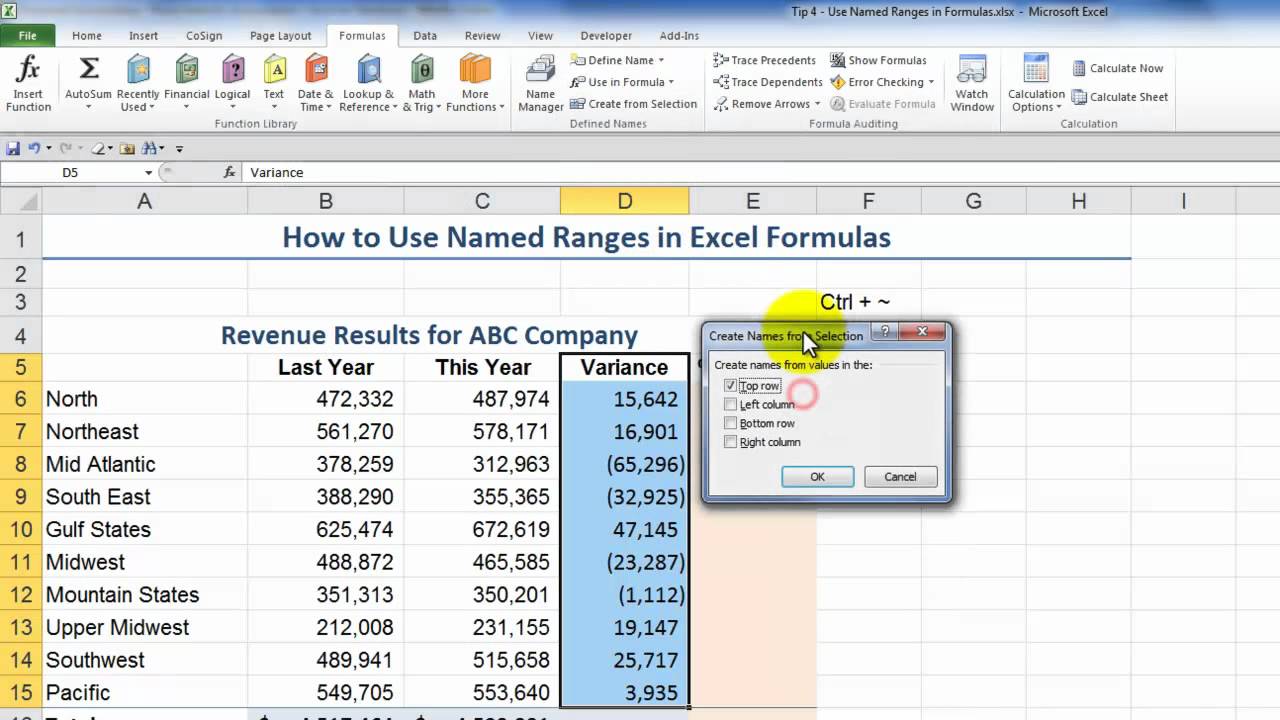
WEB Mar 20 2023 nbsp 0183 32 Learn how to create a dynamic named range in Excel and how to use it in your formulas so that a formula expands automatically to include new data in calculations

WEB Jan 10 2024 nbsp 0183 32 Discover how to leverage dynamic Named Ranges in Excel for automatic updates and improved efficiency in your spreadsheets Learn easy steps to create flexible self adjusting ranges for formulas and charts enhancing data management and readability

WEB One way to create a dynamic named range in Excel is to use the INDEX function In the example shown the named range quot data quot is defined by the following formula A 2 INDEX A A COUNTA A A which resolves to the range A 2 A 10
WEB One way to create a dynamic named range with a formula is to use the OFFSET function together with the COUNTA function In the example shown the formula below is used to create a dynamic named to encompass the data in B5 G10 OFFSET B5 0 0 COUNTA B 5 B 100 COUNTA B 4 Z 4
WEB Dec 27 2023 nbsp 0183 32 Dynamic named range in Excel refers to ranges that change as data in the range changes and the dashboard charts or reports associated with them To create a dynamic named range select Data insert a table and name the table using the name box This allows for easy customization of the range WEB Dynamic Named Range in Excel In Simple Steps A dynamic named range expands automatically when you add a value to the range 1 For example select the range A1 A4 and name it Prices 2 Calculate the sum 3 When you add a value to the range Excel does not update the sum
WEB Dec 20 2023 nbsp 0183 32 Returns a reference to a range that is a given number of rows amp columns from a given reference Syntax OFFSET reference rows cols height width Arguments reference A cell or a range of cells