How To Create Database Table In Visual Studio 2019 Prim Norm Indulge How To Create Z Table In Visual Studio C p un Lucru How To Create A Database In Excel Riset Mysql Workbench Create Database And Table Ban Qthelove How To In Creating An Access Database From An Excel Spreadsheet Riset How To Create Table In Phpmyadmin Decoration Ideas For Thanksgiving Riset Web Mar 3 2023 nbsp 0183 32 Right click the TradeDev project in Solution Explorer and select Build to build the database project The results of Build operation can be seen in the Output Window To create a new project and import existing database schema Click File New then Project In the New Project dialog box select SQL Server in the left pane
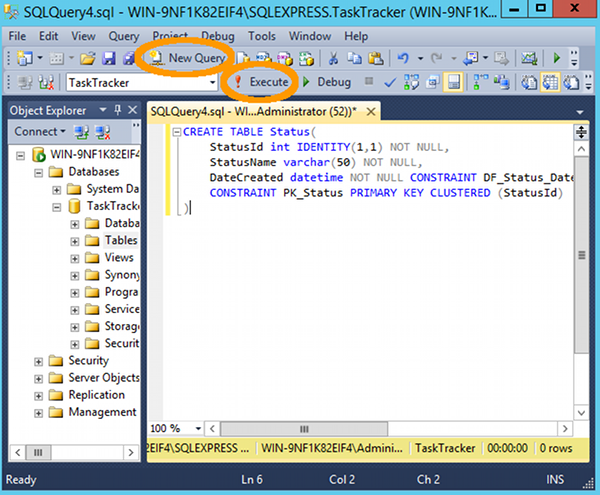
Web Jun 30 2019 nbsp 0183 32 I want to create a SQL Server database project where a new database is created Here is the structure of my project SQL Server Database Project Structure Basically I want 4 tables so I have added 4 sql scripts for them CREATE TABLE dbo Web To create an Entity Data Model from the database using the Database First approach in EF Core we ll follow these steps Create a new console application project Create a Model using the Scaffold DbContext Command Creating a new console application project In this example we ll use Visual Studio 2019
How To Create Table In Phpmyadmin Decoration Ideas For Thanksgiving Riset How To Create Database Table Using Migration In Laravel How To Create A Database In Sql Server Using Console Application In Sql Tutorial 1 Create Database Table Data Input With Insert First Riset Prim Norm Indulge How To Create Z Table In Visual Studio C p un Lucru Glob Nout ti Sala Visual Studio Add Table To Database Turna Evaluabile How To Create Tables In Access 2007 Sapphire Table Brokeasshome Raz Rezervor Sinis Visual Studio Generate Database Diagram Punete Cu Wintekweb Infoplus Create Database Table In XAMPP Mysql Interface
How To Create Database Table In Visual Studio 2019
 How To Create Database Table In Visual Studio 2019
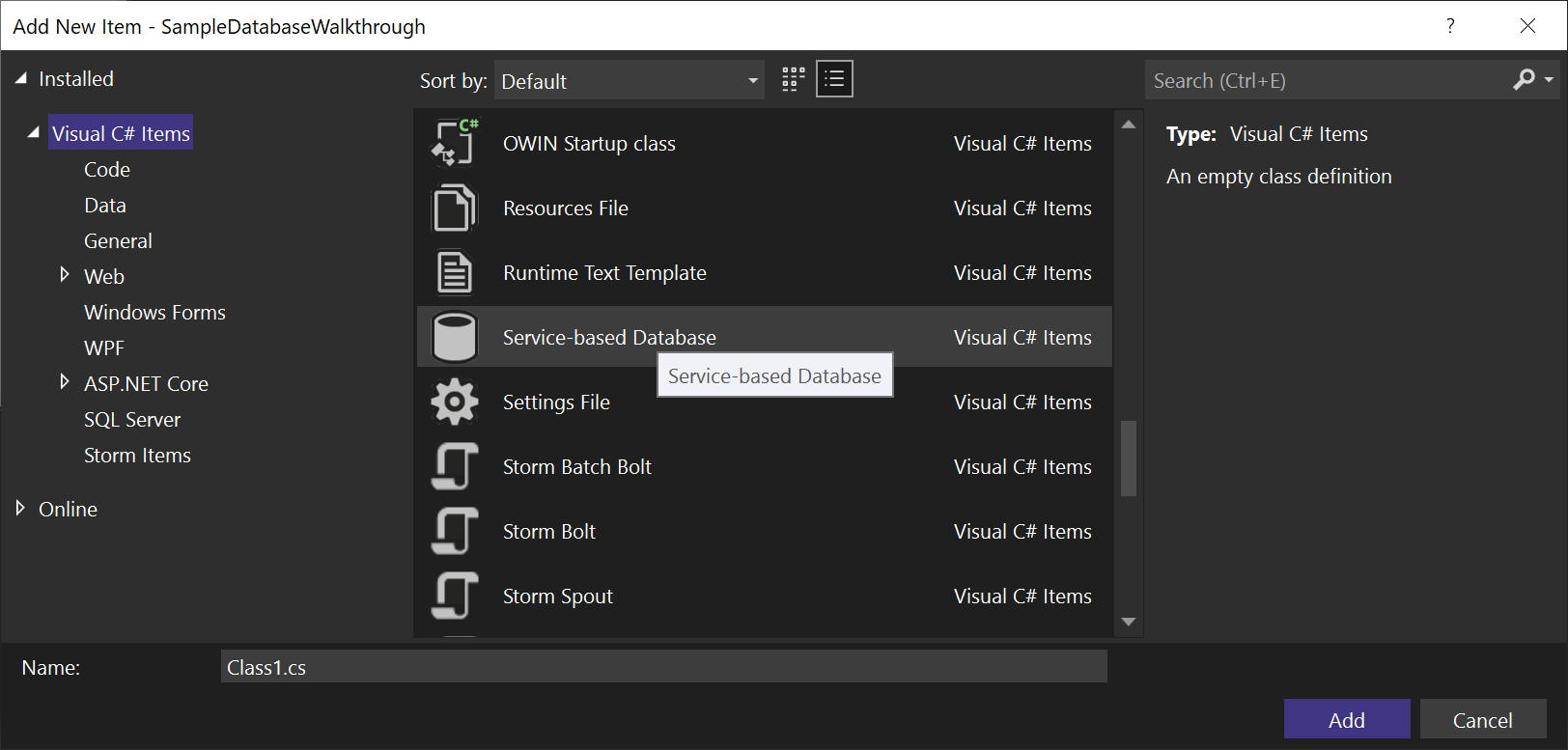
https://learn.microsoft.com/en-us/visualstudio/data-tools/media/vs-2022/visual-studio-add-service-database.png?view=vs-2022
Web Jun 1 2023 nbsp 0183 32 To insert new records into a database with ADO NET in a NET Framework project you can use the TableAdapter Update method or one of the TableAdapter s DBDirect methods specifically the TableAdapter Insert method
Pre-crafted templates provide a time-saving option for creating a diverse series of documents and files. These pre-designed formats and layouts can be made use of for various personal and professional projects, including resumes, invites, flyers, newsletters, reports, discussions, and more, streamlining the content production process.
How To Create Database Table In Visual Studio 2019

How To Create A Database Table In Windows Visual Studio YouTube

How To Create Database Table Using Migration In Laravel
How To Create A Database In Sql Server Using Console Application In
Sql Tutorial 1 Create Database Table Data Input With Insert First Riset
Glob Nout ti Sala Visual Studio Add Table To Database Turna Evaluabile
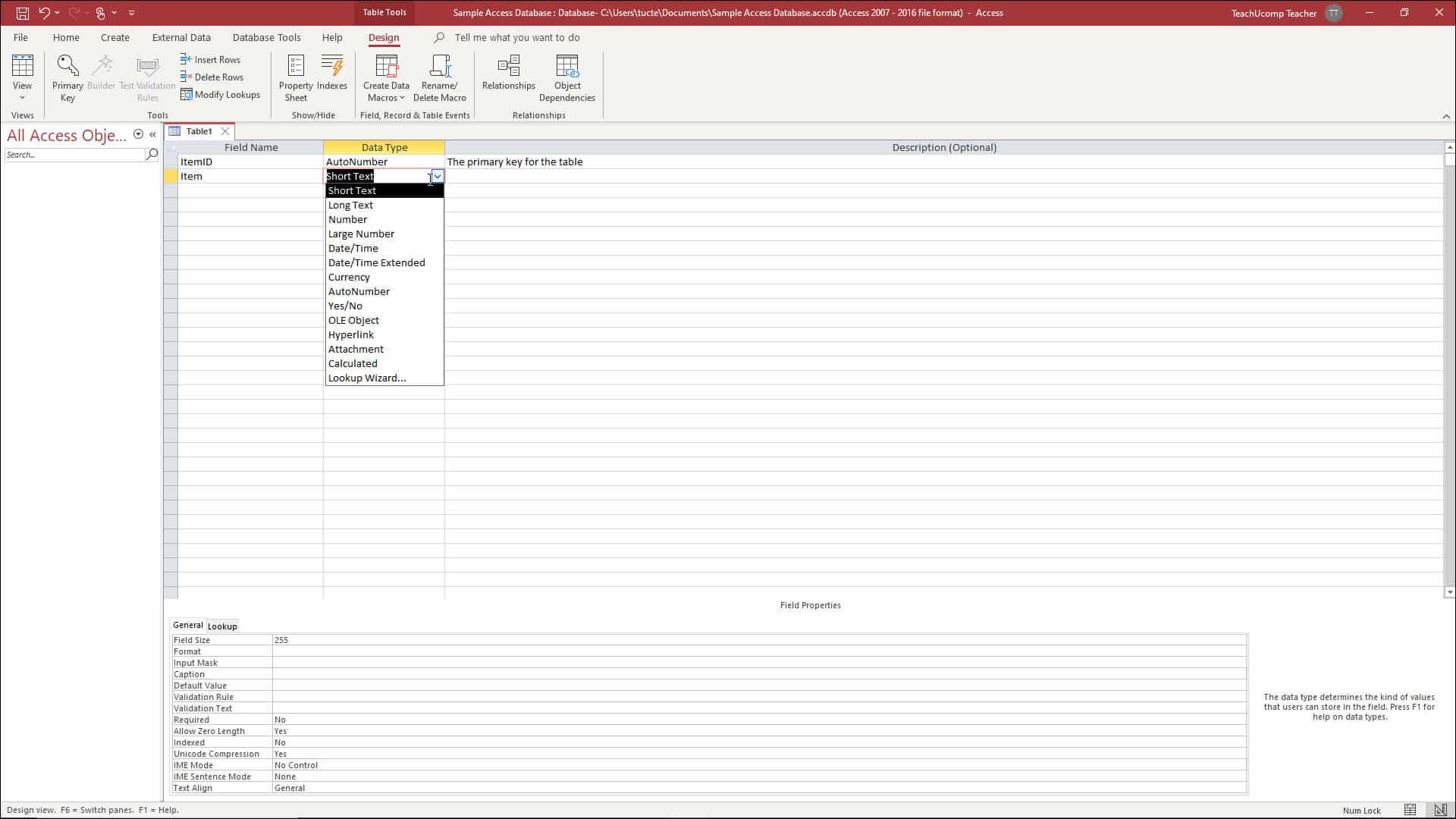
How To Create Tables In Access 2007 Sapphire Table Brokeasshome

Web Mar 3 2021 nbsp 0183 32 I am trying to create MySQL tables and edit existing tables in Visual Studio 2019 Community I have tried performing these actions using the Server Explorer Window I have also attempted to use dbForge Fusion extension The results have been the same in both installation configurations
Web Open the Properties window by expanding the lt strong gt Data Connections lt strong gt node right clicking on lt em gt SampleDatabase mdf lt em gt and then selecting lt strong gt Properties lt strong gt lt p gt n lt blockquote gt n lt p dir quot auto quot gt TIP nIf you can t expand the Data Connections node or the SampleDatabase mdf connection is not listed
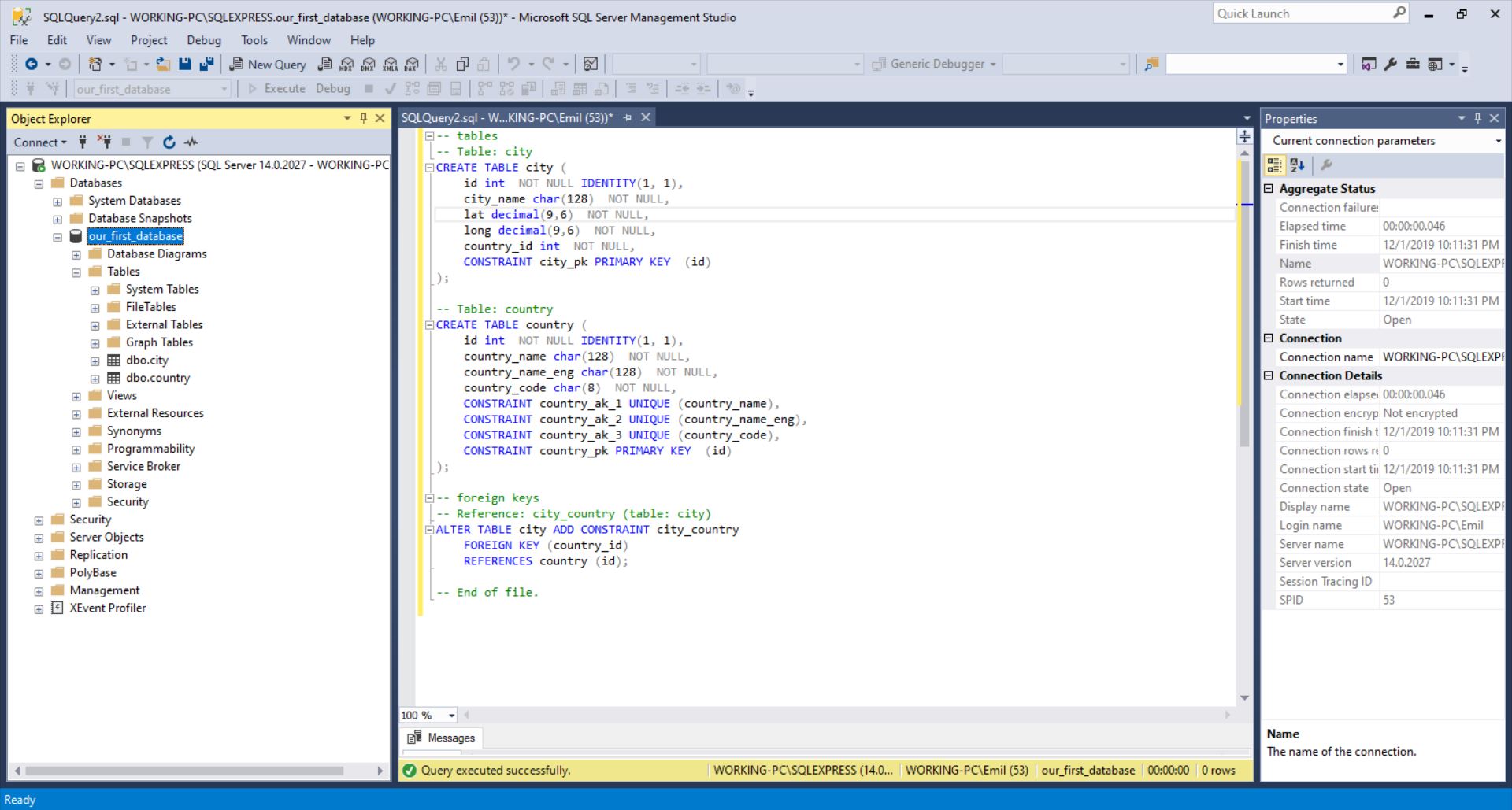
Web Jul 17 2019 nbsp 0183 32 creating tables in visual studio sql i get this error when i execute SQL71516 The referenced table dbo Stock contains no primary or candidate keys that match the referencing column list in the foreign key
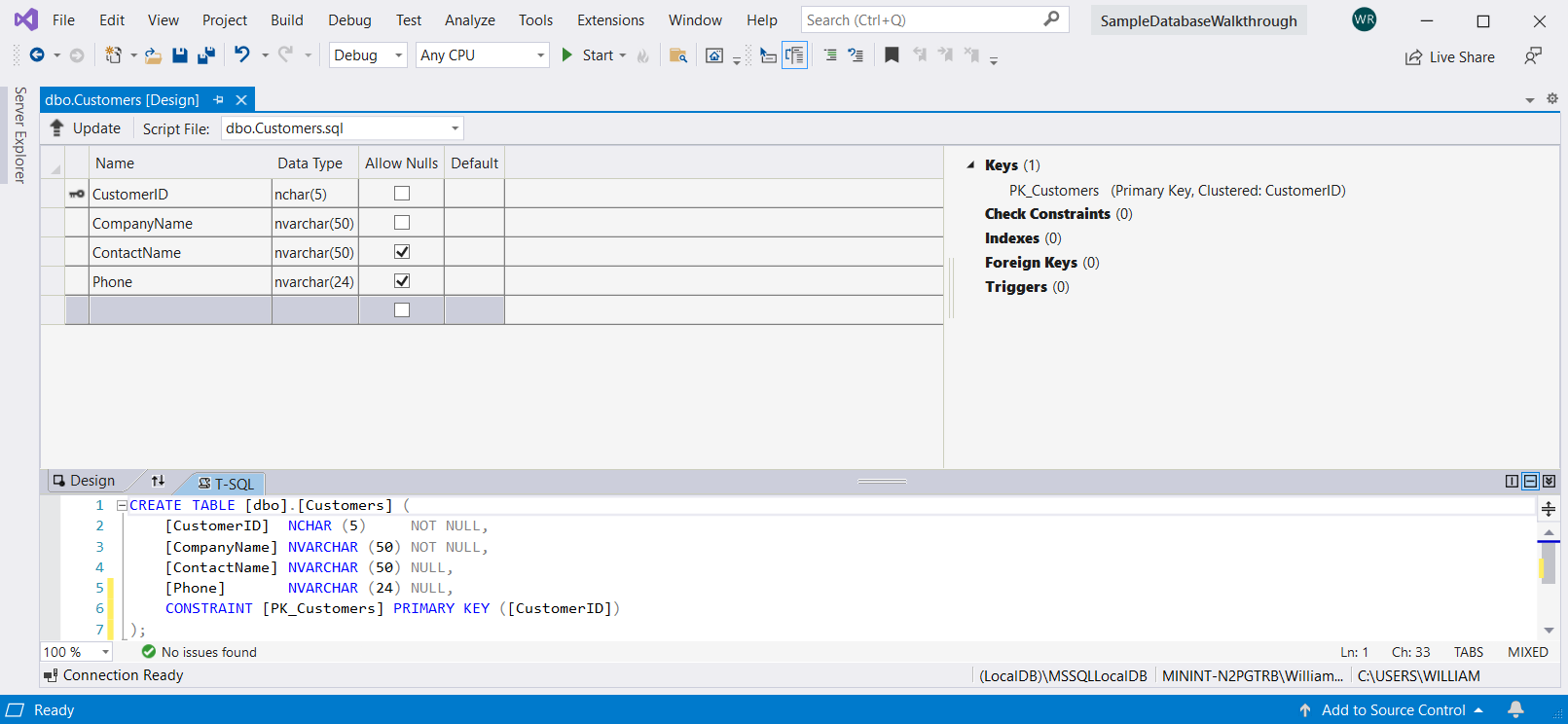
Web Use Table Designer to design a new table modify existing table or quickly add new or modify existing columns constraints and indexes You don t need to write the complex code to alter affected indexes views procedures and functions

Web Jan 8 2021 nbsp 0183 32 In this video I have shown an easy step by step way to add a new table in the database in your ASP web application in visual studio 2019 Show more
Web Mar 3 2023 nbsp 0183 32 To create a new database diagram In Object Explorer right click the Database Diagrams folder or any diagram in that folder Choose New Database Diagram on the shortcut menu The Add Table dialog box appears Select the required tables in the Tables list and click Add Web Oct 14 2020 nbsp 0183 32 In the Solution Explorer right click your project and go to Add then Script Choose a Post Deployment Script or a Pre Deployment Script Doing so will add a sql file to your project and set the build action appropriately so that it will either run before or after your schema has been created
Web Apr 26 2023 nbsp 0183 32 Run the Data Source Configuration Wizard and select either the Database or Web Service data source type You can also create a new TableAdapter and configure it with a data source by dragging a TableAdapter from the Toolbox to an empty region in the Dataset Designer surface