How To Create Buttons In Excel Using Macros Create Actionable Buttons In Excel With Macros Without VBA QuickExcel MACROS How To Create Buttons Assigning Macros To Buttons Macro Basics 3 Easy Methods To Create Button In Excel For Macros MyExcelOnline How To Link Button In Excel YouTube How To Create Macro Buttons In Excel Worksheets Excel Campus If you re having trouble accessing a Google product there s a chance we re currently experiencing a temporary problem You can check for outages and downtime on the Google Workspace
By adding utm campaign parameters to the destination URLs you use in referral links and ad campaigns you can see which campaigns refer traffic When a user clicks a referral link the Jan 14 2010 nbsp 0183 32 how about what about how about what about 1 how about 2 what
How To Create Macro Buttons In Excel Worksheets Excel Campus Excel 5 Ways To Add A Sort Button In Microsoft Excel How To Excel How To Create A Personal Macro Workbook Video Series Excel Campus Excel VBA ActiveX Series 3 Option Buttons Use On A Sheet How To Create A Macro Button In MS Excel To Filter Data TurboFuture MS Excel 2016 TurboFuture How To Create Buttons To Open go To Certain Sheets In Excel Excel Como Crear Botones Con Macros Para Guardar Registros Excel
How To Create Buttons In Excel Using Macros
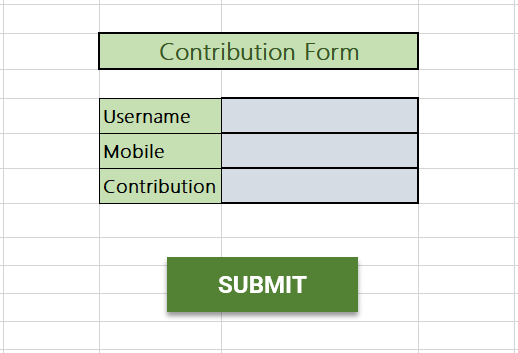 How To Create Buttons In Excel Using Macros
https://quickexcel.com/wp-content/uploads/2021/11/contribution-form.png
In Incognito mode third party cookies are blocked by default If a site that relies on third party cookies doesn t work as expected you can try temporarily allowing them for that site Learn
Templates are pre-designed files or files that can be used for numerous functions. They can conserve time and effort by offering a ready-made format and layout for producing various type of content. Templates can be utilized for personal or professional jobs, such as resumes, invitations, leaflets, newsletters, reports, discussions, and more.
How To Create Buttons In Excel Using Macros
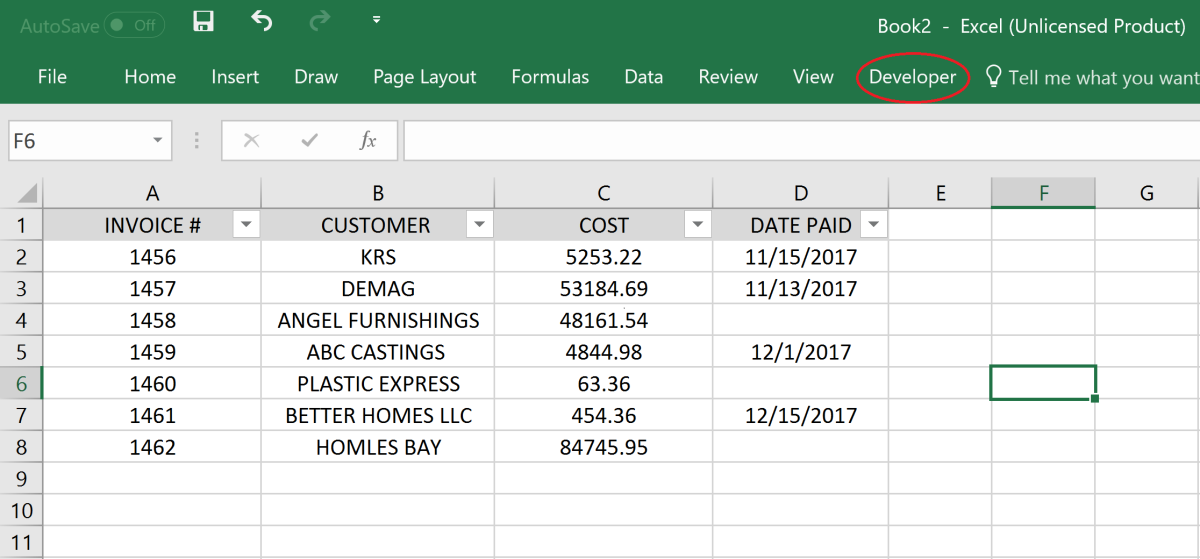
Aufr umen Anzahlung Kiefer Excel Filter Button Erstellen Modisch
Excel
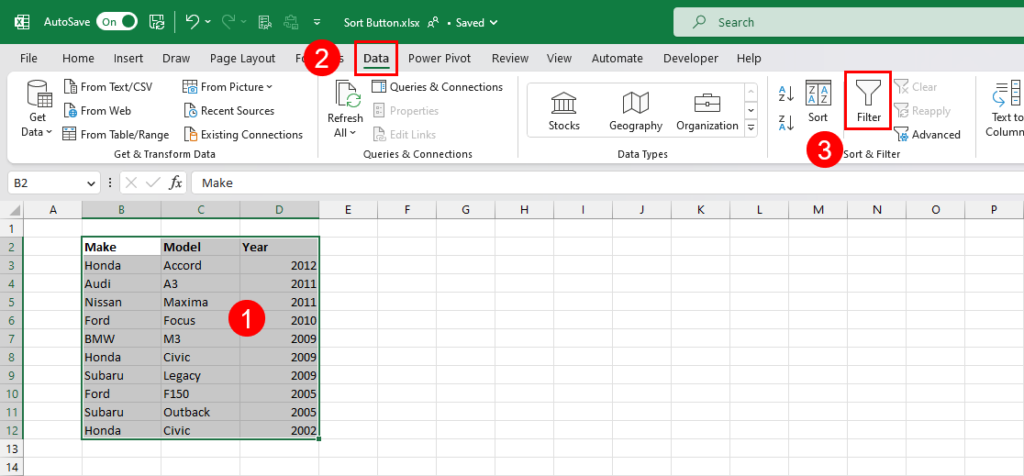
5 Ways To Add A Sort Button In Microsoft Excel How To Excel
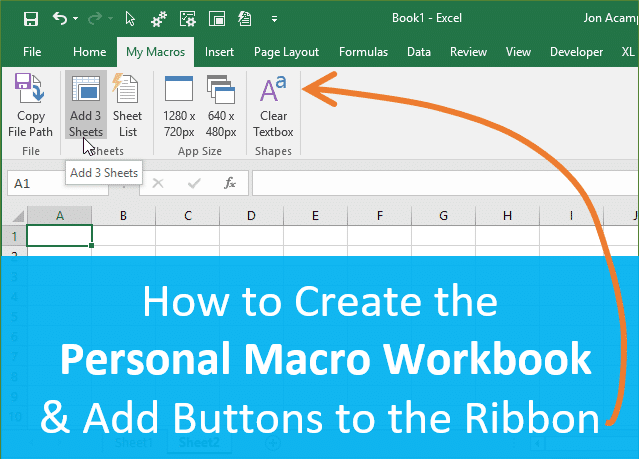
How To Create A Personal Macro Workbook Video Series Excel Campus
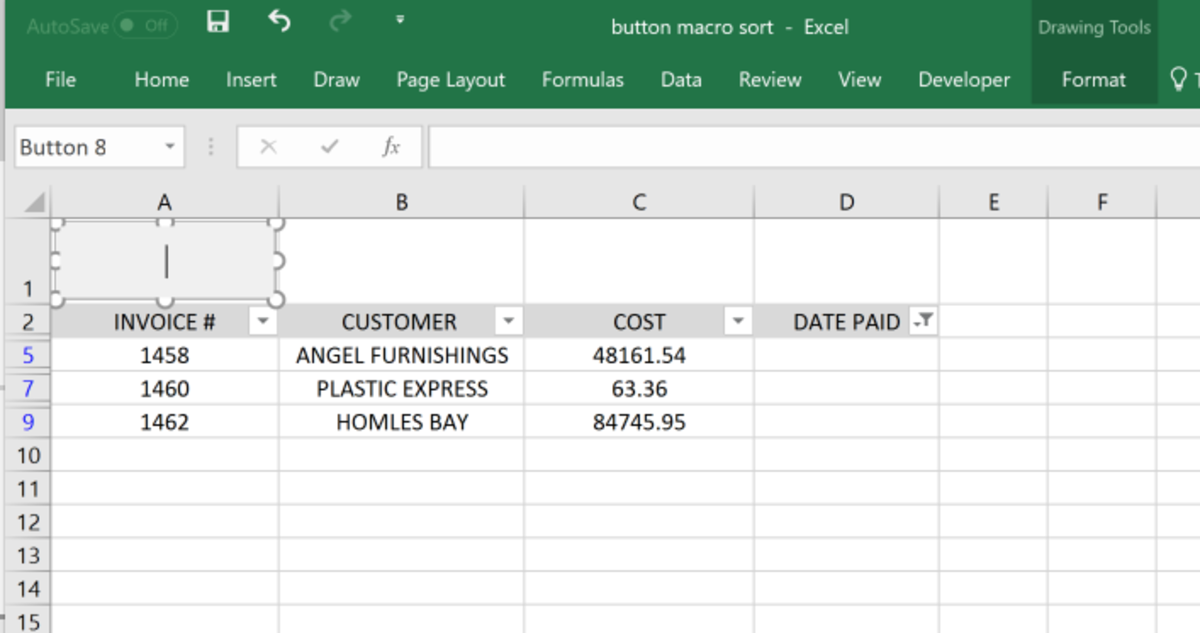
Create A Macro Button In MS Excel To Filter Data TurboFuture
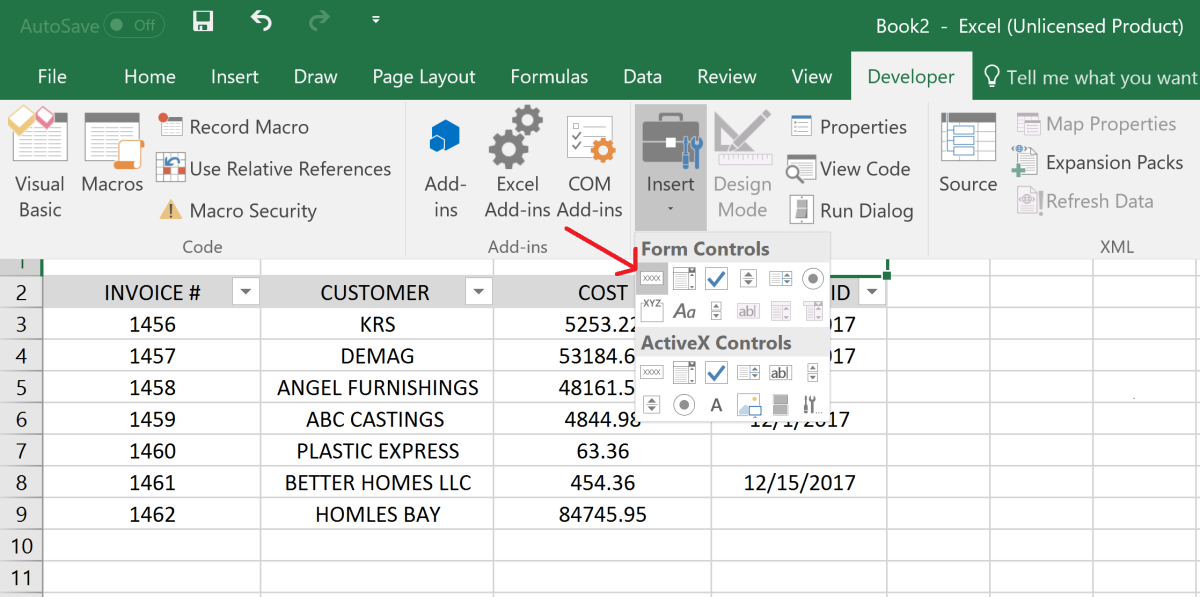
MS Excel 2016 TurboFuture
How to install Chrome Important Before you download you can check if Chrome supports your operating system and other system requirements

You can get directions for driving public transit walking ride sharing cycling flight or motorcycle on Google Maps If there are multiple routes the best route to your destination is blue All other

Google Chrome tips Google Chrome tips From productivity to customization learn how to get things done more quickly with your browser
If you forgot your password or username or you can t get verification codes follow these steps to recover your Google Account That way you can use services like Gmail Pho

Official Google Play Help Center where you can find tips and tutorials on using Google Play and other answers to frequently asked questions
[desc-11] [desc-12]
[desc-13]