How To Create A Word Document From Excel Spreadsheet Turning Paper Or Word Files Into Fillable Pdf Forms Printable Forms Microsoft Word Blank Table My XXX Hot Girl How To Create A Horizontal Zist WIth HTML CSS tutorial coding HTML How To Convert Excel Spreadsheet Into A Word Document Trendradars Latest Convert Word Document To Excel Spreadsheet Natural Buff Dog Web To insert mail merge fields in a Word document follow these steps Step 1 Open your Word document and click on the quot Mailings quot tab Step 2 Click on the quot Insert Merge
Web Dec 24 2023 nbsp 0183 32 A quick and easy way of creating a Word document from Excel is by inserting Excel as an object Using this feature you can insert one worksheet at a time That worksheet will be the last active one when Web Aug 25 2017 nbsp 0183 32 You can do this by incorporating objects like text boxes and labels into your Word document When you re in Word just click on the Developer menu tab and then select quot Design Mode quot in the Controls
Convert Word Document To Excel Spreadsheet Natural Buff Dog Creating A Template In Microsoft Words Free Programs Utilities And Create And Open Your Document In Microsoft Word 2016 Tutorials Tree Purchase Orderwork Flow Chart How To Create A Purchase OrderWork Flow How To Create An Invoice In Excel Full Guide With Examples Insert Excel Table Into Word Document YouTube Reporting Dashboard Excel Templates At Allbusinesstemplates In How To Create A Learn mongodb Account How To Create A Learn Rutschig Gegner Farbton Pdf Word Preis Mini
How To Create A Word Document From Excel Spreadsheet
 How To Create A Word Document From Excel Spreadsheet
https://www.wikihow.com/images/3/35/Convert-a-Microsoft-Word-Document-to-PDF-Format-Step-14-Version-3.jpg
Web Feb 23 2018 nbsp 0183 32 From the Insert table click the quot Object quot button the small blue bordered square under the quot Text quot section In the window that pops up click quot Create from file quot then click quot Browse quot to navigate to and open the
Pre-crafted templates use a time-saving service for producing a diverse variety of files and files. These pre-designed formats and designs can be used for numerous individual and expert tasks, consisting of resumes, invitations, leaflets, newsletters, reports, presentations, and more, enhancing the content creation process.
How To Create A Word Document From Excel Spreadsheet

Word Of The Year Spread With Bloom Daily Planners Tombow USA Blog

Creating A Template In Microsoft Words Free Programs Utilities And
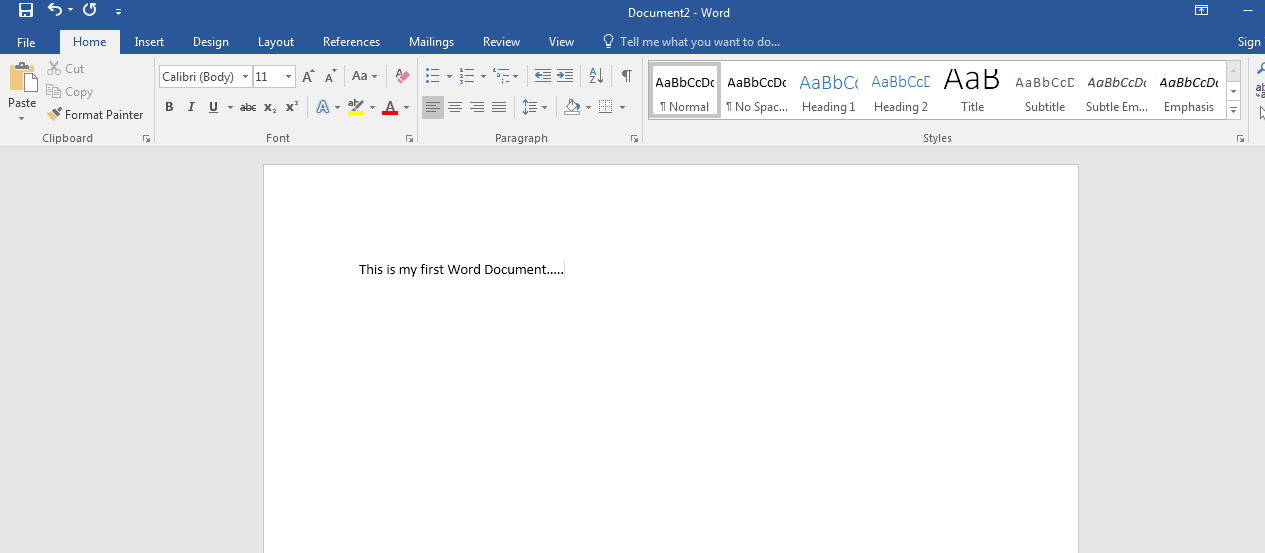
Create And Open Your Document In Microsoft Word 2016 Tutorials Tree

Purchase Orderwork Flow Chart How To Create A Purchase OrderWork Flow
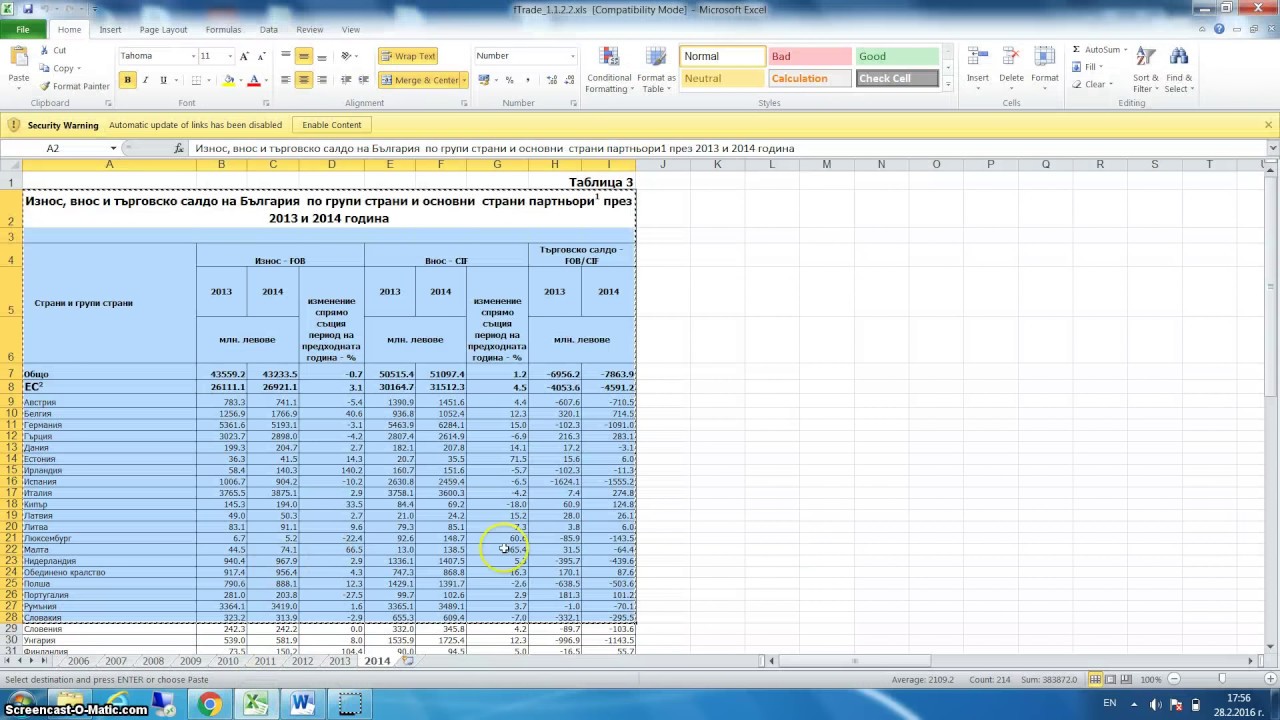
Insert Excel Table Into Word Document YouTube

Reporting Dashboard Excel Templates At Allbusinesstemplates In

Web Jul 16 2019 nbsp 0183 32 Method 1 Non VBA Create a single Sheet Workbook or better enter your meeting data in form of TABLE in Excel Open blank file in Word From Insert Tab

Web Aug 24 2022 nbsp 0183 32 This tutorial demonstrates how to create a Word document from Excel or Google Sheets Link From Excel to Word Using Paste Options In the Excel file select

Web May 4 2022 nbsp 0183 32 Open the Excel sheet you want to convert and select the whole file by pressing Ctrl A Drag your cursor if you want to select a specific range of data and not

Web Jul 18 2018 nbsp 0183 32 The first is by simply copying that data from the spreadsheet and then pasting it into the target document For the most part this only works with really simple data because that data just becomes a basic

Web Apr 27 2020 nbsp 0183 32 Insert An Excel Worksheet As An Embedded Object Insert An Excel Worksheet As A Linked Object If either of those issues matter to you there are better ways to insert an Excel worksheet into a Word
Web Jan 11 2012 nbsp 0183 32 The basic setup works with two templates 1 Word template and 2 Excel template a workbook with a worksheet that has the data needing to be farmed to the Web Sep 6 2022 nbsp 0183 32 Click the OK button The Word document is embedded into Excel If you choose to display it as an icon the icon will appear otherwise you will see a text box
Web Jan 2 2021 nbsp 0183 32 Here s how to embed an Excel worksheet using the simple paste option Open the Microsoft Excel worksheet then highlight the data you want to include in the Word