How To Create A Vpn Server On Linux What Is VPN Understanding The Virtual Private Network How To Create A VPN Server Using Raspberry Pi How To Set Up A VPN Server On Linux LinuxForDevices Vpn Server For Home Network QuyaSoft How To Create A VPN Server On Your Windows Computer Without Installing Go to System Preferences and choose Network Click on the small plus button on the lower left of the list of networks In the popup that appears set Interface to VPN set the VPN Type to IKEv2 and give the connection a name In the Server and Remote ID field enter the server s domain name or IP address
Next transfer the signed certificate back to your VPN server using a secure method scp pki issued server crt sammy your server ip tmp Transfer the ca crt file to your VPN server as well scp pki ca crt sammy your server ip tmp Your OpenVPN server needs ca crt so that it knows it can trust the entity that signed server crt To generate the tls auth key we can run the following command openvpn genkey secret ta key Once generated we move the ta key file to etc openvpn sudo mv ta key etc openvpn Our server keys setup is now complete We can proceed with the actual server configuration
How To Create A VPN Server On Your Windows Computer Without Installing Create A VPN Server In Linux VM Cloudsurph Web Hosting Washington D C How To Create A VPN Server On A Windows Computer And Connect To It From 14 New World Could Not Connect To Server Unknown File Version VPN s How They Work And Why You Really Need One Clouddwelling How To Build A Vpn Server On Linux Moacdesign OpenVPN How To Set Up A OpenVPN Server On Debian 9 Stretch Setting Up A Vpn Server With Windows 10 Popular pics Viewer For Reddit OpenVPN How To Set Up OpenVPN Server On Debian 10 Buster
How To Create A Vpn Server On Linux
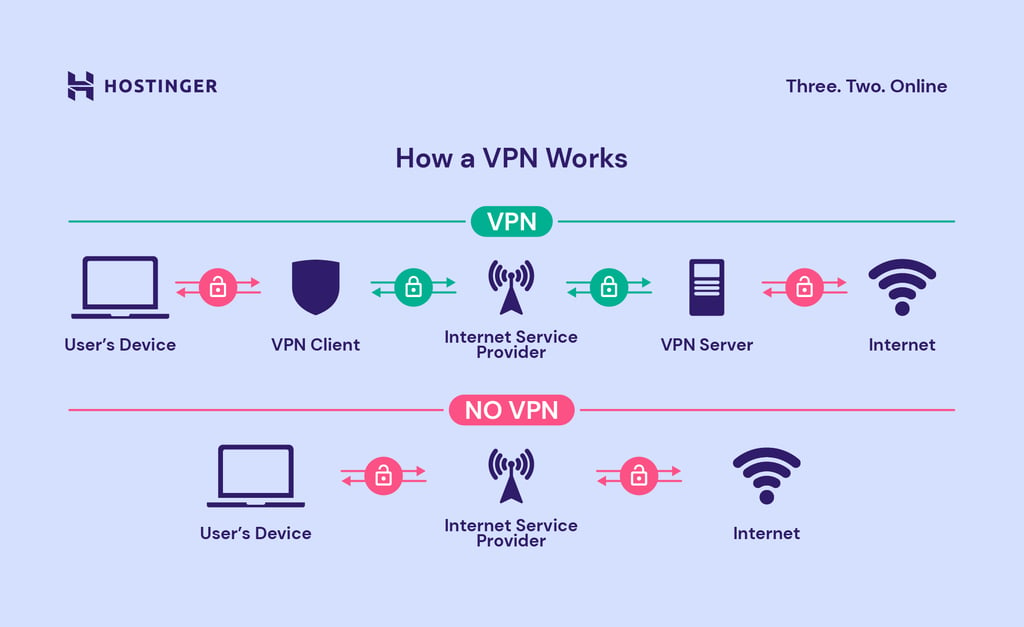 How To Create A Vpn Server On Linux
https://www.hostinger.my/tutorials/wp-content/uploads/sites/2/2022/05/what-is-a-vpn-01.jpg
This tutorial provides step by step instructions for configuring an OpenVPN road warrior server on Ubuntu Linux 18 04 20 04 LTS 20 10 version including ufw iptables firewall configuration The steps are as follows nixCraft Privacy First Reader Supported nixCraft is a one person operation
Templates are pre-designed files or files that can be used for different functions. They can conserve time and effort by providing a ready-made format and design for creating different kinds of material. Templates can be utilized for individual or professional tasks, such as resumes, invitations, leaflets, newsletters, reports, presentations, and more.
How To Create A Vpn Server On Linux
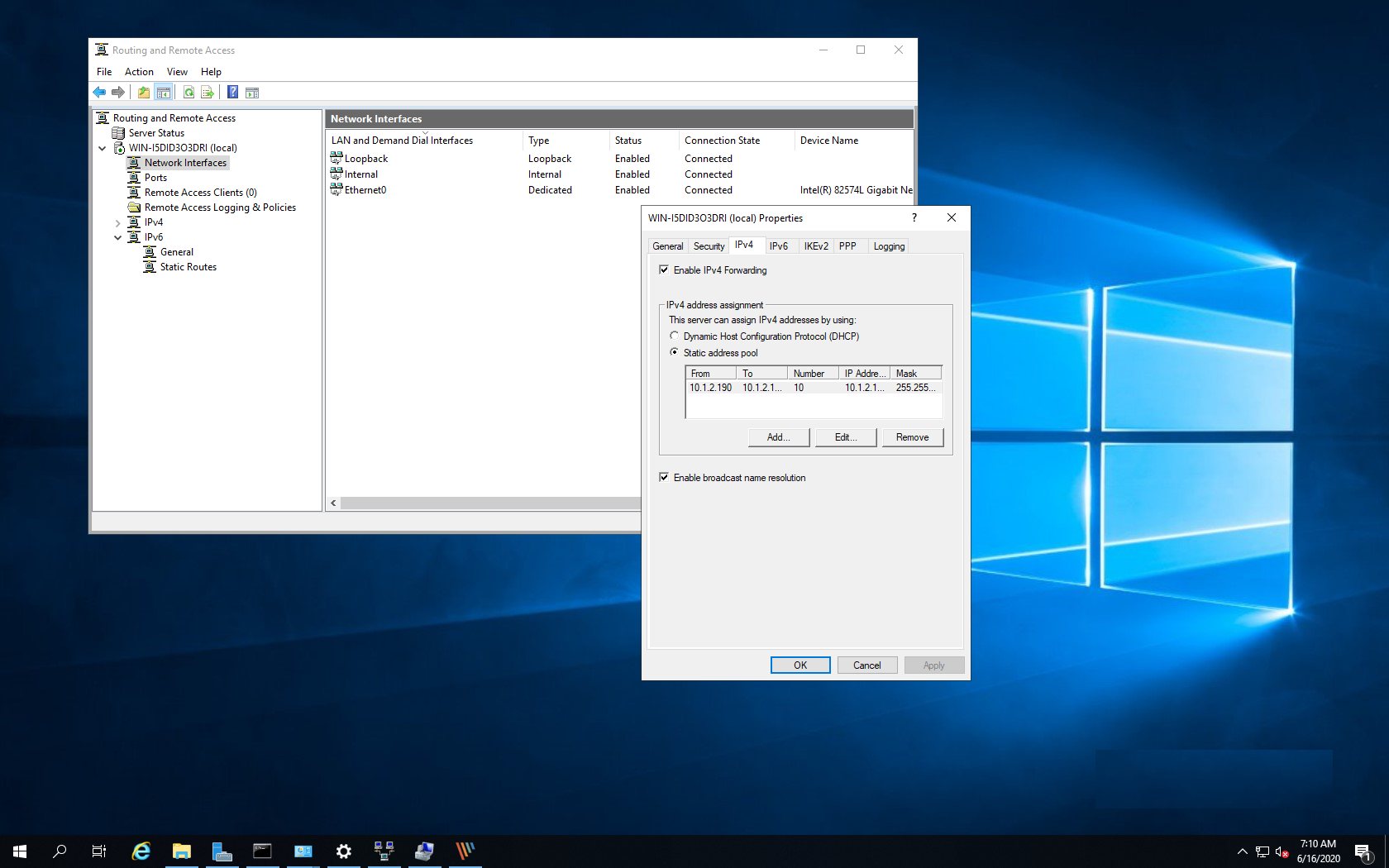
Serveur Vpn Sur Windows 7

Create A VPN Server In Linux VM Cloudsurph Web Hosting Washington D C

How To Create A VPN Server On A Windows Computer And Connect To It From
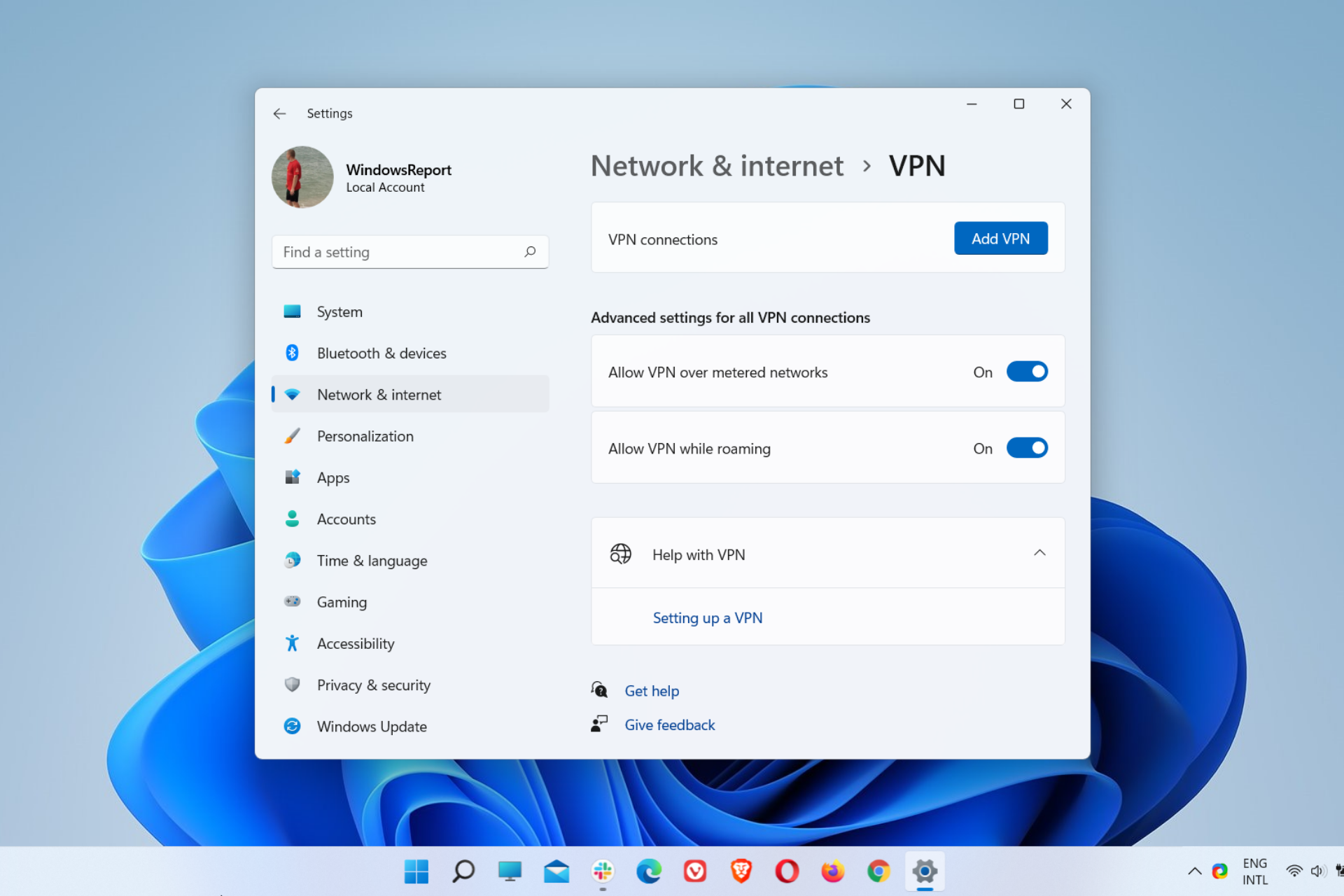
14 New World Could Not Connect To Server Unknown File Version
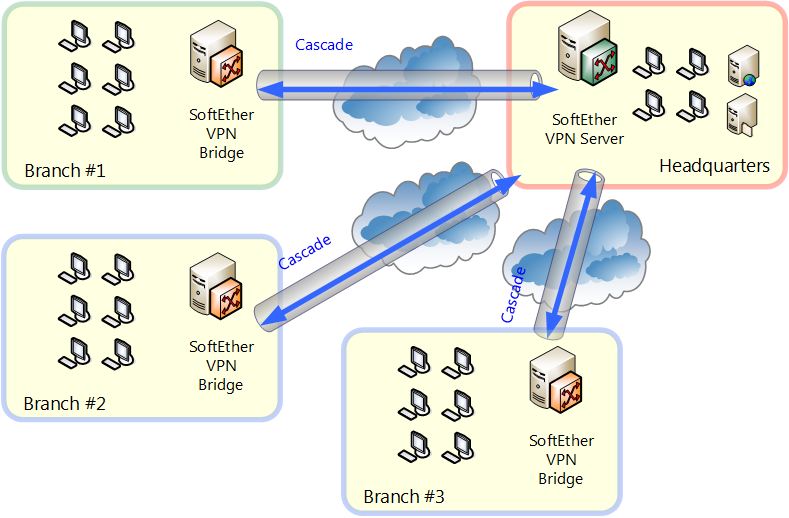
How To Build A Vpn Server On Linux Moacdesign
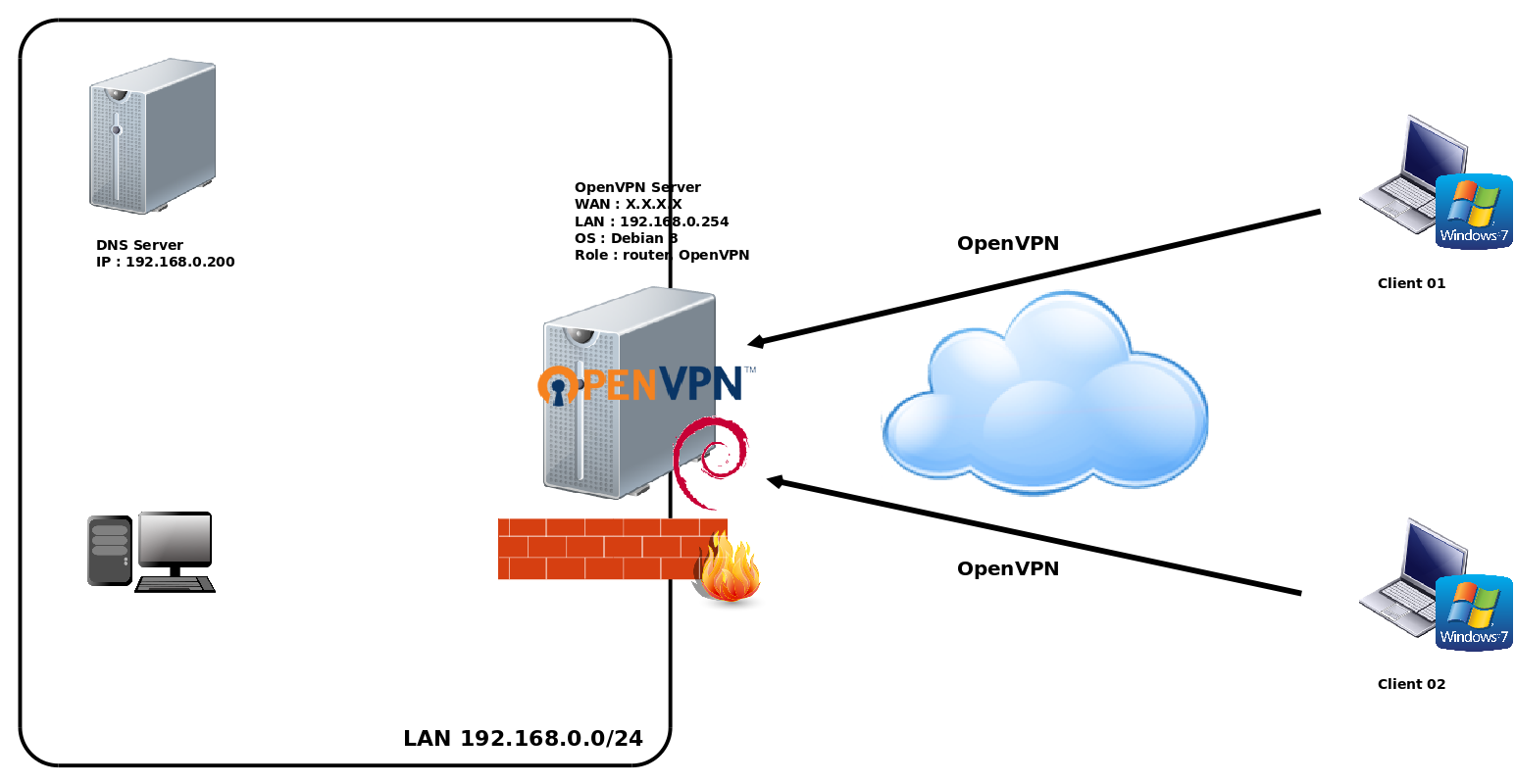
OpenVPN How To Set Up A OpenVPN Server On Debian 9 Stretch

The server computer The first thing you ll want to do is install OpenVPN along with the cURL programs sudo apt install openvpn curl Download the VPN installation script next And you ll also need to make it executable curl O https raw githubusercontent Angristan openvpn install master openvpn install shchmod x openvpn install sh

Part 1 Changing your DNS Your domain name server DNS can give away some information about you so we will want to change that Start by using a tool such as DNS leak test to see what information is visible Then work on hiding it We re going to use OpenDNS

How to set up your own Secure VPN server on Ubuntu LinuxSubscribe now because it s free https www youtube c NETVN82 netvn openvpn

To create a VPN server in Windows you ll first need to open the Network Connections window The quickest way to do this is to hit Start type ncpa cpl and then click the result or hit Enter

Go to DigitalOcean and create an Open VPN Access Server droplet Choose a region and data transfer amount Set a password and server name then use the new server s IP address to install OpenVPN via SSH tunnel Log into your OpenVPN admin page to complete the setup and download the VPN client
To get your own personal VPN you need two computers A client computer most likely it is your home computer or a laptop You use it to connect to a VPN A private server this where you install a VPN and use it as a VPN provider This can be your own physical server or a virtual server Open your SSH client and connect to your VPS server using the IP address supplied by your VPS provider Terminal users should enter ssh l user ip address and enter details when they get the response ip address username Login as root and enter the password you were given by your VPS provider
Network Manager How to set up your own Linux VPN server NordVPN Linux app commands How to choose a VPN for Linux Why do you need a VPN for Linux Reasons to set up a VPN are the same no matter which OS you use VPN security and privacy benefits apply to Linux Windows Android and other operating systems