How To Create A Shape In Google Sheets How To Change Opacity Of Shape In Google Slides How To Crop An Image Into A Circle In Google Docs Convert Stroke And Path Into Shape In Adobe Illustrator YouTube How To Add A Shape In Google Slides YouTube How To Crop An Image Into A Shape In Google Slides Ethical Today Web To trigger the Drawing utility navigate to Insert gt Drawing while on the Google Sheets application On doing this we get an intuitive user interface that is similar to any other drawing tool such as MS Paint We have options such as lines shapes text box word art and even an image
Web On your computer open a spreadsheet in Google Sheets Double click the chart you want to change At the right click Customize Click Gridlines Optional If your chart has horizontal and Web On your computer open a presentation in Google Slides Go to the slide where you want to arrange an object At the top click Arrange Choose from the following options Order Put the object
How To Crop An Image Into A Shape In Google Slides Ethical Today How To Insert Shapes In Google Slides Free Google Slides Templates How To Insert Shape In Google Sheets Cancerklo How To Make Transparent Text And Shape In Google Slides How To Make A Shape Transparent In Google Slides How To Add Line And Arrow Shape In Google Sheets YouTube How To Change Transparency Of A Shape In Google Slides Easy Guide PresentationSkills me Romania Map Large Group Of People Form To Create A Shape Of Romania Map Stock Vector How To Fit An Image In Shape On Google Slides On Mobile And PC
How To Create A Shape In Google Sheets
 How To Create A Shape In Google Sheets
https://licreativetechnologies.com/wp-content/uploads/2022/11/Google-Slides-Works-and-How-it-can-Help-with-5-Amazing-Use-Cases-1.gif
Web DOWNLOAD CHEAT SHEET Step 1 Create a spreadsheet To create a new spreadsheet Open the Sheets home screen at sheets google Click New This will create and open your new spreadsheet You can also create new spreadsheets from the URL sheets google create Step 2 Edit and format a spreadsheet
Pre-crafted templates provide a time-saving service for producing a diverse range of documents and files. These pre-designed formats and designs can be used for numerous personal and expert projects, including resumes, invitations, flyers, newsletters, reports, discussions, and more, improving the content production procedure.
How To Create A Shape In Google Sheets
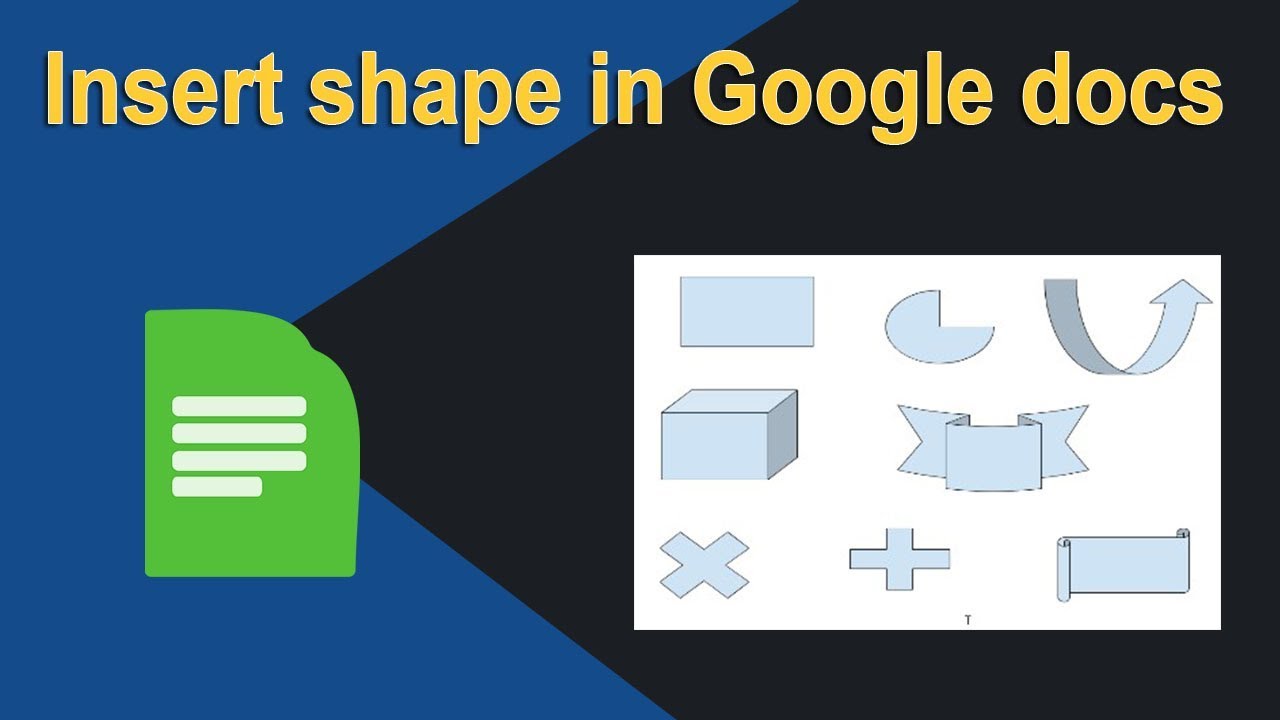
How To Insert Or Add Shape In Google Docs Document YouTube
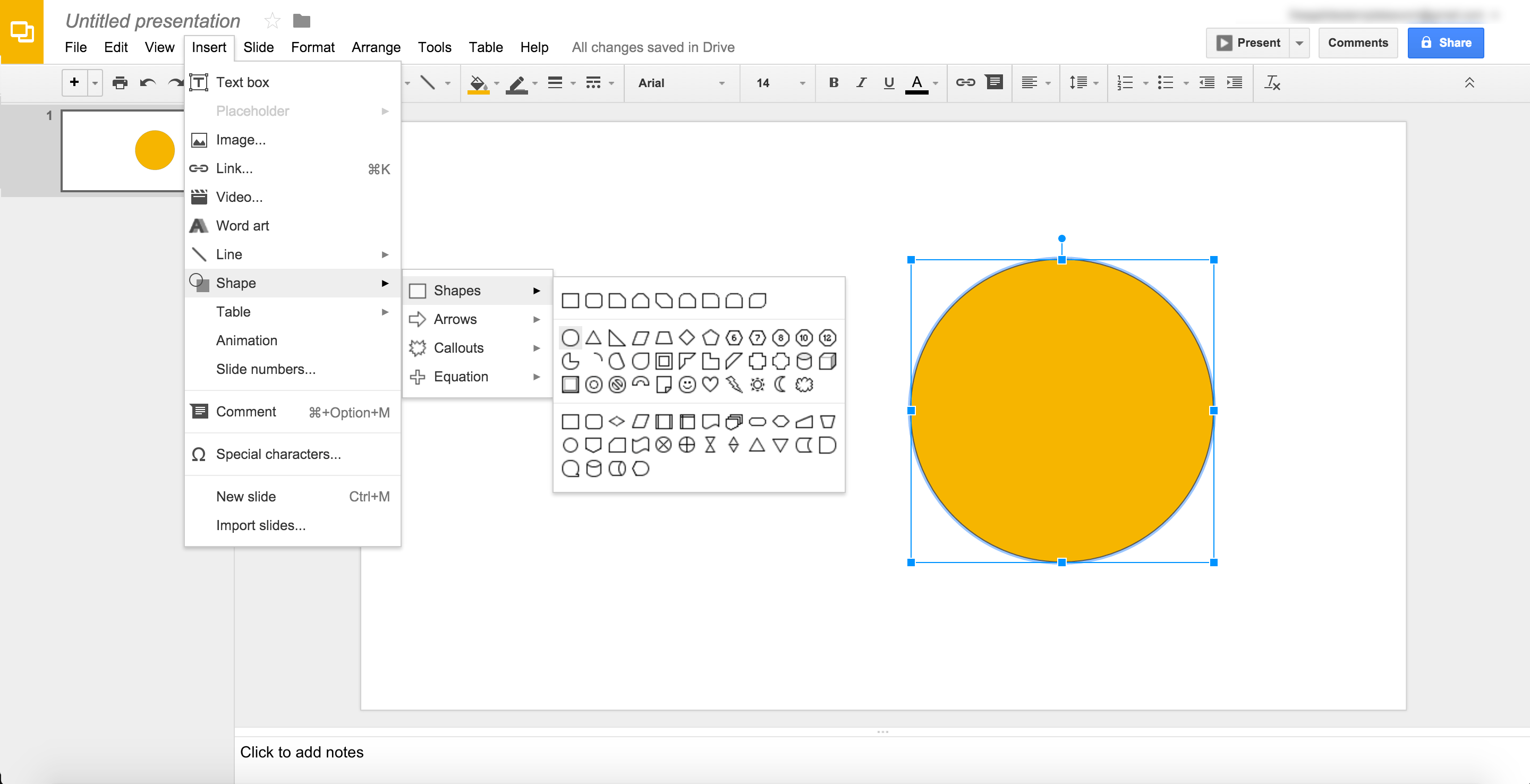
How To Insert Shapes In Google Slides Free Google Slides Templates
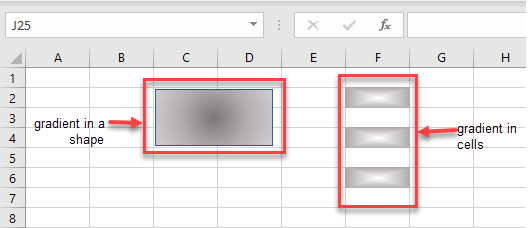
How To Insert Shape In Google Sheets Cancerklo
How To Make Transparent Text And Shape In Google Slides
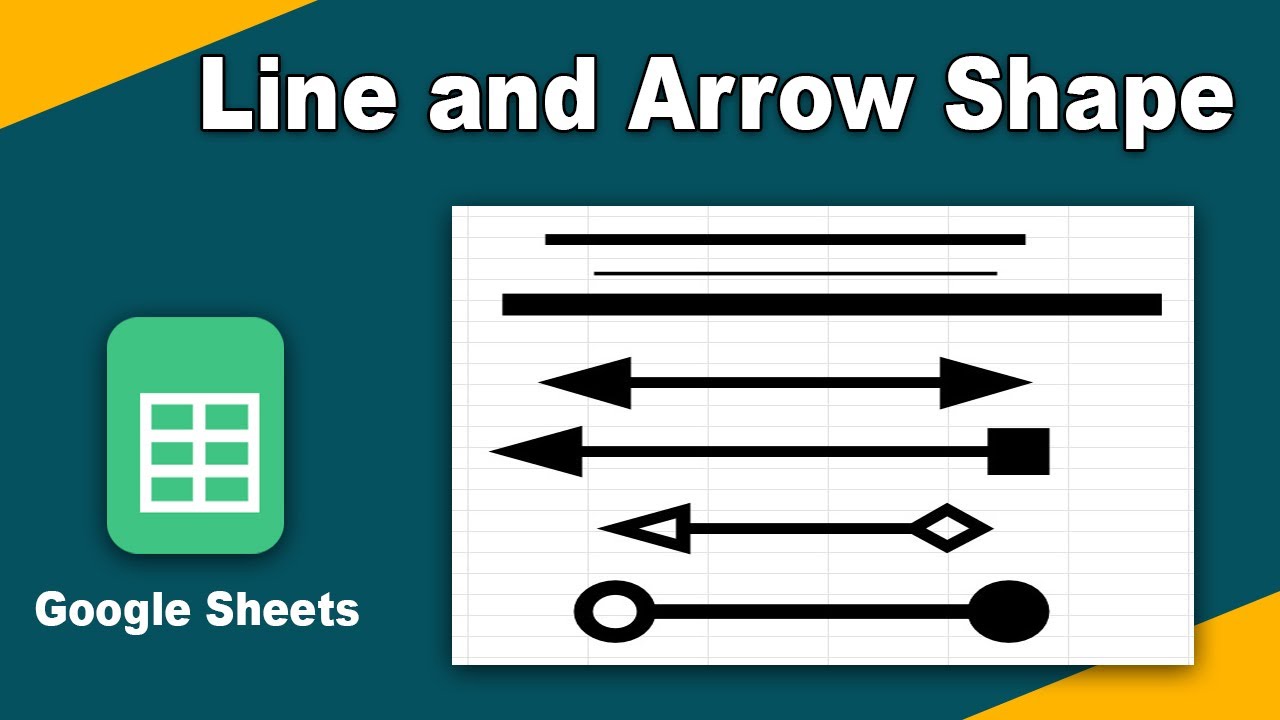
How To Add Line And Arrow Shape In Google Sheets YouTube

How To Change Transparency Of A Shape In Google Slides Easy Guide PresentationSkills me

Web Create a Shape With Drawing Tools in Excel amp Google Sheets Add the Draw Tab to the Ribbon If you don t see the Draw tab in the Ribbon there is a simple way to add it First in Drawing Tools Pens In the Drawing Tools group there are a few drawing textures two colors of pens and a

Web 23 Juni 2020 nbsp 0183 32 How to Increase Border Width of image in Google Sheets by PDFEditing In this video I will present to you How to Insert Shape into Sheets in Google Spreadsheet Premium Service

Web 19 Aug 2023 nbsp 0183 32 How to Insert or Draw a Straight Line in Google Sheets Step 1 Open Drawing Window Unlike Microsoft Excel you don t have any direct option to add the line in Google Sheets Step 2 Create A Line Pro Tip Press and hold the Shift button on your keyboard while drawing the line using your
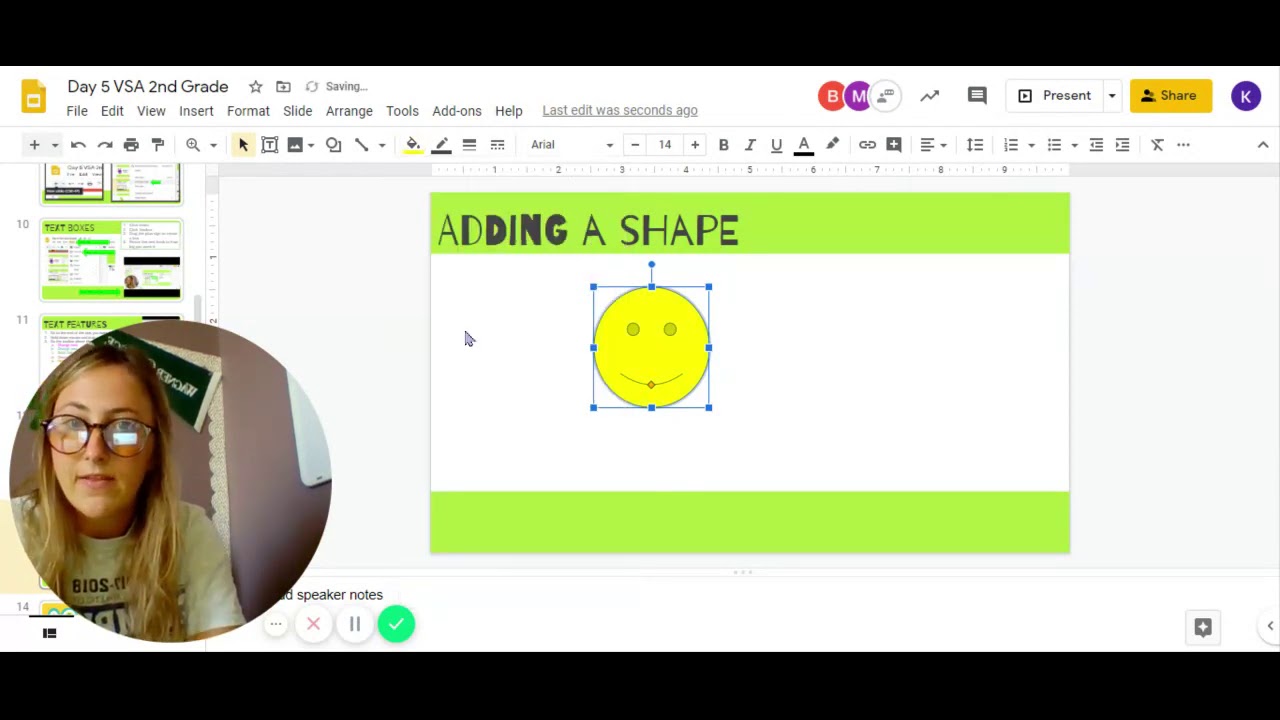
Web Select and format shapes On your computer open a drawing in Google Drive At the top of the page find and click Select On the canvas click the shape line or text box you want to

Web How to add Shapes in Google Sheet Google Sheet Tutorial How to add Shapes in Google Sheet Google Sheet Tutorial Grow Channel with TubeBuddy https bit ly 3roymyA
Web 15 Dez 2020 nbsp 0183 32 Inserting Shapes Using Google Drawings The best way to add shapes in Google Docs and the only Google suggested way is to use the Google Drawings tool While Google Drawings is a service in its own right you can access it directly from Google Docs without leaving your document page Web 18 Juli 2023 nbsp 0183 32 To add shapes in Google Sheets you simply have to navigate to Insert gt Drawing gt New and then select the shapes you wish to add If you need a more detailed guide on how to insert shapes in Google Docs with screenshots read on Improve Your Writing How to Add Shapes on Google Docs Using the Drawings Tool
Web 19 Okt 2021 nbsp 0183 32 Step 5 Create the Bell Curve Lastly we can highlight the values in the range B5 C85 then click Insert and then click Chart You ll notice that if you change the mean and standard deviation the bell curve will update automatically For example here s what the bell curve turns into if we use mean 10 and standard deviation 2