How To Create A Ppt Template From Scratch 5 Steps To Create A Reusable ELearning Template From Scratch Create A Google Sheets Template From Scratch YouTube Create An Orchestral Template From Scratch YouTube Create Responsive Blogger Template From Scratch part 2 YouTube Create A Weekly Agenda Template From Scratch In Notion YouTube Share 112K views 1 year ago How to Tech This video is a tutorial on how you can create your own PowerPoint template This video is the beginner s guide You can create your own template
Steps Download Article 1 Open PowerPoint Double click the PowerPoint app icon which resembles a white P on an orange background This will open the PowerPoint home page 2 Click Blank Presentation You can either select here or go to File New Blank Presentation To create a template you ll need to modify a slide master and a set of slide layouts Choose from thousands of free templates to download at Microsoft templates Newer versions Web Click a heading below to open the section and see detailed instructions Create a PowerPoint template Save your presentation as a PowerPoint template potx
Create A Weekly Agenda Template From Scratch In Notion YouTube How To Build A Mix Template From Scratch Part 1 YouTube 5 Creating Template From Scratch YouTube How To Create A Template From Scratch TalkBox Support Centre Create A Revit Template From Scratch Project By N How To Make A Template Shape From Scratch CarAudioFabrication YouTube How To Create Blogger Template From Scratch Beginners Tutorial How To Create Blogger Template From Scratch Beginners Tutorial Create A Revit Template From Scratch Project By N
How To Create A Ppt Template From Scratch
 How To Create A Ppt Template From Scratch
https://cdn.elearningindustry.com/wp-content/uploads/2017/08/steps-create-reusable-elearning-template-scratch.jpg
Creating a custom PowerPoint template from scratch isn t rocket science but it does require a few steps To get started building your own custom template simply open up a blank a blank PowerPoint file format it to meet your needs see sections further below and then save it as a POTX PowerPoint file
Pre-crafted templates use a time-saving service for creating a diverse series of files and files. These pre-designed formats and layouts can be used for numerous personal and expert tasks, including resumes, invitations, flyers, newsletters, reports, discussions, and more, simplifying the content creation process.
How To Create A Ppt Template From Scratch
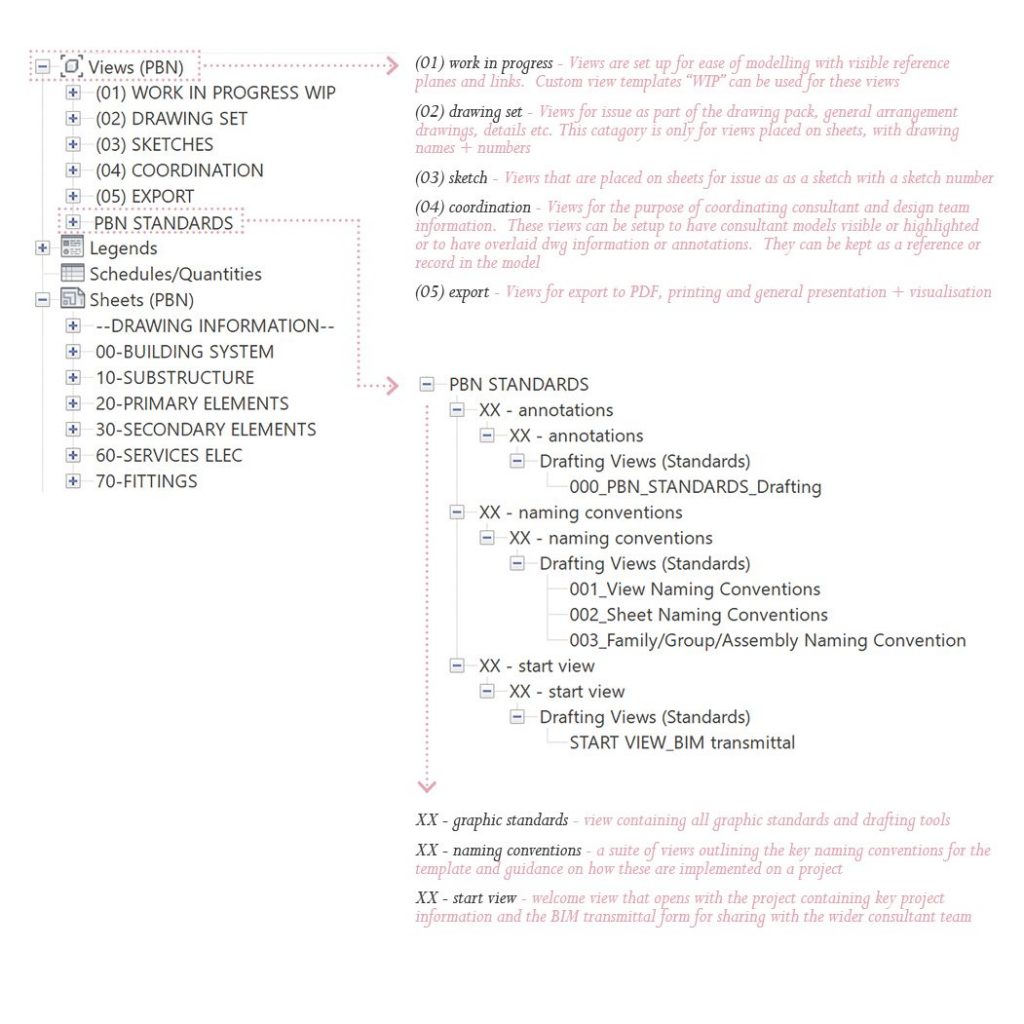
Create A Revit Template From Scratch Project By N
How To Build A Mix Template From Scratch Part 1 YouTube
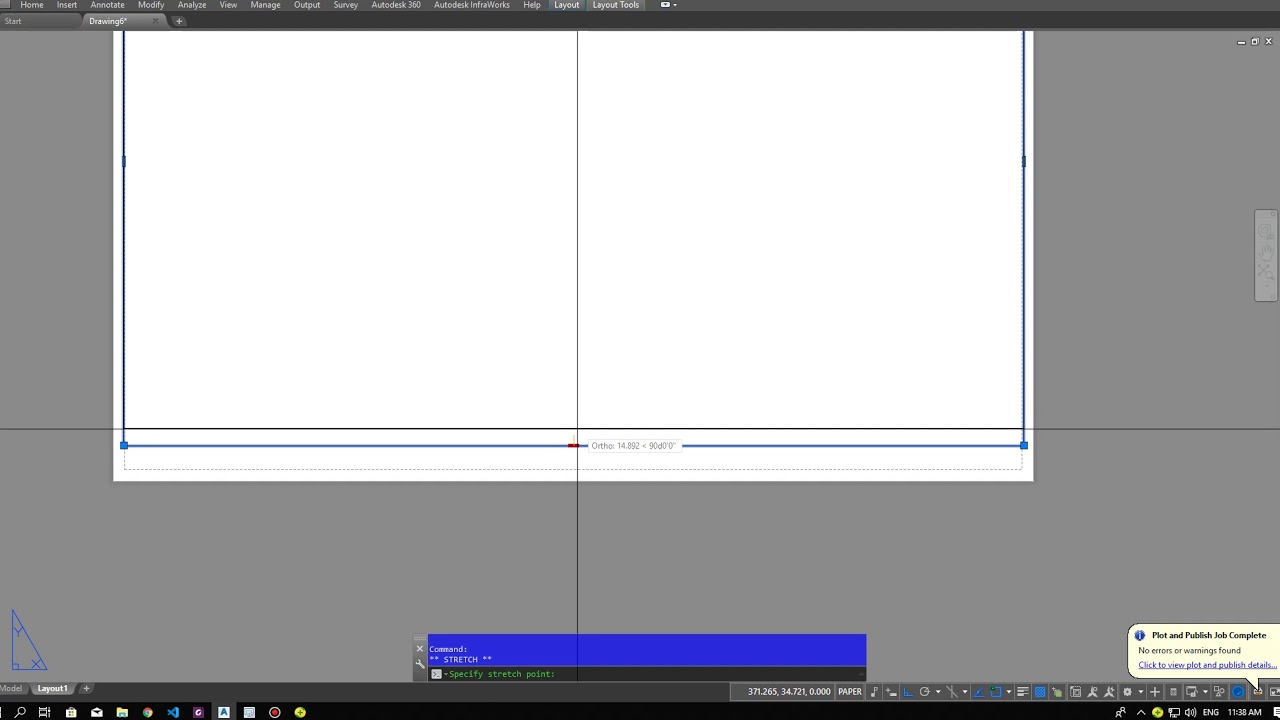
5 Creating Template From Scratch YouTube
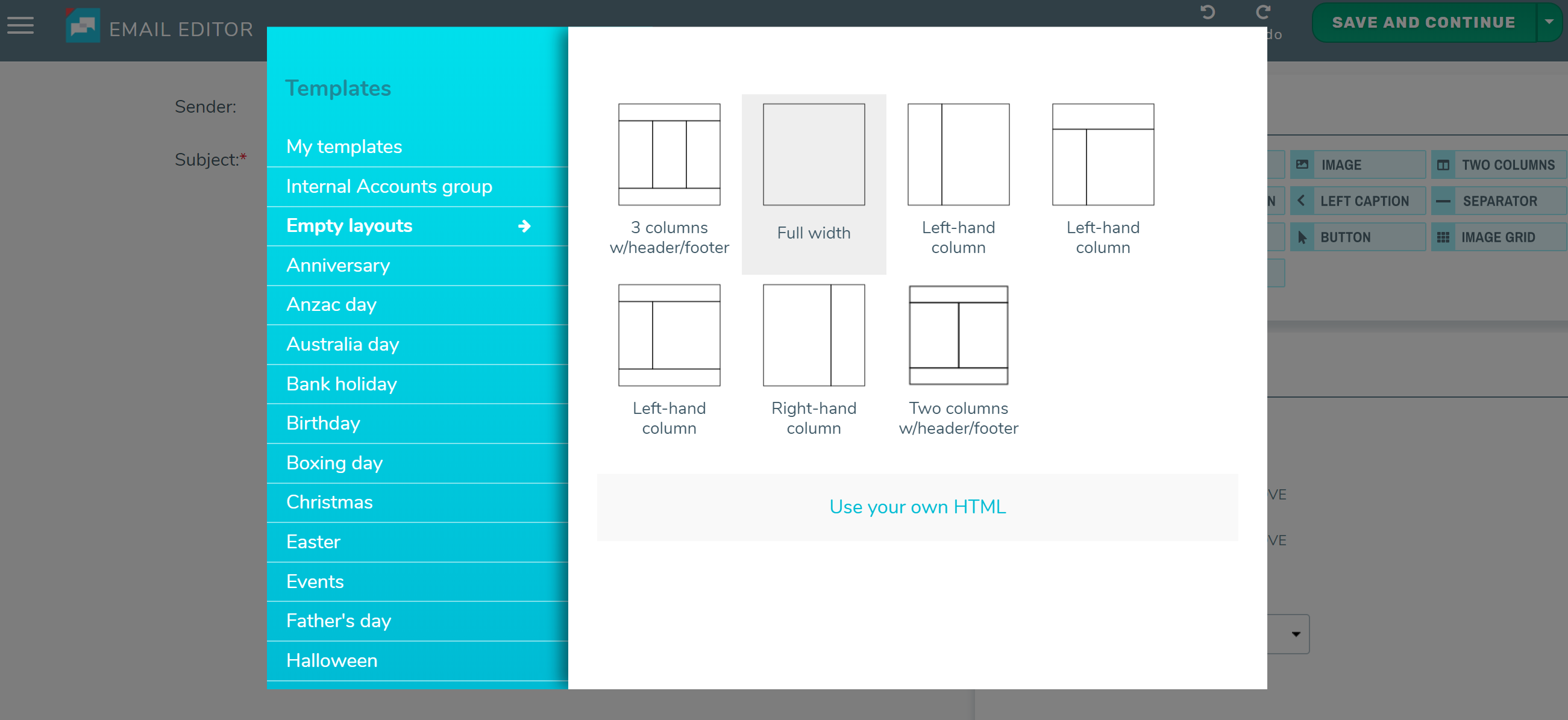
How To Create A Template From Scratch TalkBox Support Centre

How To Make A Template Shape From Scratch CarAudioFabrication YouTube
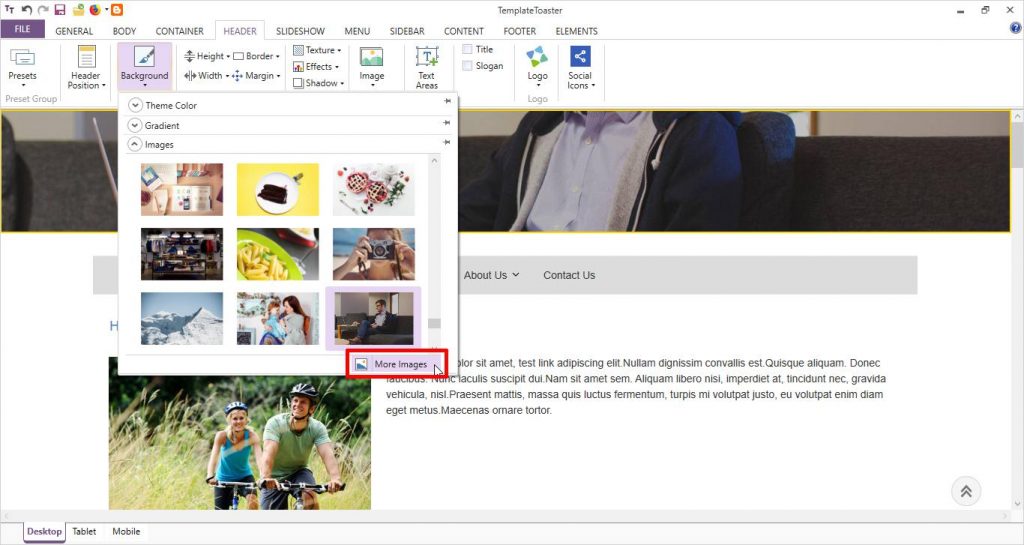
How To Create Blogger Template From Scratch Beginners Tutorial
Step by Step Guide How to create a Custom PowerPoint Template from scratch Now if you need an impactful template fully customized to your needs you should create a PowerPoint template from scratch With a custom template in PowerPoint you have complete control over the final design of your slides

Watch over my shoulder and learn how to create a PowerPoint template from scratch starting with your slide master and creating your own slide backgrounds PowerPoint Templates

Slide master Edit slide master Individual templates Save What is a template and why should I use it A PowerPoint template is a kind of pattern that is predefined for a presentation It gives a frame for the content and the design of your slides Elements like background colours titles etc are set beforehand

How To Create a PowerPoint Template Beginner s Tutorial 2023 SlideLizard 2 03K subscribers Subscribed 3 3K 318K views 3 years ago PowerPoint Tips Check out our blog article How To

To create a custom PowerPoint template you ll first need to open a blank presentation You can do so by clicking the File tab and then selecting New in the left pane A large library of templates will appear but since that s not what we re looking for go ahead and select the Blank Presentation option
[desc-11] [desc-12]
[desc-13]