How To Create A Folder Using Command Line Interface How To Create Multiple Folders In Windows Command Prompt Season Submit Three Ways To Create Folders In Linux Using The Command Line YouTube Fixed Deleting Directory In Windows XP Command Line Fileologist Create Delete Folder And Text File With Command Prompt YouTube How To Copy Files And Folders Faster Using Command Prompt DOS YouTube There is a lot of software that comes as a command line interface such as the command prompt on Windows or Powershell on Windows 10 and Terminal in the Mac Operating System In this post we will be using Git Bash to send the commands to the operating system Here is the command prompt on Windows operating system
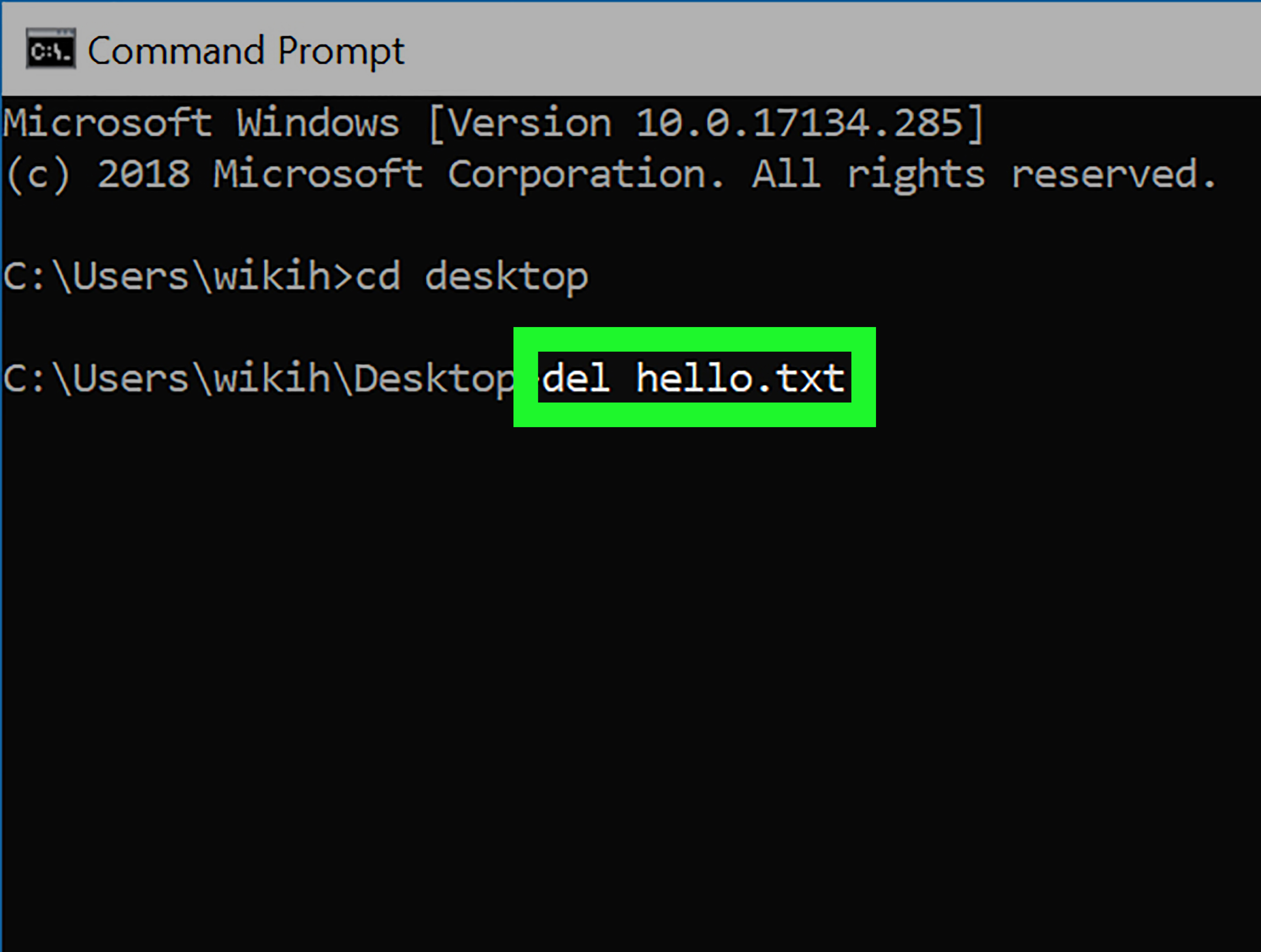
Open the Command Prompt The easiest way to do this is to press Win S to activate the search bar type cmd and then click Command Prompt in the search results 2 Go to the directory containing the file you want to delete The prompt will open to C Users YourName by default Press the Windows key E to open Windows Explorer On the left side of the window select the drive or folder where you want to create the new folder for example the C drive Or you can create a folder in the root directory In Windows 11 click the New option in the menu bar and select Folder in the drop down menu
How To Copy Files And Folders Faster Using Command Prompt DOS YouTube How To Create Folder Using CMD Command On Your Computer 2020 YouTube How To Upload And Delete File And Folder TreeAMS Help Guide How To Create An ISO Image From A Folder Using The Windows Command How To Structure Your URL With Folders How To Organize Apps On IPhone With Folders 2022 How To Hide Any Drive In Windows Using Cmd Command Prompt Vrogue Windows Command Prompt Tutorial 2 Making Folders Deleting Folders Creating Folder In Sharepoint Site From Postman Microsoft Q A
How To Create A Folder Using Command Line Interface
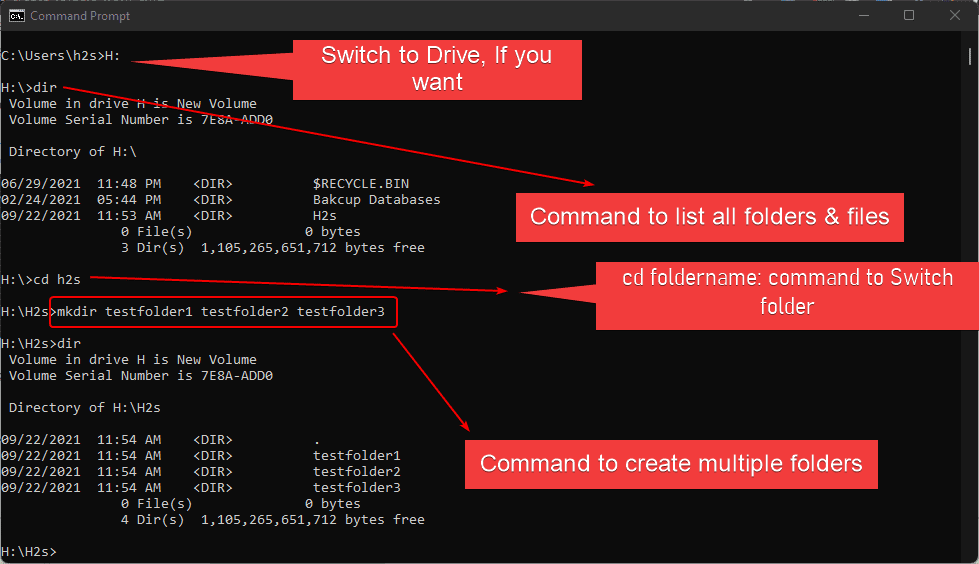 How To Create A Folder Using Command Line Interface
https://www.how2shout.com/wp-content/uploads/2021/09/Command-prompt-to-create-multiple-folder-in-Windows-10-or-11.png
There are a few ways to open the Command Prompt in Windows Below are the most convenient Type command prompt into the Start menu to search for it You can also type cmd the short name of the executable that runs the Command Prompt if you prefer Press Win R to open the Run box then type cmd and hit Enter to open it
Pre-crafted templates use a time-saving solution for producing a varied range of documents and files. These pre-designed formats and designs can be utilized for numerous personal and expert projects, including resumes, invitations, leaflets, newsletters, reports, presentations, and more, streamlining the content creation procedure.
How To Create A Folder Using Command Line Interface

How To Make A Computer Program With Command Prompt Lionker
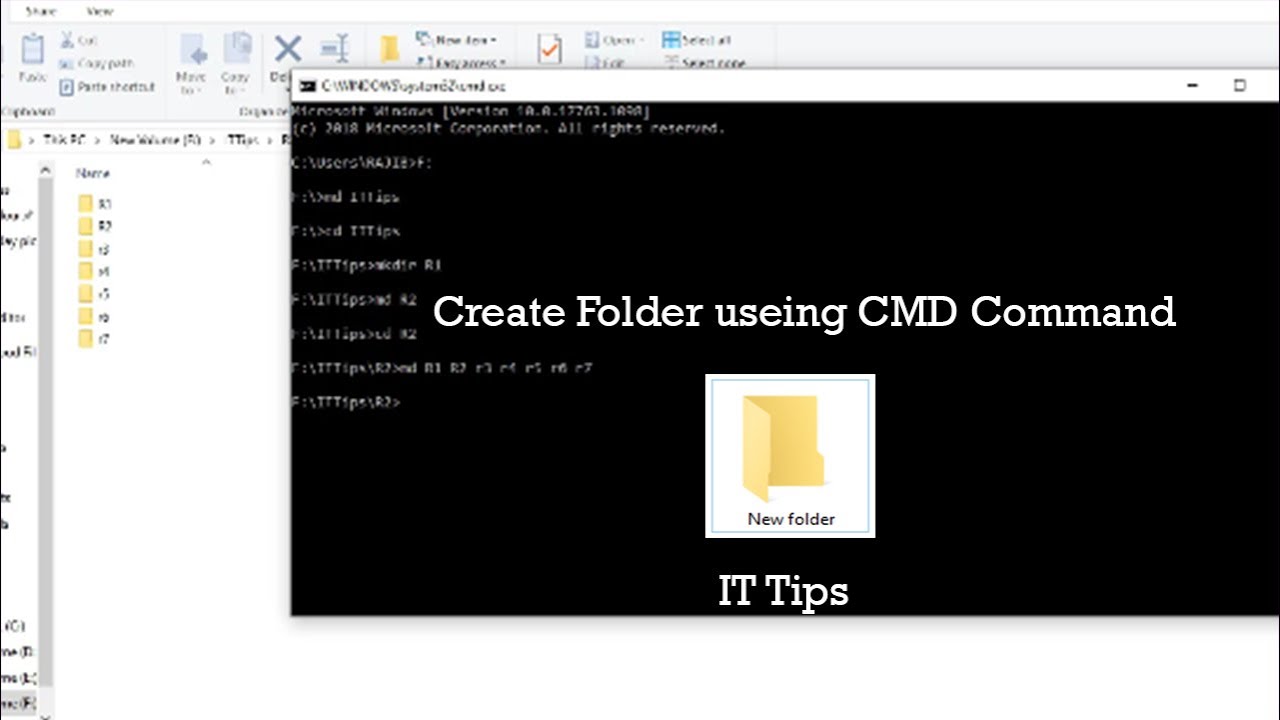
How To Create Folder Using CMD Command On Your Computer 2020 YouTube

How To Upload And Delete File And Folder TreeAMS Help Guide
How To Create An ISO Image From A Folder Using The Windows Command
How To Organize Apps On IPhone With Folders 2022

How To Hide Any Drive In Windows Using Cmd Command Prompt Vrogue

1 How to Open the Command Prompt Type cmd in the search bar Click on the Command Prompt app to open it Tip You can also access it by pressing Win R typing cmd and then hitting Enter 2 Finding the Desired Directory Once you have the Command Prompt open you need to navigate to the directory where you want to create the new folder

To create a folder with Command Prompt use the mkdir command followed by the folder name Mkdir can also be used to create nested folders multiple folders simultaneously or a combination of both If you want to create a file enter type in Command Prompt followed by nul filename ext replacing ext with the file type you want
For this press the Windows X keyboard shortcut and select Command Prompt from the menu Next enter the dir command to list all the files and directories or folders inside a folder

The command line interface or CLI for short is similar to DOS in that it uses commands to perform various operations like creating files creating folders installing programs and what have you The advancement of technology over the years brought about the popular GUI Graphical User Interface and made Operating Systems less stressful to use

We can create multiple directories hierarchy creating folder and sub folders with a single command using mkdir command For example the below command would create a new folder called folder1 and a sub folder folder2 and a sub sub folder folder3 mkdir folder1 folder2 folder3
But you might prefer methods that use command line interfaces if you want more options Using Context Menu Using the context menu or the right click menu is the most common method of making a new folder on Windows You can also create a few types of files through the same menu Navigate to the parent folder where you wish to make a new folder Create your first directory Welcome to the 100 online school for careers with a future Get free access to all the features of this course quizzes videos unlimited access to all chapters by creating an account Create an account or log in It s now time to create a folder within your system
Head test txt Output this is the beginning of my test file tail works the same but it will show you the end of the file tail test txt Output this is the end of my test file The help flag can be used on most commands and it will return info on how to use that given command