How To Create A Data Input Sheet In Excel Data Entry Certificate Program Online CertificateTalk How To Create An Excel Data Entry Form With A UserForm Full Tutorial Excel Vba Data Entry Form Examples Data Entry Form In Excel PK An Excel Expert Creating Easy Data Entry Forms In Excel YouTube WEB Dec 1 2022 nbsp 0183 32 In this guide you ll learn the importance of using Excel data entry forms and how to create these entry forms in Excel using different features Covering 4 different methods you ll learn how to create a data
WEB Apr 1 2024 nbsp 0183 32 With this Excel data entry form you can enter or update records on the data entry worksheet named Input This make user input easier and helps prevent input WEB Aug 1 2022 nbsp 0183 32 But thankfully Excel has a hidden data entry form for entering information into your spreadsheet conveniently without having to deal with laborious cell navigation In this article we ll show you how to make a
Creating Easy Data Entry Forms In Excel YouTube Excel Forms Examples How To Create Data Entry Form In Excel How To Create A Data Entry Form In Excel Without VBA Excel Tutorial Fillable Exel Forms Printable Forms Free Online Identifying Inputs And Outputs In Excel YouTube Expertise In Any PDF Conversion With Accuracy Data Entry Project For How To Sample Data In Excel Dummies Riset 5 Easy Ways To Create A Data Entry Form For Excel KING OF EXCEL Creating A Data entry Form In Excel Journal Of Accountancy
How To Create A Data Input Sheet In Excel
 How To Create A Data Input Sheet In Excel
https://www.certificatetalk.com/wp-content/uploads/how-to-create-a-data-entry-form-in-excel-step-by-step-guide-excel.png
WEB Aug 10 2021 nbsp 0183 32 Excel provides a pre made form you can use to quickly enter data in seconds rather than minutes Here s how to create a data entry form in Excel and
Templates are pre-designed files or files that can be used for numerous purposes. They can save effort and time by supplying a ready-made format and design for developing various kinds of material. Templates can be utilized for personal or professional projects, such as resumes, invites, leaflets, newsletters, reports, presentations, and more.
How To Create A Data Input Sheet In Excel

Excel Data Entry Form Makes Input Faster Productivity Portfolio
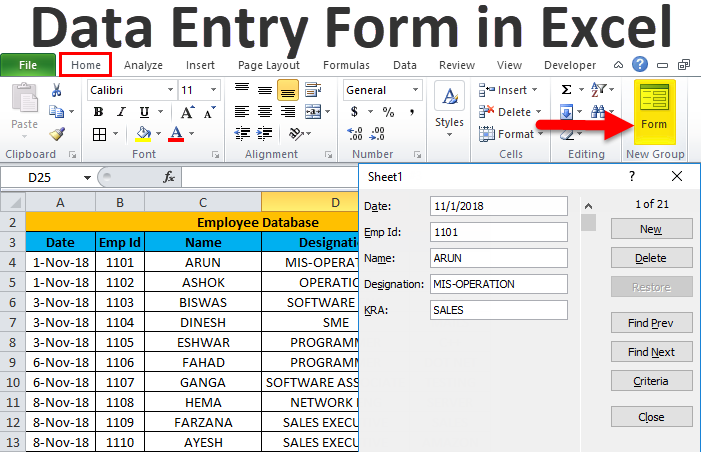
Excel Forms Examples How To Create Data Entry Form In Excel

How To Create A Data Entry Form In Excel Without VBA Excel Tutorial

Fillable Exel Forms Printable Forms Free Online
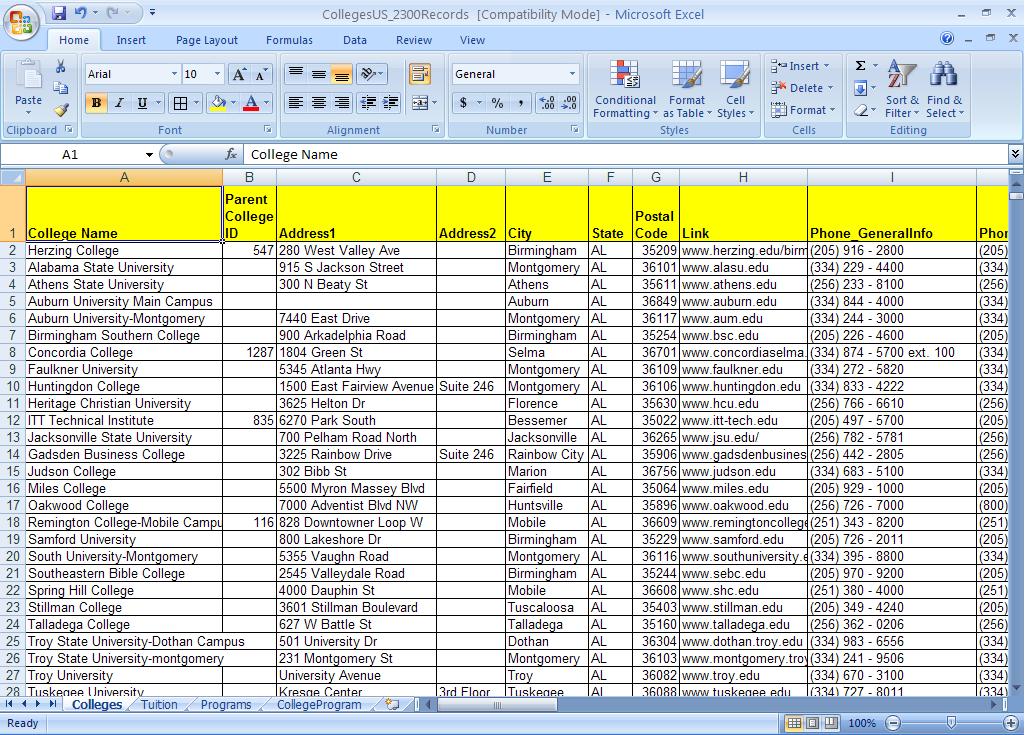
Expertise In Any PDF Conversion With Accuracy Data Entry Project For
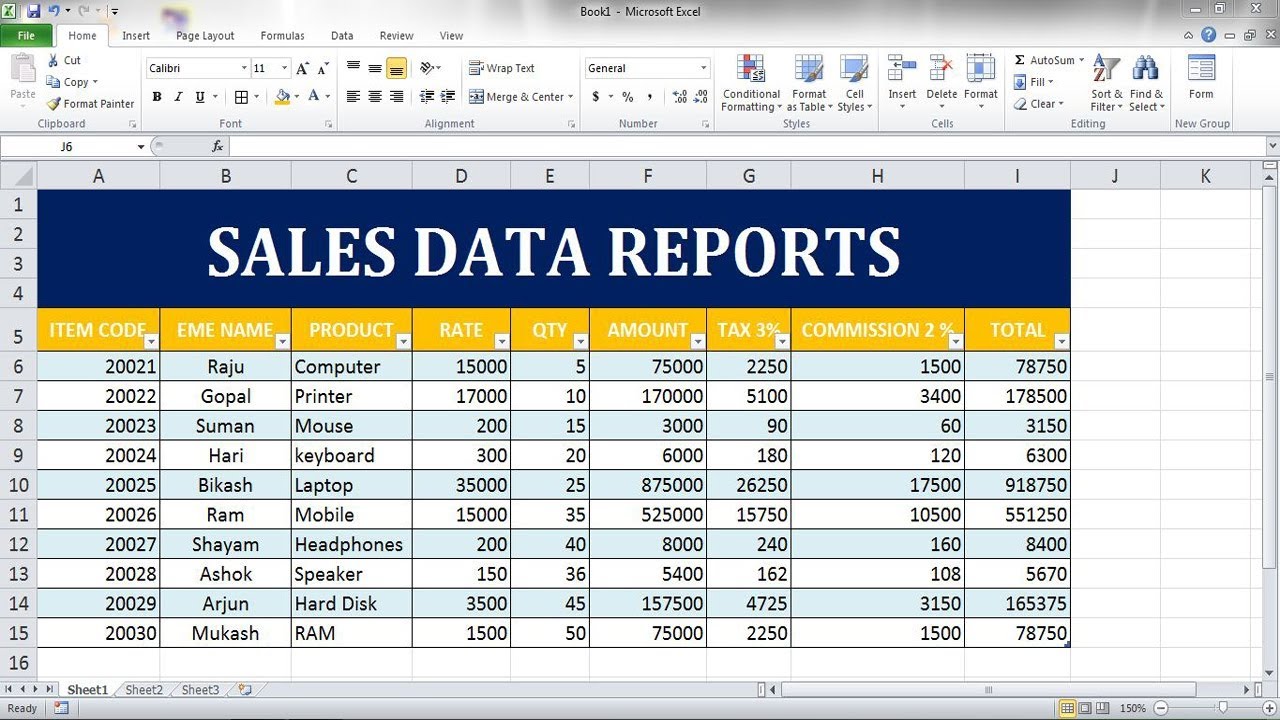
How To Sample Data In Excel Dummies Riset

WEB Feb 23 2022 nbsp 0183 32 How to Create a Data Entry Form in Microsoft Excel By Sandy Writtenhouse Updated Feb 23 2022 Quick Links Add the Form Option Convert Your Data to a Table Use the Data Entry Form Edit
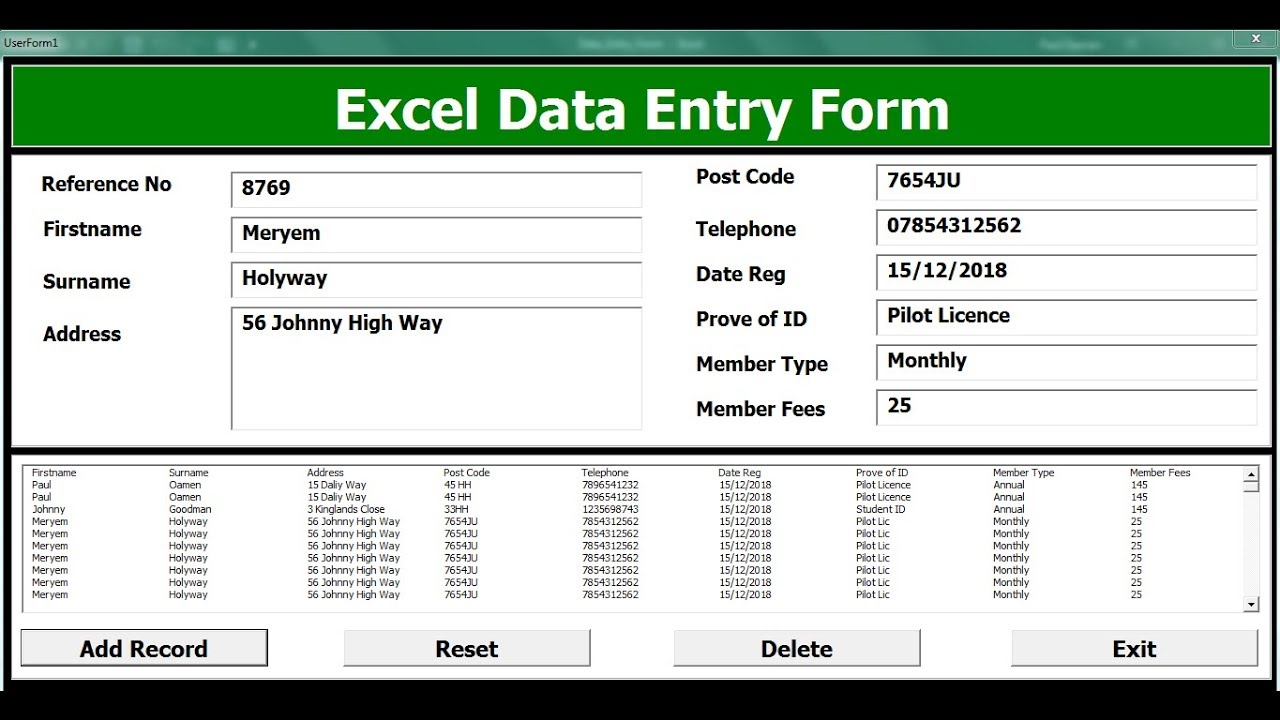
WEB You can create a form in Excel by adding content controls such as buttons check boxes list boxes and combo boxes to a workbook Other people can use Excel to fill out the

WEB Jun 4 2024 nbsp 0183 32 Method 1 Use the Quick Access Toolbar to Create a Data Entry Form in Excel Step 1 Create an Excel Table We can create a table with the available data Select the whole data e B6 F9 Click on
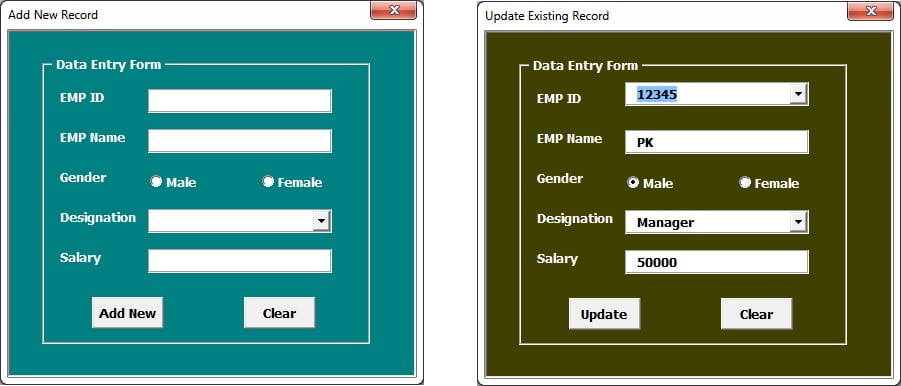
WEB Here are the best ways to create data entry forms using Microsoft Excel table of content 1 Excel s own data entry feature 2 Using Excel VBA add on to create data entry forms 3 Microsoft Excel Macros 4 Using
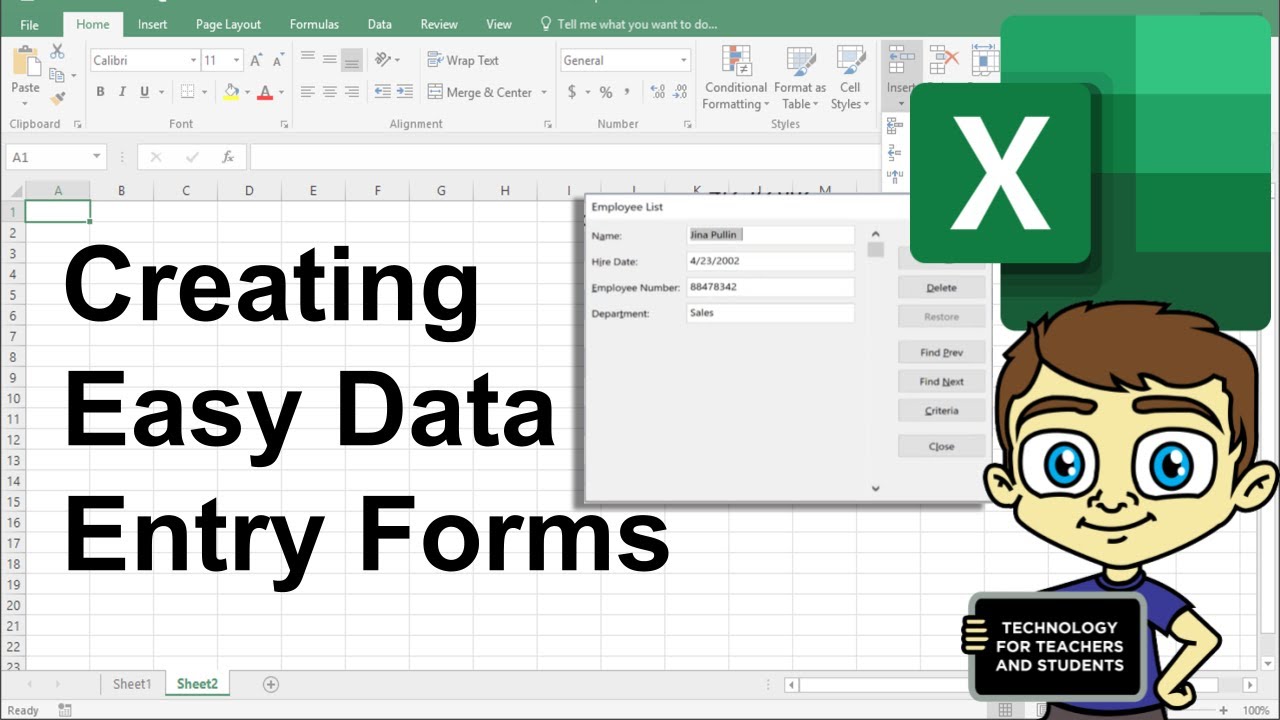
WEB Looking to streamline your data entry process Dive into the world of creating an Excel form for efficient data entry We ll walk you through the steps starting with opening Excel
WEB Jul 15 2020 nbsp 0183 32 Learn the key VBA concepts to automate your Excel reports amp make you more productive like Worksheet amp Range Objects Relative References Modules amp WEB Create Excel UserForms For Data Entry In 6 Easy Steps Tutorial And Practical Example When working in Excel you have a few ways to get information from a user and allow
WEB Jun 30 2023 nbsp 0183 32 In your Google sheet from the Menu go to Tools gt Create a new form Then type in a 1 title for your form and click the 2 Add button to add a question