How To Convert Excel Spreadsheet Into Table Pdf Spreadsheet Converter Sapjeregister How To Convert Excel Spreadsheet Into A Word Document TrendRadars How To Convert Excel File To CSV Format 5 Easy Ways ExcelDemy How To Convert Excel Spreadsheet Into A Word Document Free Excel To Txf File Converter Columbuspsawe By following the simple steps of selecting the data going to the Insert tab and clicking on Table you can easily convert your Excel data into a table with added functionality The benefits of converting Excel to a table include easier
Follow these simple steps to convert your data into a table A Select the data range in Excel Open your Excel spreadsheet and navigate to the worksheet containing the data you want to convert Click and drag to select the range of cells containing the data B Click on the Insert tab In this you will learn How to Convert Excel Spreadsheet Data Into a Table Ms Excel ClassesClass 08 Part II https www youtube watch v jDSkaT6paYY t 16
Free Excel To Txf File Converter Columbuspsawe Learn How To Convert Any Image Data To Excel MS Excel New Feature Image To Excel Sheet YouTube Excel Spreadsheet Converter Hopsapje Riset Convert Word Document To Excel Spreadsheet Natural Buff Dog Convert Excel To JPEG Universal Document Converter Spreadsheet Converter Pivot Table Lasopaak Convert Excel Spreadsheet Into Program Natural Buff Dog How To Convert An Excel File Into A Fillable Pdf Ampeblumenau br Great Create Org Chart From Excel Data Automatically How To Make Inventory System In
How To Convert Excel Spreadsheet Into Table
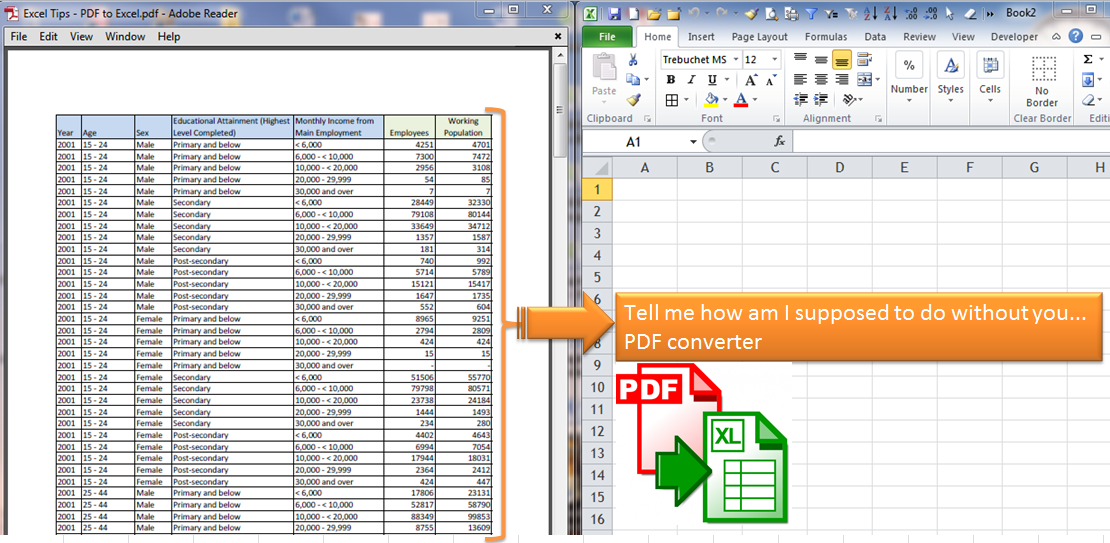 How To Convert Excel Spreadsheet Into Table
https://wmfexcel.files.wordpress.com/2015/08/excel-tips-pdf-to-excel.png
Newer Windows versions Newer Mac versions Web Click anywhere in the table and then go to Table Tools Design on the Ribbon In the Tools group click Convert to Range OR Right click the table then in the shortcut menu click Table Convert to Range
Pre-crafted templates provide a time-saving service for producing a varied range of documents and files. These pre-designed formats and designs can be utilized for numerous personal and professional tasks, consisting of resumes, invites, flyers, newsletters, reports, presentations, and more, streamlining the content development procedure.
How To Convert Excel Spreadsheet Into Table
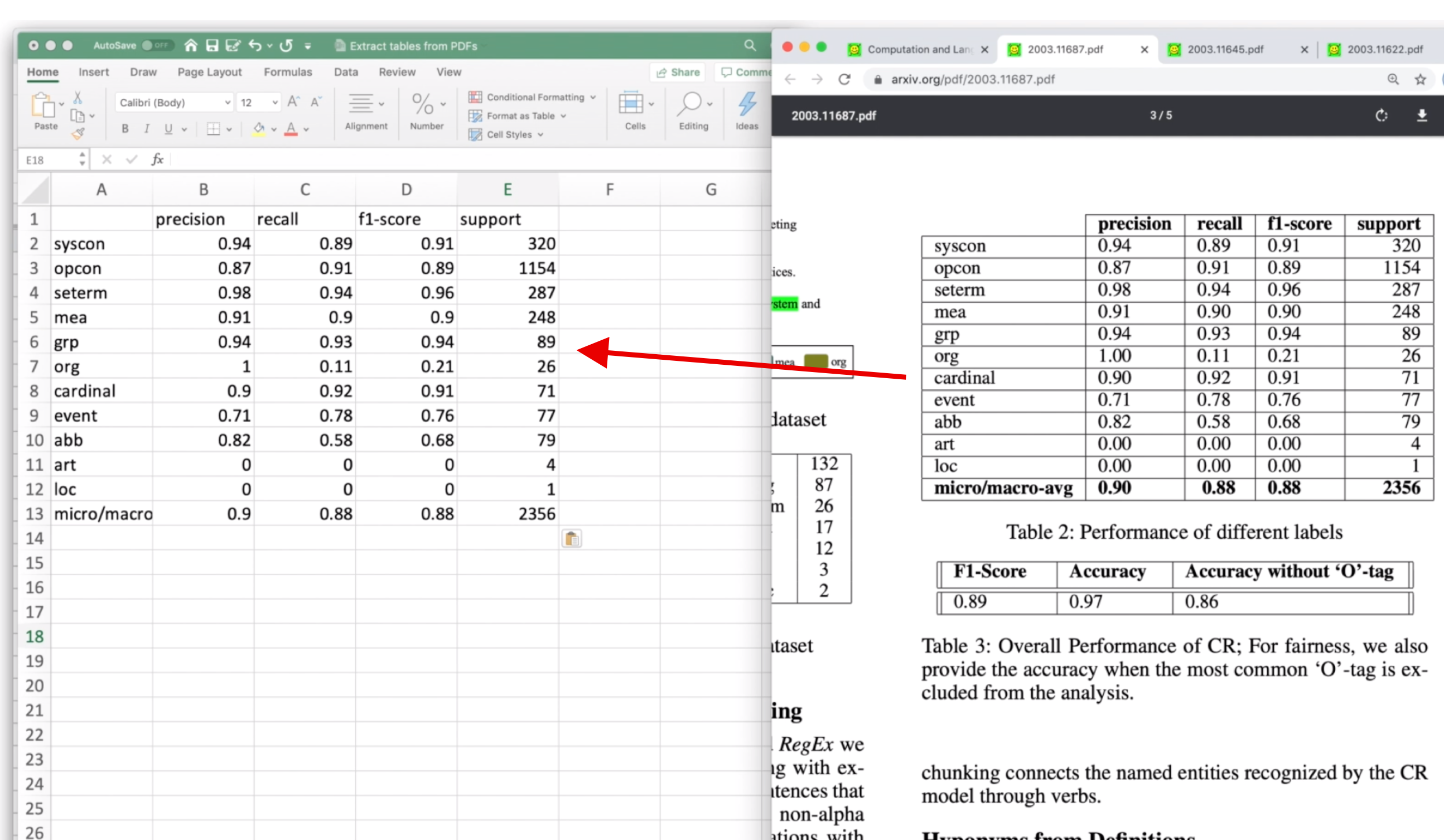
Text Editor Visual Studio Code Bienestar Y Salud Chile
Learn How To Convert Any Image Data To Excel MS Excel New Feature Image To Excel Sheet YouTube
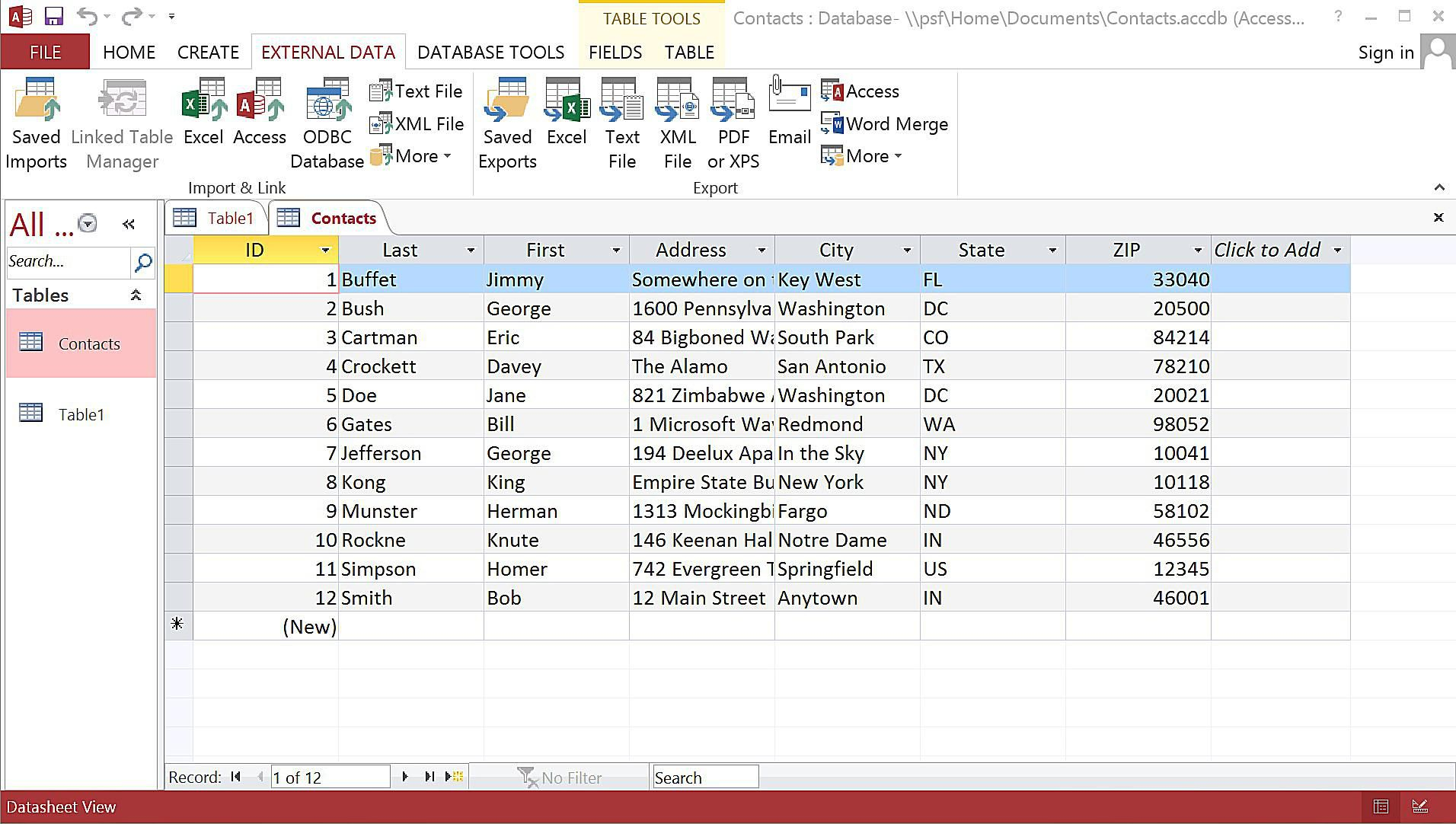
Excel Spreadsheet Converter Hopsapje Riset

Convert Word Document To Excel Spreadsheet Natural Buff Dog
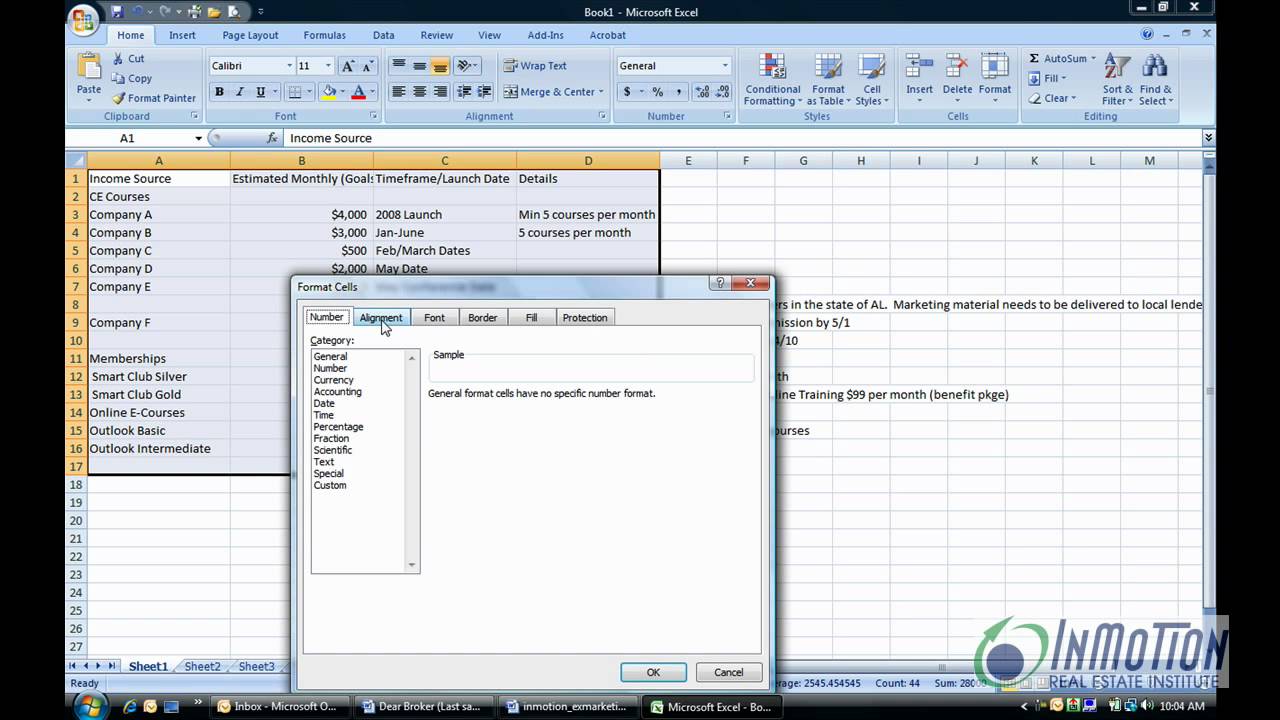
Spreadsheet Converter Pivot Table Lasopaak

Convert Excel Spreadsheet Into Program Natural Buff Dog

In Excel you can convert the range to table using Excel s Table feature Format as Table option Pivot Table feature and VBA macro Here are 4 ways to convert range to table in Excel Using Table Feature You can convert a range to a table by creating a table from a selected range using the Table feature of Excel To convert

There are multiple data analysis benefits to converting your data to a Table However this quick video focuses only on the time saving tip of the formatting benefits of conversion to a Table

Select a cell inside your data Go to the Insert tab Select the Table command in the Tables section This is going to open the Create Table menu with your data range selected You should see a green dash line around your selected data and you can adjust the selection if needed Check the My table has headers option
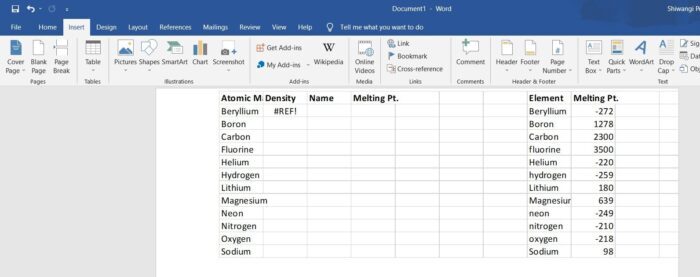
Convert Excel table to range and turn data range into table by Svetlana Cheusheva updated on November 2 2023 The article looks at how to quickly turn a cell range into a table using the default or selected table style and how to undo a table so it changes back to a normal range

Open the Excel spreadsheet Use your mouse to select the cells that contain the information for the table Click the Insert tab Locate the Tables group Click Table A Create Table dialog box will open If you have column headings check the box My table has headers Verify that the range is correct Click OK
Get FREE Advanced Excel Exercises with Solutions As a regular Excel user sometimes you may need to put a large table into Word There is no in build system through which you can convert an Excel table into Word In this article we will focus on how to put a large Excel table into Word effectively Just click over the upper left arrow and press CTRL C to copy the entire table Then go to the Excel spreadsheet and press CTRL V to paste the copied table Eventually you ll get the following output 3 Drag and Drop Word Table to Excel Instead of pressing any key or tools you may copy the word table to Excel quickly
Convert Excel Tables to Images Using the Copy Paste Method Microsoft Excel also allows you to copy the table object and paste it onto a supported software as an image of the table object For example you can copy and