How To Connect Sql Database In Visual Studio 2019 Connect To SQL Server Using Visual Studio 2022 And Run SQL Queries Create Read Update Delete Connect To A SQL Database With Visual Studio Code Unable To Add Data Connection Between Sql Server 2019 And Visual Studio Connecting Using Cms Connecting A SQL Database In Xampp A Step by Step Guide Rkimball How To Connect Sql Database In Reactjs Rkimball Verkko SQL Server Data Tools for Visual Studio Turn Visual Studio into a powerful development environment for SQL Server Azure SQL Database and Azure SQL Data Warehouse Download Visual
Verkko Solution The options available to the SQL Data Professional to edit view Integration and Reporting services files are limited I have found that the steps below offer a stepping stone to getting your environment built to Verkko 17 jouluk 2020 nbsp 0183 32 Set up a Connection with SQL Server Database in Visual Studio Now select a Console App and provide a suitable name Once the project opens select Server Explorer from the View menu Further click on the server explorer and then
How To Connect Sql Database In Reactjs Rkimball How To Connect Ms Sql Database In Java Using Eclipse Rkimball Vb Net The Easy Way How To Connect To Sql Server Database File Www vrogue co Connecting To An SQL Database With Selenium A Step by Step Guide Rkimball How To Connect SQL Database With Power BI Loginworks How To Connect SQL Database With Power BI Loginworks How To Connect Sql Database With ESSL ETimeTrackLite YouTube SQL With Python How To Connect Python With SQL Database Great Learning How To Connect SQL Database With Power BI Loginworks
How To Connect Sql Database In Visual Studio 2019
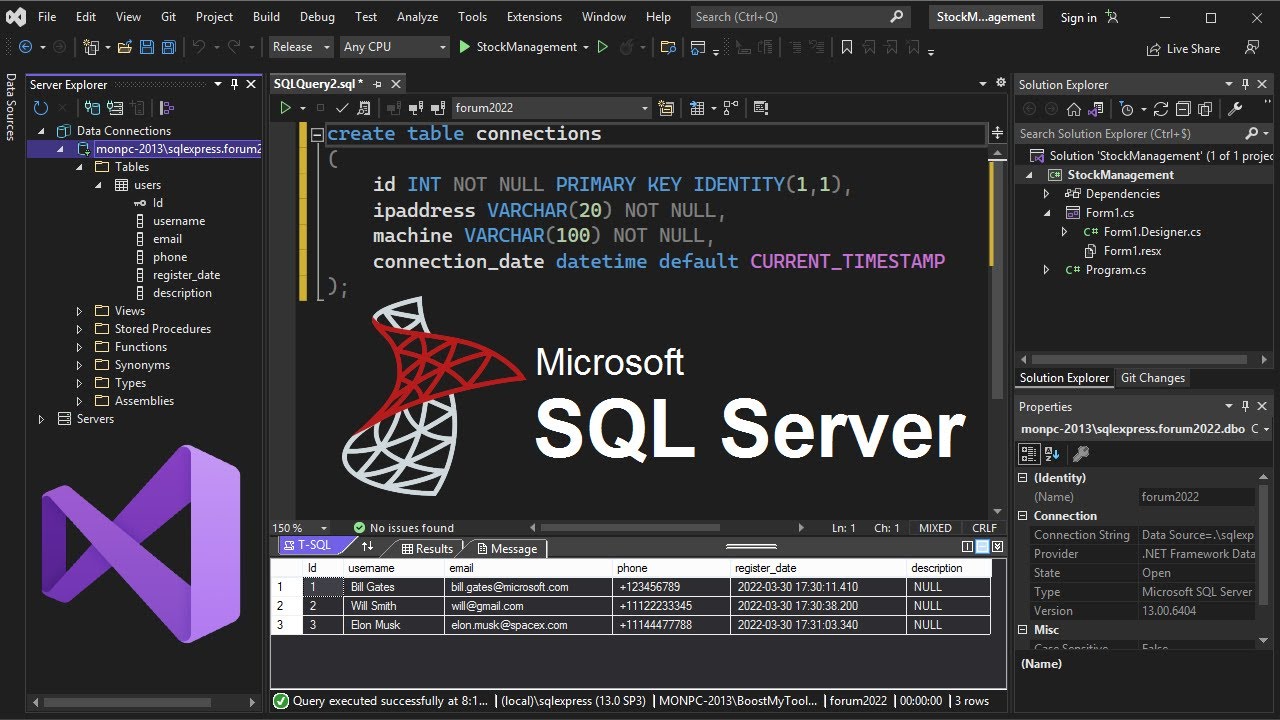 How To Connect Sql Database In Visual Studio 2019
https://i.ytimg.com/vi/M0vvS5woWIo/maxresdefault.jpg
Verkko 16 syysk 2020 nbsp 0183 32 Thank you for your positive response I did enter my laptop IP address to the Firewall Rules and it still did not work I was not able to access my database in SQL Server Management Studio until I registered my Server That s when I gained
Pre-crafted templates offer a time-saving solution for producing a varied variety of files and files. These pre-designed formats and designs can be made use of for various individual and expert projects, including resumes, invitations, leaflets, newsletters, reports, discussions, and more, improving the content development procedure.
How To Connect Sql Database In Visual Studio 2019
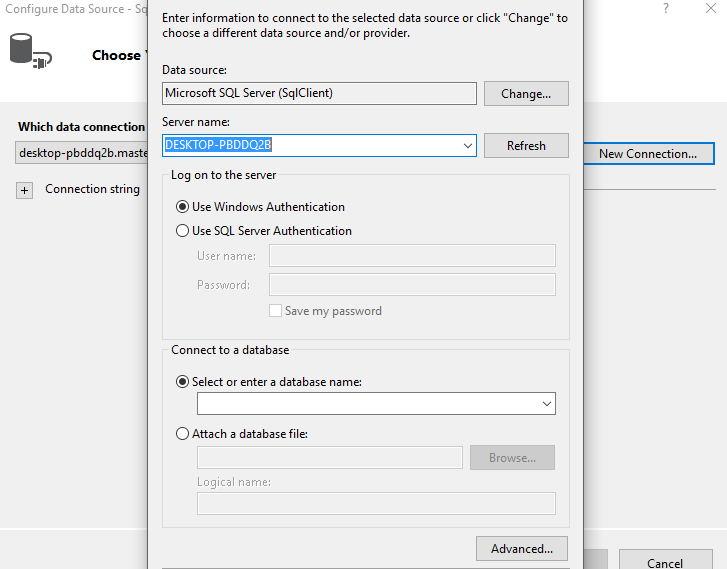
How To Connect SQL Database To Your Web Form Tutorial

How To Connect Ms Sql Database In Java Using Eclipse Rkimball

Vb Net The Easy Way How To Connect To Sql Server Database File Www vrogue co

Connecting To An SQL Database With Selenium A Step by Step Guide Rkimball
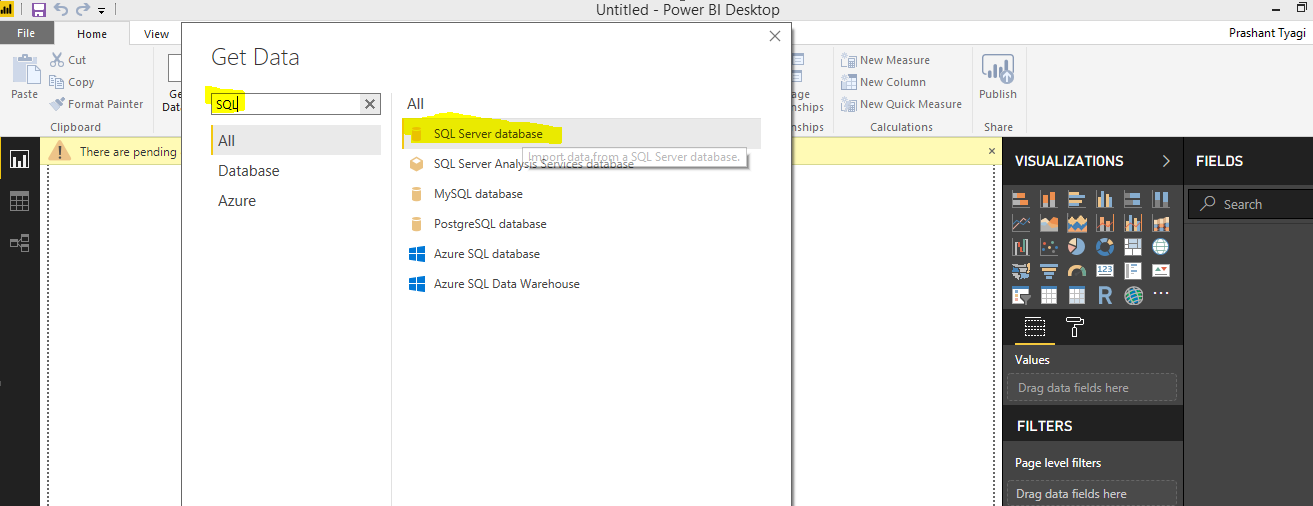
How To Connect SQL Database With Power BI Loginworks

How To Connect Sql Database With ESSL ETimeTrackLite YouTube
Verkko 23 toukok 2020 nbsp 0183 32 1 Answer Sorted by 1 To connect to a local default SQL Server instance which I agree is easier in the long run than
Verkko 4 elok 2023 nbsp 0183 32 To connect to your SQL Server instance follow these steps Start SQL Server Management Studio The first time you run SSMS the Connect to Server window opens If it doesn t open you

Verkko 11 syysk 2023 nbsp 0183 32 To connect to a database instance In Visual Studio make sure that SQL Server Object Explorer is open If it is not click the View menu and select SQL Server Object Explorer Right click the SQL Server node in SQL Server Object

Verkko 3 marrask 2020 nbsp 0183 32 Step 1 I have created a database and named it quot database1 quot As seen I run a Query to find out the exact path location of the database C Program Files Microsoft SQL

Verkko 11 jouluk 2018 nbsp 0183 32 Connect Microsoft SQL Server with Visual Studio 2019
Verkko 24 hein 228 k 2019 nbsp 0183 32 How to Connect and Use Local Database in Visual Studio 2019 step by step create sql local databaseWebsite https foxlearnThrough this tutorial you will Verkko 19 hein 228 k 2023 nbsp 0183 32 My Coding Project 857 subscribers Subscribe 4 80 views 12 days ago tutorialforbeginners C Hello viewers in this video you are going to learn how to connect sql database using
Verkko I use the MySQL Connector Net to connect to my database by referencing the assembly MySql Data dll and passing in a connection string to MySqlConnection I like that because I don t have to install anything Is there some way to quot Choose Data Source quot in