How To Configure Git Repository In Visual Studio Code How To Make A Project In Visual Studio Code For Mac Timesdelta Set Up Git Repository Locally Contributor Guide Microsoft Learn Visual Studio Microsoft Learn Visual Studio Git Microsoft Learn Github How Can I Unlink A Git Repository In Visual Studio Code A brief compact intro to Git GitHub made easy with VisualStudioCode0 00 Intro0 35
Step 3 Now create an account on GitHub Step 4 Configure your Git account with your GitHub To do this Open Command Prompt and Type git More about Raghav https automationstepbystep 0 39 Step 1 Install git on your system2
Github How Can I Unlink A Git Repository In Visual Studio Code Obtener Cambios De Un Repositorio Remoto Documentaci n De GitHub Add Files To Git Repository How To Push Local Git Repository To Github YouTube How To Clone A GitHub Repository In Visual Studio Code Coding Campus Direcci n Facil De Manejar El Actual Connect Visual Studio Code With Cultural Analytics Open Science Guide 6 Create A GitHub Account Visual Studio Code Git Change Repository Supermarketlio Github Visual Studio Code
How To Configure Git Repository In Visual Studio Code
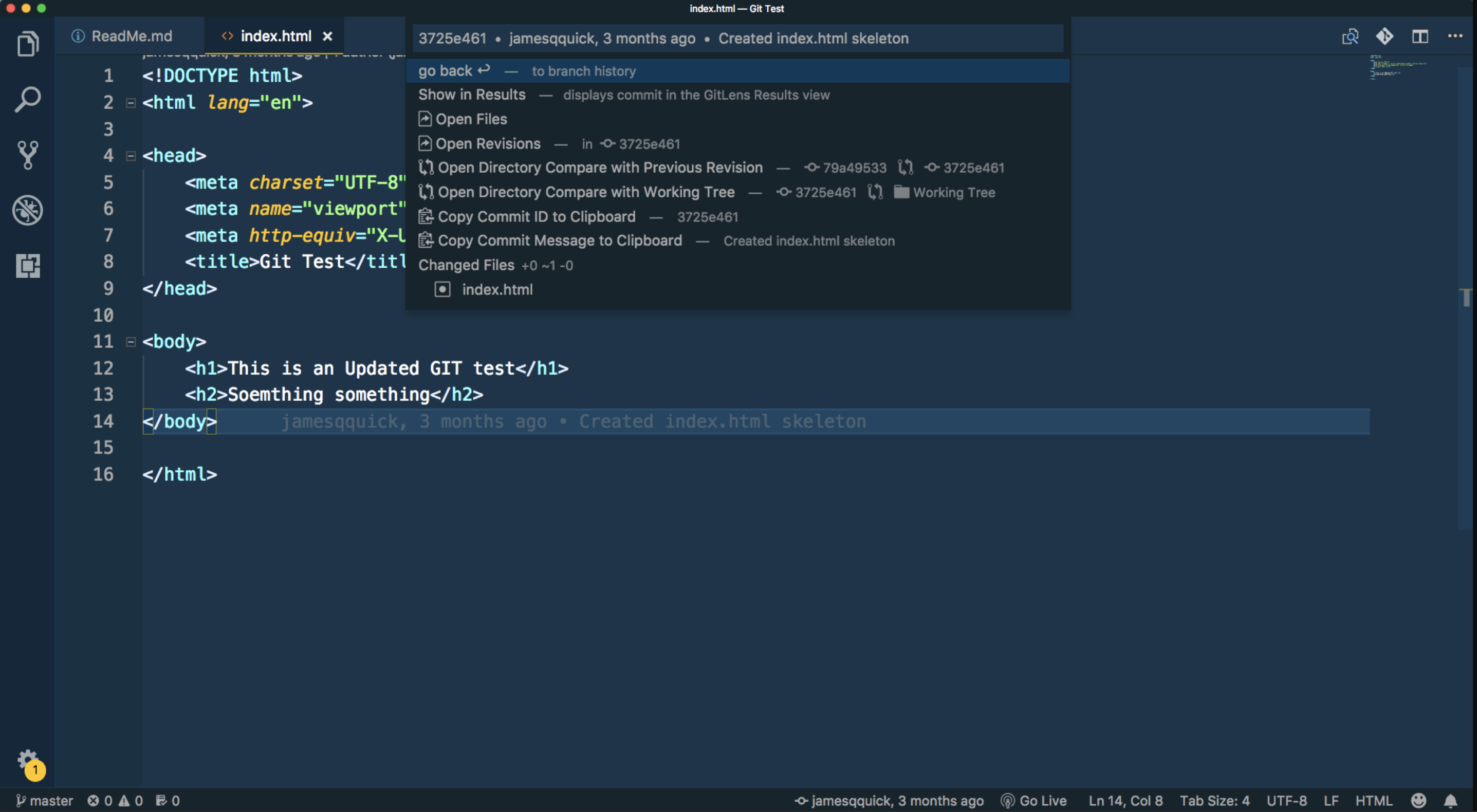 How To Configure Git Repository In Visual Studio Code
http://timesdelta.weebly.com/uploads/1/4/0/7/140727483/123726727_orig.png
You can do this in VS Code following these steps Copy the remote repo URL Navigate to the VS Code terminal Run git remote add origin paste the URL and hit
Pre-crafted templates offer a time-saving service for developing a varied variety of documents and files. These pre-designed formats and layouts can be made use of for various personal and expert tasks, consisting of resumes, invitations, flyers, newsletters, reports, discussions, and more, improving the content creation process.
How To Configure Git Repository In Visual Studio Code
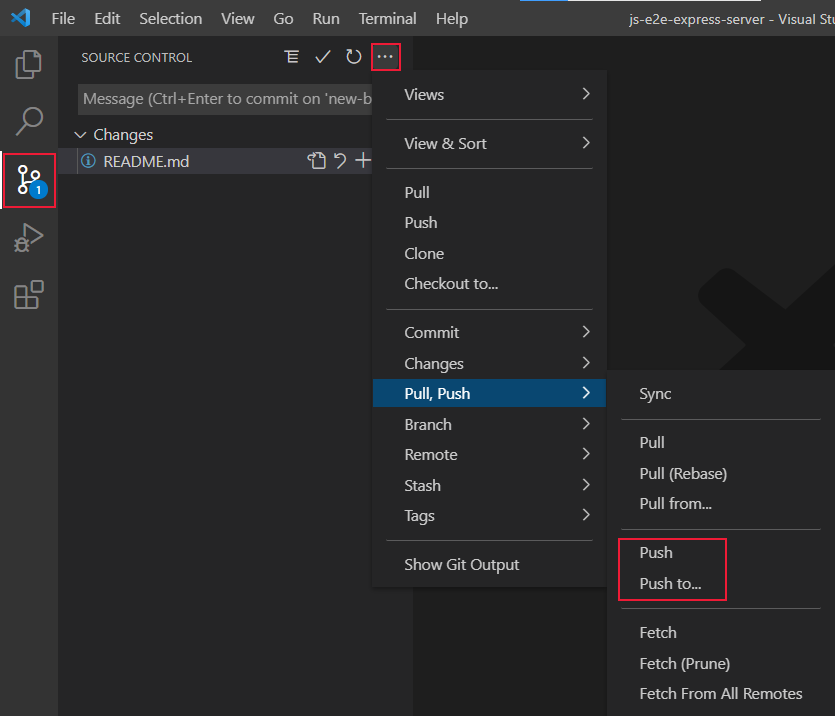
Mengklon Repositori GitHub Dengan VSCode Azure Microsoft Learn
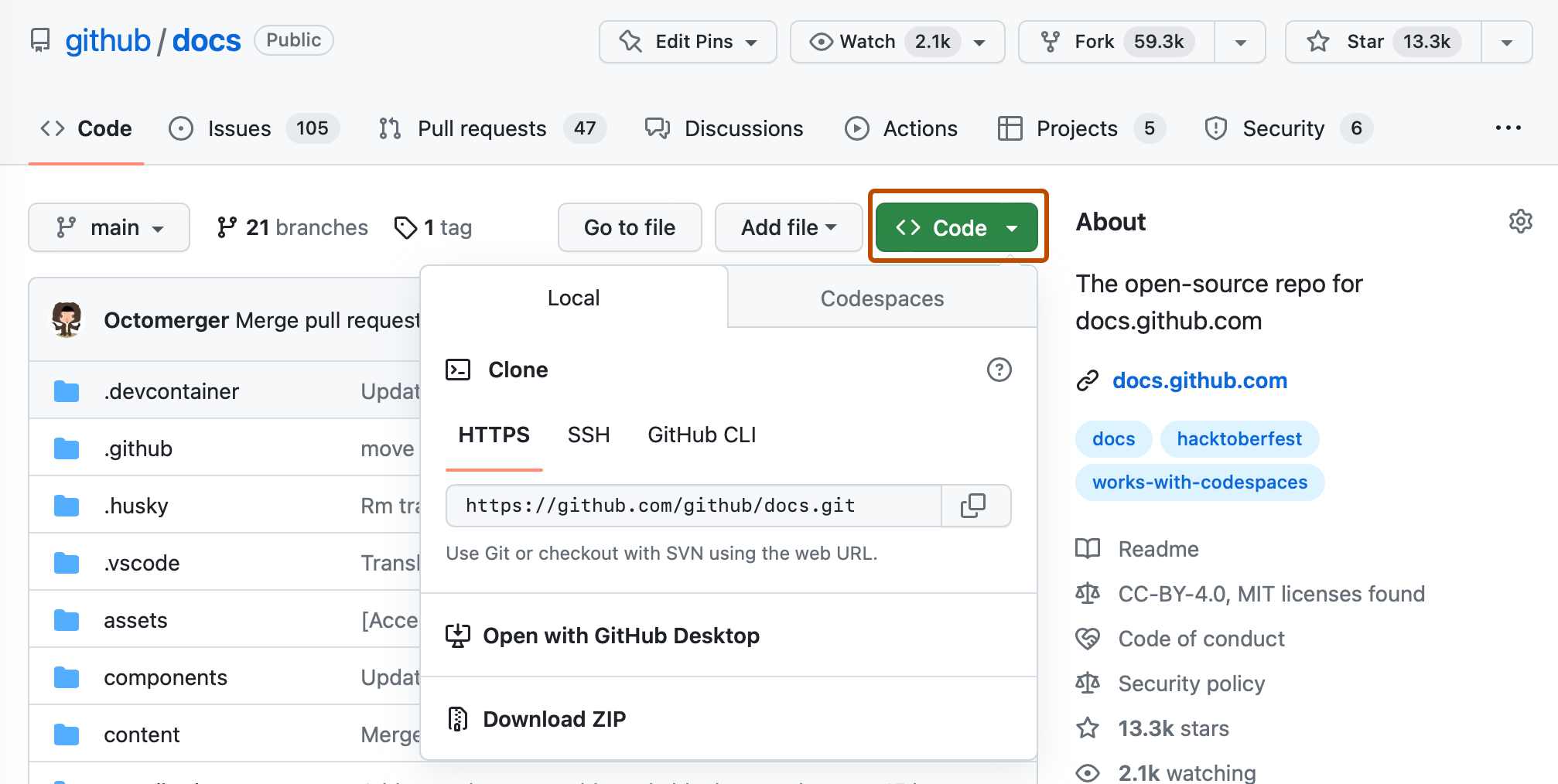
Obtener Cambios De Un Repositorio Remoto Documentaci n De GitHub
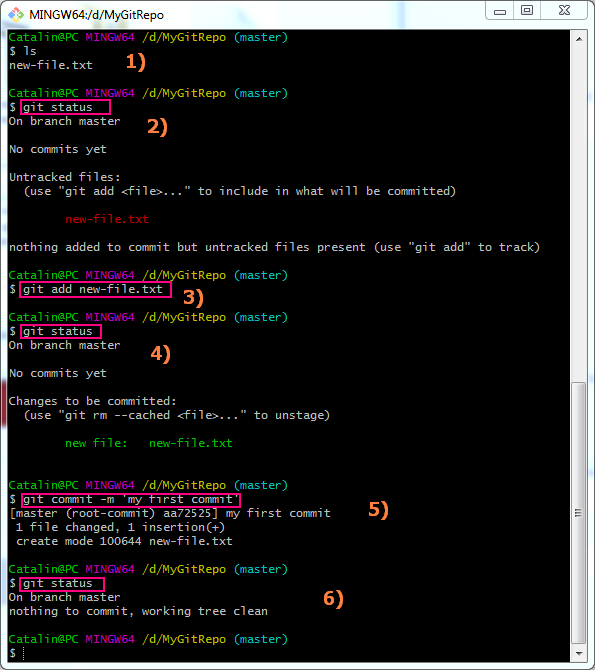
Add Files To Git Repository
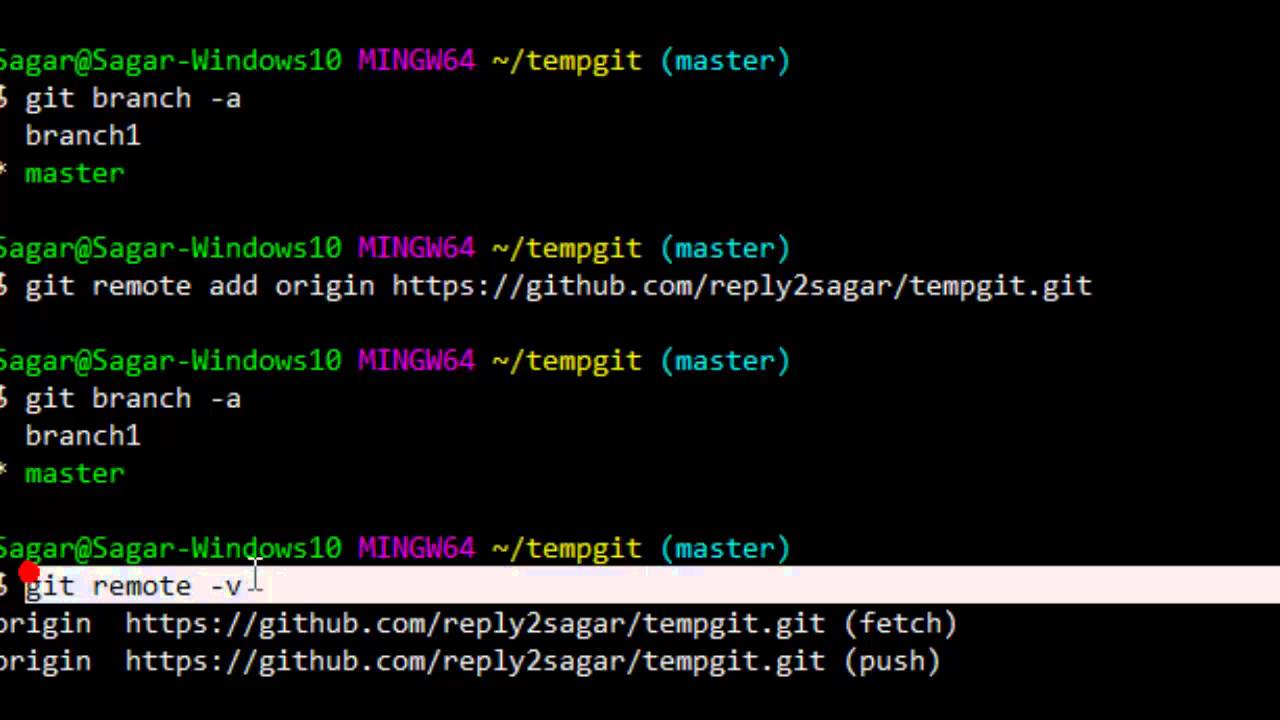
How To Push Local Git Repository To Github YouTube
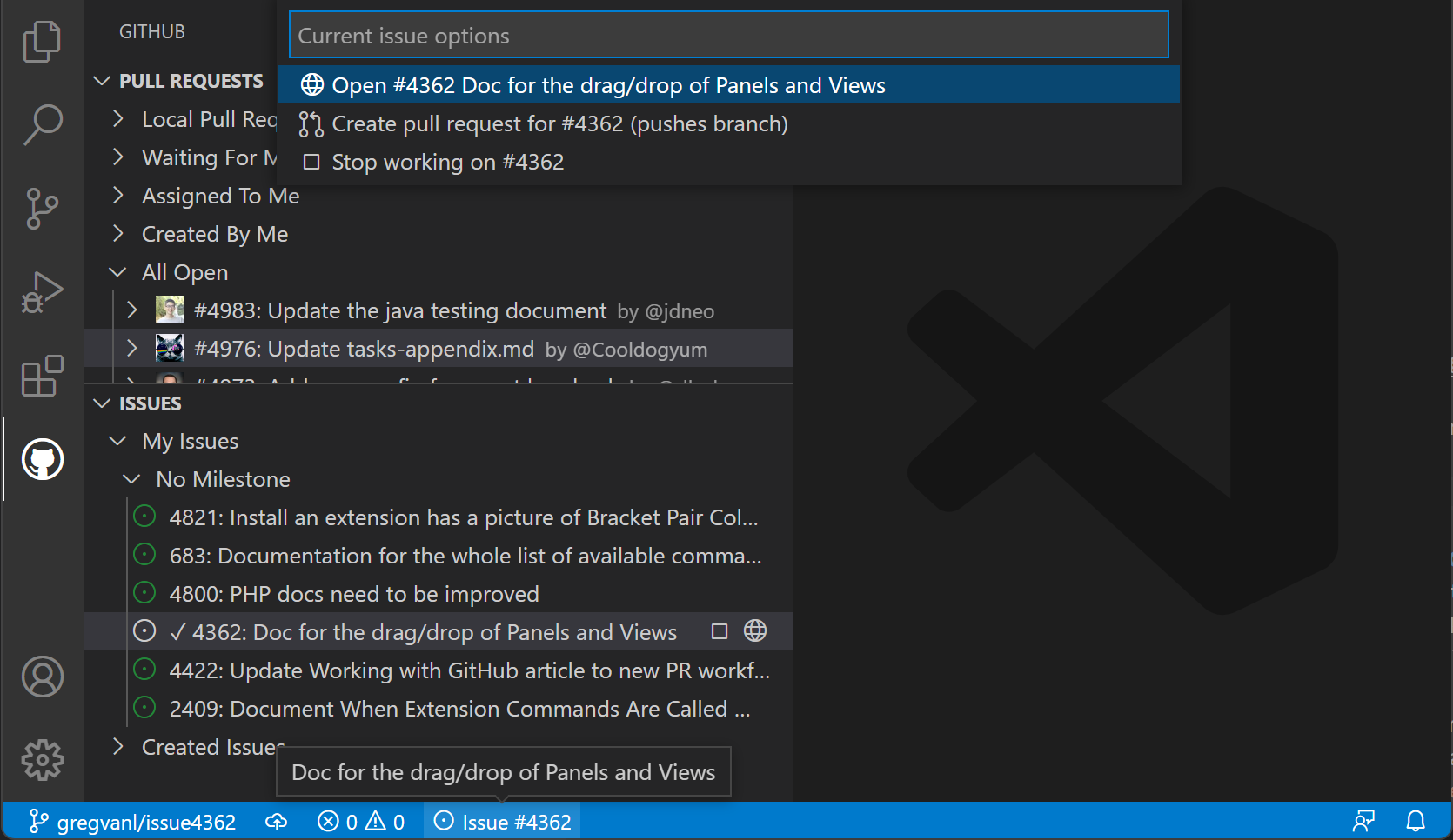
Direcci n Facil De Manejar El Actual Connect Visual Studio Code With
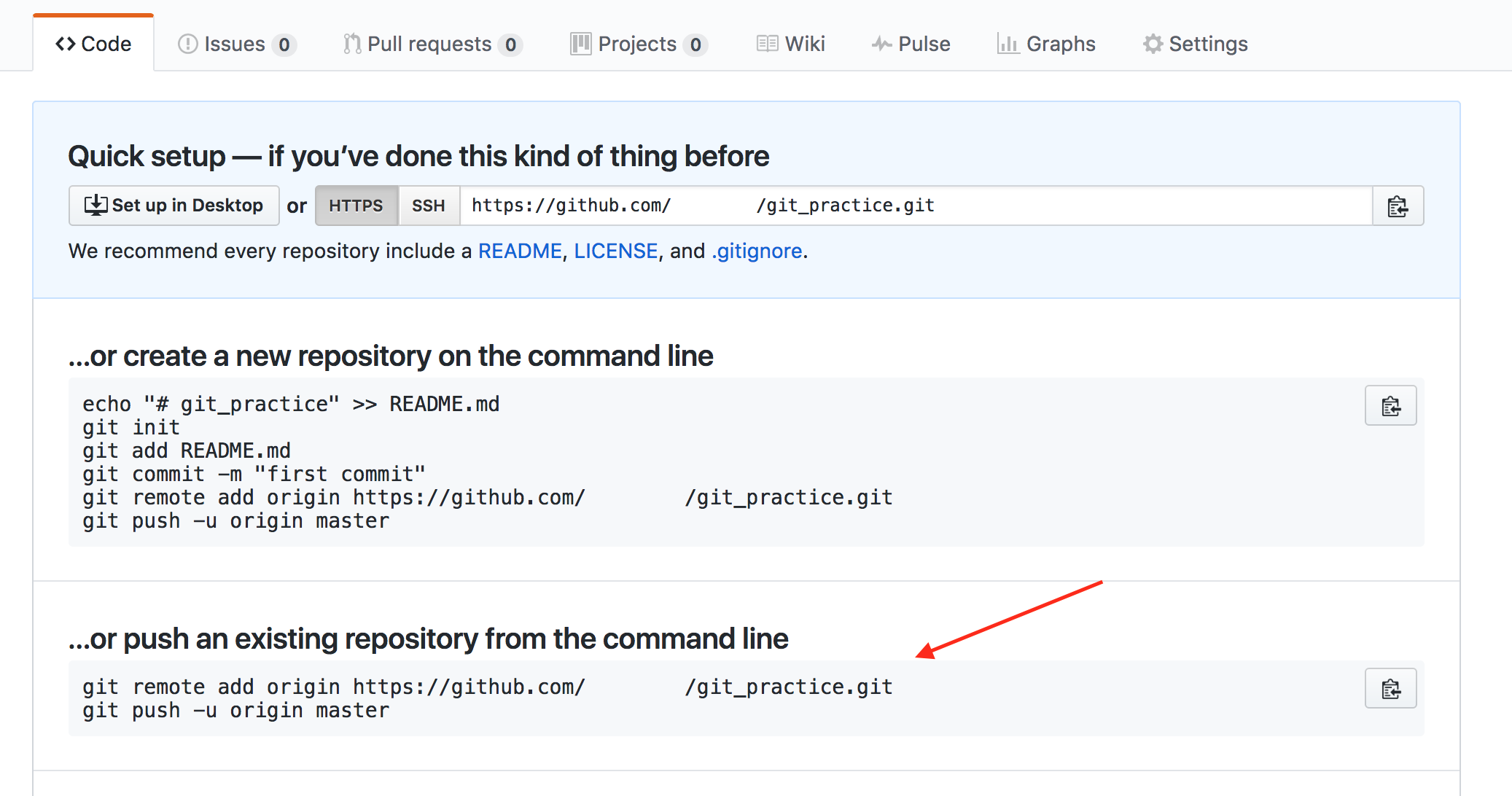
Cultural Analytics Open Science Guide 6 Create A GitHub Account

If your workspace is on your local machine you can enable Git source control by creating a Git repository with the Initialize Repository command When VS Code
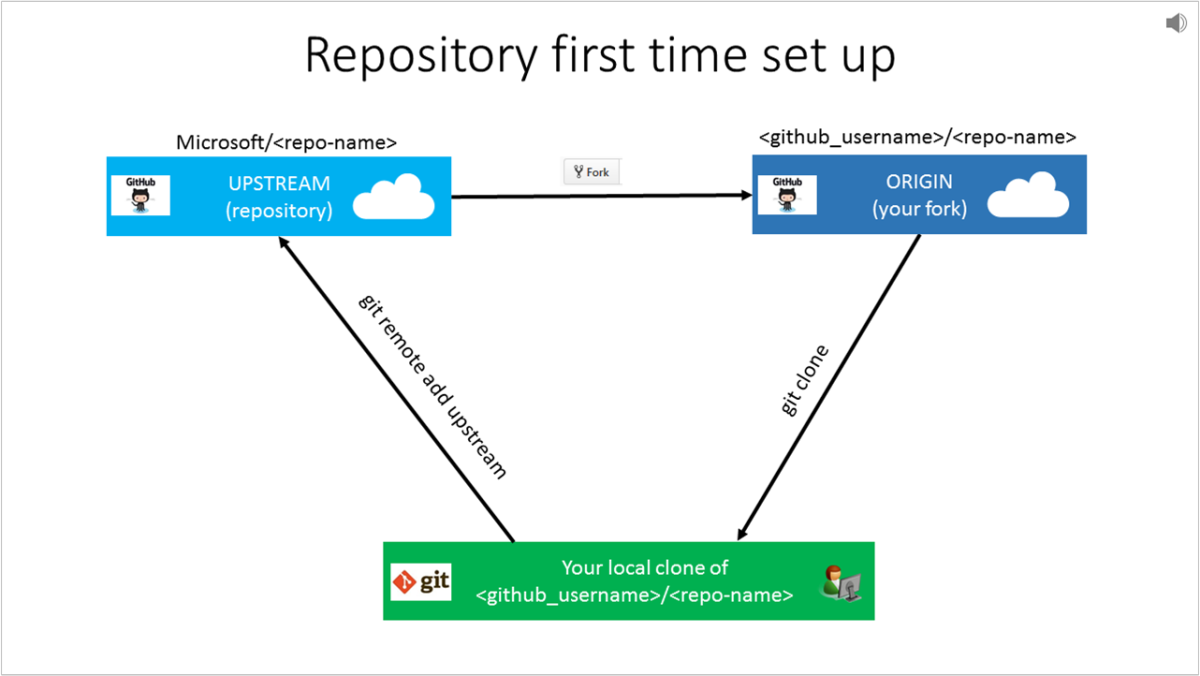
You can search for and clone a repository from GitHub using the Git Clone command in the Command Palette Ctrl Shift P or by using the Clone Repository button

Go to File Preferences Go to Settings Type Git Enabled in the search bar Make sure that the box is ticked

Open Visual Studio and then select Create a new project From the Git menu select Create Git Repository In the Create a Git repository

Open VS Code and click on the gear icon in the bottom left corner From the pop up menu Figure A click Extensions Figure A The VS Code
Right icon on the top to commit the file in the local repository Here just note that the file would be checked in in the default master Initialize a repository Clone a repository Create branches and tags Stage and commit changes Push pull sync with a remote branch Resolve merge
To open the settings using the menu click on File Preferences Settings Or you can also press CTRL shortcut Visual Studio Code GitHub