How To Commit To Open Source Github GIT GITHUB How To Contribute To An Open Source Project On GitHub Commit Changes To A Git Repository TestingDocs Apuntes De Git David Poza Get Started With Git Commands For Version Control Earth Data Science Visualising Github Commits Data Science Campus Depending on your learning setting you can sign in to Classroom with one of the following accounts School account An accredited educational institution creates this account typically referred t
Official Google Play Help Center where you can find tips and tutorials on using Google Play and other answers to frequently asked questions If you forgot your password or username or you can t get verification codes follow these steps to recover your Google Account
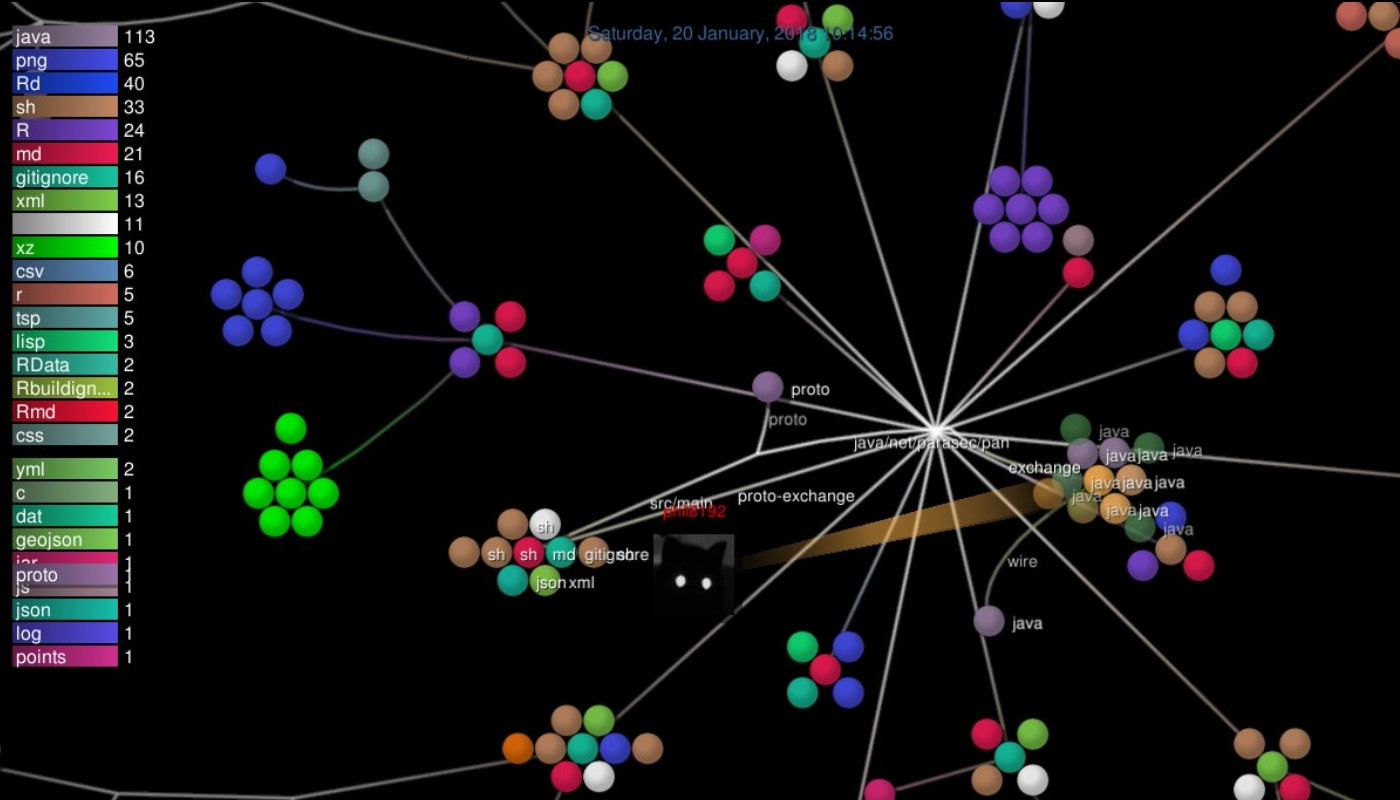
Visualising Github Commits Data Science Campus Git Tip Committing With Verbose Mode Tekin co uk How To Add Commit And Push To Git Using One Command On Windows How To Git The GitHub Extended Session Overview Open Source 101 Open Source 101 Github Site Shows Deleted Commit In The Commit Tab Stack Overflow GitHub navigating Commit Points PracticalSeries Brackets Git And GitHub OpenHub An Open Source GitHub Android Client A codeKK AndroidOpen Git Last Commit How To View The Details Of Your Last Commit
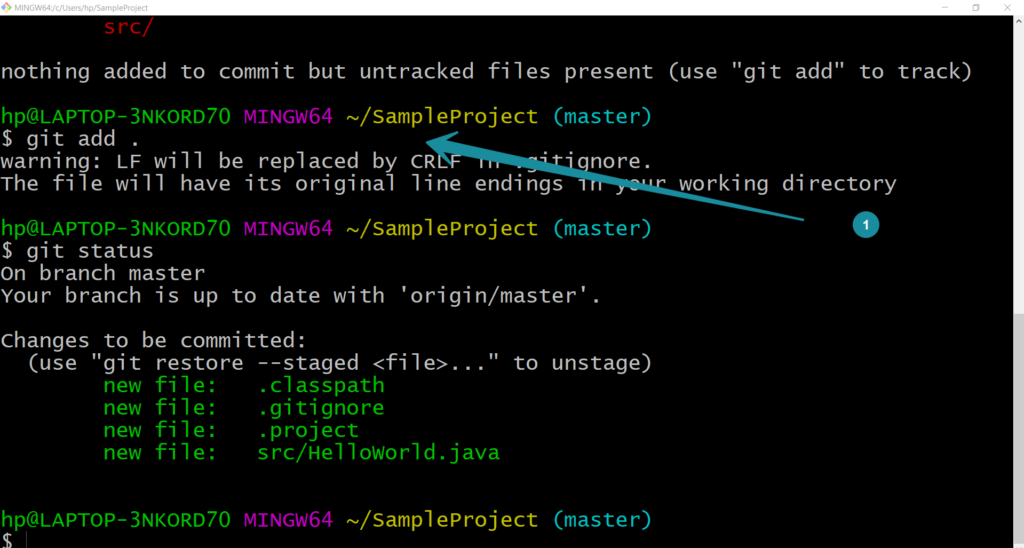
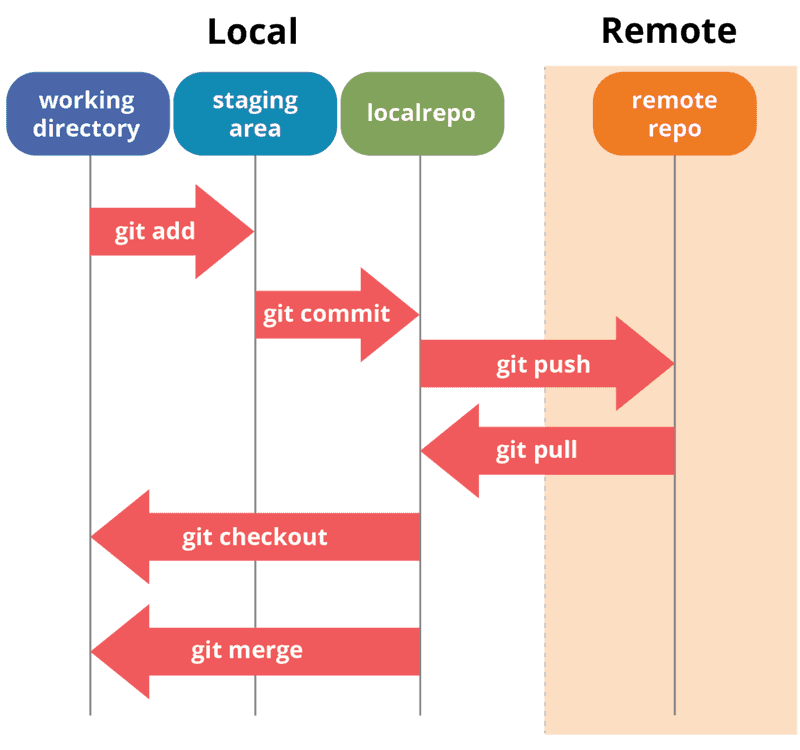
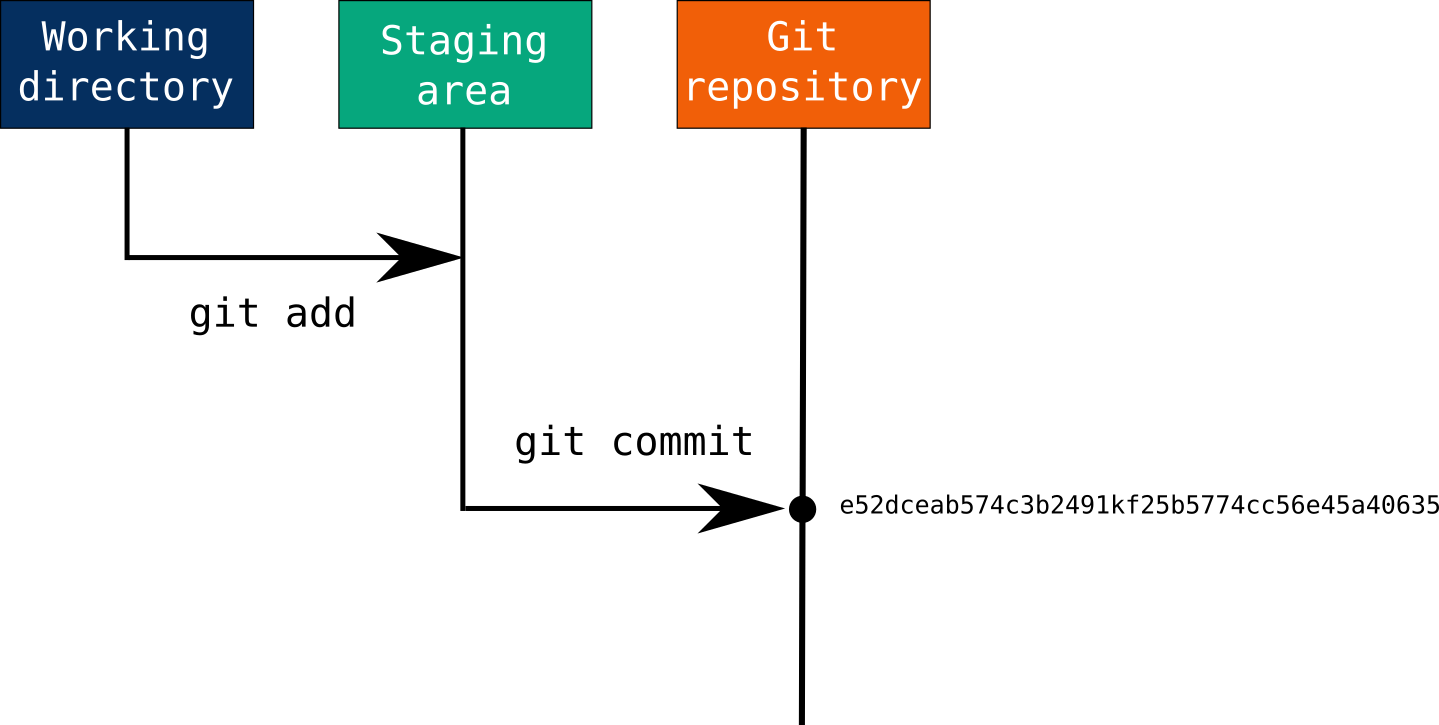
How To Commit To Open Source Github
 How To Commit To Open Source Github
https://adrin.info/files/img/20190216-git-github.png
Official Gmail Help Center where you can find tips and tutorials on using Gmail and other answers to frequently asked questions
Templates are pre-designed files or files that can be utilized for different purposes. They can conserve time and effort by offering a ready-made format and design for creating different kinds of content. Templates can be used for personal or expert jobs, such as resumes, invitations, flyers, newsletters, reports, presentations, and more.
How To Commit To Open Source Github
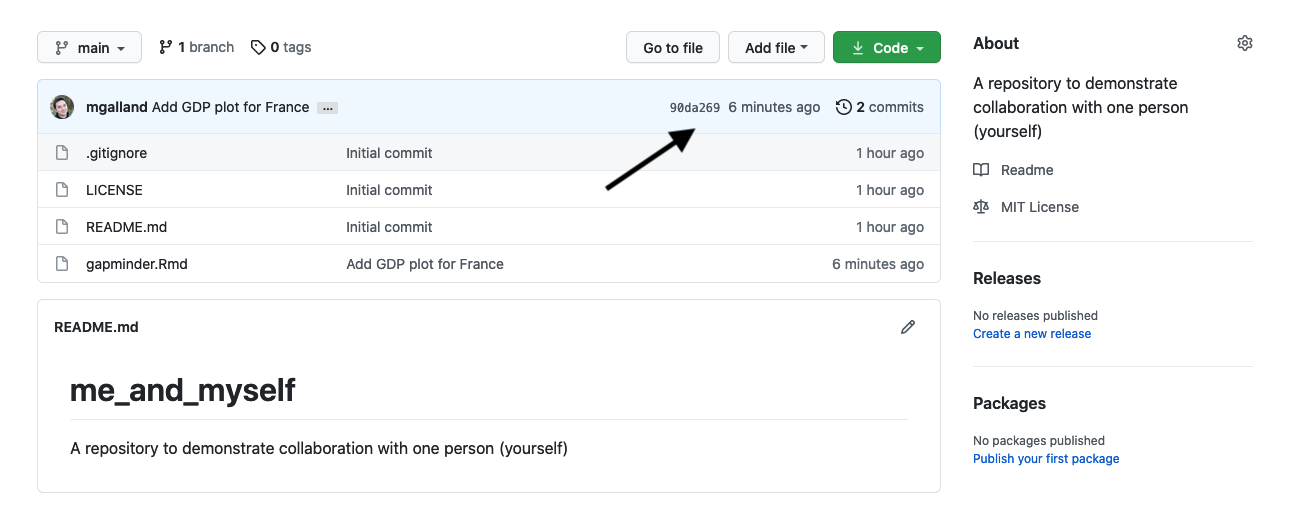
Collaborating With You And Others With Github Beginners Guide For R
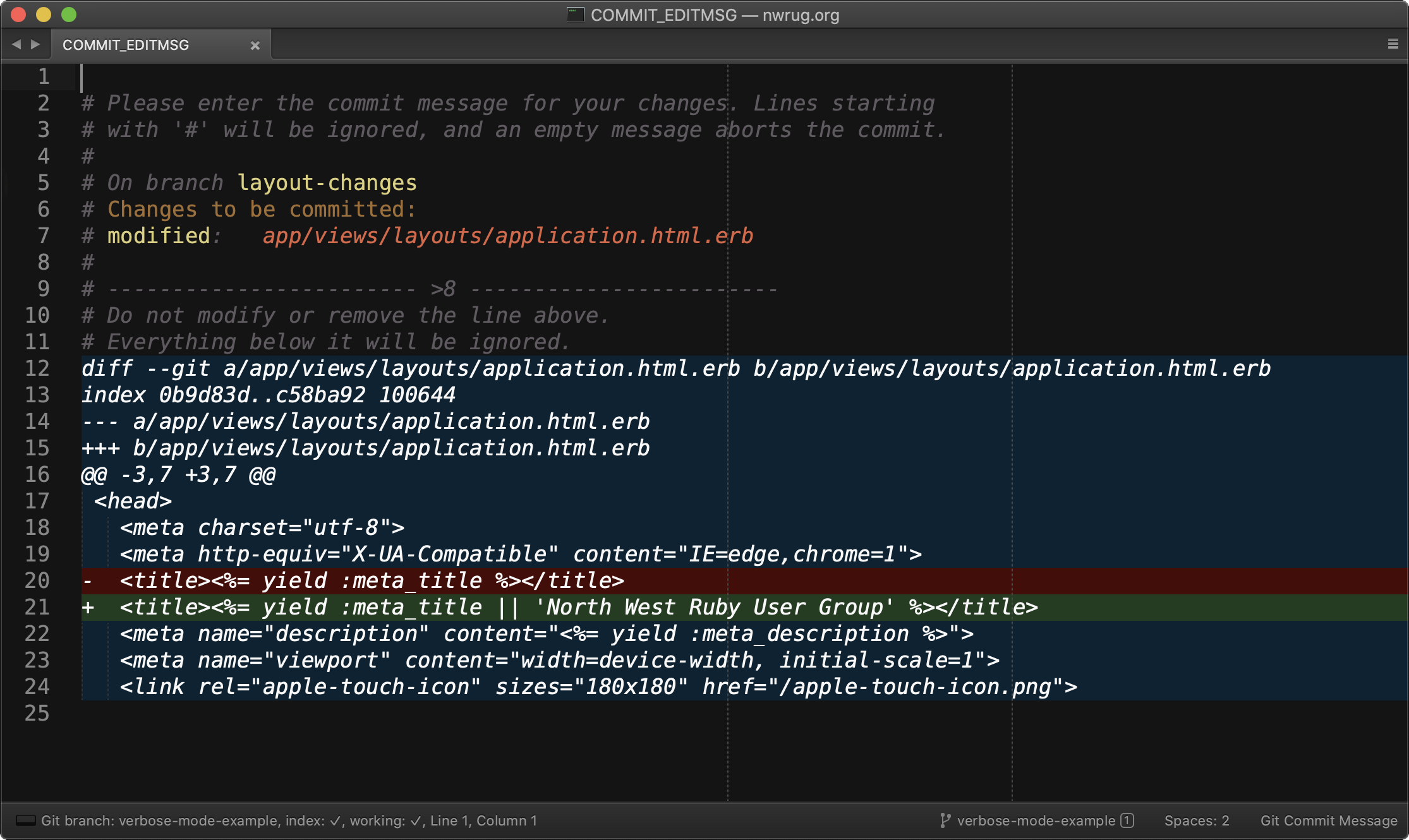
Git Tip Committing With Verbose Mode Tekin co uk
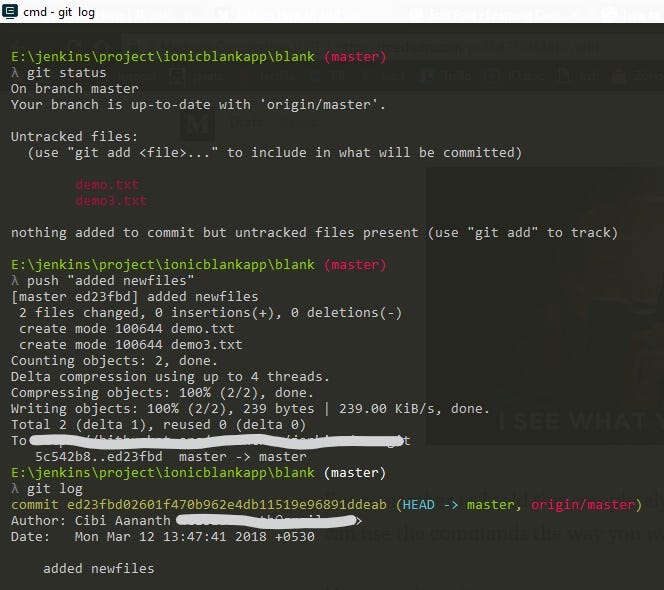
How To Add Commit And Push To Git Using One Command On Windows
.png "How To Git The GitHub")
How To Git The GitHub

Github Site Shows Deleted Commit In The Commit Tab Stack Overflow
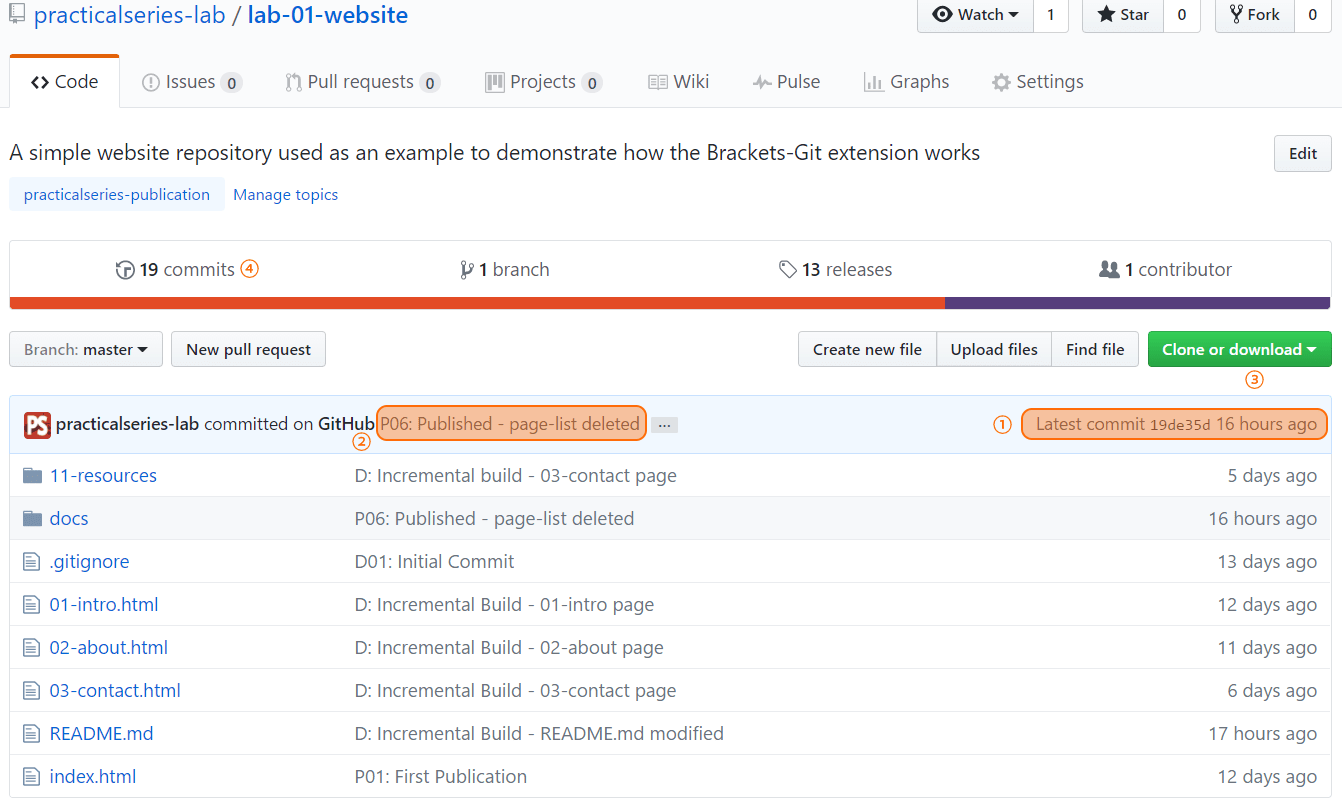
GitHub navigating Commit Points PracticalSeries Brackets Git And GitHub
To use Chrome on Mac you need macOS Big Sur 11 and up On your computer download the installation file Open the file named quot googlechrome dmg quot
Official Google Chrome Help Center where you can find tips and tutorials on using Google Chrome and other answers to frequently asked questions
You can download and install the Chrome web browser at no charge and use it to browse the web Get Google Chrome Download Chrome for Android phones and tablets
When you enter a destination in Google Maps we show you how to get there by different travel modes like driving cycling or walking
Home In the Home section of Google Drive you can Access files and folders that you or others opened shared or edited as well as those related to upcoming meetings
[desc-11] [desc-12]
[desc-13]