How To Click Toggle Button In Excel How To Create A Toggle Button On The Excel Ribbon HowtoExcel How To Create Toggle Button In Excel YouTube Toggle Button Vba Buttons Vba Function In Excel Excel In Urdu Custom Toggle Button In Excel And Power BI PK An Excel Expert Create A Button In Excel To Follow A Hyperlink Excel Hyperlink Web Dec 17 2021 nbsp 0183 32 Creating the callback macros A callback macro tells Excel what should happen when the toggle button is clicked Here s what the macro should look like initially Sub Callback control As IRibbonControl pressed As Boolean End Sub The pressed value is a boolean so it will only either be true or false
Web You can use a Form control button or a command button an ActiveX control to run a macro that performs an action when a user clicks it Both these buttons are also known as a push button which can be set up to automate the printing of a worksheet filtering data or calculating numbers Web Here s how to create and customize toggle buttons in Excel Changing the appearance of the toggle button Inserting a toggle button To insert a toggle button go to the Developer tab click on Insert and then select the Toggle Button option Click and drag to create the button on your worksheet
Create A Button In Excel To Follow A Hyperlink Excel Hyperlink Vba Making Custom Toggle Buttons In Access Stack Overflow Excel Button Einf gen Eine Schritt f r Schritt Anleitung How To Change Cell Value Using Toggle Button In Excel Open Calculator From A Button In Excel Animated Menu In Excel Driven By Toggle Button YouTube How To Use Toggle Button In Android Studio Free Education Vrogue Custom Toggle Button In Excel And Power BI PK An Excel Expert How To Change Cell Value Using Toggle Button In Excel
How To Click Toggle Button In Excel
 How To Click Toggle Button In Excel
https://howtoexcel.net/wp-content/uploads/2021/12/H2Etogglebutton.png
Web Key Takeaways Toggles in Excel allow for easy switching between two states or options with the click of a button Using toggles in spreadsheets can simplify complex data and improve user experience Creating toggles using IF functions and macros can enhance the functionality of Excel spreadsheets
Templates are pre-designed documents or files that can be utilized for various purposes. They can save time and effort by supplying a ready-made format and design for creating various sort of material. Templates can be utilized for personal or expert tasks, such as resumes, invitations, flyers, newsletters, reports, presentations, and more.
How To Click Toggle Button In Excel

3 Easy Methods To Create Button In Excel For Macros MyExcelOnline In

Vba Making Custom Toggle Buttons In Access Stack Overflow

Excel Button Einf gen Eine Schritt f r Schritt Anleitung

How To Change Cell Value Using Toggle Button In Excel

Animated Menu In Excel Driven By Toggle Button YouTube
How To Use Toggle Button In Android Studio Free Education Vrogue
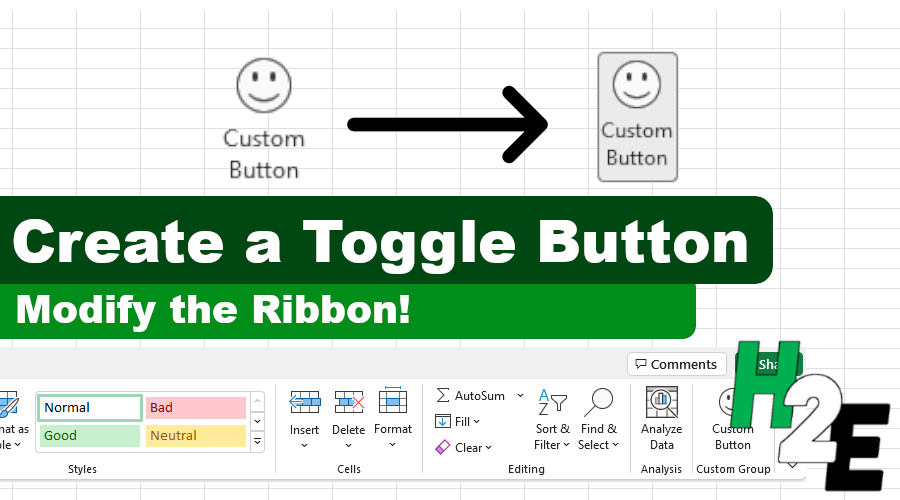
Web Jul 9 2021 nbsp 0183 32 Click anywhere to insert a default toggle button or hold and drag the cursor to define the toggle button size If you only need this control as a visual element you can start to use your toggle button right away To bind the toggle button value to a cell you need to exit the Design Mode
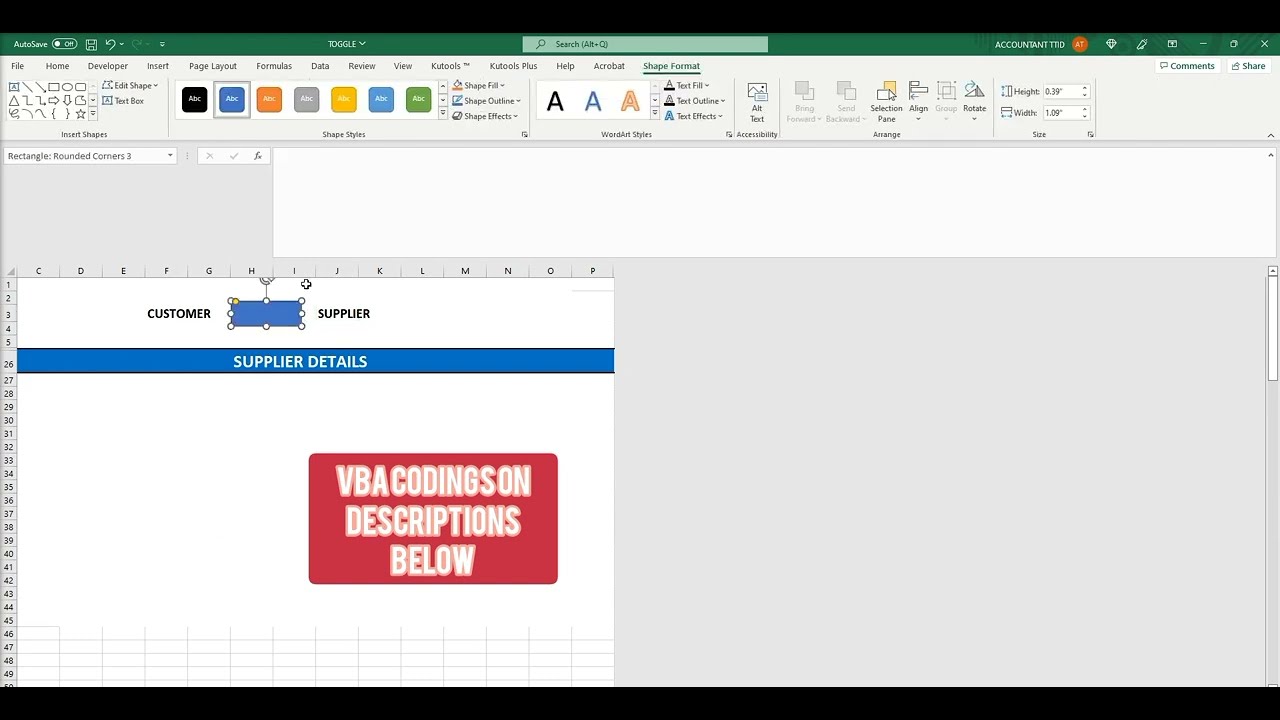
Web Nov 6 2023 nbsp 0183 32 Steps At first insert a toggle button from the drop down arrow of the Insert option of the Controls group located in the Developer tab Then rename the toggle button according to your desire We keep the toggle button name as 50 Salary Increase After that double click on the toggle button to open the Visual Basic Editor box

Web To add an option button select the Developer tab select Insert and under Form Controls select Click in the cell where you want to add the check box or option button control Tip You can add only one checkbox or option button at a time

Web You can assign a VBA macro to a Toggle Button specifying actions to be performed when the button is clicked VBA code associated with a Toggle Button can detect its state using the Value property distinguishing between pressed True and unpressed False states

Web Jun 13 2023 nbsp 0183 32 Insert shift key In the Ribbon go to Developer gt Controls gt Insert gt ActiveX Controls and then click the Shift Key control see the figure below Click and drag in the table to set the size and position and then release the mouse to create the button Your toggle button is surrounded by handles
Web Jan 1 2020 nbsp 0183 32 Go to Insert gt Shapes gt Rectangle and draw a rectangle exactly the same size and within the exact area of the cell H4 Then with the newly added rectangle selected change the rectangle s background color and outline color to No Outline Finally select the now invisible rectangle right click and select Assign Macro Web January 9 2024 by Matthew Burleigh Adding a button to a Microsoft Excel worksheet is a straightforward process First you need to enable the Developer tab on the Excel ribbon Then insert a button from the Form Controls and assign a macro to it A macro is a series of commands that automate tasks in Excel
Web Apr 21 2023 nbsp 0183 32 A toggle button is a commonly used feature in Excel that allows users to switch between two states by clicking on the button To create a toggle button we can use the Developer tab in the menu bar and then insert the toggle button using the Insert options The toggle button can then be assigned a VBA code to perform a specific action