How To Check Tomcat Version Using Cmd How To Check Python Version In Cmd PythonPoint How To Find The Process ID Of Tomcat In Linux Systran Box How To Find Out Tomcat Version In UDP Via Command Line Tomcat Apache SSL Configuration And Installation Guide SSLTrust F 14 Tomcat Color Advice Modelmakers Web There are several ways to find out the version of Tomcat that is running on your system Check the CATALINA HOME lib directory The version of Tomcat is typically stored in a JAR file called catalina jar in the lib directory under the Tomcat installation directory CATALINA HOME
Web Jan 22 2019 nbsp 0183 32 1 Answer Sorted by 0 You can use methods of class ServerInfo Simple utility module to make it easy to plug in the server identifier when integrating Tomcat As follow Return the server built time for this version of Tomcat System out println ServerInfo getServerBuilt Return the server identification for this Web The commands on this page will allow you to determine the version of Tomcat that your instance is using It will also allow you to check the version of Java is being used to create a JVM Solution To Obtain Server Info Run the following commands from your lt application install gt or lt tomcat install gt directory
F 14 Tomcat Color Advice Modelmakers Check Tomcat Version DA How To Check Tomcat JRE Setting For Max Heap Size Complete Guide To Tomcat Monitoring Metrics Tools How to Sematext Linux Tomcat Reboot From Command Line Tomcat Server For Windows QuyaSoft How To Check Tomcat Directory In Linux A Comprehensive Guide Systran Box How To Determine The Tomcat Version Systran Box How To Draw A Hot Air Balloon Documentride5
How To Check Tomcat Version Using Cmd
 How To Check Tomcat Version Using Cmd
https://pythonpoint.net/wp-content/uploads/2020/11/Screenshot-2020-11-12-073711-1.jpg
Web Jul 25 2021 nbsp 0183 32 a go to tomcat installation directory and run following command java cp lib catalina jar org apache catalina util ServerInfo Here is how you get tomcat version in Windows C Program Files Apache Software Foundation Apache Tomcat 7 0 41 gt java cp lib catalina jar org apache catalina util ServerInfo Server version Apache Tomcat 7 0 41
Pre-crafted templates offer a time-saving service for creating a varied variety of documents and files. These pre-designed formats and layouts can be utilized for various personal and expert jobs, including resumes, invites, flyers, newsletters, reports, presentations, and more, simplifying the material production process.
How To Check Tomcat Version Using Cmd

Command To Check Tomcat Server Status In Linux Kirk Boone
.jpg "Check Tomcat Version")
Check Tomcat Version
DA How To Check Tomcat JRE Setting For Max Heap Size
Complete Guide To Tomcat Monitoring Metrics Tools How to Sematext

Tomcat Server For Windows QuyaSoft
How To Check Tomcat Directory In Linux A Comprehensive Guide Systran Box
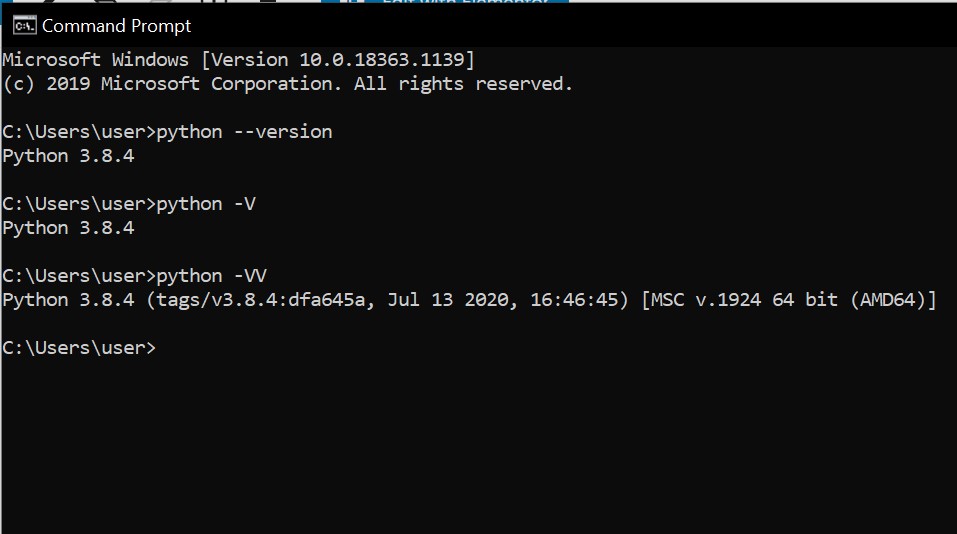
Web Feb 24 2024 nbsp 0183 32 Use the find command to locate the version sh file sudo find name quot version sh quot Output usr local content Tomcat apache tomcat 8 5 37 bin version sh Another way is to check process information using the ps command Use the ps command to find Tomcat process information ps aef grep i tomcat

Web Jun 16 2011 nbsp 0183 32 You could use tasklist to check if the tomcat executable is running For example echo off tasklist FI quot IMAGENAME eq tomcat exe quot find C I quot exe quot gt NUL if errorlevel 0 goto running echo tomcat is not running
Web Nov 30 2020 nbsp 0183 32 Go to bin and open CMD in this location Type version bat if on Windows or version sh for Linux Mac you should see the version details displayed on the console D setup apache tomcat 8 5 60 bin gt version bat Using CATALINA BASE quot D setup apache tomcat 8 5 60 quot Using CATALINA HOME quot D setup apache tomcat

Web Aug 6 2014 nbsp 0183 32 How to check Tomcat version Installed By mkyong Updated August 6 2014 Viewed 25 212 65 pv w Tags tomcat To find out the Tomcat version find this file version sh for nix or version bat for Windows This version sh file is normally located in the Tomcat bin folder For example

Web 6 Answers Sorted by 3 It should appear as a javaw exe process If you have multiple java apps running you might have to keep an eye on how many are running to see if you gain 1 more after launching Share Improve this answer answered Mar 27 2013 at 11 18 MDMarra 101k 33 197 330 Add a comment 3
Web May 11 2011 nbsp 0183 32 If tomcat did not start up yet you can use the command bin cataline version to check which JVM will the tomcat use when you start tomcat using bin startup In fact bin cataline version just call the main class of org apache catalina util ServerInfo which is located inside the lib catalina jar Web Jan 10 2011 nbsp 0183 32 2 Answers Sorted by 3 Here s what I found You should be able to find this in the log called catalina out Alternatively you can go right to the source open TOMCAT HOME server lib catalina jar in a tool capable of handling zip or jar files and read the file called org apache catalina util ServerInfo properties
Web Aug 8 2023 nbsp 0183 32 Solution 1 Locate the version of Tomcat via the ePO Console Log on to the ePO console Navigate to Configuration Server Settings Under Setting Categories select Server Information In the right pane view the build property for the Tomcat version Example Solution 2 Locate the version of Tomcat via the bootstrap jar file