How To Check Sqlite Database In Windows SQLite GUI Download Review How To Install Sqlite Windows 7 Cosmoholden How To Create A Database In Sqlite Manager Mac Muslimuseum How To Create SQLite Database Access With In Kony AbdulKareemKony How To Check Sqlite Database Version In Android Tech Faq Verkko 24 marrask 2013 nbsp 0183 32 You may have to do windows gt views ddms if it isn t already being displayed Select your device from the left panel then use the file explorer to go to
Verkko 8 lokak 2010 nbsp 0183 32 If the file is not a valid database the following SQLiteException is thrown file is encrypted or is not a database Verkko 10 maalisk 2012 nbsp 0183 32 105 You can get version number of a database file by the Magic Header String sqlite2 gt first 48 bytes sqlite3 gt first 16 bytes head c 48
How To Check Sqlite Database Version In Android Tech Faq How To Create Sqlite Database In Android Maincalendar Pycharm linux Krotengineering blogg se Pycharm linux Android Sqlite Database Example ParallelCodes SQLite Create Database Tutlane How To Install Sqlite On Win 10 Boylokasin C How To Connect To Sqlite In Visual Studio And Create Database
How To Check Sqlite Database In Windows
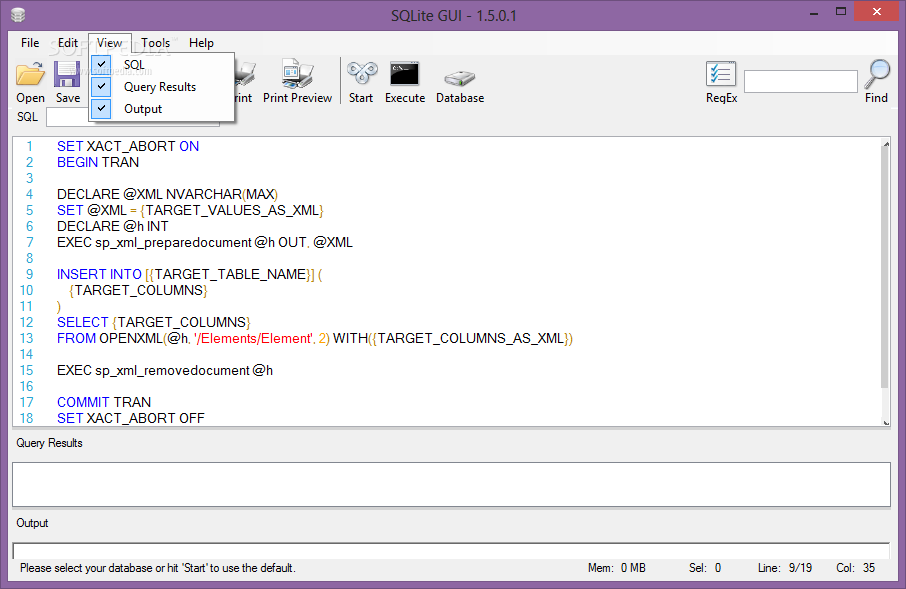 How To Check Sqlite Database In Windows
https://windows-cdn.softpedia.com/screenshots/SQLite-GUI_3.png
Verkko Setting up SQLite on Windows project provides a zipped bundle of tools that include the file that you need to create and interact with SQLite databases from the command
Templates are pre-designed files or files that can be used for various purposes. They can conserve time and effort by offering a ready-made format and design for creating various sort of content. Templates can be utilized for personal or professional jobs, such as resumes, invitations, flyers, newsletters, reports, discussions, and more.
How To Check Sqlite Database In Windows
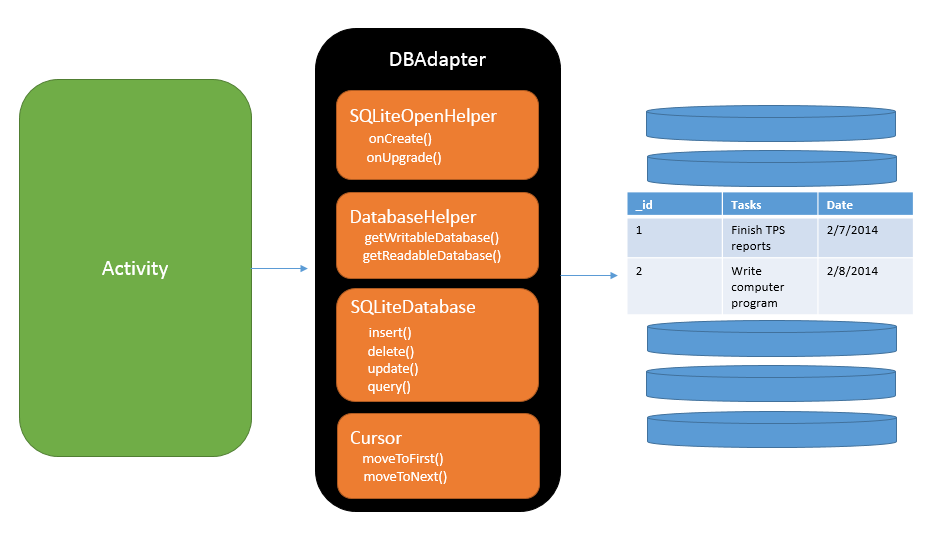
How To Install Sqlite Database In Android Tidebc

How To Create Sqlite Database In Android Maincalendar
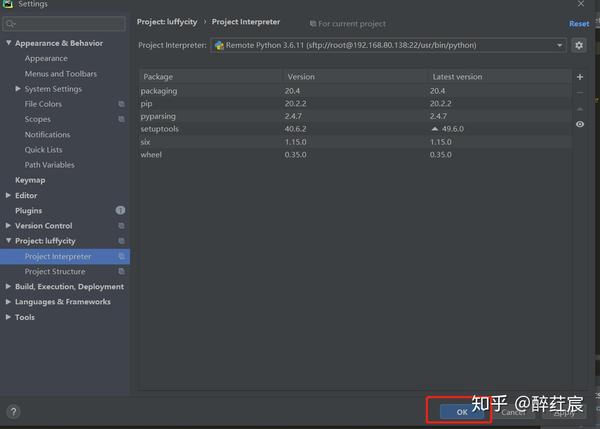
Pycharm linux

Krotengineering blogg se

Android Sqlite Database Example ParallelCodes

SQLite Create Database Tutlane

Verkko 10 lokak 2023 nbsp 0183 32 1 Getting Started The SQLite project provides a simple command line program namedsqlite3 or sqlite3 exeon Windows that allows the user to
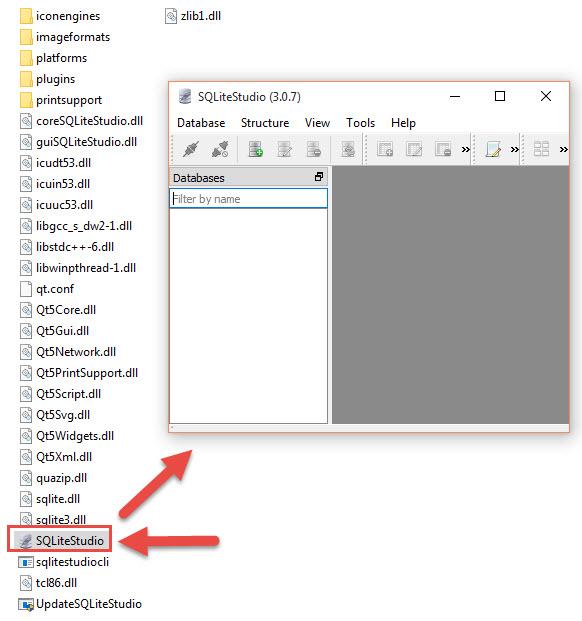
Verkko 7 elok 2019 nbsp 0183 32 To check open a command prompt and try sqlite3 database sqlite Replace database sqlite with your database file Then if the database is small
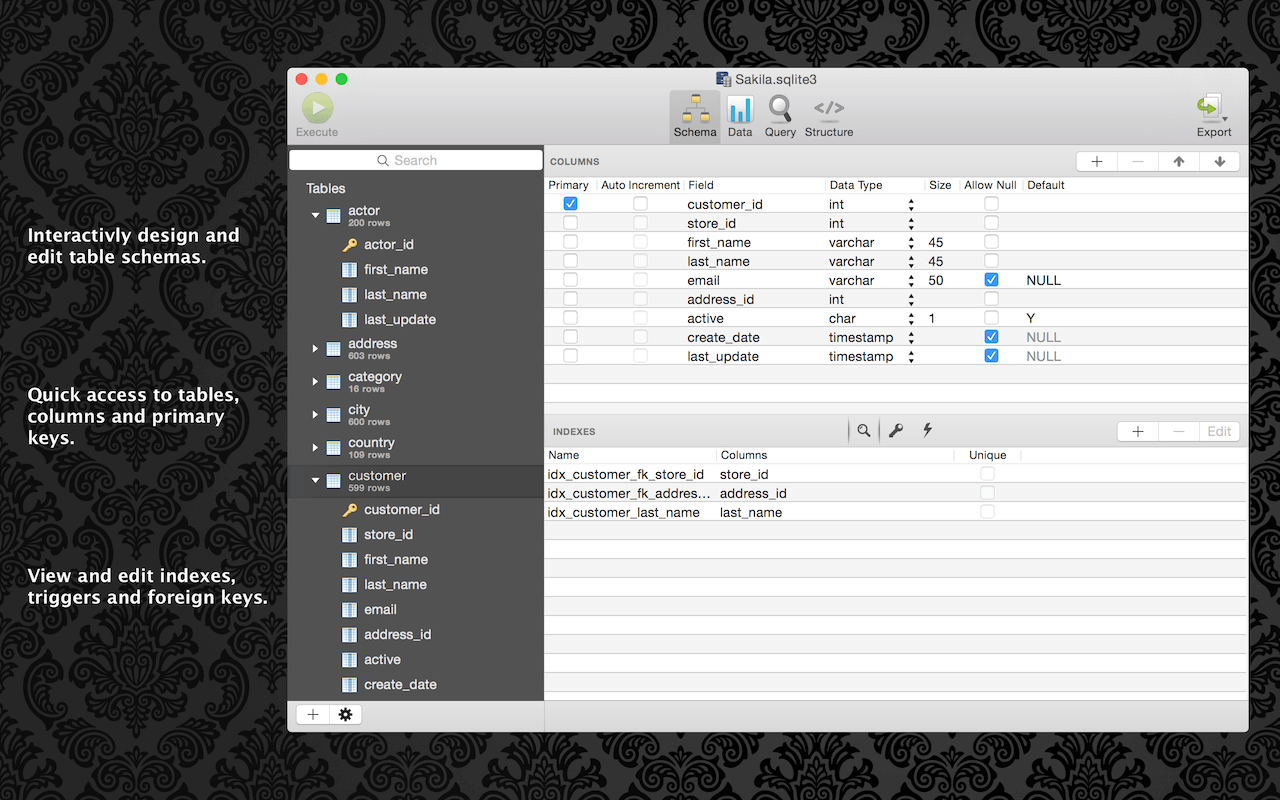
Verkko 31 tammik 2019 nbsp 0183 32 What it is DB Browser for SQLite DB4S is a high quality visual open source tool to create design and edit database files compatible with SQLite DB4S is for users and developers who want

Verkko Download The Code Get a copy of the prebuilt binaries for your machine or get a copy of the sources and compile them yourself Visit the download page for more information

Verkko Connect to your database and then navigate through quot Server Objects quot quot Linked Servers quot and add a new linked server You can then use SQL Server to query the SQLite database and compare the results
Verkko For example to work with SQLite on Windows DB Browser for SQLite is an open source tool to manage database files compatible with SQLite In this tutorial you have Verkko 7 elok 2015 nbsp 0183 32 I am not sure what python IDE your using but you can access the python shell on windows by typing python into the command prompt Once in the shell type
Verkko 17 lokak 2018 nbsp 0183 32 sqlite version number unpack gt i header 96 0 print SQLITE VERSION NUMBER str sqlite version number printed