How To Check Java Version In Linux 7 How To Check Java Version In Linux Coolxfiles How To Check My Version Of Java Northernpossession24 How To Check Java Version On Linux LinuxForDevices How To Check Java Version Installed On Linux 4 Ways To Determine Java Version WikiHow Web Jun 3 2020 nbsp 0183 32 There are several ways on how to check what version of Java is installed on your system Most likely the simplest way is to directly use the java binary in combination with the version option To do so run java version on your terminal java version Check Java Version
Web Type the command In the terminal type the following command and press Enter bash java version This command will display the Java version installed on your system Verify the output After executing the command you will see the Java version information displayed in the terminal The output typically includes the Java version number the Web Feb 11 2021 nbsp 0183 32 You can also check the Java compiler version using the javac command as shown below javac version You should see the Java compiler version in the following output javac 11 0 9 1 Check Java Version Using the Java Installation Path You can also check the java version with the help of Java installation path
4 Ways To Determine Java Version WikiHow Manually Checking For Java Updates For Your Mac Or PC Check Java Version Command In Linux LinuxCapable How To Check Java Version In Linux Lodpix How To Check Java Version In Cmd In Windows 10 Java For Learn How To Check Java Version On Linux Vrogue How To Check The Java Version In Unix Windows Techgoeasy Checking Java Version On Windows 7 Or XP YouTube How To Check Java Version Scaler Topics
How To Check Java Version In Linux 7
 How To Check Java Version In Linux 7
https://www.wikihow.com/images/thumb/9/95/Install-IBM-Java-on-Ubuntu-Linux-Step-1.jpg/aid1593193-v4-728px-Install-IBM-Java-on-Ubuntu-Linux-Step-1.jpg
Web Feb 2 2024 nbsp 0183 32 Execute the following command java version If Java is installed on your machine it will show the OpenJDK version Let us see a working example to check the version of Java stark stark java version openjdk version quot 11 0 13 quot 2021 10 19 OpenJDK Runtime Environment build 11 0 13 8 Ubuntu 0ubuntu1 18 04
Pre-crafted templates offer a time-saving service for producing a varied variety of files and files. These pre-designed formats and designs can be utilized for numerous personal and expert projects, consisting of resumes, invitations, leaflets, newsletters, reports, presentations, and more, simplifying the material development procedure.
How To Check Java Version In Linux 7
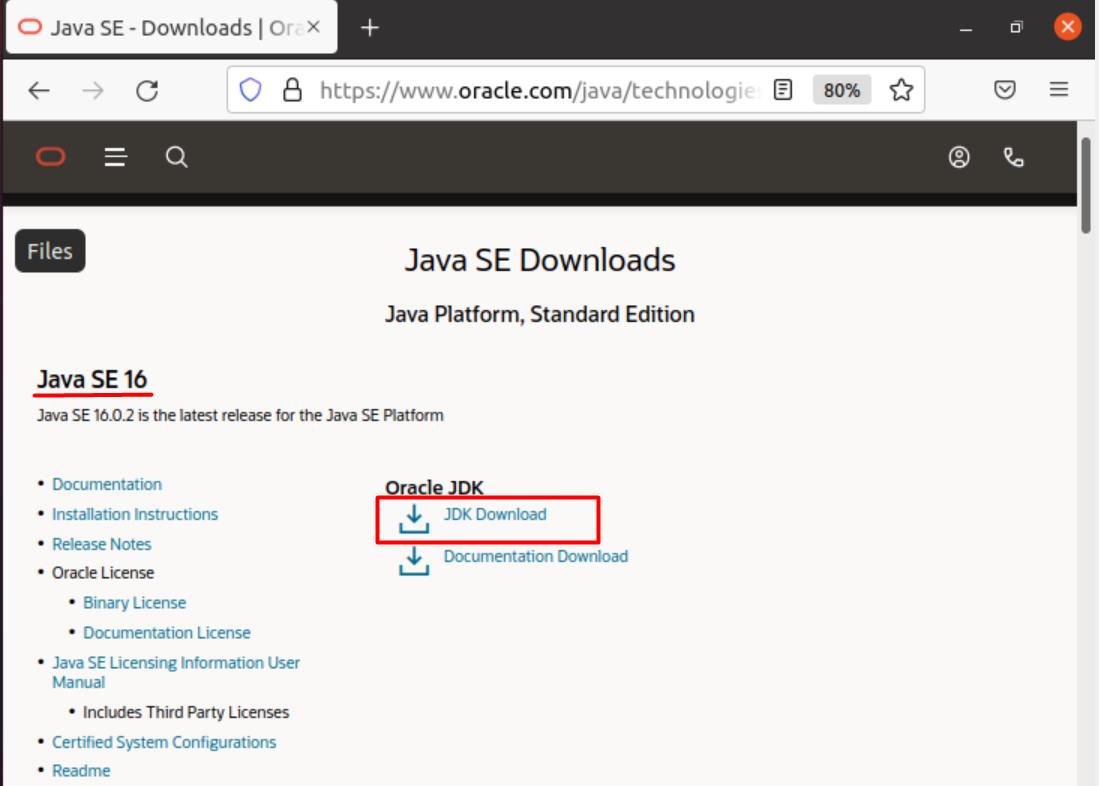
How To Check Java Version On Linux Ubuntu
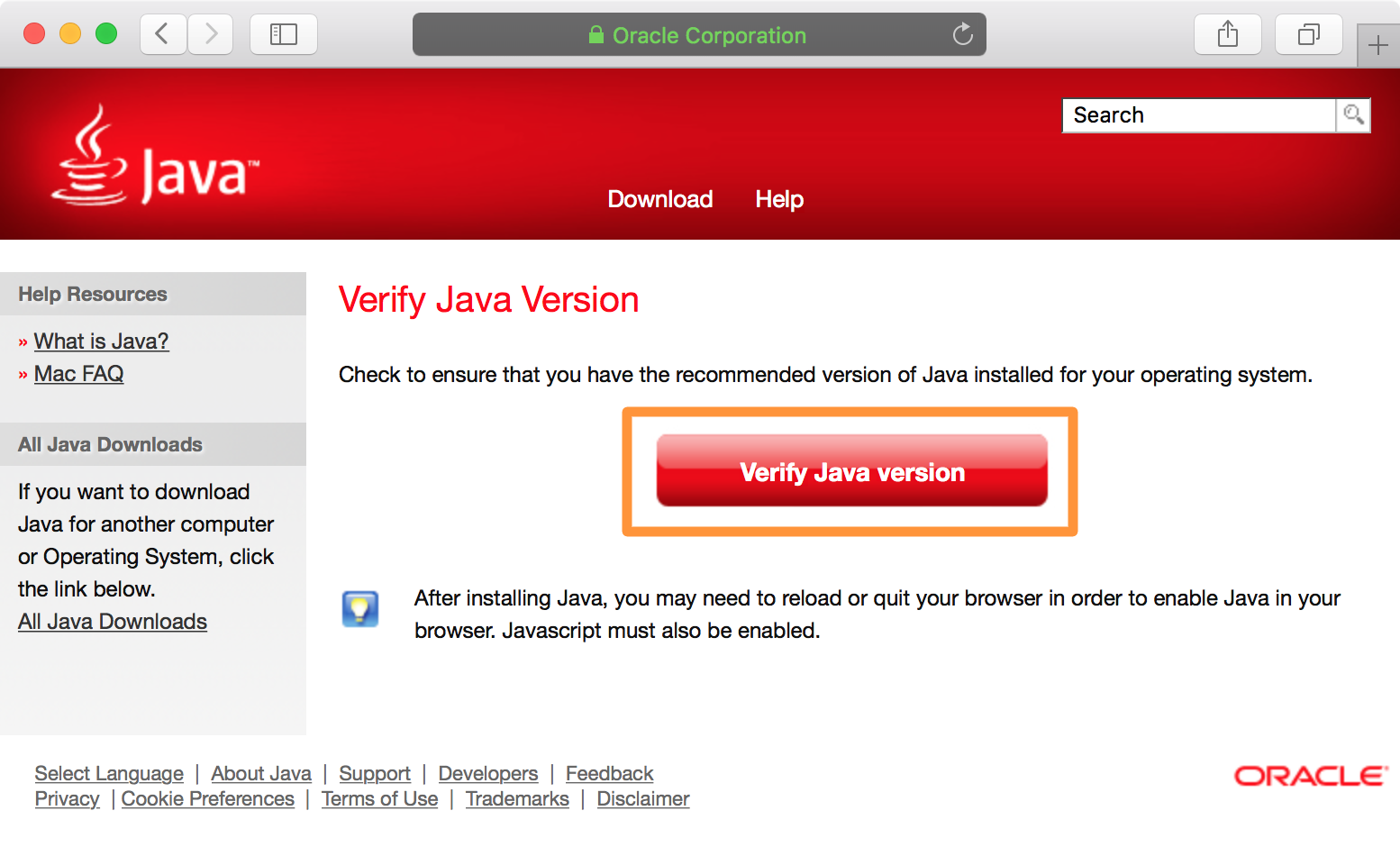
Manually Checking For Java Updates For Your Mac Or PC

Check Java Version Command In Linux LinuxCapable
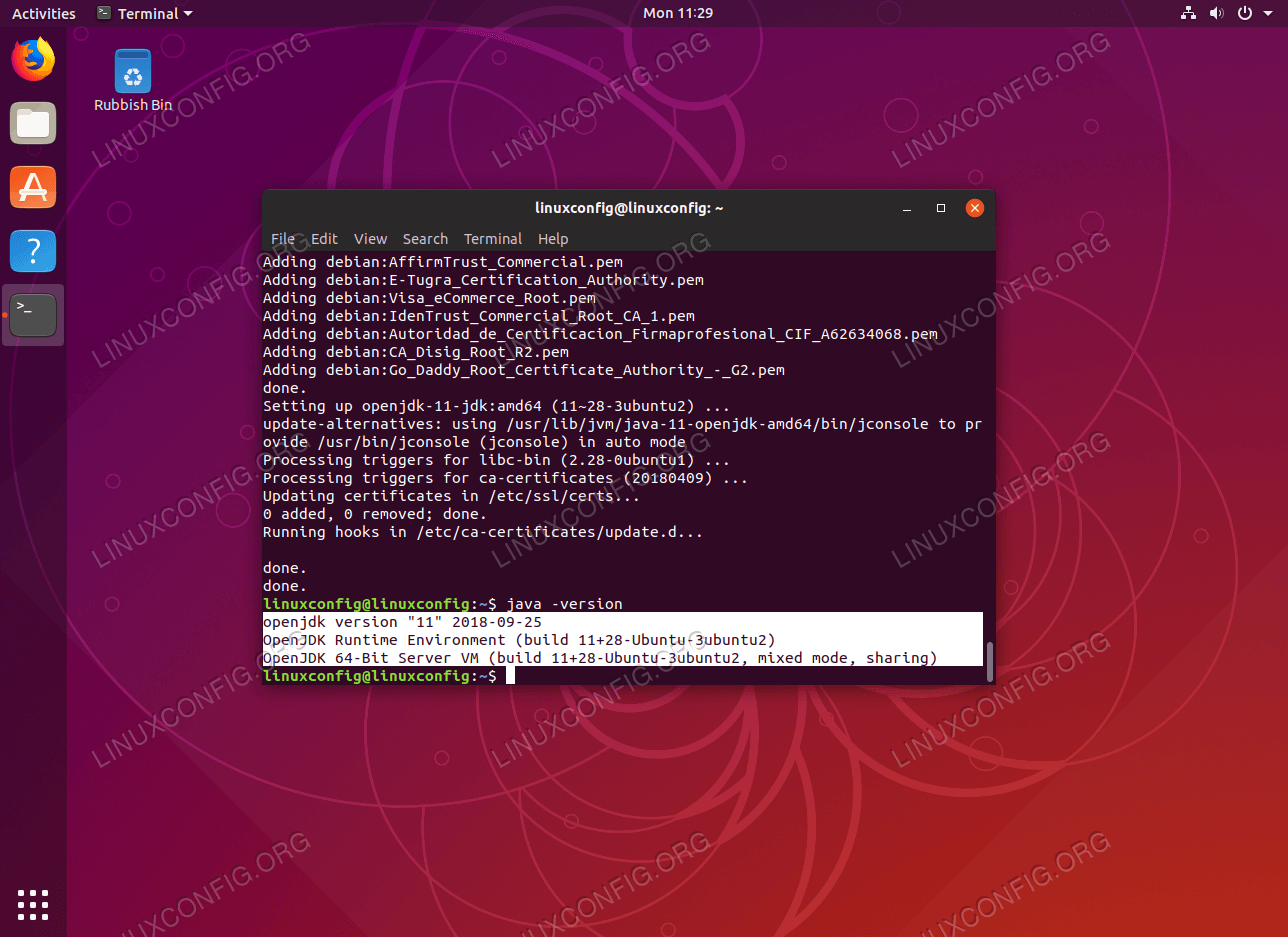
How To Check Java Version In Linux Lodpix
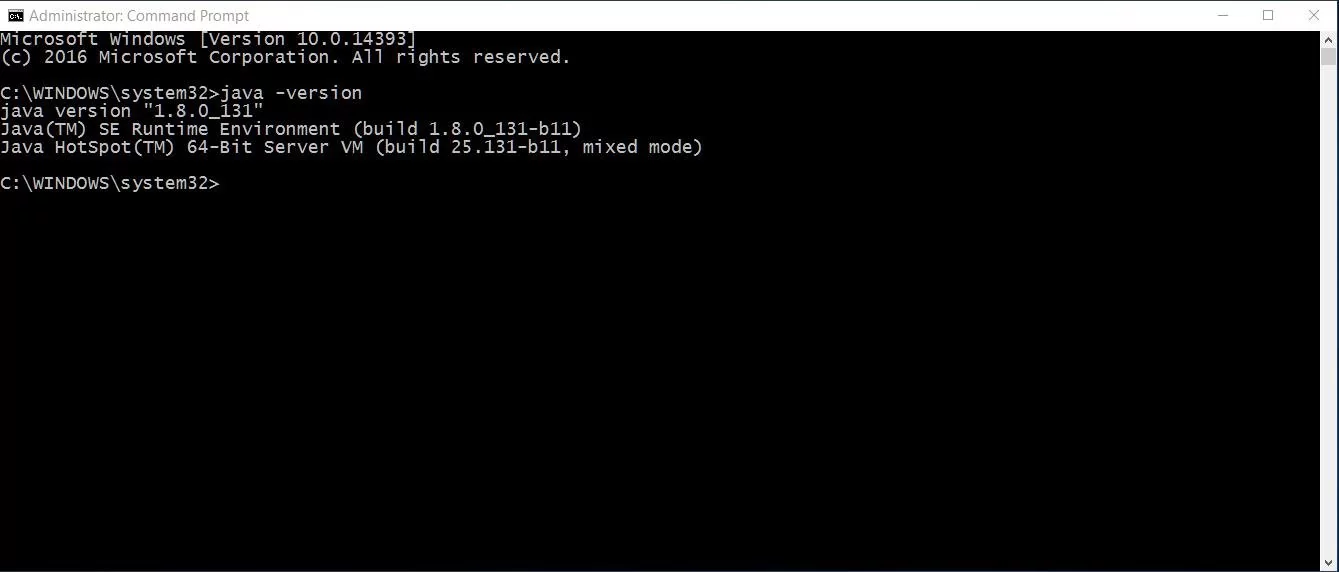
How To Check Java Version On Linux Vrogue
How To Check The Java Version In Unix Windows Techgoeasy

Web Aug 12 2020 nbsp 0183 32 Method 1 Check the Java Version On Linux To check the Java version on Linux Ubuntu Debian CentOS 1 Open a terminal window 2 Run the following command java version 3 The output should display the version of the Java package installed on your system In the example below OpenJDK version 11 is installed
Web Apr 6 2016 nbsp 0183 32 3 Answers Sorted by 33 if java version 2 gt amp 1 quot OpenJDK quot then echo ok else echo not ok fi answered Apr 6 2016 at 8 51 Cortwave 4 837 2 25 42 27 java version 2 gt amp 1 grep quot OpenJDK Runtime quot wc l returns 0 if using Oracle JDK 1 if using OpenJDK Bash condition if java version 2 gt amp 1 grep quot OpenJDK Runtime quot

Web To find your java version type java version and you should see output similar to this java version quot 1 7 0 04 quot Java TM SE Runtime Environment build 1 7 0 04 b20 Java HotSpot TM 64 Bit Server VM build 23 0 b21 mixed mode Although yours will be in 32 bits I highly suggest using Java 7 but the updates will try to install Java 6 too

Web Mar 18 2024 nbsp 0183 32 As we ve known the command java version will print the detailed Java version information So for example if we run it on a machine with Oracle JDK installed java version java version quot 15 0 2 quot 2021 01 19 Java TM SE Runtime Environment build 15 0 2 7 27 Java HotSpot TM 64 Bit Server VM build 15 0 2 7 27 mixed mode sharing

Web 19 Answers Sorted by 103 Perhaps something like if type p java then echo found java executable in PATH java java elif n quot JAVA HOME quot amp amp x quot JAVA HOME bin java quot then echo found java executable in JAVA HOME java quot JAVA HOME bin java quot
Web Apr 9 2024 nbsp 0183 32 Method 1 Using the Java Version Command Launch the terminal and run the following command java version The terminal displays the installed Java version The output typically includes the version number update version and other details specific to the Java Runtime Environment JRE or Java Development Kit JDK installed on your Web Jun 27 2019 nbsp 0183 32 You can use below command to find out Java JDK verion installed on Linux and windows using cmd or Linux prompt bash 4 1 java version openjdk version quot 1 8 0 191 quot OpenJDK Runtime Environment build 1 8 0 191 b12 OpenJDK 64 Bit Server VM build 25 191 b12 mixed mode
Web Sep 21 2023 nbsp 0183 32 Method Use Java Command The first and most common method that you can use to check the installed Java version is using the java command followed by the version parameter java version Output